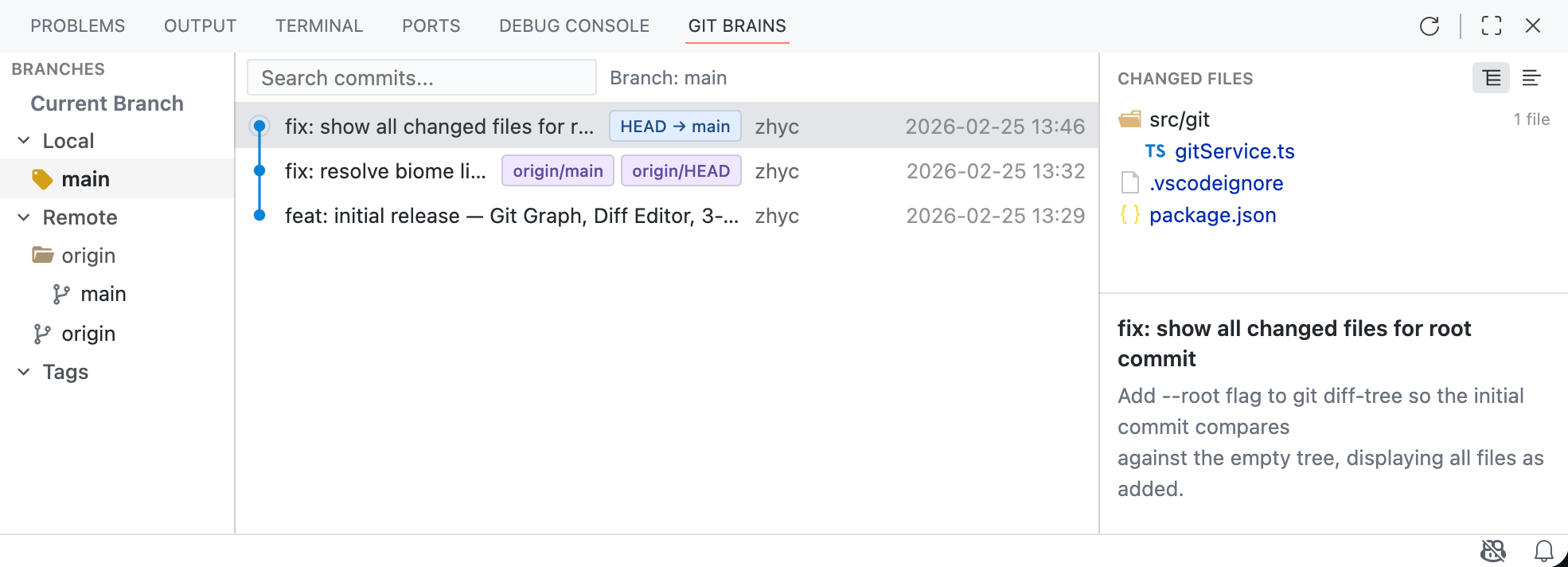
JetBrains Git - IntelliJ IDEA Git Graph, Commit & Shelf for VS CodeBring IntelliJ IDEA / JetBrains Git experience to VS Code & Cursor: Git graph visualization, IDEA-style commit panel with shelf/stash, branch management, cherry-pick, rebase, merge, 3-way merge editor, and context menus. The best JetBrains Git alternative for Visual Studio Code. Installation Launch VS Code Quick Open ( Ctrl+P), paste the following command, and press enter.Copied to clipboard |


JetBrains Git - IntelliJ IDEA Git Graph, Commit & Shelf for VS CodeThe most complete IntelliJ IDEA / JetBrains Git experience for VS Code and Cursor. Includes Git graph visualization, IDEA-style commit panel with shelf and stash, branch management with context menus, cherry-pick, rebase, merge, and 3-way merge editor. Works like WebStorm, PyCharm, GoLand, and Rider's Git tooling.
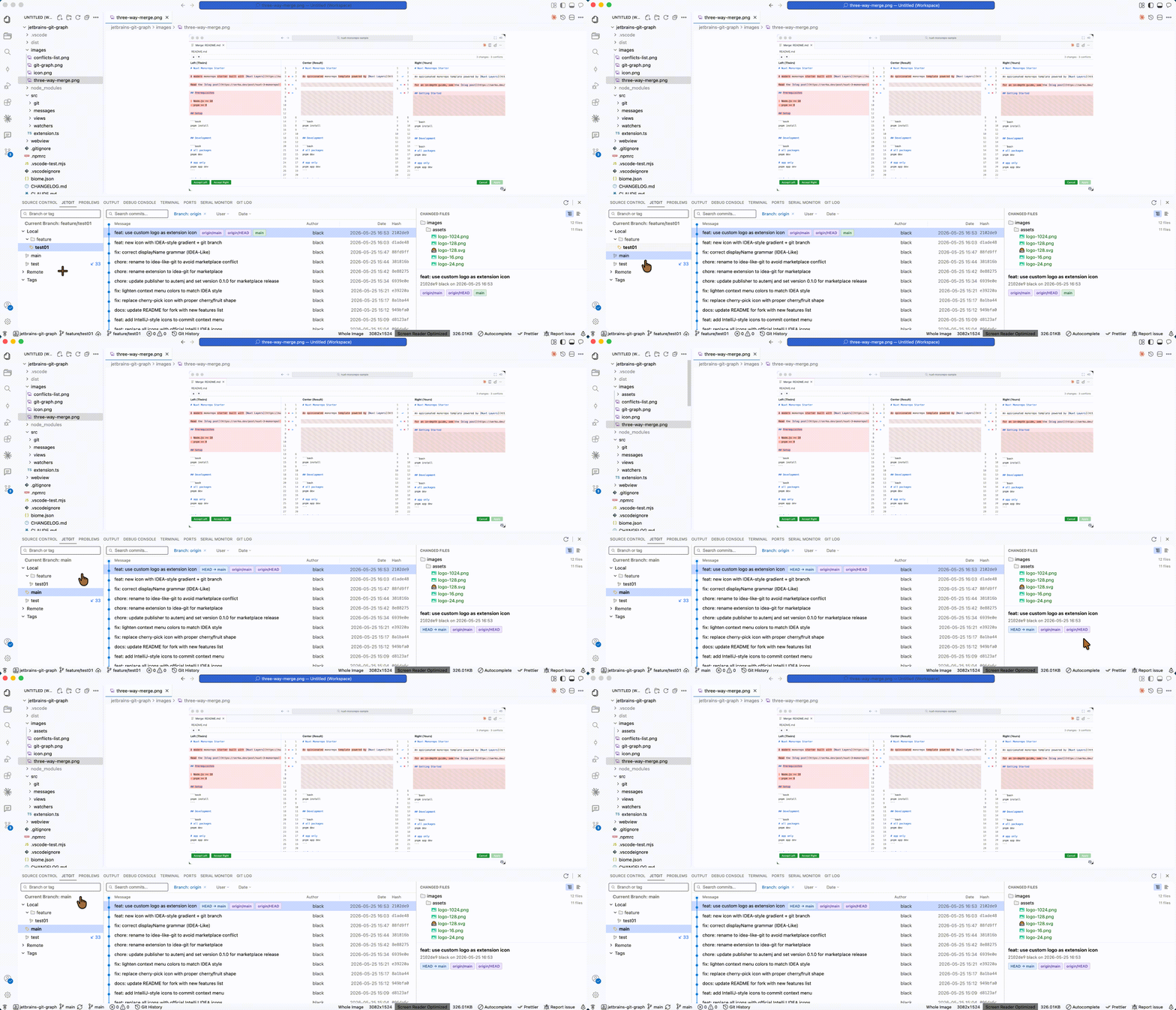
English · 简体中文 FeaturesBranch Context MenuRight-click any branch to checkout, create, merge, rebase, rename, delete, push, or pull — just like IntelliJ IDEA.
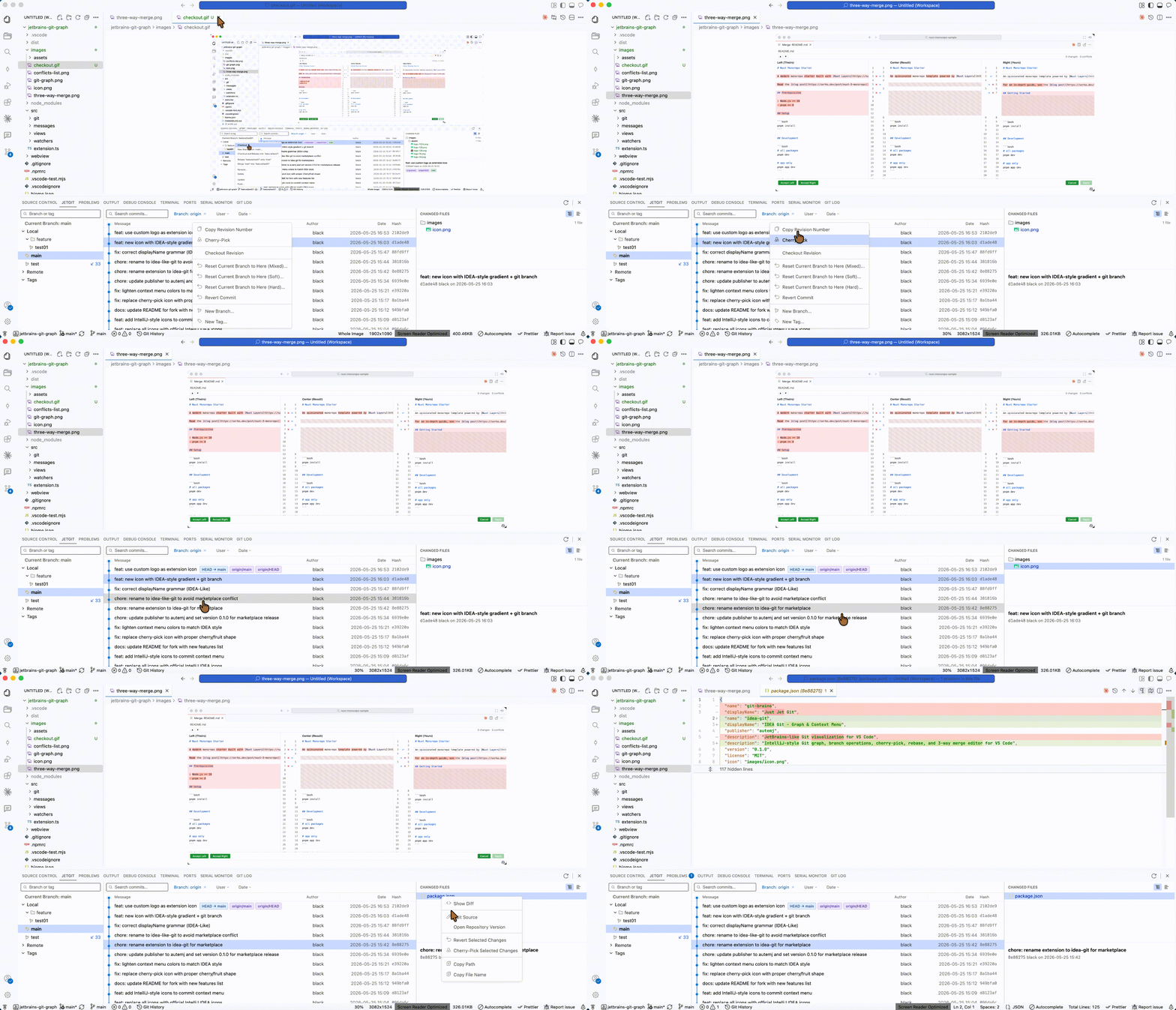
Commit Context MenuRight-click any commit to copy hash, cherry-pick, checkout revision, reset, revert, create branch or tag.
Changed Files Context MenuRight-click files in the Changed Files panel: show diff, edit source, open repository version, revert/cherry-pick file changes, copy path. Git Graph
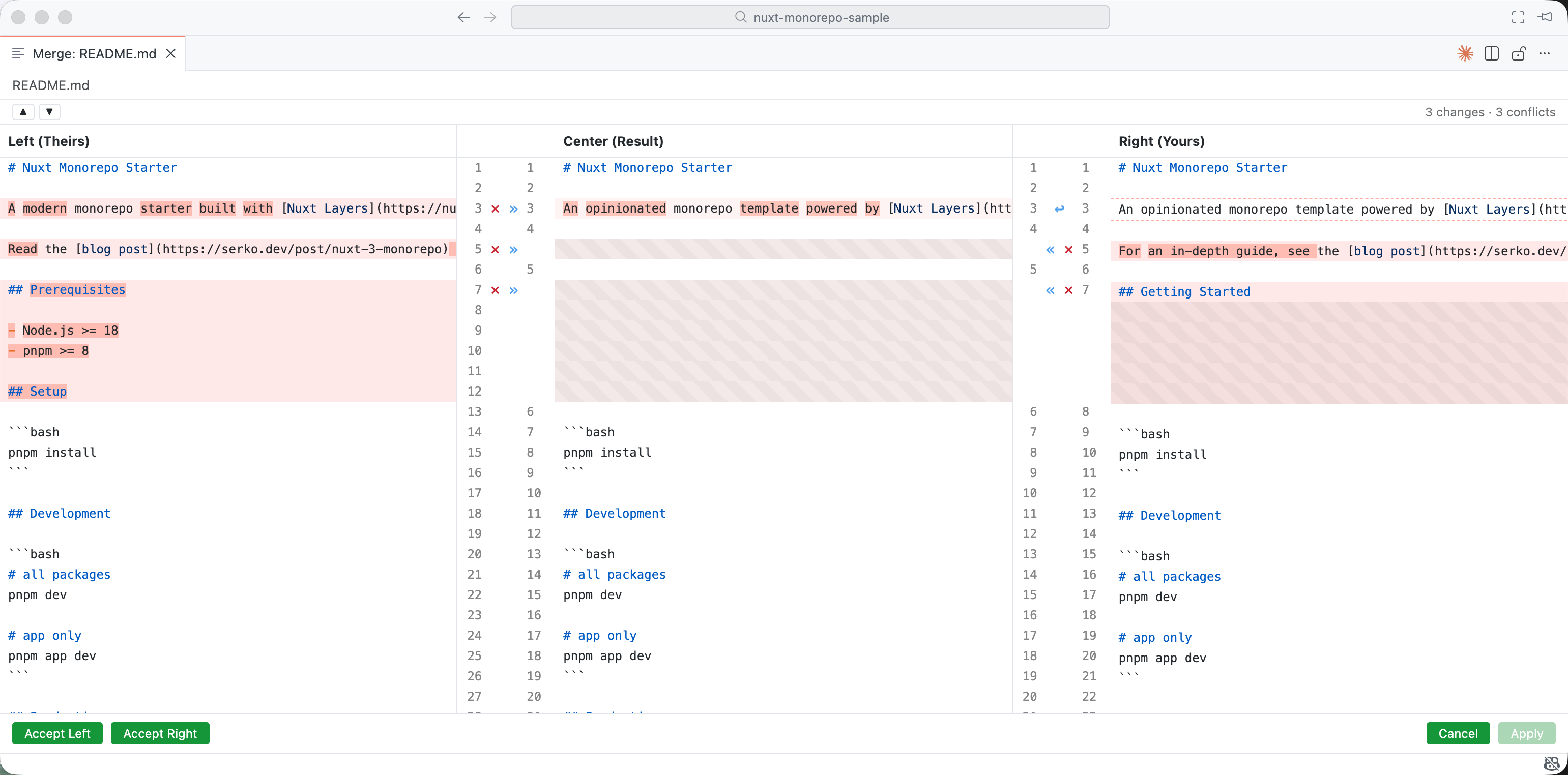
3-Way Merge Editor
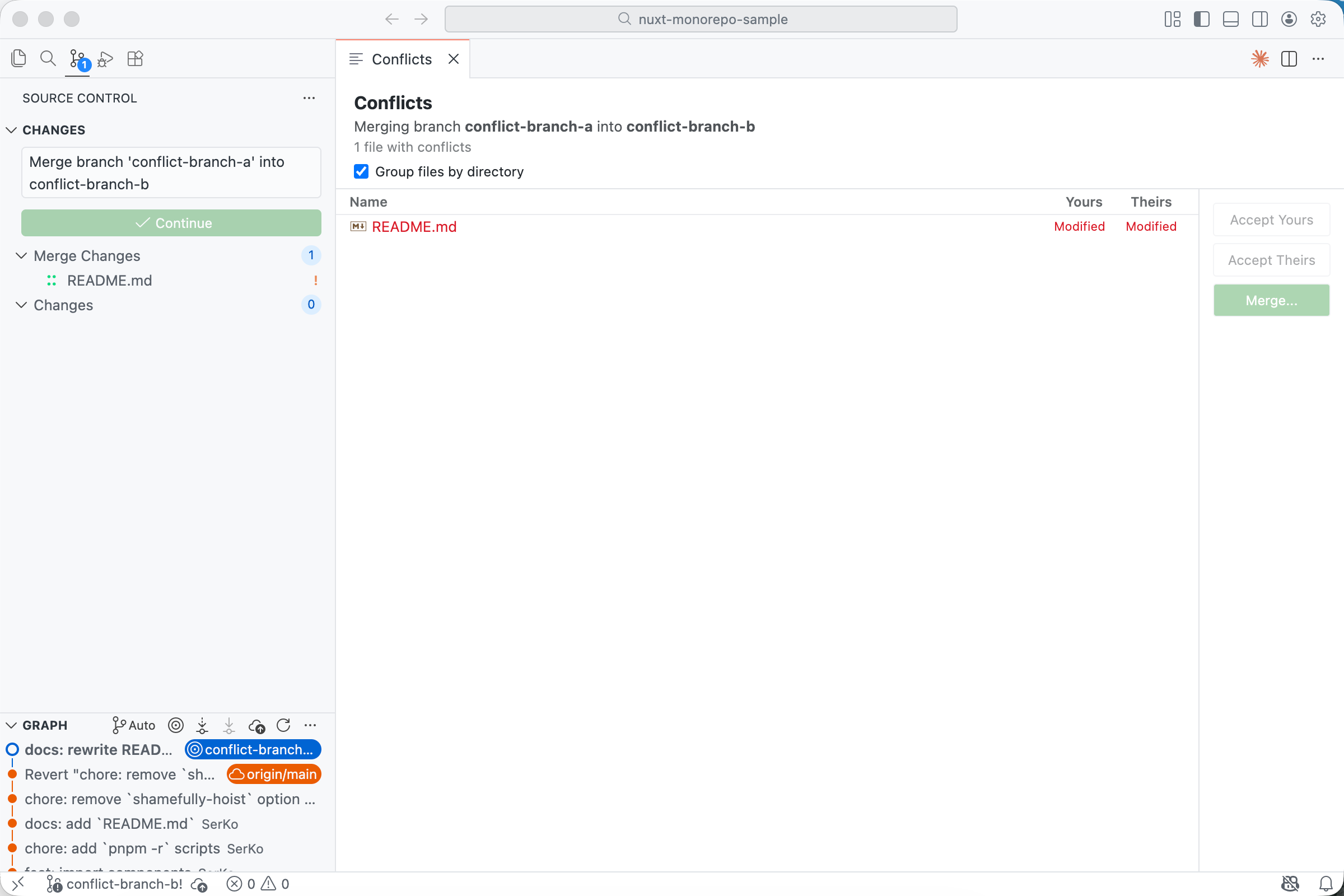
Conflict Management
All Context Menu ActionsBranch (right-click)
Commit (right-click)
Changed Files (right-click)
InstallationFrom Marketplace: Search for "IDEA-Like Git" in VS Code Extensions. From .vsix:
Requirements
Local DevelopmentPress F5 to launch Extension Development Host. Credits
License |