Auric Artisan Studio — Full PackThe complete Auric Artisan Studio in one install: colour picking and palettes, 70-rule WCAG 2.2 accessibility linting, local rulebooks and team knowledge, and language-agnostic code-health scanning. Installs the three focused Studio extensions, which you can enable or disable independently. Installation Launch VS Code Quick Open ( Ctrl+P), paste the following command, and press enter.Copied to clipboard |

Auric Artisan Studio — Full Pack
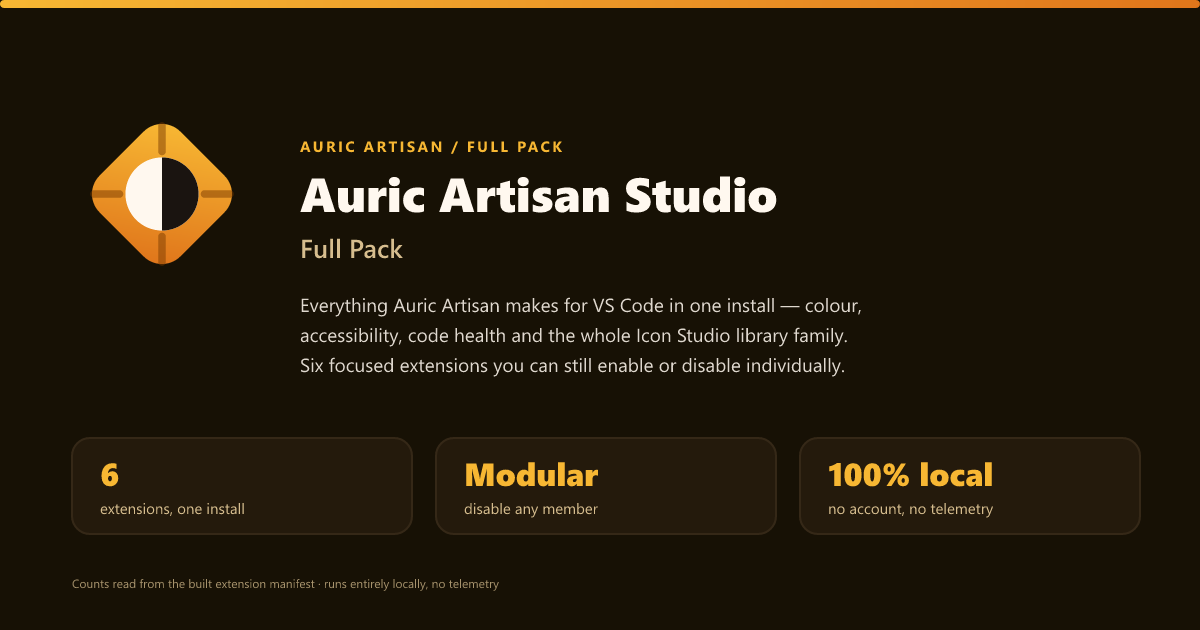
The complete Auric Artisan Studio in one install — colour, accessibility, and code health. Three focused extensions you can enable or disable independently. Entirely local, with no telemetry. This is an Extension Pack: it ships no code of its own. Installing it installs
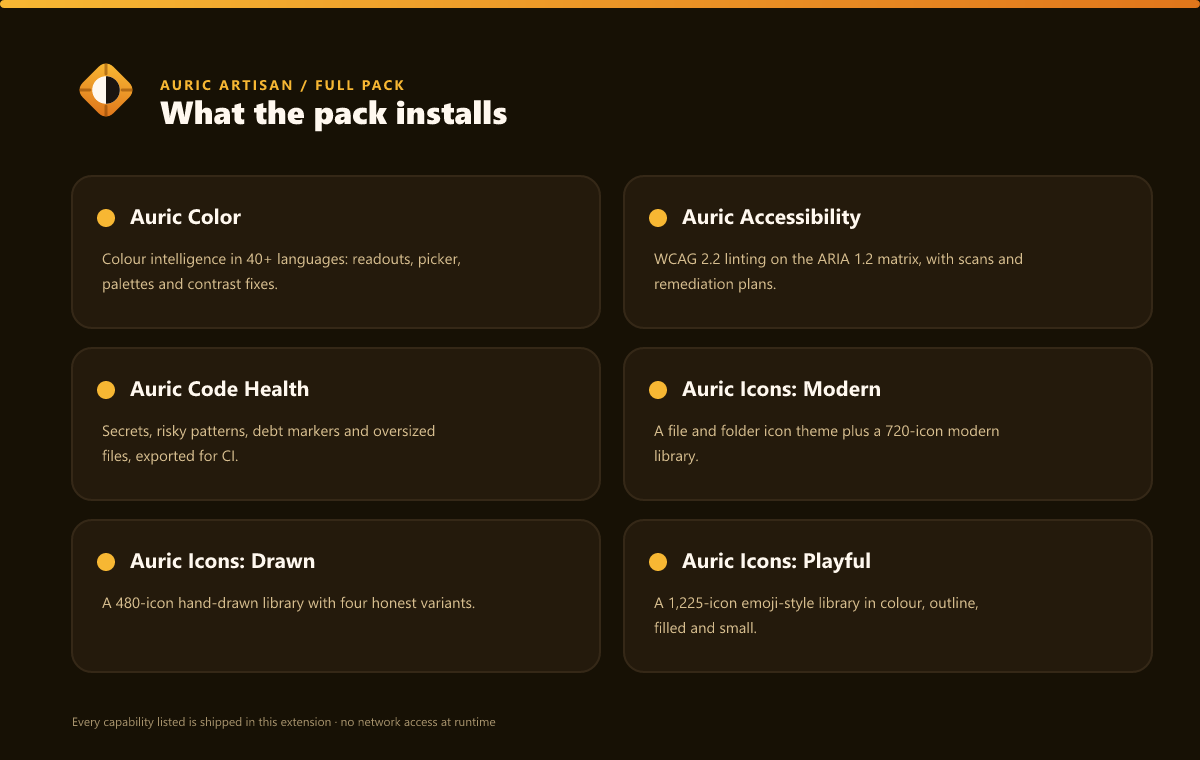
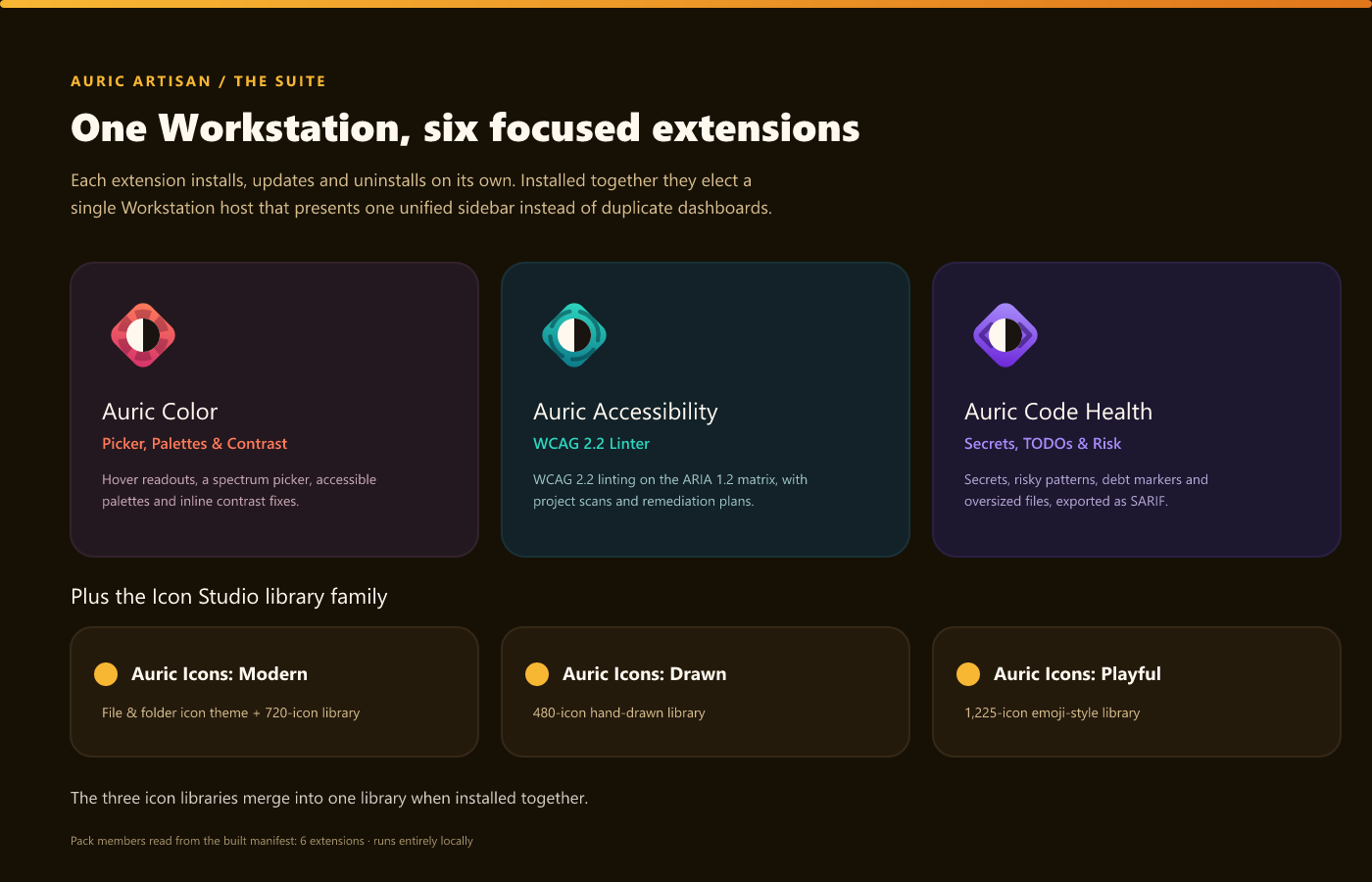
three focused extensions through VS Code's native What it installs
The three Studio extensions share the same local rules, standards, policies, articles, and Knowledge Base, filtered to the capabilities you installed. Independently manageable
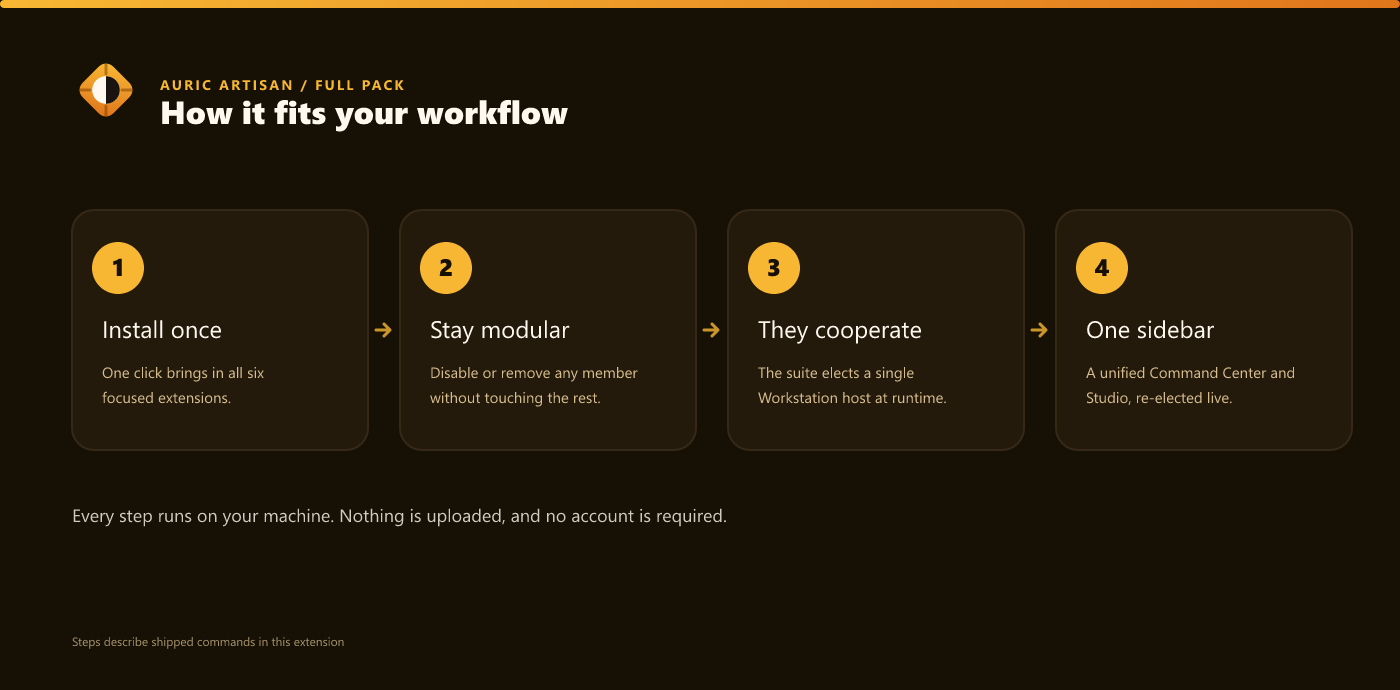
Every member is a real, standalone extension. You can disable or uninstall any of the three from the Extensions view without affecting the others — the pack is just a convenient one-click bundle, not a monolith. One coherent Workstation
Install the three Studio extensions together and they don't stack up three duplicate dashboards. They cooperate at runtime: the suite elects a single Workstation host that presents one unified sidebar — a capability-aware Command Center and a union Studio covering every installed capability. Suppressed siblings hide their duplicate views and route their commands to the host, and the election re-runs live whenever you install or remove one (no reload). Each command, diagnostic, and colour surface has exactly one owner, so the combined experience is seamless. Open the Command Center any time with PrivacyEverything runs locally. No source code, colours, scan results, or telemetry ever
leave your machine — the no-network guarantee is mechanically enforced against every
shipped build. Workspace data lives only in the Requirements
By Auric Artisan · auricartisan.com |