Auric Accessibility — WCAG 2.2 Linter
Find statically-detectable accessibility problems across your whole project —
70 WCAG checks, contrast, and ARIA errors verified against the specification, not a
word list. Inspect any element on hover, scan the workspace, and export an
agent-ready fix plan. Entirely local.
Auric Accessibility audits HTML, JSX/TSX, Vue, Svelte, Astro, PHP, XML, plain
JS/TS (JSX + CSS-in-JS), and every CSS dialect. Its rule engine is built on a
vendored ARIA 1.2 role matrix, the WCAG 2.2 catalogue, HTML-AAM implicit
roles, and the HTML autofill grammar — so role, attribute, and autocomplete
errors are checked against the spec rather than guessed. It shares the same
dependency-free engine as the Auric Artisan CLI, so a project scan and a CI gate
report identical findings.
Features
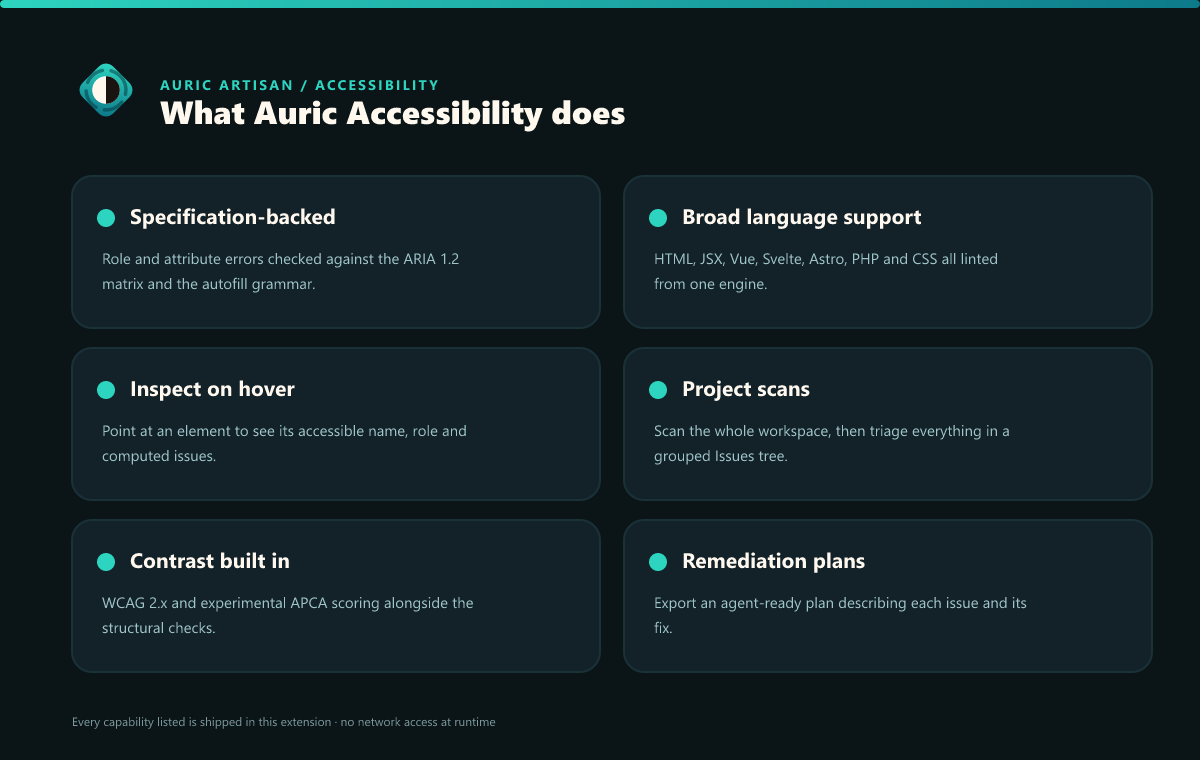
70 WCAG rules across 28 success criteria
Static markup and CSS checks with impact levels (critical / serious / moderate /
minor) under a selectable audit profile — 2.0, 2.1, 2.2 (default), or
3.0-draft (auricA11y.a11y.profile). Coverage spans non-text alternatives (incl.
image buttons, image-map areas, <svg role="img">), labels and heading order,
<fieldset>/<legend>, media captions, duplicate main landmarks,
unknown/typo'd aria-* attributes checked against the ARIA 1.2 matrix, keyboard
access, focus visibility, page language, link purpose, target size, accessible
authentication, and ARIA name/role/value.
Relationship-aware checks use a lightweight source tree to validate required ARIA
owned/context roles, role naming, repeated landmark names, <details>/<summary>,
and aria-hidden on the document body without running project code. Findings carry
confidence and automation metadata so assisted evidence is not presented as certain.
Each finding carries its SC number, level (A/AA/AAA), WCAG version, impact, a one-line
fix, and — where a deterministic change is safe — a before/after Apply fix, plus a
link to the WCAG Understanding doc. Judgement calls (alt-text quality, link purpose,
dialog naming) are suggested for review, never auto-applied.
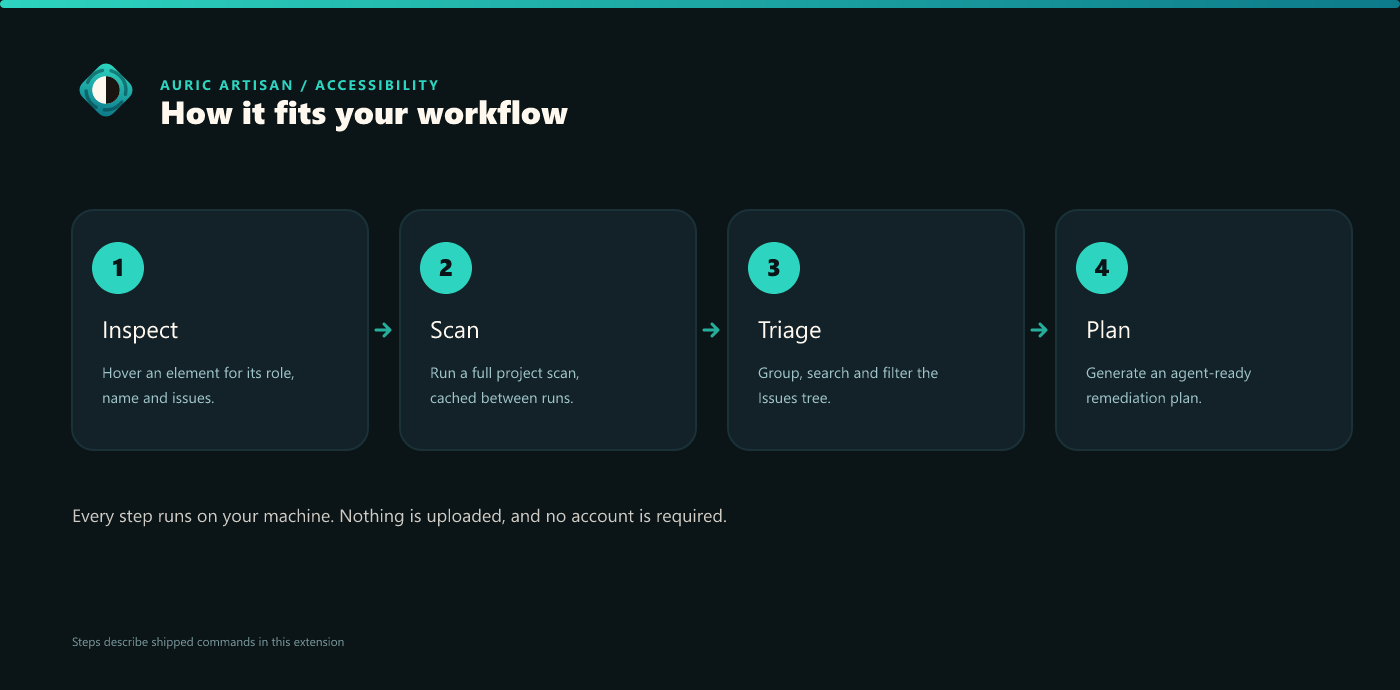
Inspect — accessibility on hover, with a live preview
Hover an element or a CSS rule, or run Inspect Accessibility of Element
(Ctrl+Alt+A), to see inline:
- The element's accessible name and role (or the rule's selector and colours).
- The colours that apply, with the contrast verdict, APCA Lc, and a CVD check
on the real pair.
- A before/after preview rendered on real content (heading, body, button), using
hue-preserving repair.
- The WCAG issues found there, each with severity/level badges, its fix, and Go
to / Open in Studio links.
In JS/TS a <tag> is only treated as an element when it's a real HTML tag or an
uppercase JSX component, so generics and comparisons (a < b, Array<string>) are
never mistaken for markup.
Project scan + the Issues tree
Scan Project for Accessibility walks the workspace and produces a 0–100 score and
grade blending contrast and WCAG findings. Results populate the Accessibility
Issues view — click-to-navigate, grouped by type / file / severity, and searchable.
A live mode re-grades from the in-memory text of the file you're editing; disk
rescans are cache-backed with time-based freshness. Findings that require human
judgement stay in the tree as suggestions.
Contrast diagnostics
The same WCAG + APCA contrast analysis as the Color extension: statically resolvable
color/background pairs (including var() tokens and CSS-in-JS) get inline
underlines and quick-fixes, with CVD-risk hints.
Generate Agent-Ready Remediation Plan turns a scan into a structured Markdown +
JSON backlog at .auric-artisan/ai-remediation-plan.*: deterministic contrast fixes
with computed candidate colours, WCAG tasks that need semantic review, repeated
pattern groupings, a draft accessible token system, a validation checklist, and a
prompt string you can hand to a coding agent you bring.
The plan is generated 100% locally and deterministically — there is no model
call and no network. It is a remediation backlog, not an "AI" product; the only
generative artifact is the prompt template written for an external agent.
Searchable rulebook + manual evidence
The bundled local Knowledge Base combines every live rule with all 86 WCAG 2.2
criteria, eight manual test procedures, official-source provenance, articles,
policies, and a glossary. Search it in VS Code, or generate
.auric-artisan/knowledge.json and rulebook.md plus a validated team override
template. The metadata is ACT-aligned and explicitly makes no conformance claim.
Inline suppression & intentional branding
Acknowledge a finding with auric-disable-line / -next-line / -file (optionally
scoped by rule id, success criterion, or category), inserted for you by a quick-fix in
the right comment syntax per language. Classify a colour finding as intentional brand
identity with auric-brand-* or Mark Line as Intentional Branding — structural
findings (missing alt, unlabeled controls, ARIA errors) can never be waived this way.
In practice
Commands
| Title |
Command id |
Keybinding |
| Open Accessibility Studio |
auricA11y.openStudio |
|
| Workstation: Command Center |
auricA11y.commandCenter |
Ctrl+Alt+. (Cmd+Alt+.) |
| Open Rulebook & Knowledge Database |
auricA11y.openKnowledgeBase |
|
| Build Workspace Knowledge Database (JSON + Markdown) |
auricA11y.writeKnowledgeDatabase |
|
| Open Unified Icon Studio |
auricA11y.openIconStudio |
|
| Scan Project for Accessibility (Use Cache) |
auricA11y.scanProject |
|
| Force Rescan Project and Refresh Cache |
auricA11y.rescanProject |
|
| Generate Agent-Ready Remediation Plan |
auricA11y.generateAiPlan |
|
| Clear Workspace Scan Cache |
auricA11y.clearScanCache |
|
| Search Accessibility Issues |
auricA11y.searchIssues |
|
| Group Accessibility Issues (Type / File / Severity) |
auricA11y.groupIssues |
|
| Clear Accessibility Issue Search |
auricA11y.clearIssueSearch |
|
| Open WCAG Documentation |
auricA11y.openIssueDocs |
|
| Open Issue in Contrast Studio |
auricA11y.openIssueInStudio |
|
| Check Contrast of Selection |
auricA11y.checkContrast |
|
| Inspect Accessibility of Element |
auricA11y.inspectAccessibility |
Ctrl+Alt+A (Cmd+Alt+A) |
| Mark Line as Intentional Branding (Toggle) |
auricA11y.markBranding |
|
All commands are listed in the palette under the Auric Artisan category.
Keybindings
| Keybinding |
Command |
Ctrl+Alt+. / Cmd+Alt+. |
Workstation: Command Center — a native QuickPick with Suggested actions, top findings, and workspace artifacts. |
Ctrl+Alt+A / Cmd+Alt+A |
Inspect Accessibility of Element — name, role, colours, contrast, before/after preview, and WCAG issues. |
Settings
A representative subset — there are 22 settings under the auricA11y. namespace
(open Settings and search auricA11y).
| Setting |
Default |
Description |
auricA11y.a11y.profile |
2.2 |
Audit profile: 2.0, 2.1, 2.2, or 3.0-draft. |
auricA11y.a11y.enabled |
true |
Enable the WCAG rule engine. |
auricA11y.inspect.onHover |
true |
Show the Inspect readout on hover. |
auricA11y.contrast.standard |
wcag2 |
wcag2, experimental apca, or both. |
auricA11y.contrast.threshold |
4.5 |
Minimum WCAG 2.x ratio. |
auricA11y.scan.live |
true |
Re-grade the project from in-memory text as you type. |
auricA11y.scan.autoScan |
false |
Background workspace rescan after file-system changes. |
auricA11y.scan.maxFiles |
4000 |
Cap on files read per scan (truncation is reported). |
auricA11y.scan.cache.maxAgeMinutes |
1440 |
Age at which a cached scan is treated as stale. |
Part of the Auric Artisan Workstation
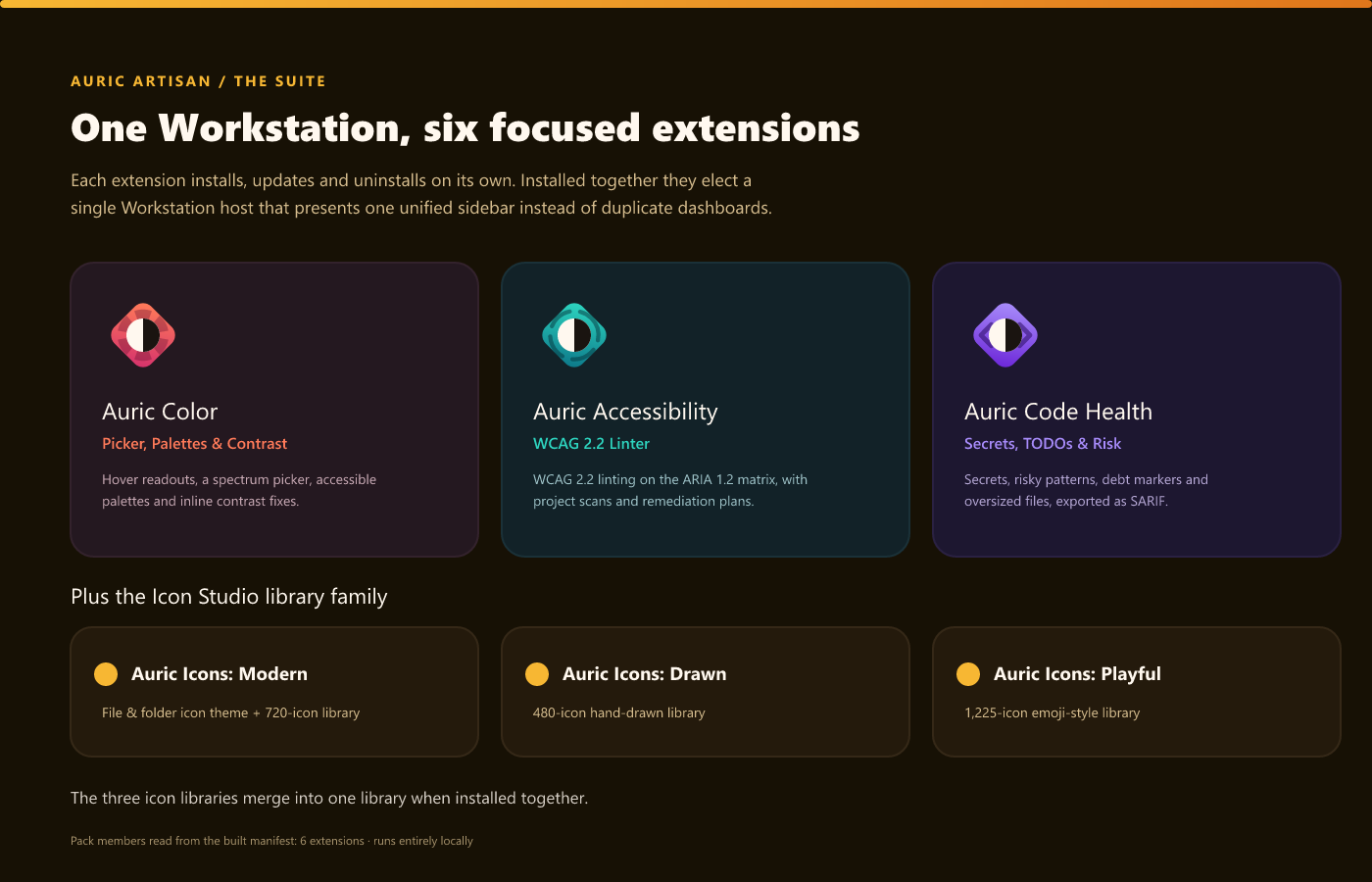
Installed on its own, Auric Accessibility is a complete, standalone product with its
own activity-bar container (an Overview home + the Accessibility Issues tree).
Install it alongside Auric Color and/or Auric Code Health and the three
cooperate automatically. The suite elects a single Workstation host, and
Accessibility has the highest priority (Accessibility → Color → Code Health) — so
when it is present it becomes the host, presenting one capability-aware Command
Center and a union Studio for every installed extension. Suppressed siblings hide
their duplicate views and route their commands to this host; the election updates
live on install/uninstall (no reload). One coherent experience, never three
dashboards.
Privacy
Everything runs locally. Auric Accessibility sends no source code, scan results,
or telemetry to any server — the no-network guarantee is mechanically enforced against
the shipped build. Scan cache, health records, and the remediation plan are written
only to the workspace .auric-artisan/ folder. No account, no API key, no paid tier.
The 0–100 score is a prioritization and progress metric, not an accessibility
certification. Automated testing covers only statically detectable issues; manual
testing is still required.
Requirements
- VS Code 1.74 or newer. Works in single-folder and multi-root workspaces.
By Auric Artisan · auricartisan.com

