Syntalume — Adaptive Themes & IconsNine contrast-audited themes, matching icons, comfort tuning, terminal export, and production awareness — local first. Formerly Auralis. Installation Launch VS Code Quick Open ( Ctrl+P), paste the following command, and press enter.Copied to clipboard |

Syntalume — Adaptive Themes & IconsOne comfortable, recognizable appearance across editors, projects, terminals, and teams. Nine contrast-audited themes, matching file and product icons, Tune 2 comfort controls, Website · Quick start · Documentation · Support Syntalume is the new name for Auralis — same product, same themes, same update path.
Installing does not apply a theme or profile. Local features are explicit and ownership-aware; Quick Start
To review your setup, run Syntalume: Open Setup Dashboard. To restore settings Syntalume applied, run Syntalume: Reset Syntalume Settings; later manual edits are preserved. 30 days free, then an annual subscription. New users and existing Auralis/Syntalume users receive 30 full days from the first presentation of the in-editor notice. No account or payment details are needed for that period. Plans are $9/year for 1 activation, $12/year for 3, or $20/year for 6, plus applicable tax. Checkout charges immediately and renews yearly until canceled; it does not add another trial. The same subscription applies to VS Code-compatible editors, Open VSX and JetBrains. Pricing and activation details · 30-day first-purchase refunds. Paid licenses require online activation and periodic verification with Polar after your consent. Temporary connection or service failures retain previously verified access for up to 72 hours, bounded by the known license expiry. If that grace ends while verification is unavailable, interactive and background features pause but the selected appearance is retained. Confirmed expiration or revocation stops licensed features. If a selected Syntalume appearance must fall back to editor defaults, it is saved for safe restoration when access returns; later manual appearance changes are preserved. Source files are not changed. License management and recovery remain available. An activation is an editor installation, not necessarily a physical computer; Theme and Companion share one activation in the same JetBrains IDE. Browser-only extension hosts such as vscode.dev/github.dev are not supported by this paid release. Desktop and server-based Node extension hosts use coordinated local storage. Native remote hosts connected to the same VS Code UI installation share the local 30-day period; existing host-specific periods use the earliest known dates. Paid activation slots remain separate per installation. This is not a universal account-level trial across different machines or editor products. Make the Editor Fit the WorkSyntalume is designed around five jobs, not a wall of settings:
Shared Proof, Not Promises
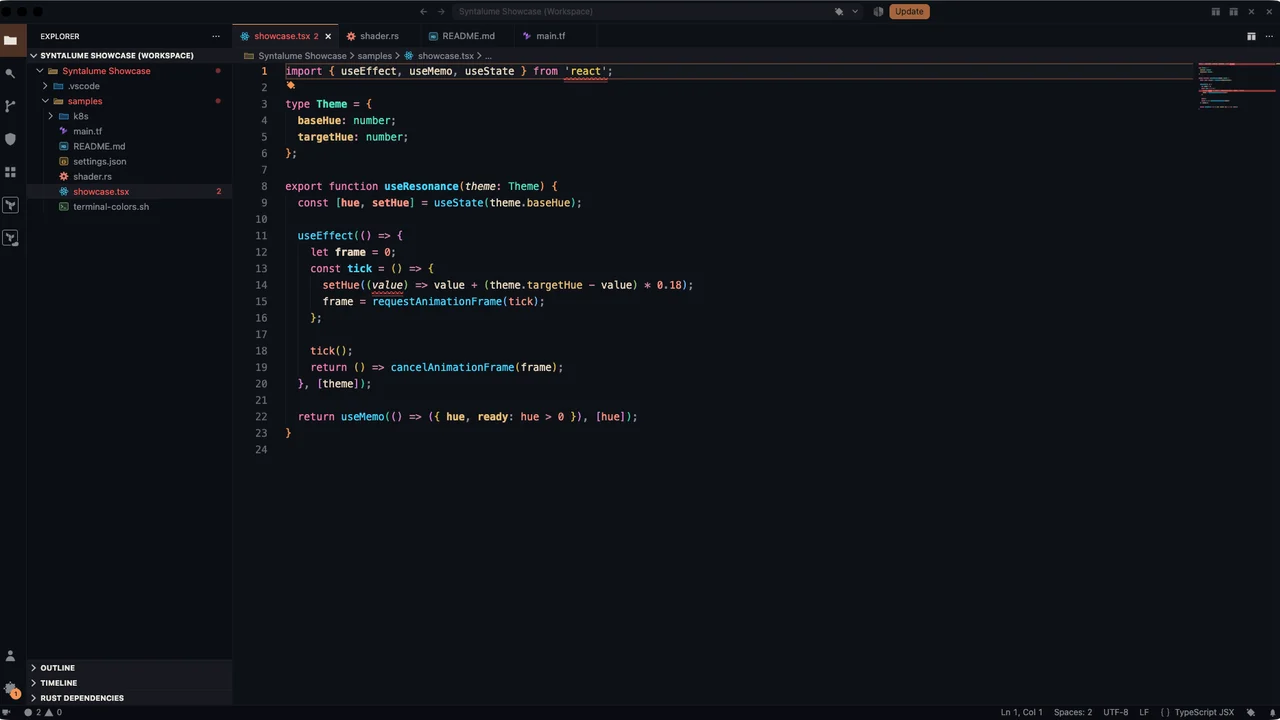
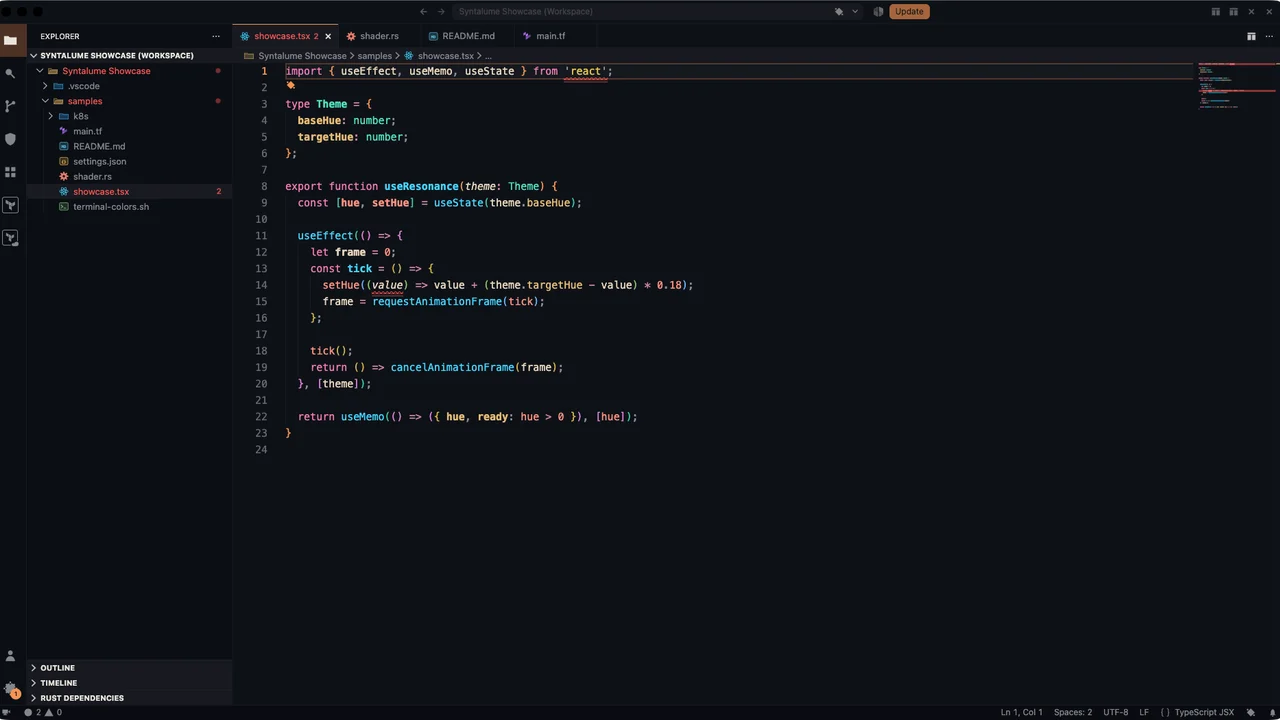
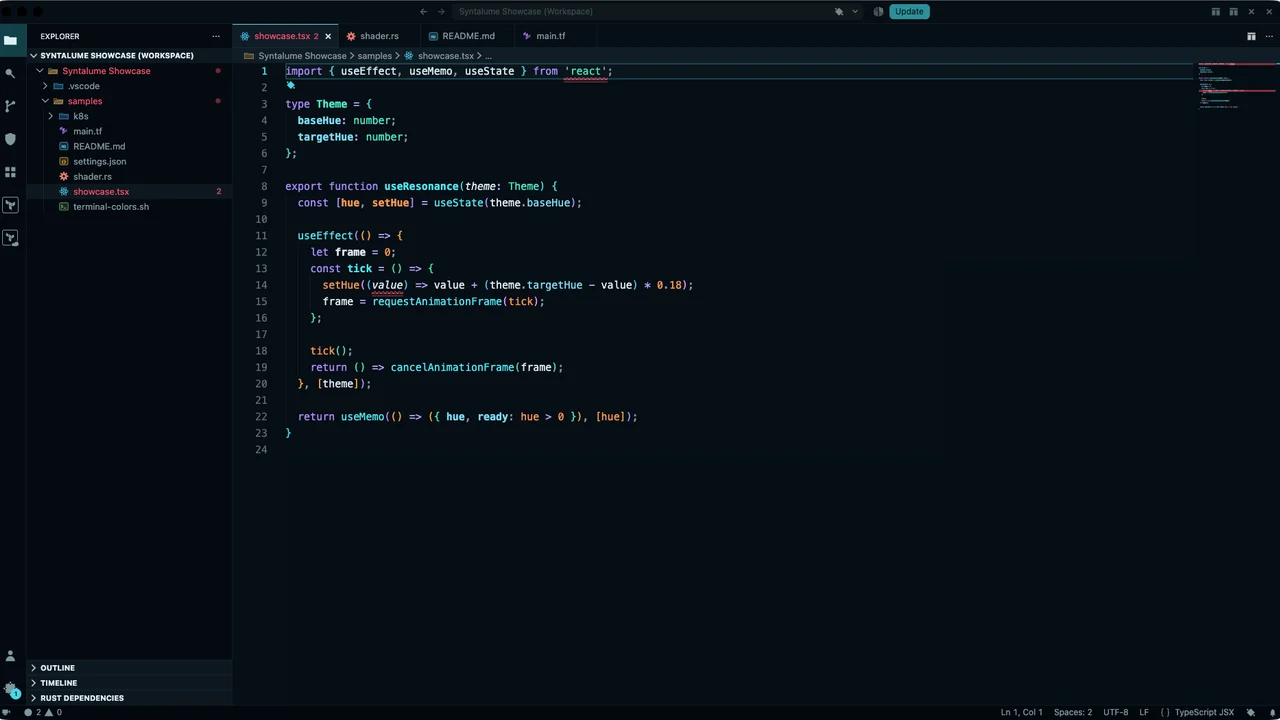
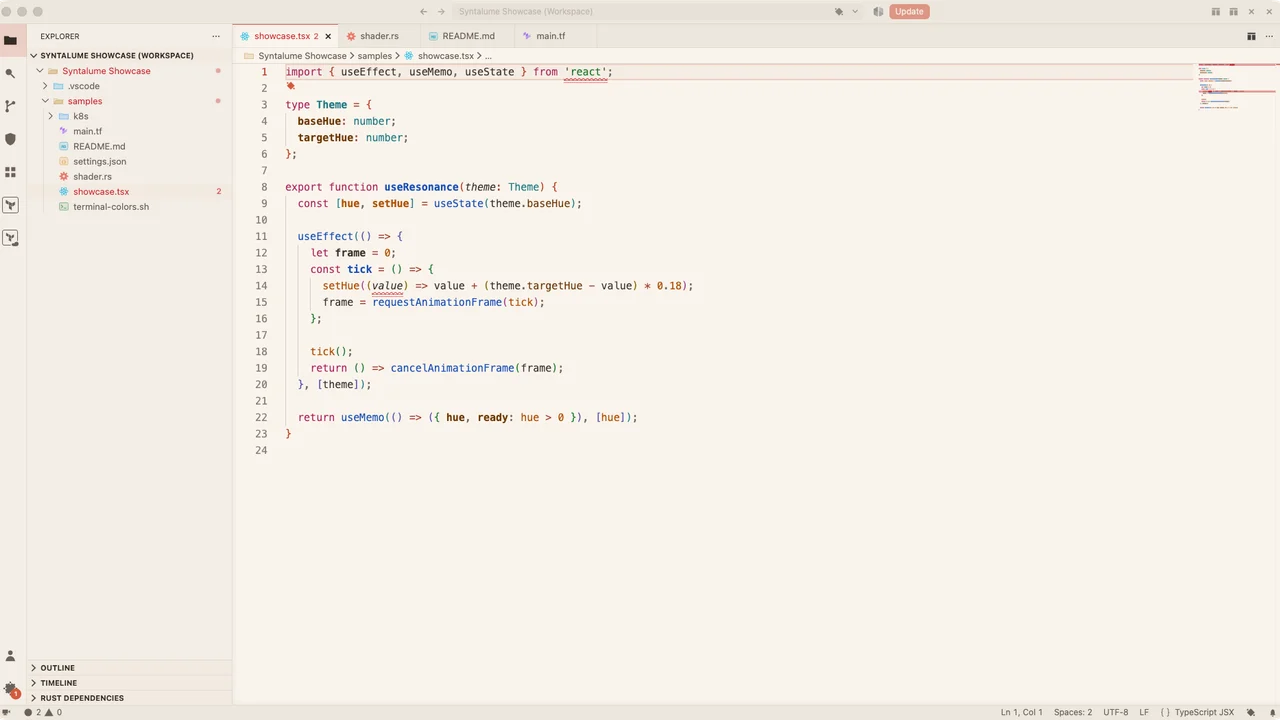
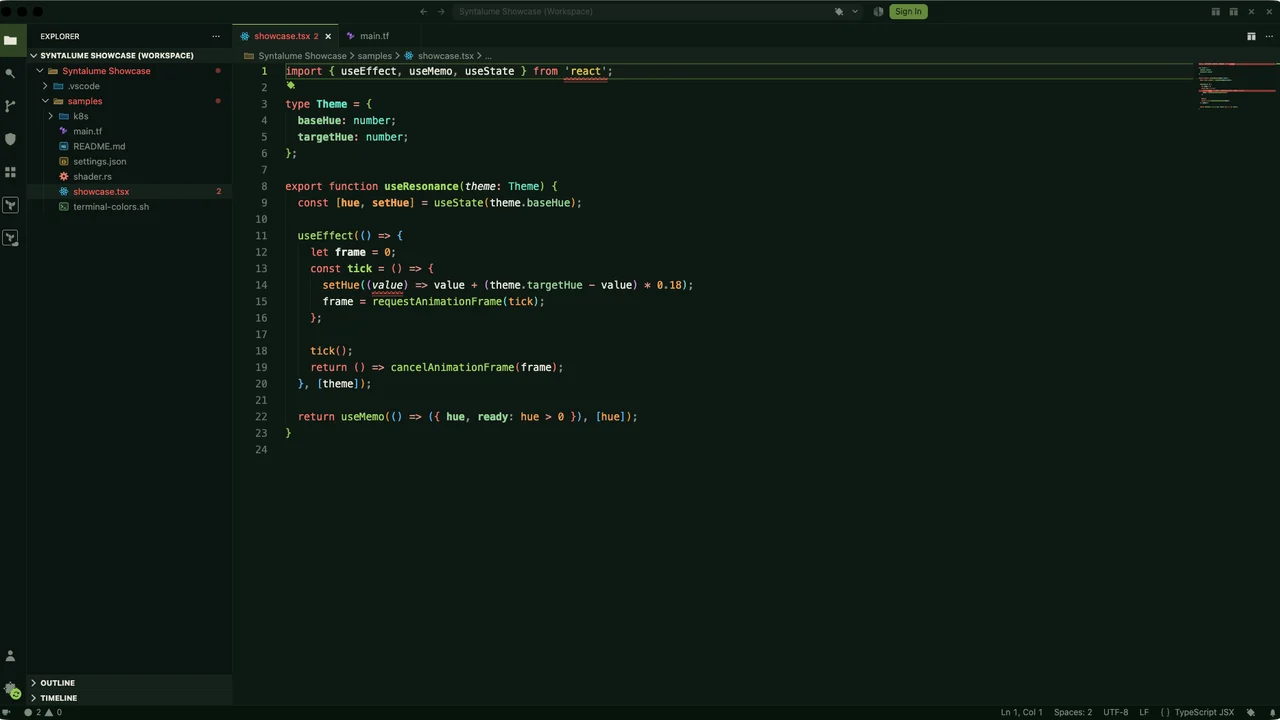
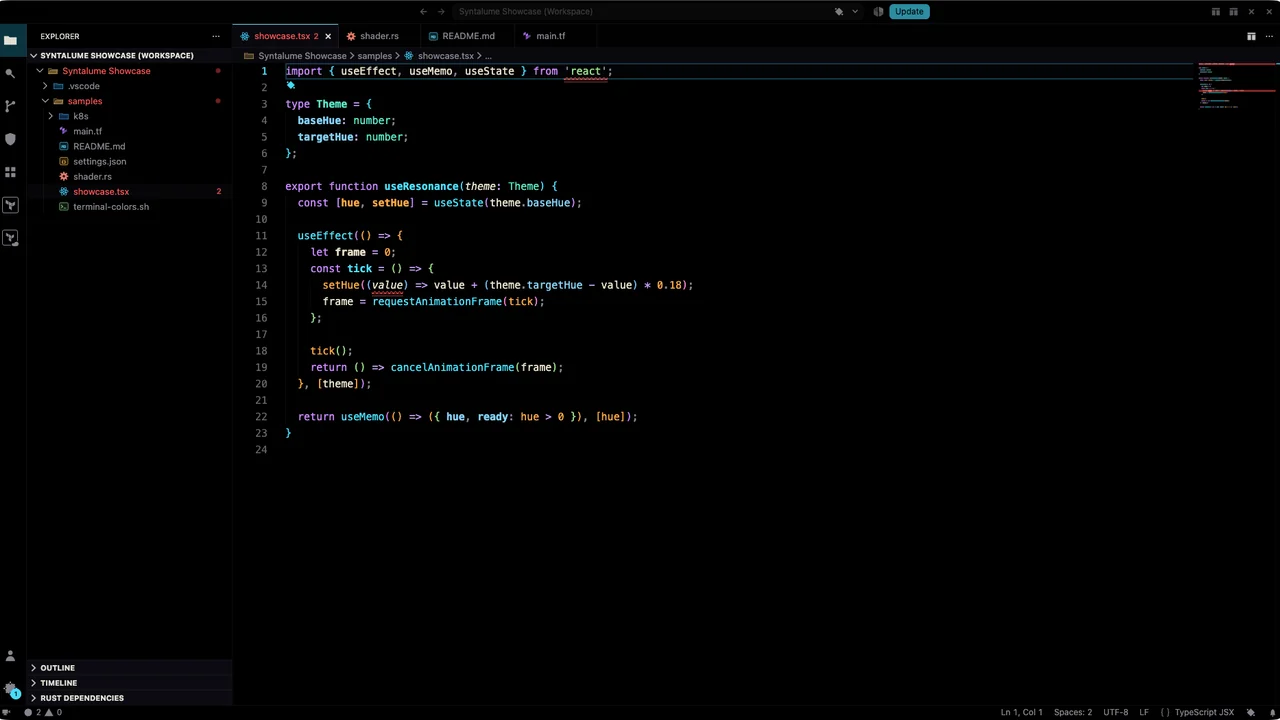
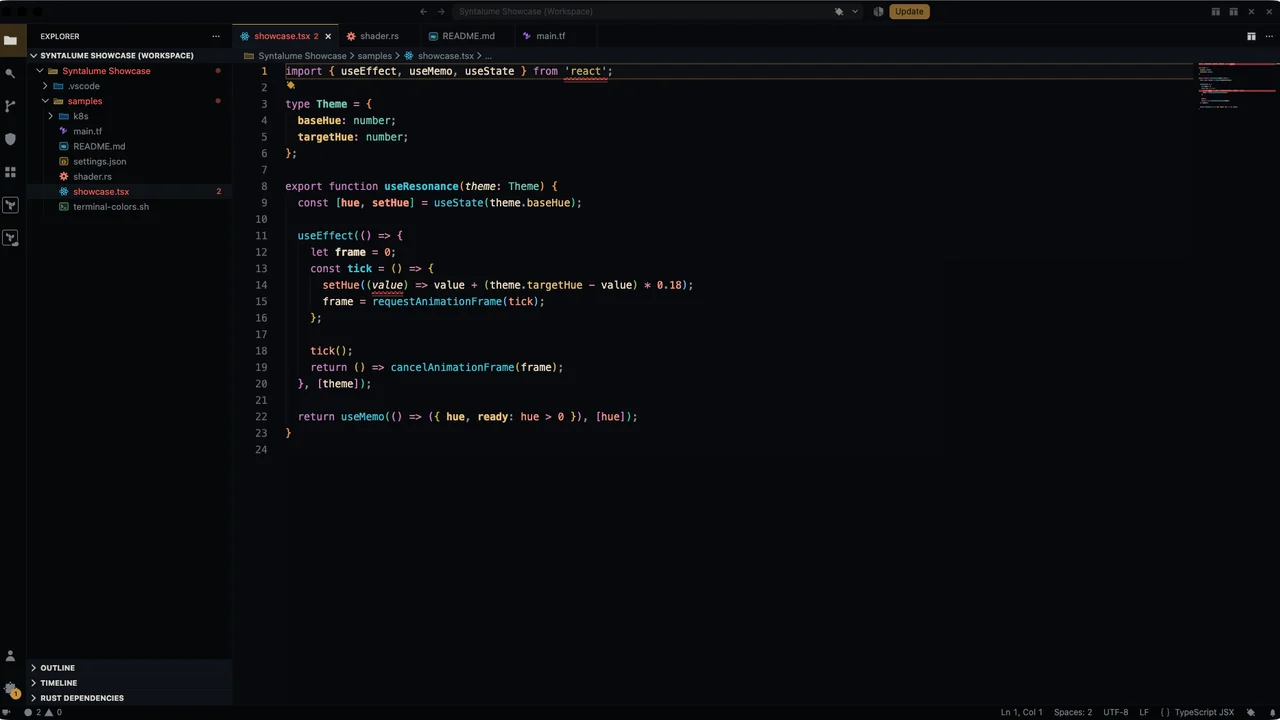
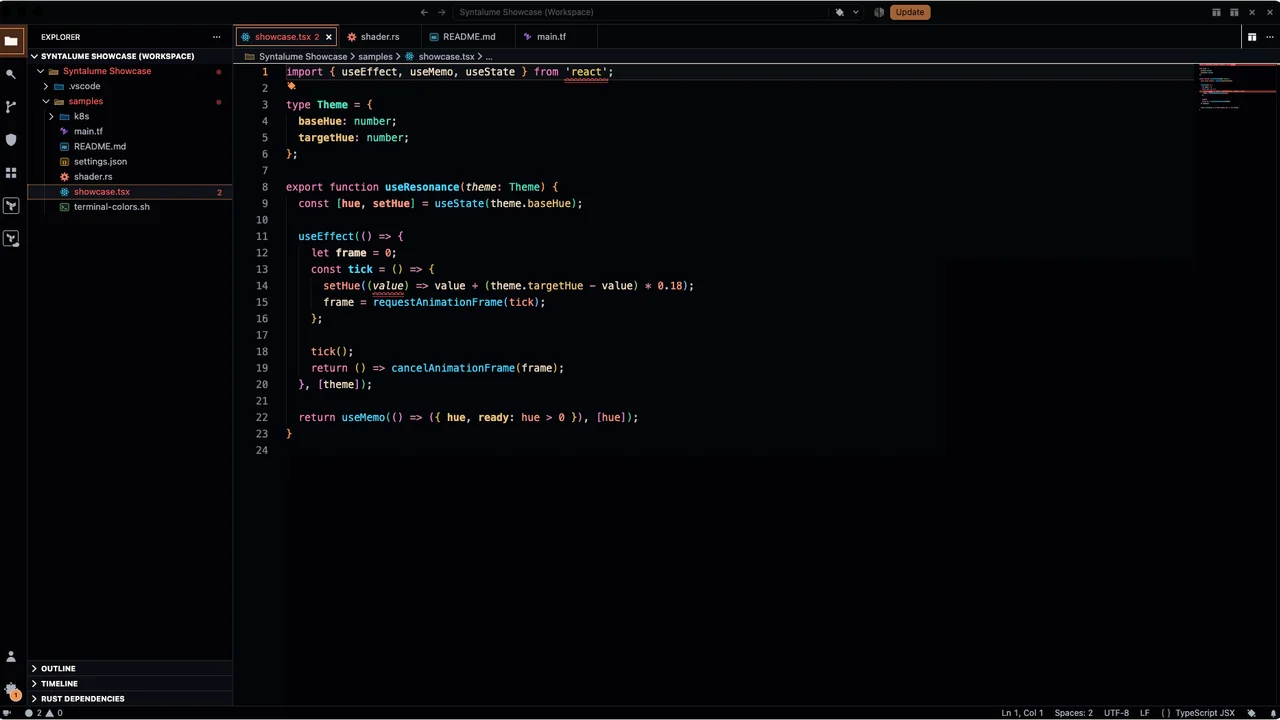
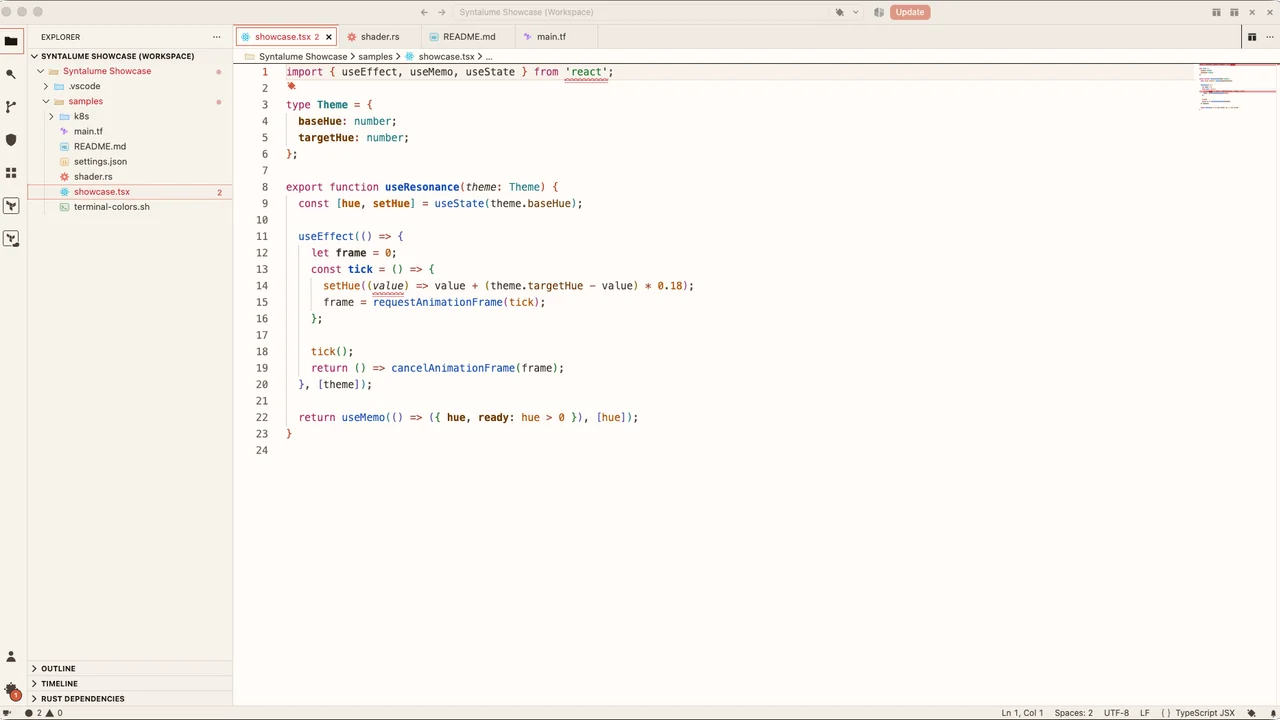
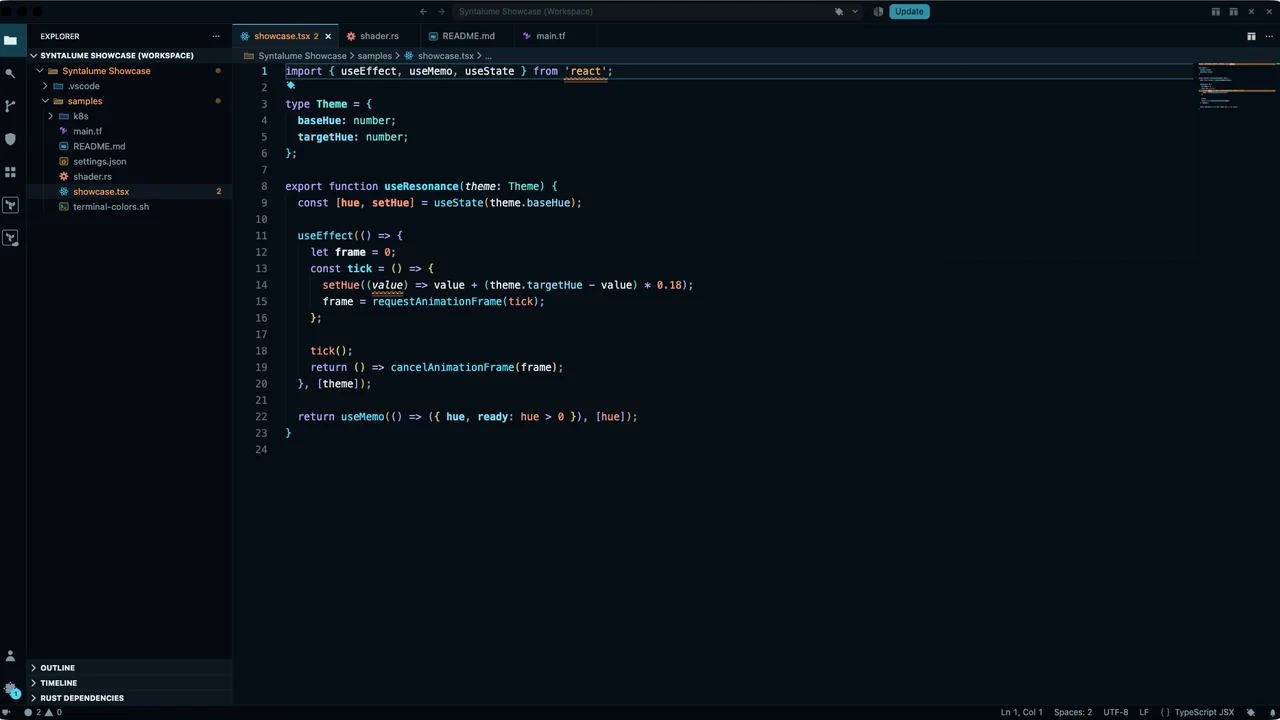
The VariantsEvery theme below is generated from one OKLch color engine and audited for WCAG contrast on every release — the same code sample, the same terminal, nine different moods. Click any card for the full-resolution view.
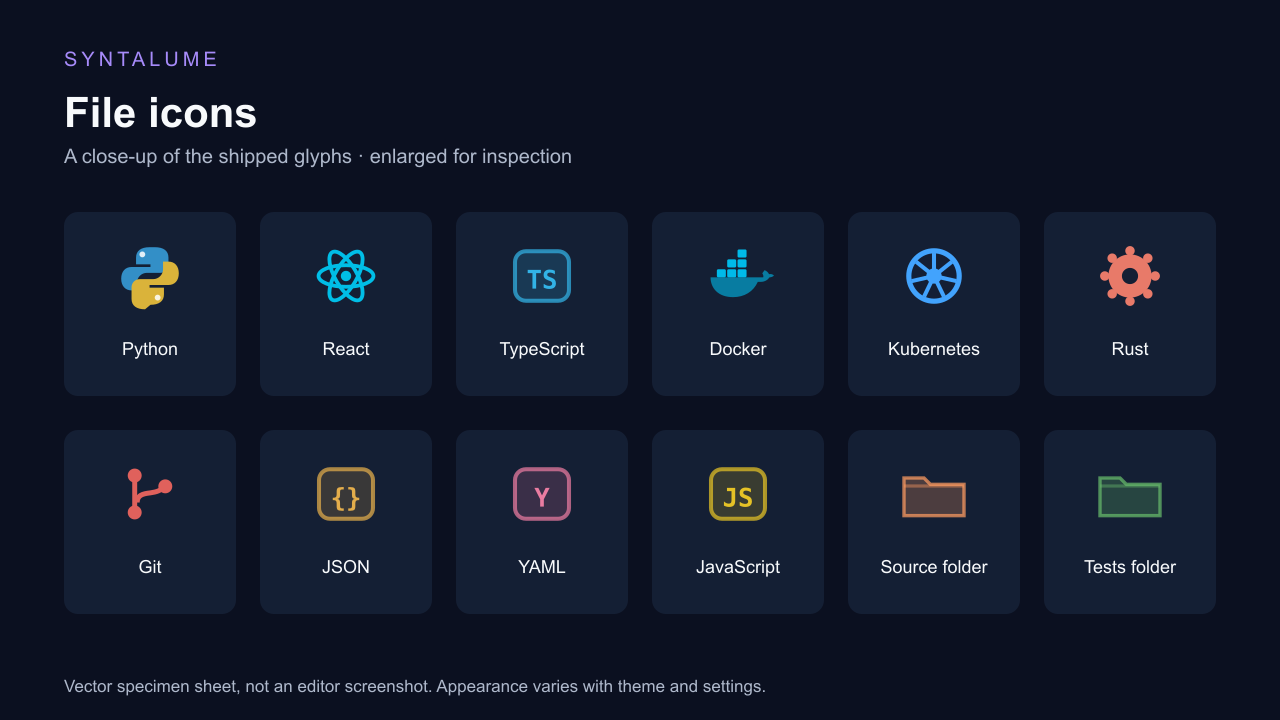
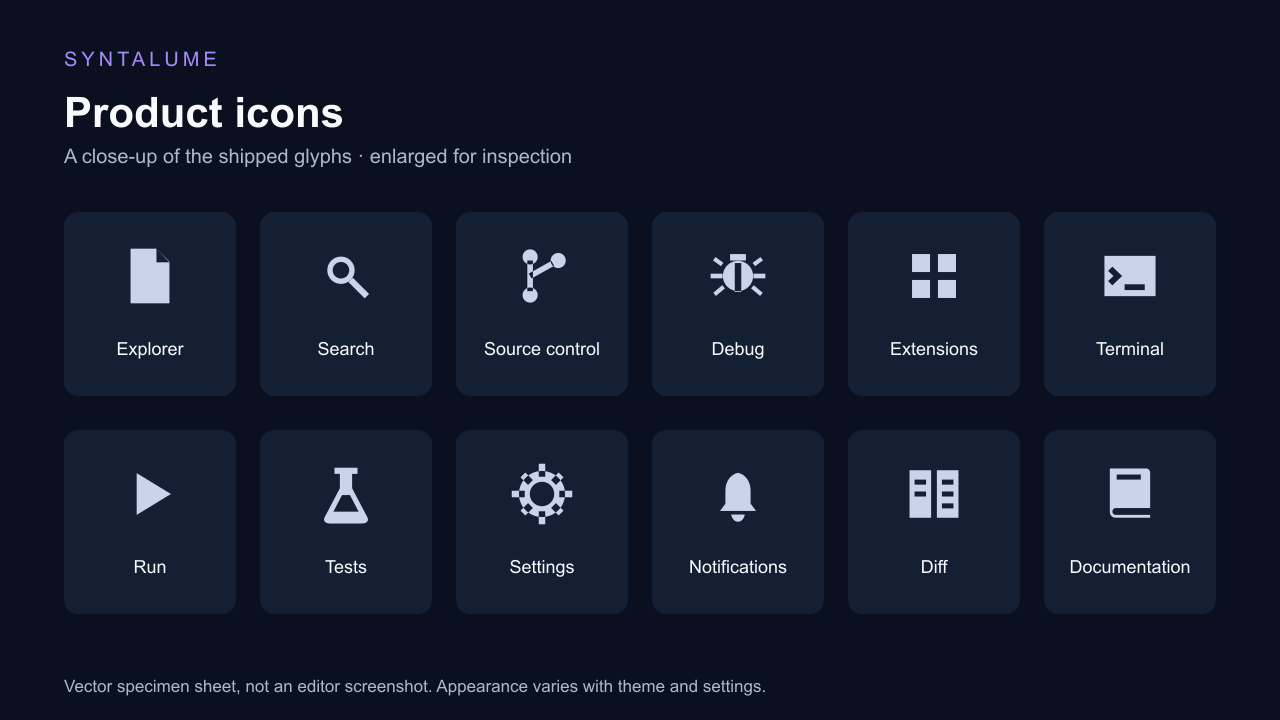
Icons That MatchNearly 400 file icons — with hand-drawn glyphs for Docker, Python, React, Kubernetes, git, Rust, and more — plus a bespoke product icon font that restyles VS Code's own workbench glyphs. Both follow the active theme.
Icon samples are enlarged vector specimens from the shipped sets. Colors follow your theme and settings. Built In, Not Bolted OnEditor features run locally with no passive telemetry and a small runtime that loads lazily after startup. Paid activation and periodic license checks require Polar; workspace contents are never sent for licensing. Themes and icons remain native, declarative VS Code contributions.
The JetBrains Marketplace carries the standalone, near-zero-runtime Syntalume Theme with the same nine palettes, editor schemes, icon substitutions, and Islands-aware surfaces. Behavioral features live in the separate optional Companion rather than adding runtime weight to the theme bundle. Other Editors and SharingOpen VSX · JetBrains Marketplace Like your setup? Share syntalume.dev, or add a badge using the copyable example. Need Support?Bugs, questions, and requests live on the
Syntalume support hub.
Offline documentation ships inside the extension — run
When you choose to share something, Syntalume can copy sanitized diagnostics, prefill a visual bug, icon, or language-coverage request, or open the review page for the registry you installed from. Nothing is submitted automatically and Syntalume never shows recurring feedback prompts. A short, honest review tells other developers what to expect and tells us what to fix next — before anything about the product changes shape:
If something is broken, an issue on the
support hub reaches
us fastest — About the NameSyntalume joins syntax — the shape of the code in front of you — with lume: light. Pronounced SIN-tuh-loom. Every Syntalume theme is built on that idea: light shaped for reading code, tuned to stay beautiful for as long as you're working. Code in better light.
Syntalume — Code in better light. |