Flyte
VS Code extension for Flyte V2. Code intelligence, CLI integration, cluster management, and task visualization for ML workflow development.
Features
Code Intelligence
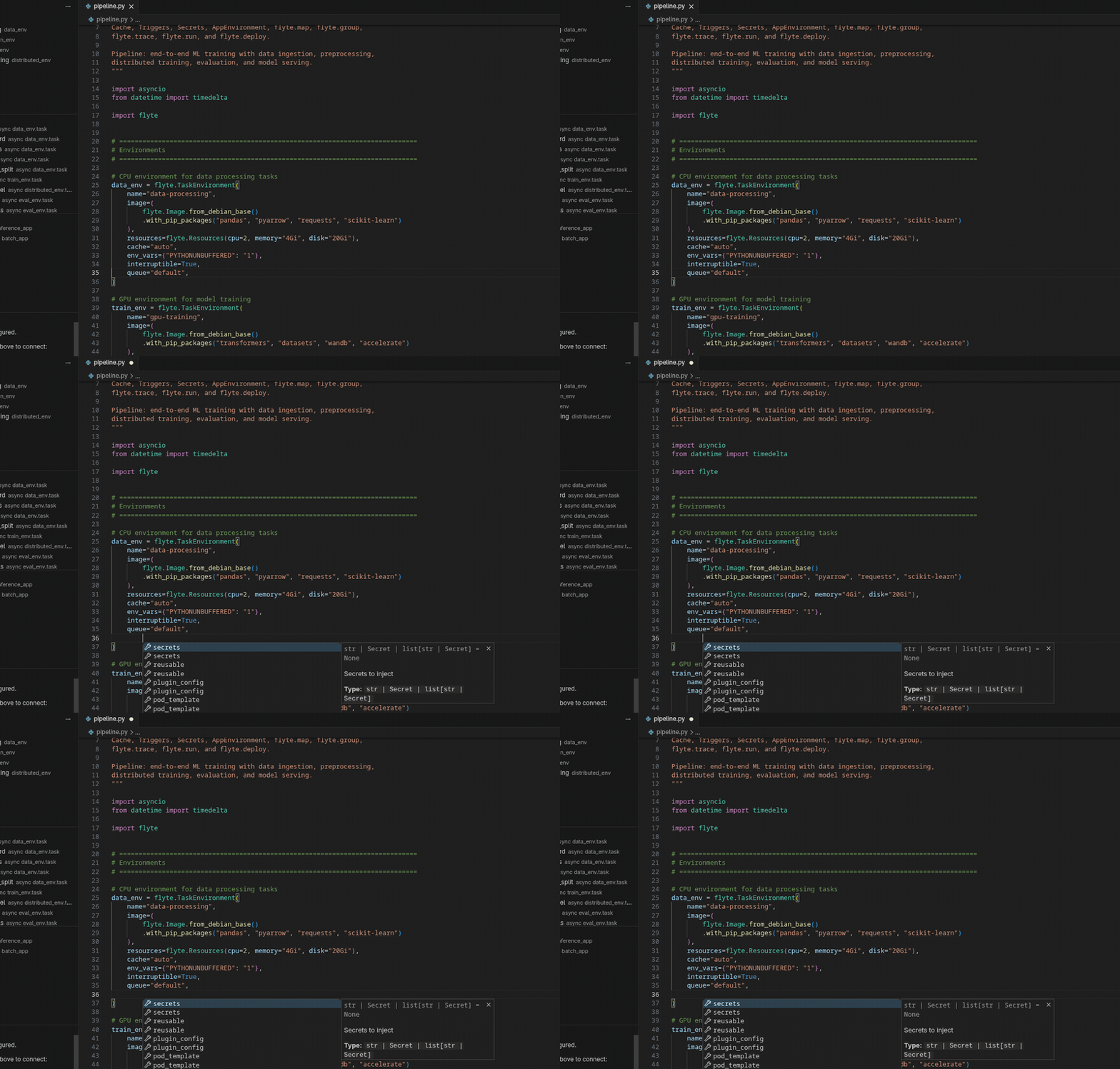
- Autocomplete inside
TaskEnvironment(), Resources(), AppEnvironment(), Trigger(), Cache(), Secret(), and @env.task() with parameter names, types, and defaults
- GPU completions after
gpu= with all valid accelerators (T4, A100, H100, L4, V100, etc.)
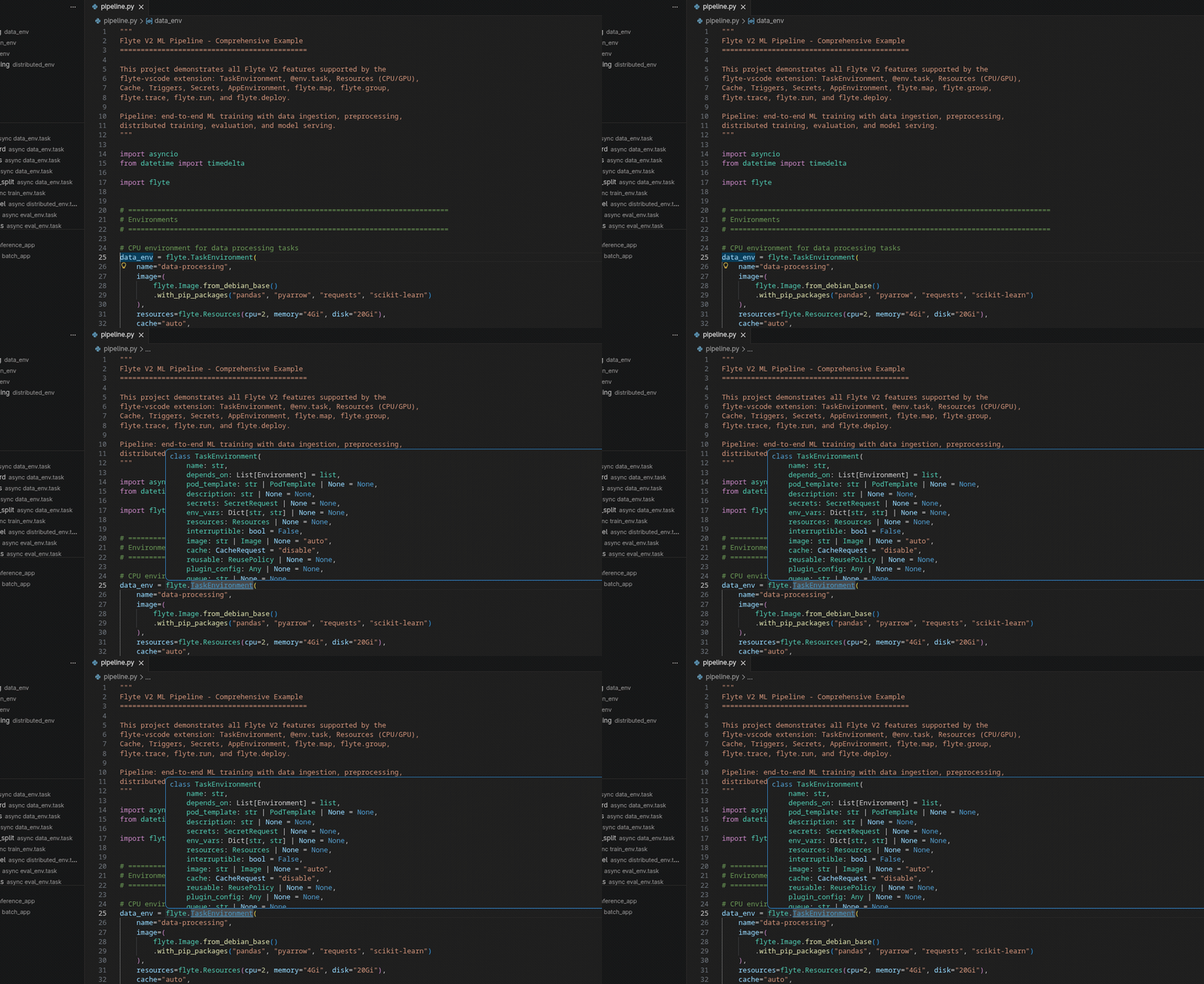
- Hover documentation on all Flyte classes, parameters, and functions (
flyte.run, flyte.deploy, flyte.map, flyte.group, flyte.trace)
- Diagnostics with real-time validation: invalid environment/app names, reserved ports, plugin_config + reusable conflicts, empty trigger names
CodeLens
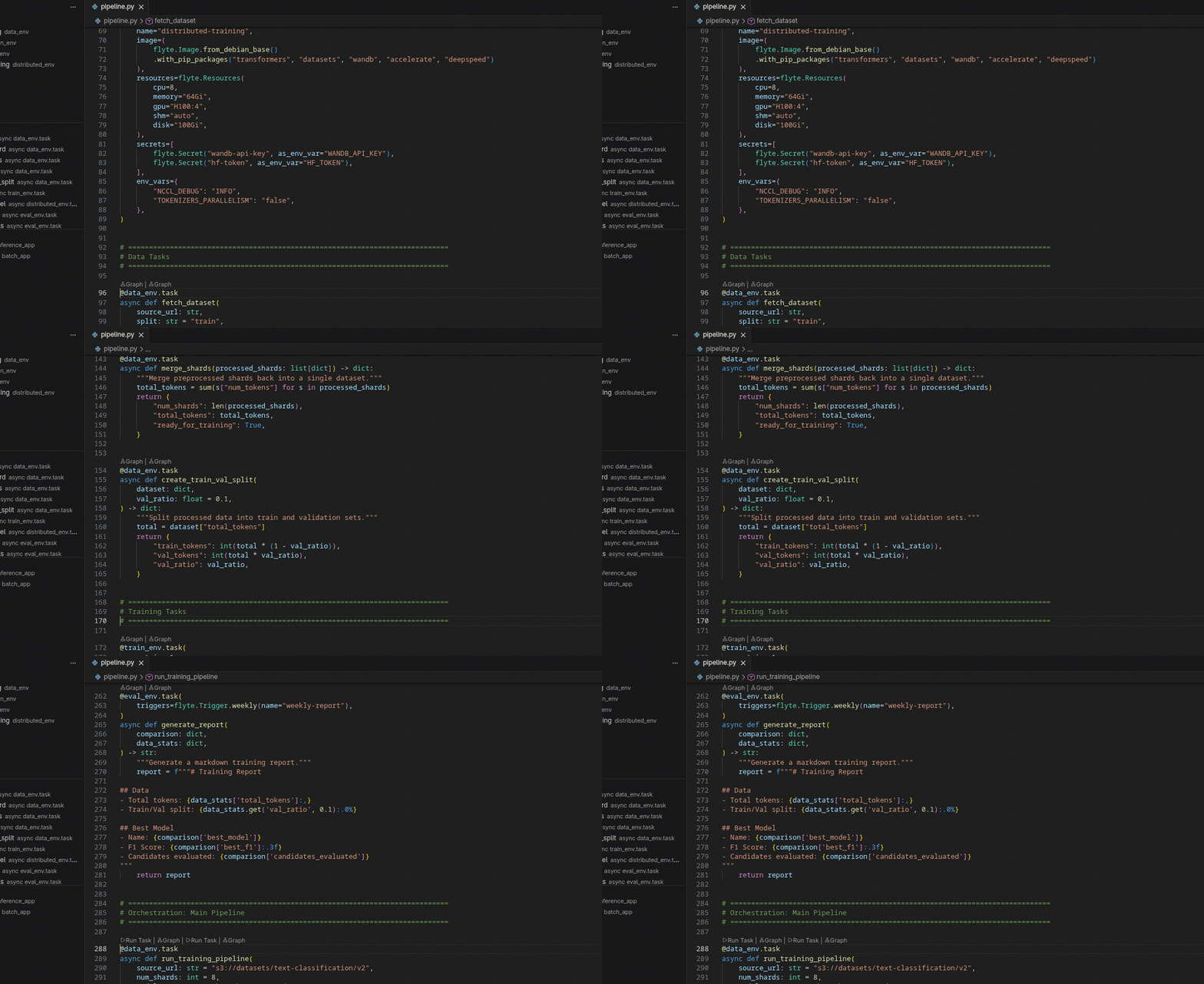
- Run Task above every
@env.task function (only when all params have defaults)
- Deploy when clusters are configured
- Graph renders an ASCII DAG in the terminal showing tasks grouped by environment
Snippets
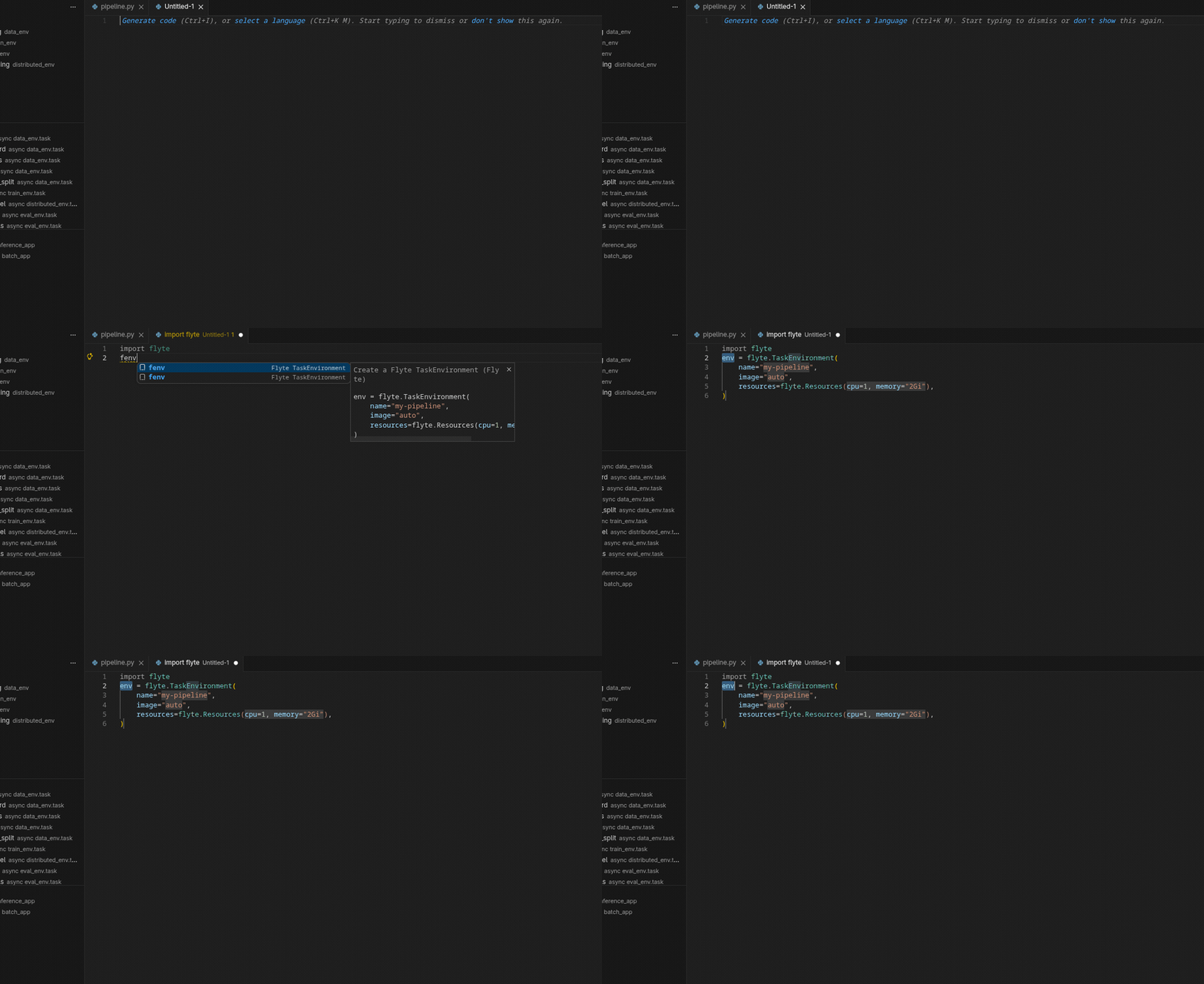
| Prefix |
Output |
fenv |
TaskEnvironment with resources |
ftask |
@env.task async function |
fapp |
AppEnvironment with port |
fres |
Resources(cpu, memory, gpu) |
frun |
flyte.run() entry point |
fdeploy |
flyte.deploy() entry point |
fcache |
Cache with behavior and ignored_inputs |
ftrigger |
Trigger with Cron or FixedRate |
fimage |
Image.from_debian_base().with_pip_packages() |
fmap |
flyte.map() over inputs |
fgroup |
flyte.group() context manager |
ftrace |
@flyte.trace decorator |
fsecret |
Secret with env var |
Cluster Management
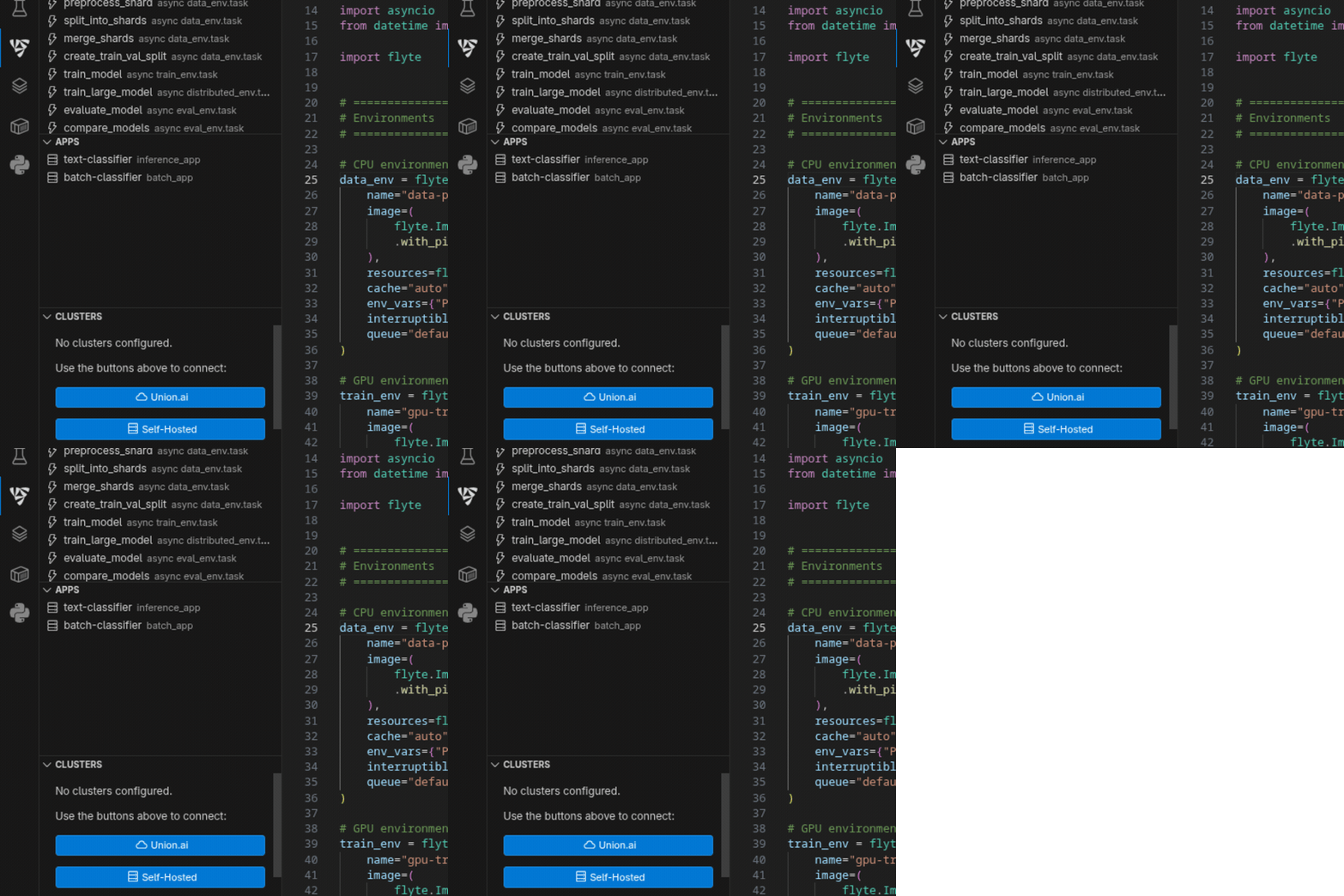
- Union.ai connection with endpoint configuration
- Self-Hosted cluster connection or local cluster creation
- Local cluster setup via k3d with Docker registry, Flyte Manager as daemon
- Pause/Resume local clusters
- Rename/Delete clusters from the sidebar
Task Execution
- Local execution with interactive TUI (
flyte run --local --tui)
- Remote execution on any configured cluster
- Cluster picker on every Run/Deploy/Build/Serve command
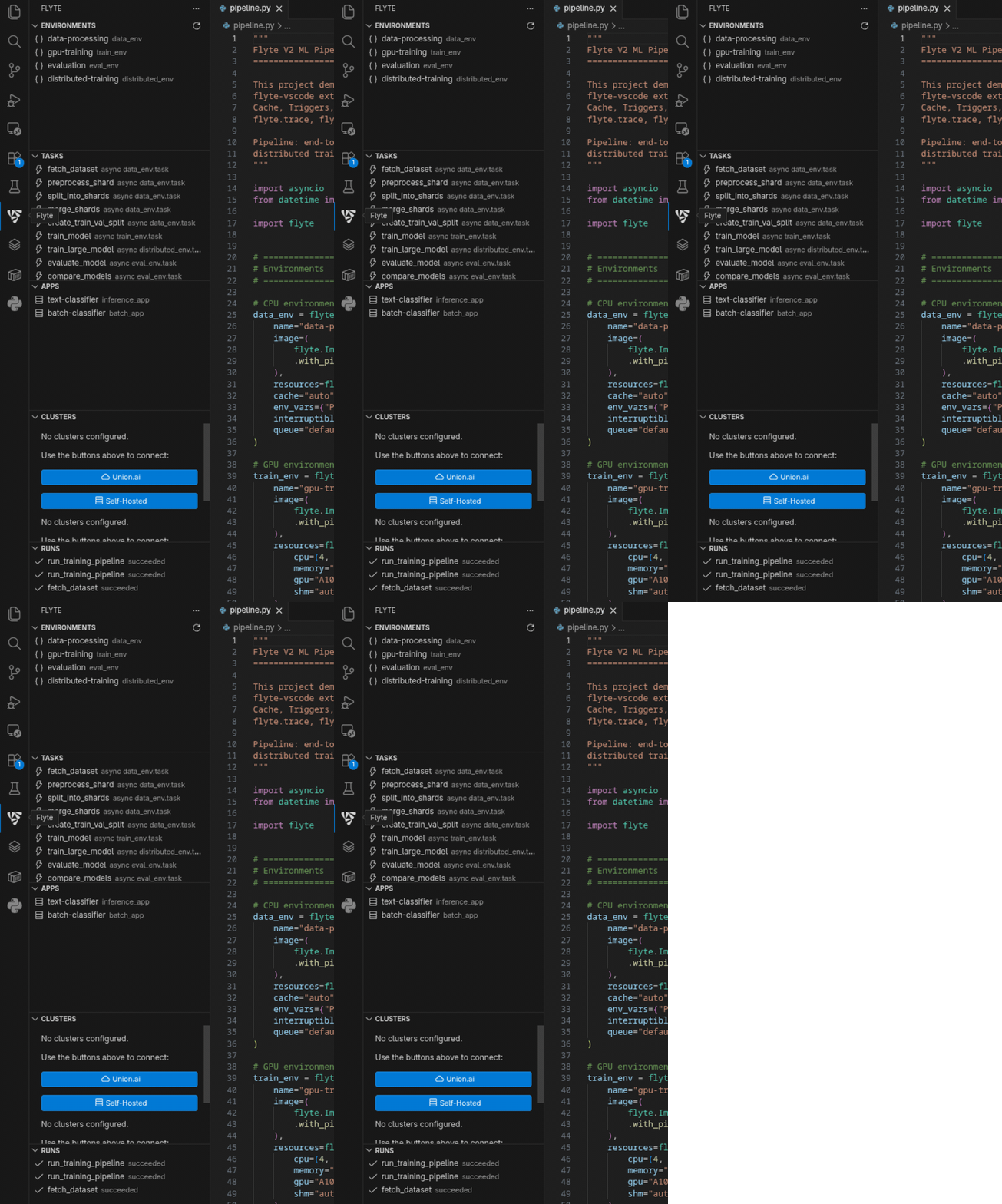
Five sections following the project workflow: Environments, Tasks, Apps, Clusters, Runs.
Requirements
- VS Code 1.85+
- Python with Flyte SDK (
pip install flyte)
- Docker (optional, for local cluster)
Install
code --install-extension atoolz.flyte-vscode
Quick Start
pip install flyte- Open a Python project
- Type
fenv + Tab to create a TaskEnvironment
- Type
ftask + Tab to create a task
- Click Run Task above the task to execute locally with TUI
- Check Runs in the sidebar for execution history
Configuration
| Setting |
Default |
Description |
flyte.cliPath |
"" |
Path to Flyte CLI. Empty for auto-discovery |
flyte.pythonPath |
"" |
Path to Python interpreter |
flyte.autoRefreshRuns |
true |
Auto-refresh runs view |
flyte.refreshInterval |
10000 |
Refresh interval in ms |
Links
License
MIT
| |

