Please note: This extension is a fork of kwickramasekara.opencode-chat-unofficial and is published under a different identifier to reflect its custom nature.
Features
Sidebar Integration: Access the OpenCode chat interface directly from your VS Code activity bar.
Add to Chat Commands: Easily add files to the chat context by right-clicking in the explorer or using the editor title bar context menu. Select code in the editor and right-click to send a precise code reference (e.g. src/index.js:12:5-22) directly to the prompt.
Seamless Clipboard Support: Overcomes typical webview iframe limitations to provide full copy, cut, and paste functionality (including image pasting) within the chat.
Persistent Sessions: Saves your session, port, and user preferences across VS Code restarts.
Local Network Access: Enable the opencode.exposeToNetwork setting to access the same opencode instance from your mobile device or any other device on the same network at http://opencode.local:<port>.
Remote Workspace Support: Runs in the workspace extension host and routes the webview through VS Code's remote port forwarding, so SSH, Dev Containers, WSL, and Codespaces can load the chat from the remote machine.
Note: requires the opencode CLI to be installed where the workspace runs. For Remote SSH, Dev Containers, WSL, and Codespaces, install opencode in the remote environment, not only on your local machine. See https://opencode.ai/
Development
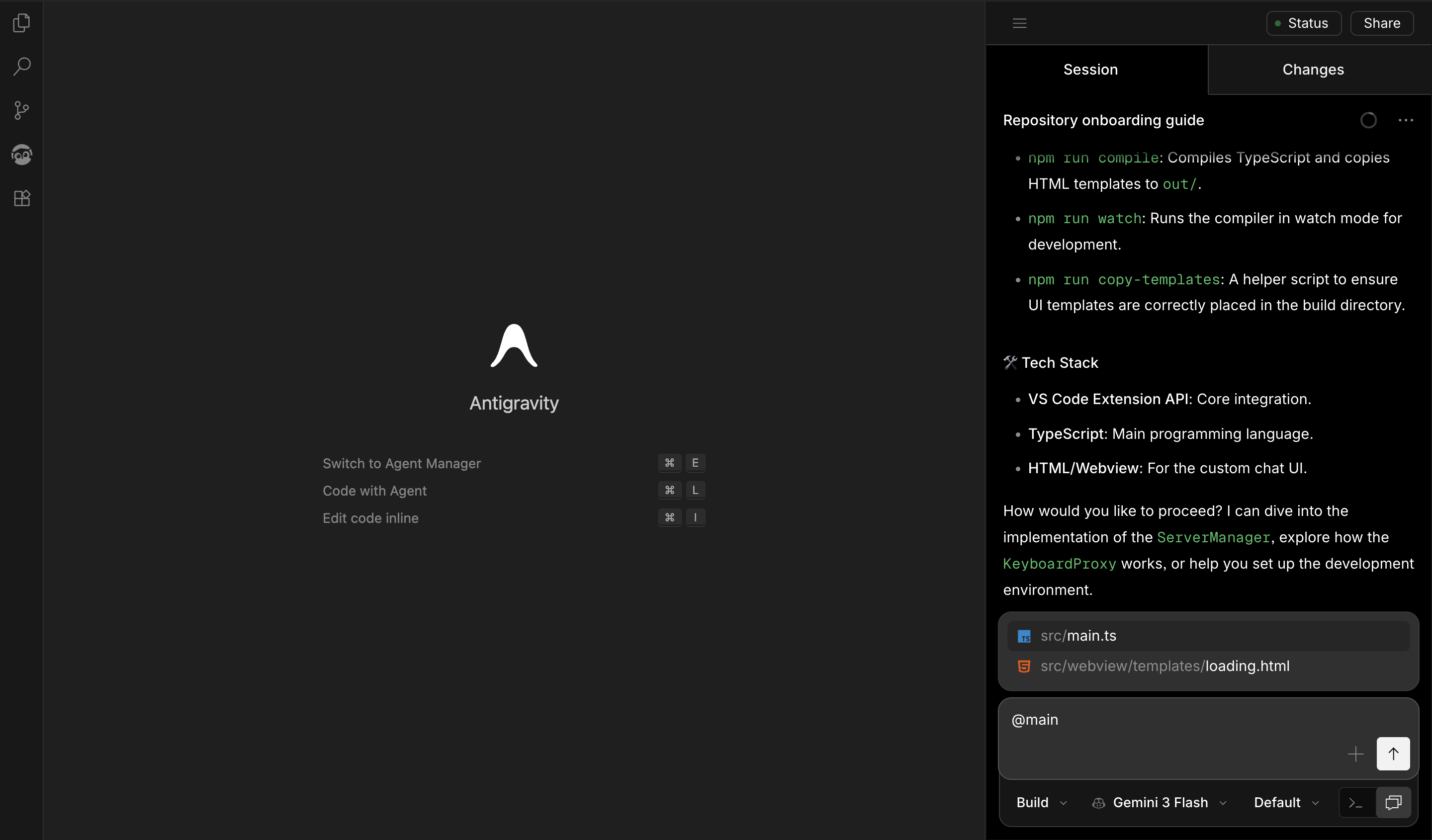
Run npm install
Run npm run watch (or npm run compile)
Open the repository in VS Code and press F5 to open a new VS Code window with the extension loaded.