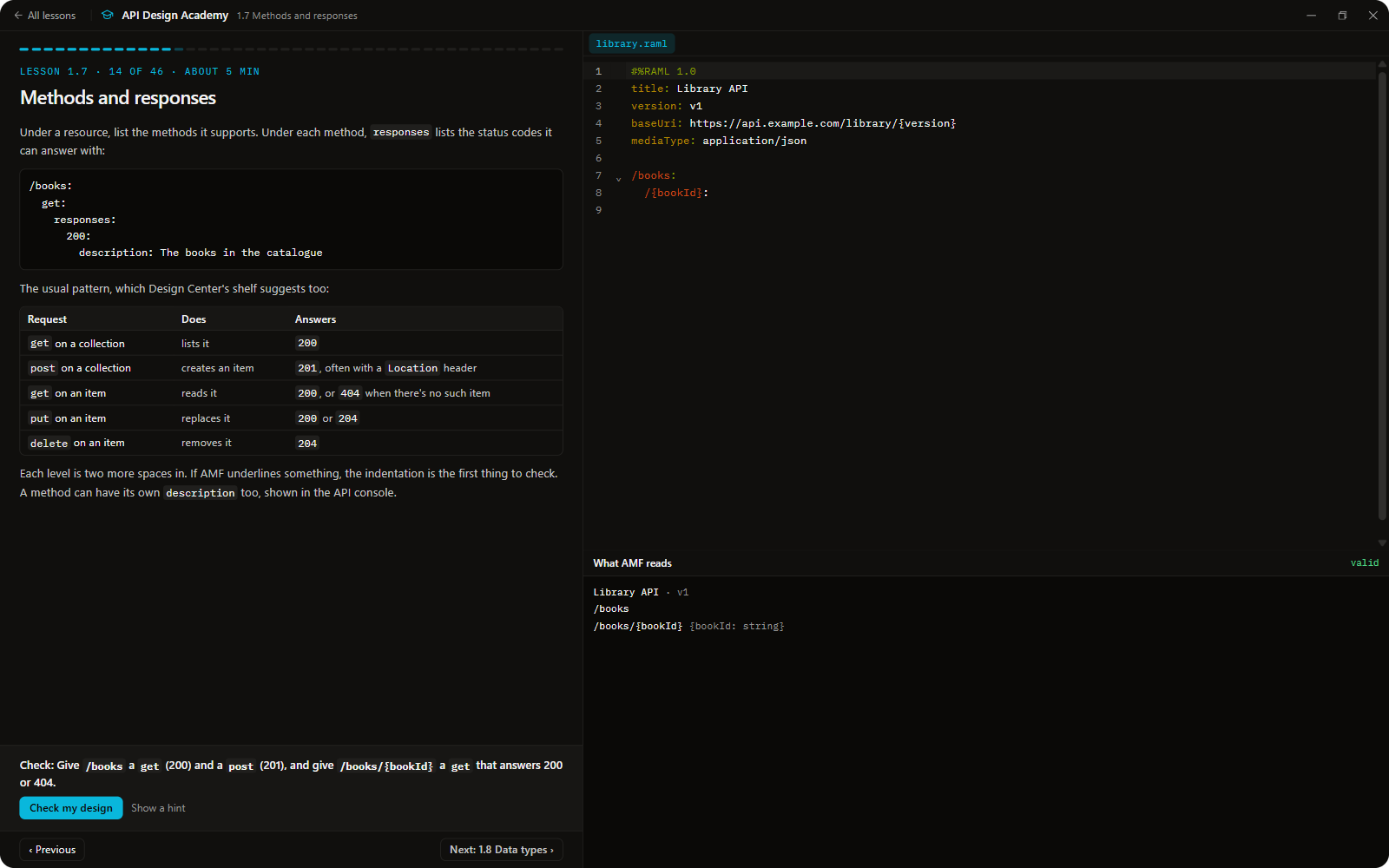
Design Studio for MuleSoft (BETA)PreviewDesign MuleSoft Anypoint API specs (RAML, OpenAPI, AsyncAPI) in VS Code with live AMF validation, forms, a local mock and governance. Syncs with Design Center and Exchange, works offline. Installation Launch VS Code Quick Open ( Ctrl+P), paste the following command, and press enter.Copied to clipboard |

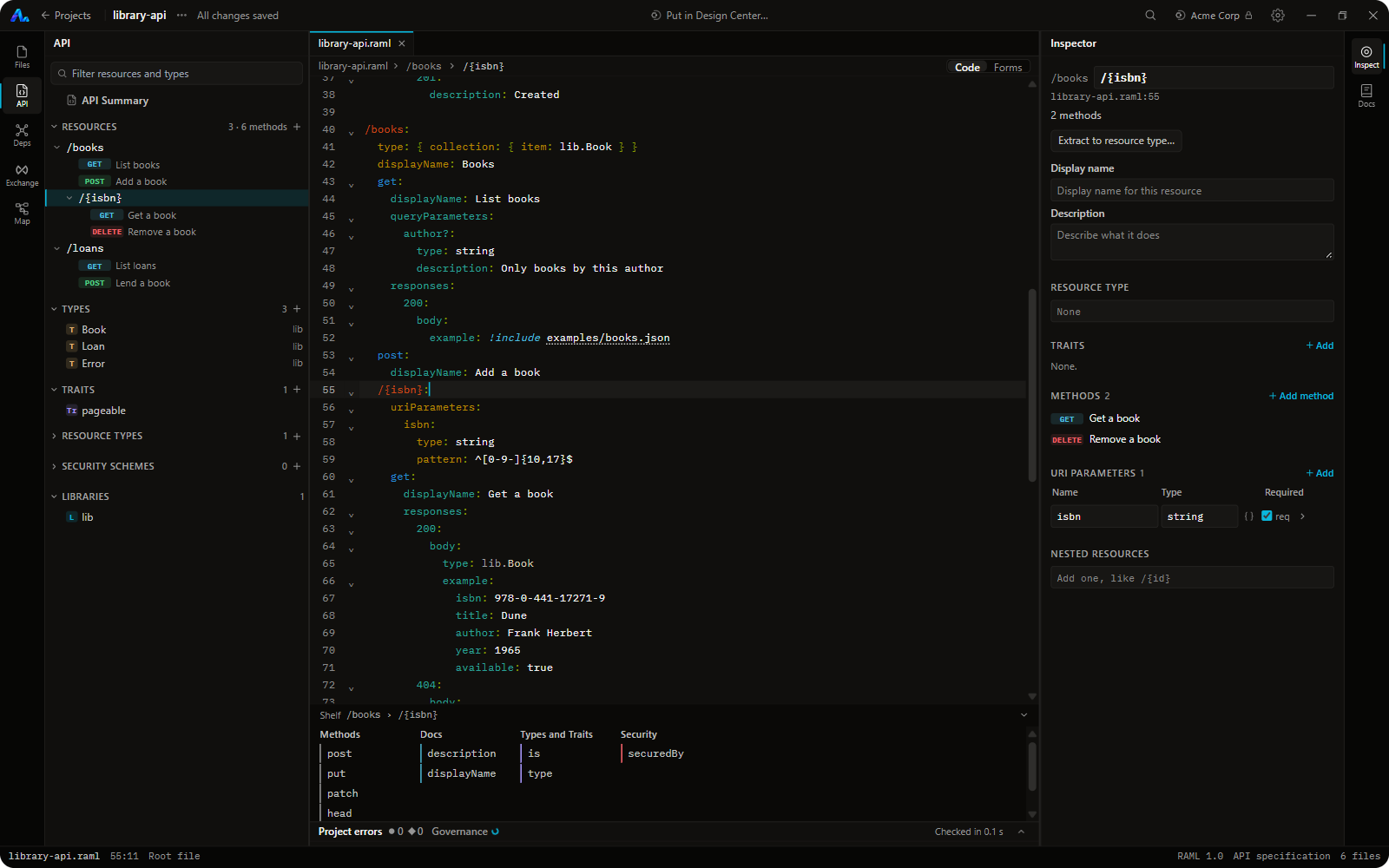
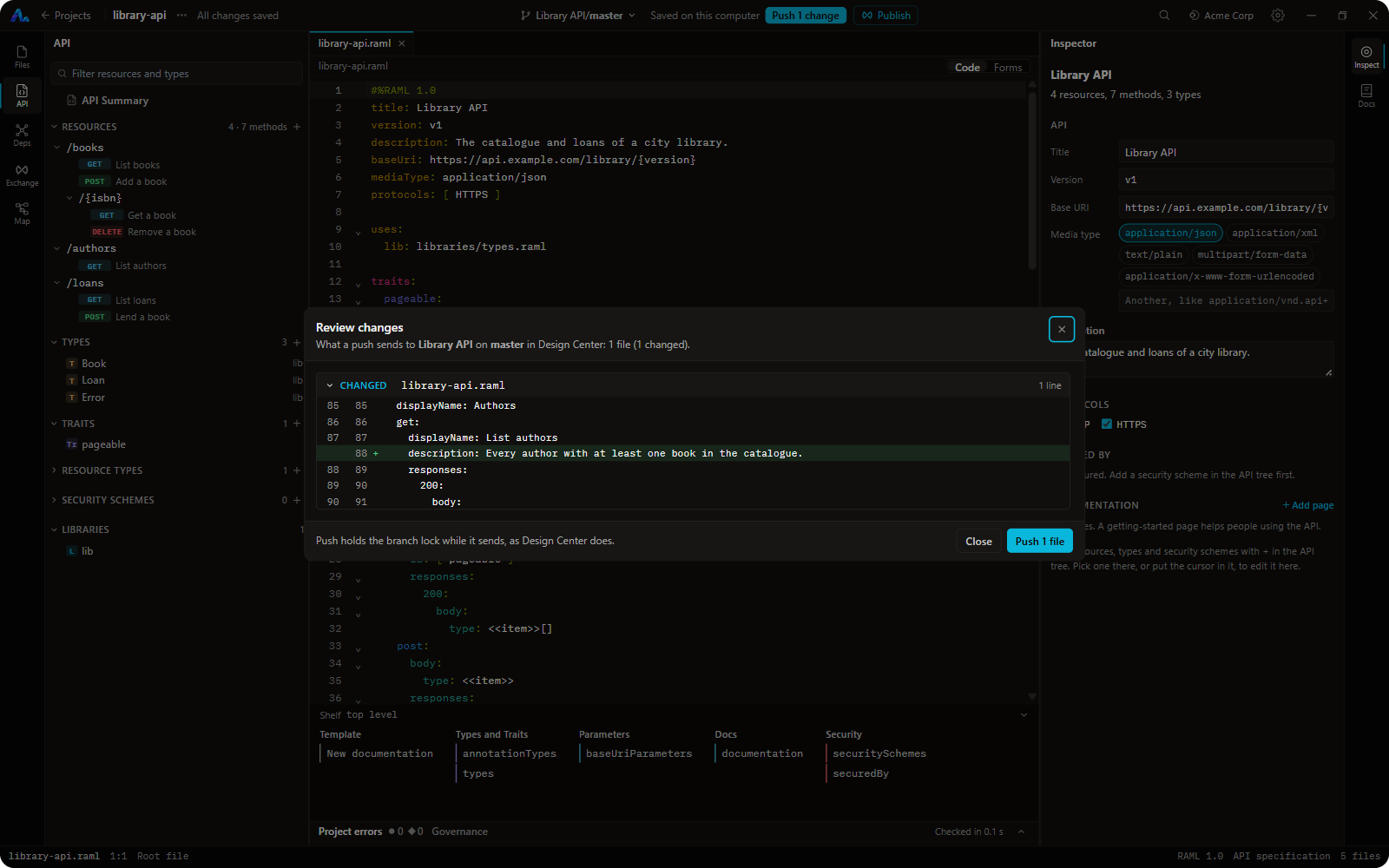
Design Studio for MuleSoft (BETA)Design and edit MuleSoft Anypoint API specs (RAML 1.0, OpenAPI 3.0 and 3.1, AsyncAPI 2.x) inside VS Code, with live AMF validation and two-way sync with Anypoint Design Center and Exchange. Free and open source (MIT). Big specs open in seconds, and every edit is checked as you type by AMF, the same engine Design Center uses. It works the way Design Center does, with the same words (Root file, Project errors, Exchange dependencies, Publish), so there's nothing new to learn.
What you get
Getting started
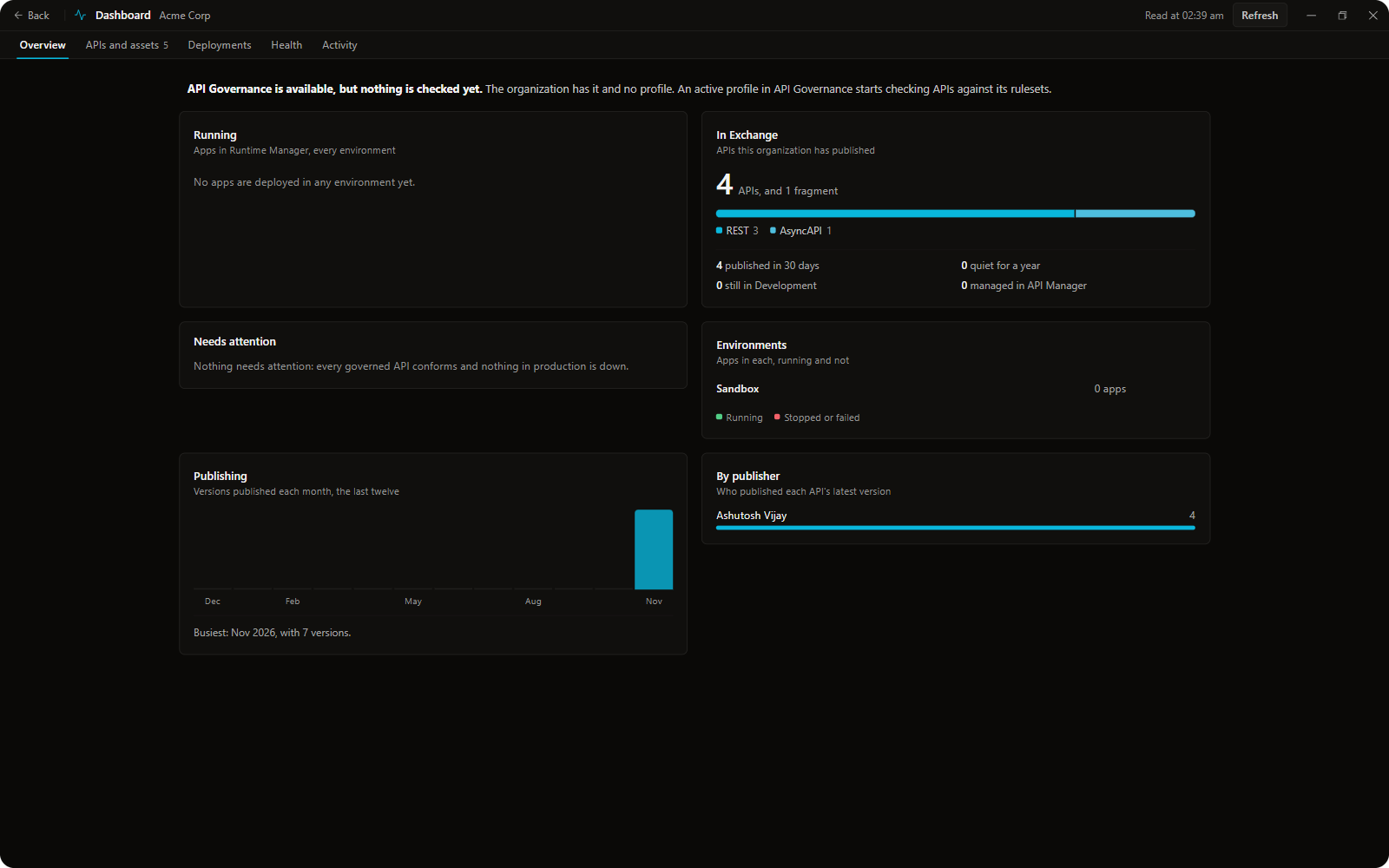
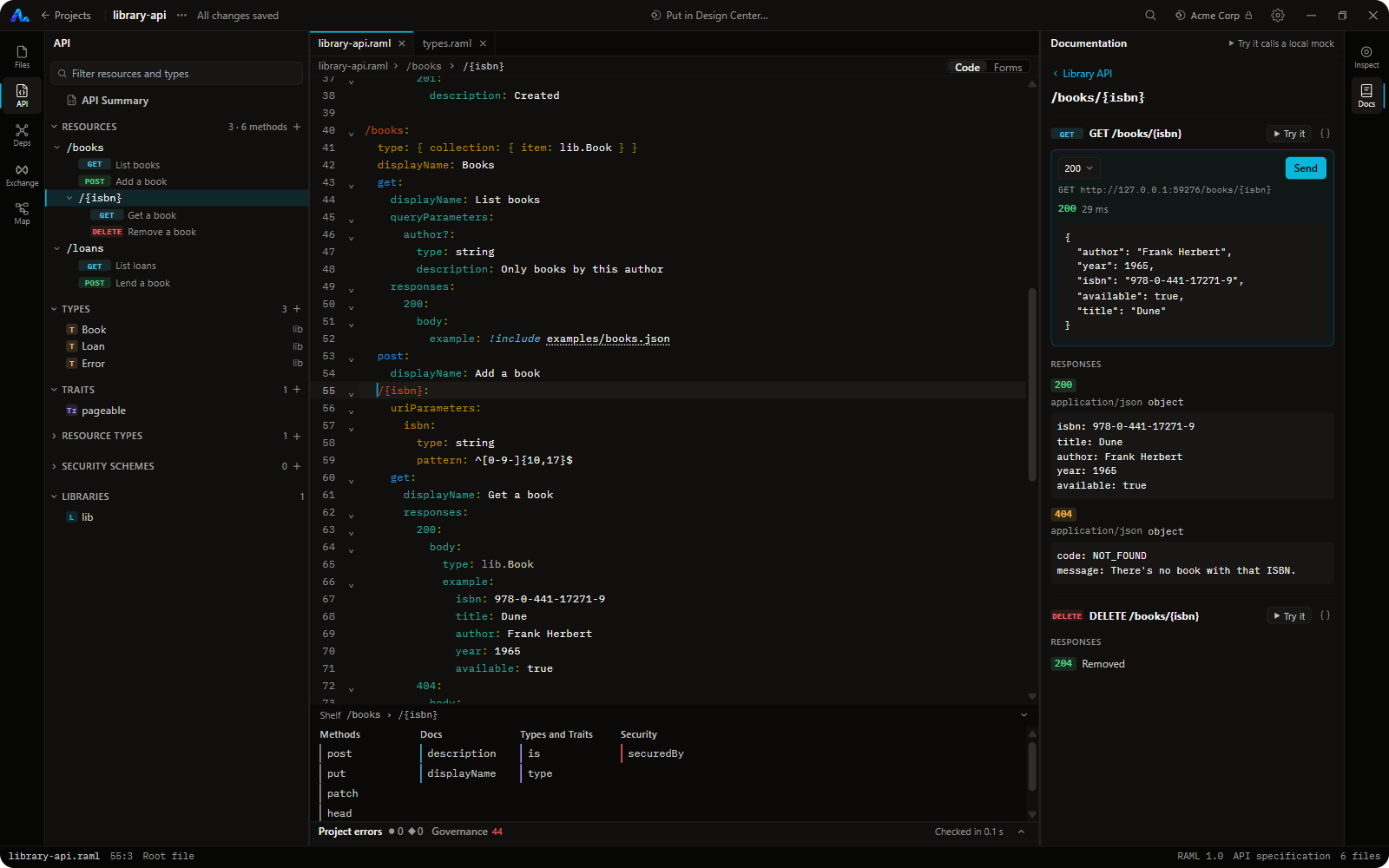
Everything is included: the AMF engine and a small Java runtime, so you don't need Java installed. Your specs stay on your computer; you only sign in to pull, push and publish. Signing inSign in with Anypoint opens your browser and comes back to VS Code on this computer (localhost ports 8765 to 8768). It works in the US, EU, Canada, UK, Japan, India and Australia clouds; in US Government, use your own Connected App. Connections start read only, so nothing in Design Center changes until you turn that off in Settings. Remote windows (SSH, WSL, dev containers, Codespaces) aren't supported in this beta: run VS Code locally. QuestionsDoes it work offline? Yes. Open a folder or a Design Center zip, or pull a project once; you only need a connection to pull, push and publish. Is it the same as Anypoint Code Builder? No. Code Builder is MuleSoft's IDE for Mule apps. Design Studio is for designing API specs the way Design Center does, with forms, refactorings, governance, a local mock, a Dashboard and an Academy. They work side by side. Does it send my specs anywhere? No. No telemetry or analytics. Specs leave your computer only when you push or publish to your own Anypoint organization. Is it made by MuleSoft? No. It's independent, and not affiliated with MuleSoft or Salesforce. A desktop app with the same features follows the beta. Source and issues: GitHub. |