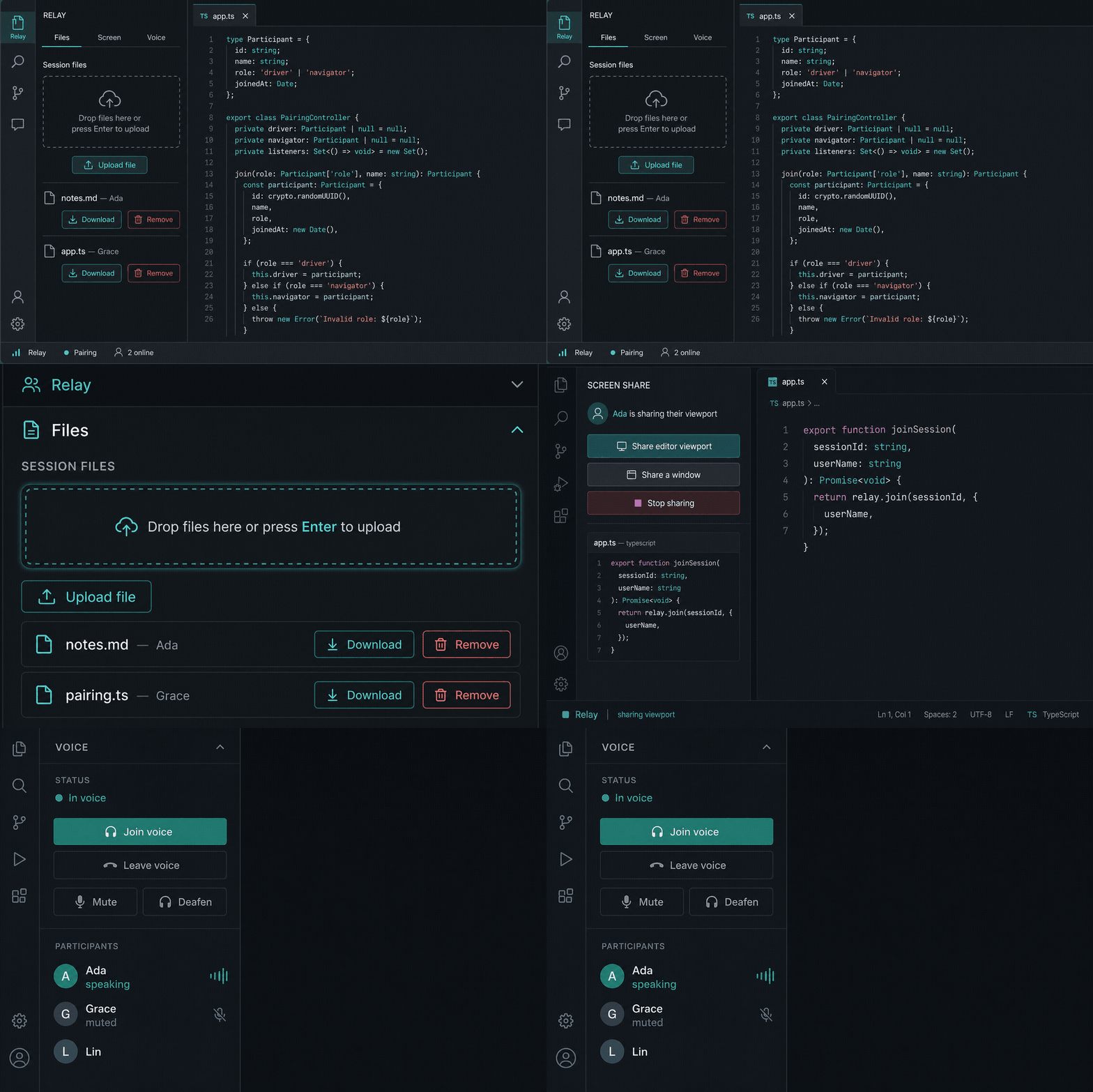
Relay CollabDeveloper collaboration inside the editor. Join a session, see who is around, share snippets and files, watch a viewport or window, and talk in voice — without leaving the work.
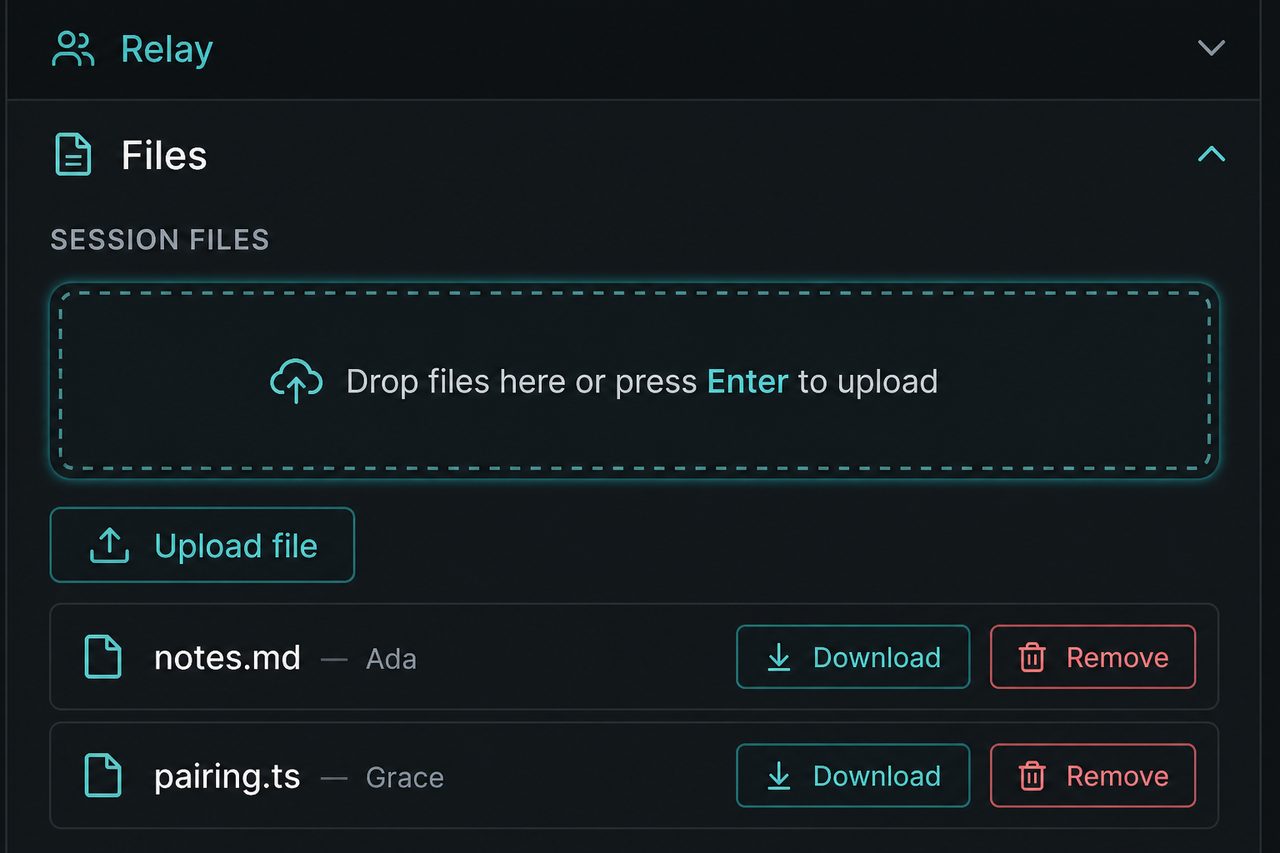
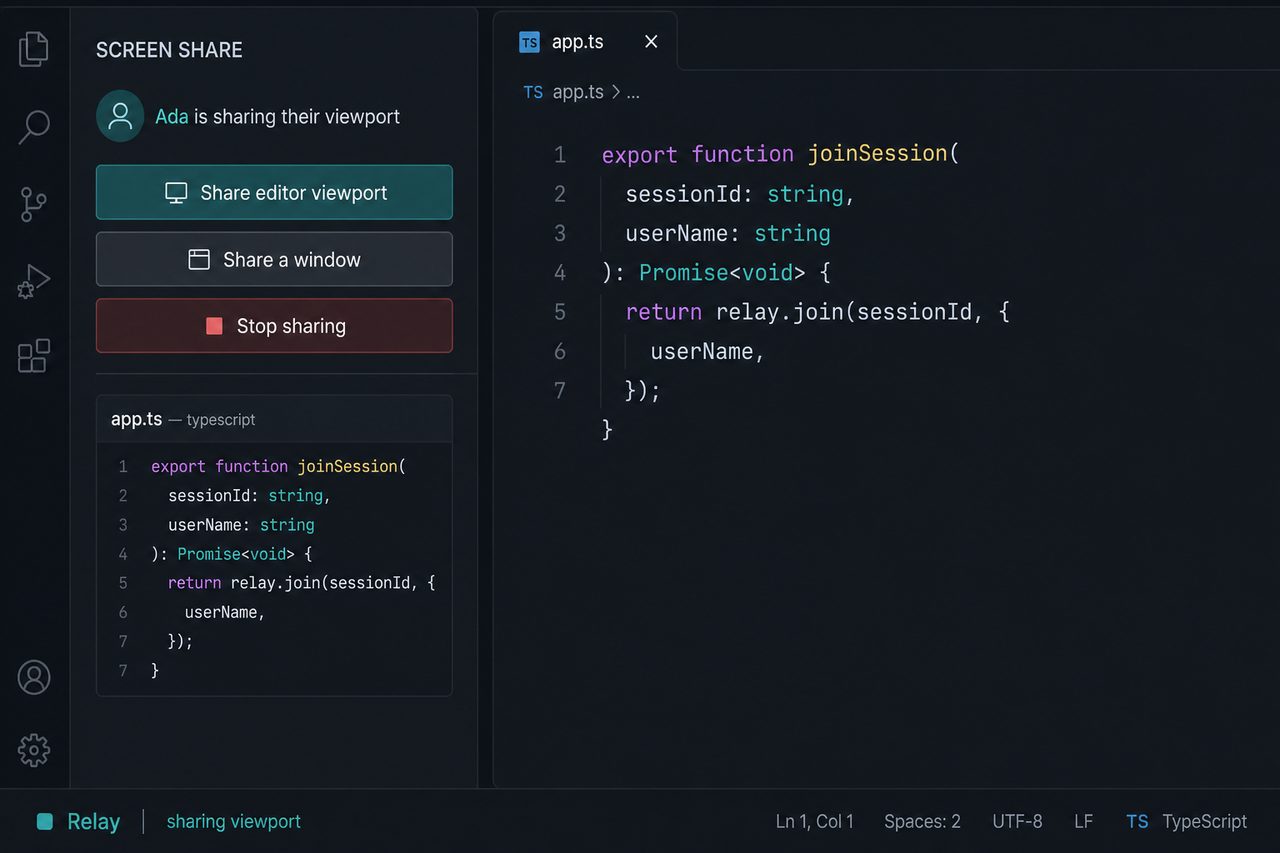
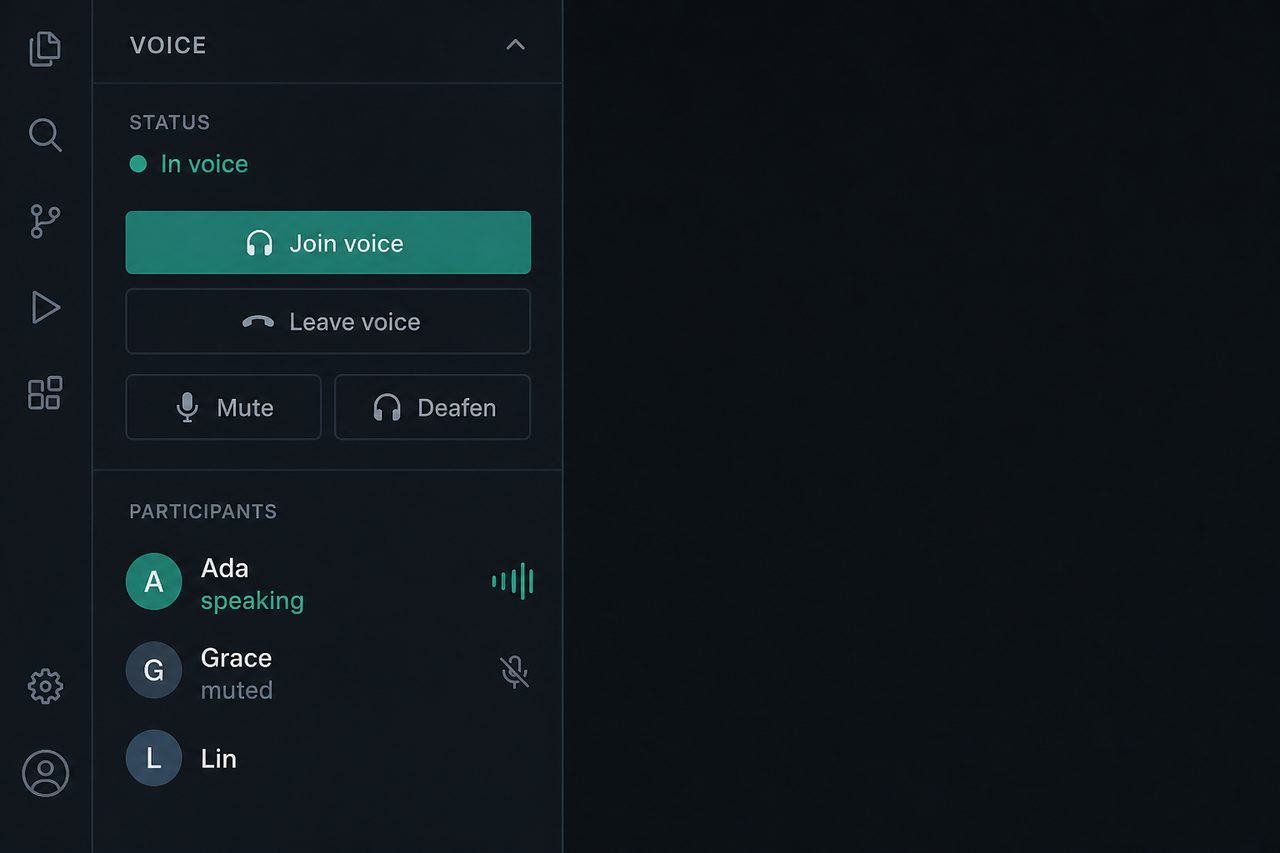
Open the Relay activity bar. Start or join a room from the Session panel — no account needed, just a name. Files, Screen, and Voice appear after you join. Drop files into the session, watch a shared viewport or window, and talk on the voice channel.
Share a sessionOne code does everything. There is no address to look up or type. On the host
No account is involved. Your name is used for that session and kept nowhere after it, so the next one asks again. On the guest
Codes work between machines on the same network. A code stops working when the host closes the session, so hand out a fresh one next time. If a guest cannot reach you. The usual cause is the host computer's firewall, which refuses the connection before Relay sees it. Relay checks for one when a session starts and offers to copy the command that allows it for your own network. Wi-Fi that separates devices from each other will also block a join, and no setting in Relay can work around that. Letting people in. Every join waits for the host, who sees only the guest's name. Denying leaves them out; holding the code is never enough by itself. Hosting for the internet. Deploy Commands
Open the Relay activity bar. Use Session to start or join; Files, Screen, and Voice appear after you are in a room. PrivacyThe extension sends session data (account, chat, snippets, files, screen frames,
and voice signaling) to the session server it is talking to — by default one it
runs on your own computer. Tokens stay in Secret Storage. There is no
third-party analytics. Relay never opens your computer to the network without
asking, and a code alone does not admit anyone. If you point the advanced
LicenseMIT |