contextburn — run efficiencyStatus bar meter for Claude Code: what share of the tokens you pay for became model output, and how much was re-reading context already sent. Installation Launch VS Code Quick Open ( Ctrl+P), paste the following command, and press enter.Copied to clipboard |

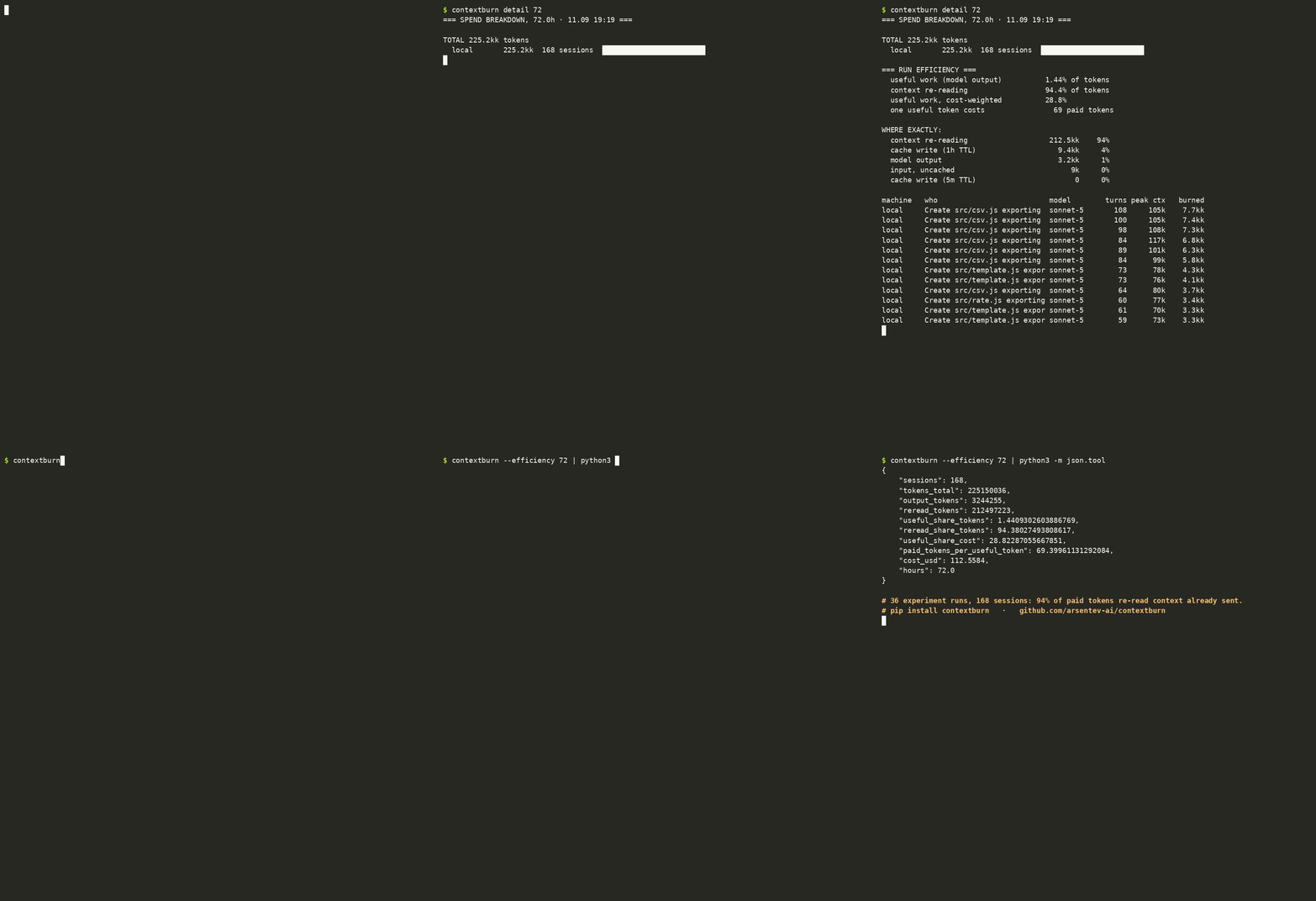
contextburn for VS CodeA status bar meter for Claude Code sessions: what share of the tokens you paid for became model output, and how much was the agent re-reading context it had already sent.
The status bar shows useful work as a percentage of cost over the last few hours. Hover for the token view; click for the full breakdown — sessions, peak context, and what filled it. RequirementsThe extension is a thin front-end for the contextburn CLI: It reads the transcripts Claude Code already writes on your machine. Nothing leaves the machine. Settings
Why this numberIn 36 controlled runs of the same twelve tasks, 94% of paid tokens re-read context that had already been sent, and cost followed a U-curve in session length — report: DOI 10.5281/zenodo.22699668. Author: Evgenii Arsentev · MIT |