Velourous
A luxuriously balanced dark theme with velvety comfort for your eyes. Monokai-inspired with enhanced contrast and sophisticated syntax highlighting.
✨ Features
- Easy on the Eyes - Dark Monokai-inspired background (
#272822) perfect for long coding sessions
- Enhanced Contrast - Distinct colors for code and background without being harsh
- Semantic Clarity - Colors grouped by meaning for intuitive code reading
- No Red Overload - Carefully avoids red-based colors (except for errors where appropriate)
- Balanced Palette - 10 thoughtfully chosen colors that work in harmony
- Consistent Variables - Same color for variables whether declared or used
🎨 Color Palette
Velourous uses a carefully curated palette with clear semantic meaning:
| Color |
Usage |
Hex |
| 🔵 Blue |
Variables (all types) |
#9cdcfe |
| 🟦 Soft Blue |
Imported modules |
#a8b8d1 |
| 💠 Cyan |
Keywords, operators, tags |
#66d9ef |
| 🟨 Peach/Gold |
Object/CSS/JSON properties |
#e8c285 |
| 🟪 Lavender |
JSX/HTML attributes, CSS selectors |
#b4a7d6 |
| 💎 Teal |
Classes, types, interfaces |
#4ec9b0 |
| 🟢 Green |
Functions, methods |
#a6e22e |
| 🟣 Purple |
Numbers, constants |
#c792ea |
| 💛 Yellow/Gold |
Strings |
#d8c870 |
| 🟧 Orange |
Function parameters |
#fd971f |
| 🟤 Brown |
Comments |
#75715e |
📦 Installation
From VS Code Marketplace
- Open Extensions sidebar (
Cmd+Shift+X / Ctrl+Shift+X)
- Search for "Velourous"
- Click Install
- Click Set Color Theme or use
Cmd+K Cmd+T / Ctrl+K Ctrl+T
- Select Velourous
Manual Installation
- Download the
.vsix file from releases
- Open VS Code
- Go to Extensions sidebar
- Click
... (More Actions) → Install from VSIX...
- Select the downloaded file
🧠 Semantic Logic
Velourous uses color to convey meaning:
- Blue family - Data references (variables, imports)
- Cyan - Language constructs (keywords, operators)
- Peach/Gold - Property and key names (consistent across JS objects, CSS, JSON)
- Lavender - Selectors and metadata (HTML/JSX attributes, CSS classes/IDs)
- Teal - Type definitions (classes, types, interfaces)
- Green - Callable entities (functions, methods)
- Purple - Literal constants (numbers, booleans)
- Yellow - String literals
- Orange - Function parameters
- Brown - Comments
🖼️ Screenshots
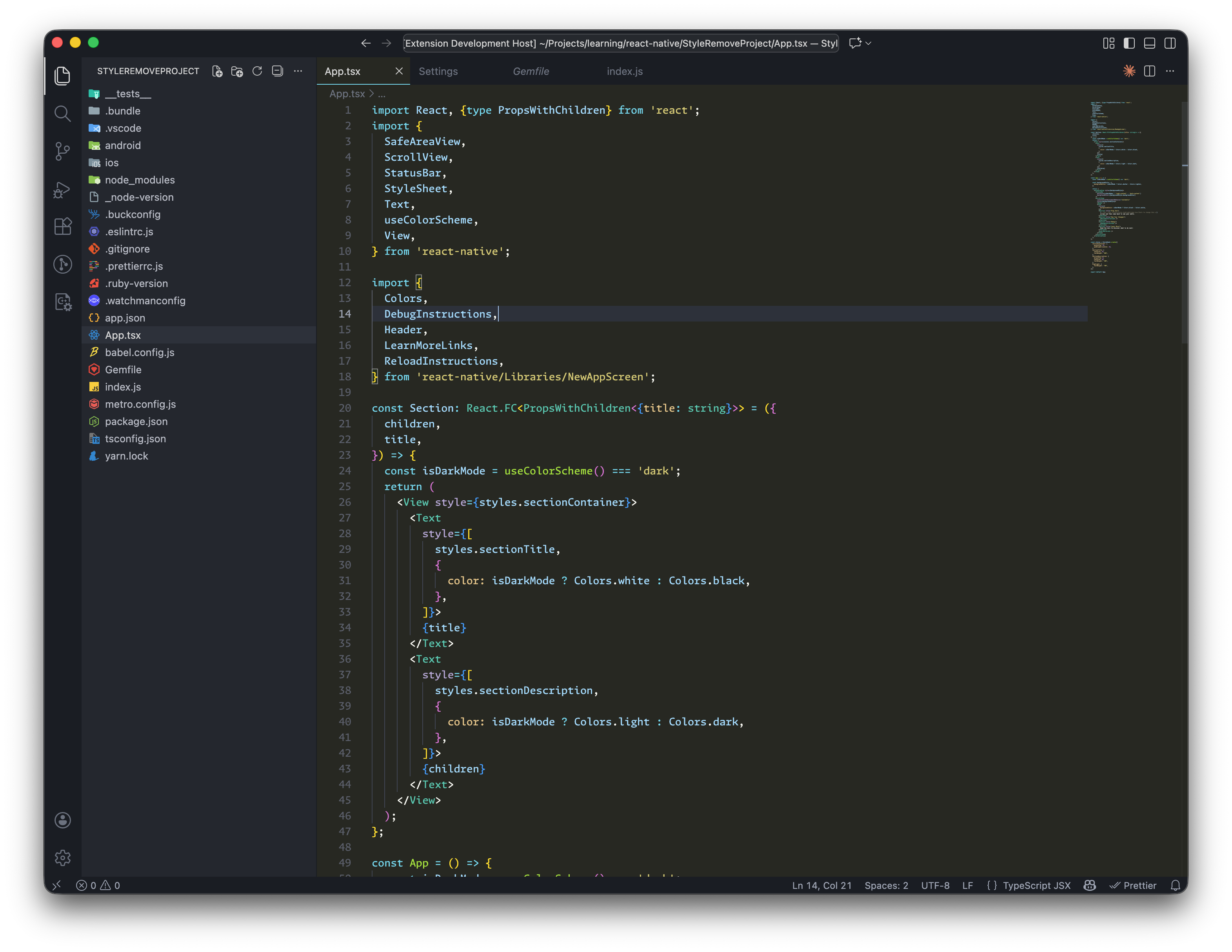
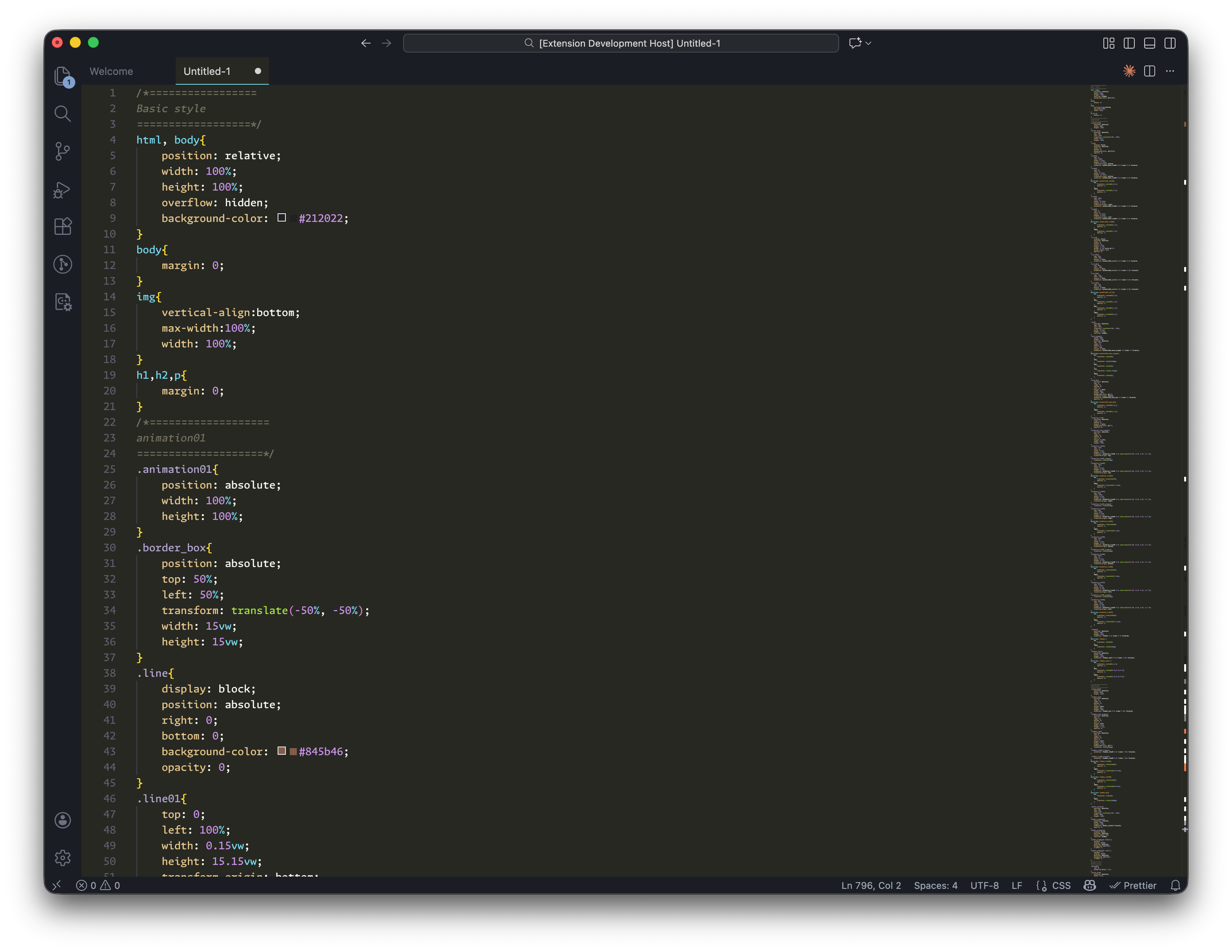
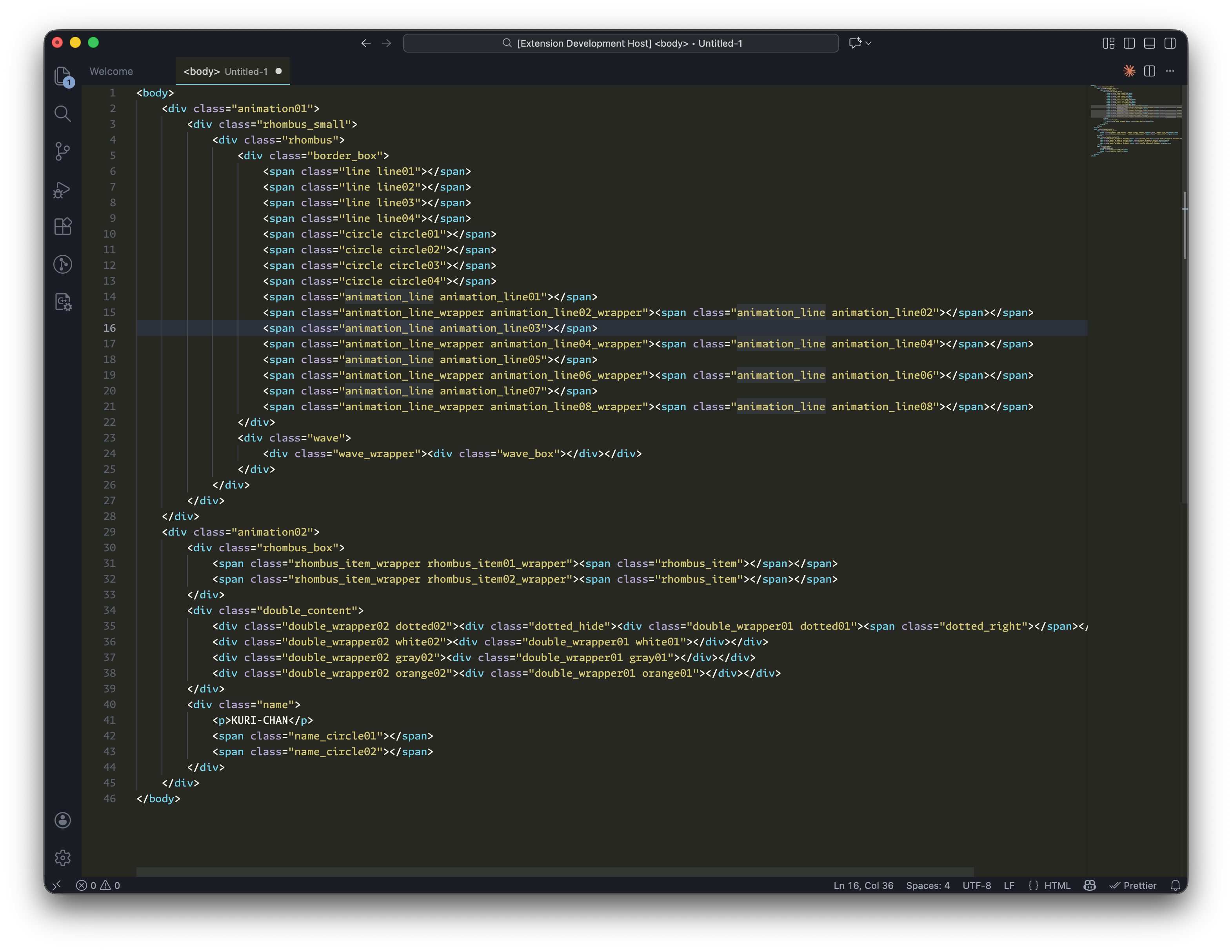
🤝 Contributing
Found a bug or have a suggestion? Please open an issue!
📄 License
MIT © Arkar Min Tun
🙏 Credits
Inspired by the classic Monokai theme, reimagined for modern development with semantic clarity and eye comfort in mind.
Enjoy coding with Velourous! ✨
| |

