MarkDeck (v1.3.0)
Turn Markdown into Stunning, Professional Presentations.
MarkDeck is a powerful VS Code extension that instantly transforms your Markdown notes into high-quality, animated, and themed HTML slide decks. Stop wrestling with PowerPoint and start coding your presentations.
Demo
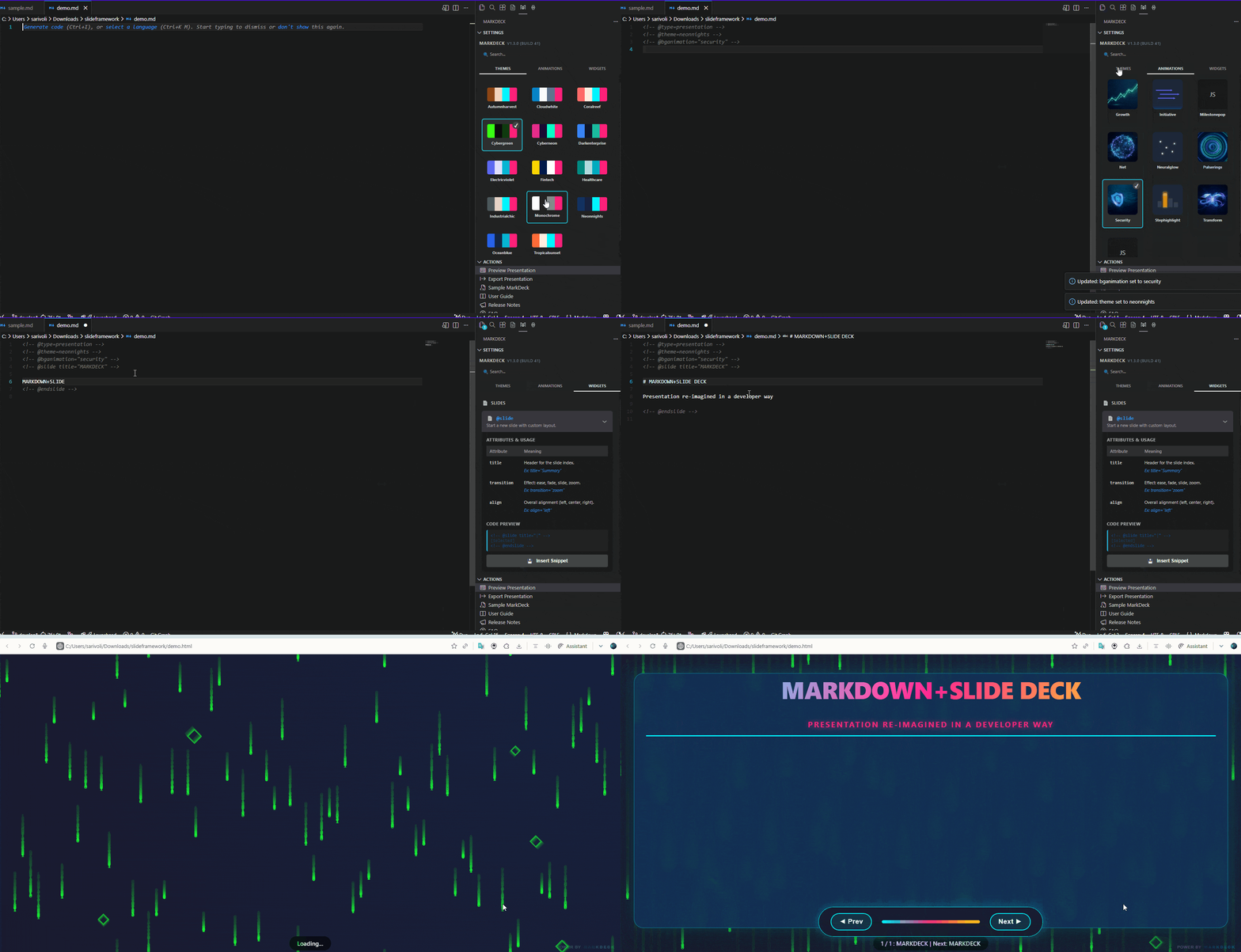
Key Features
- Markdown First: Write standard Markdown, get a presentation.
- 15+ Premium Themes: Specialized looks for Fintech, Healthcare, Enterprise, and more.
- 15+ Pluggable Animations: High-fidelity background and element animations (Neural Glow, Firewall, Security, etc.) powered by Canvas.
- Smart Layouts:
- Cards:
<!-- @card --> for glassmorphic content blocks.
- Grids:
<!-- @grids --> for responsive column layouts.
- Rich Components:
- Badges:
[[Status:Ready]] for sleek shields.io style badges.
- Highlights:
==Text== for marker-style highlights.
- Charts: Embed Chart.js visualizations directly in your slides.
- Widgets: Embed flexible data widgets.
- Image Cards:
<!-- @imagecard --> for rich media layouts with subtitles.
- Flip Cards:
<!-- @flipcard --> for interactive content with front/back faces.
- ID Card:
<!-- @idcard --> for employee profiles.
- Appreciation:
<!-- @appreciation --> for recognition cards.
- Roadmap:
<!-- @roadmap --> for project timeline visualization.
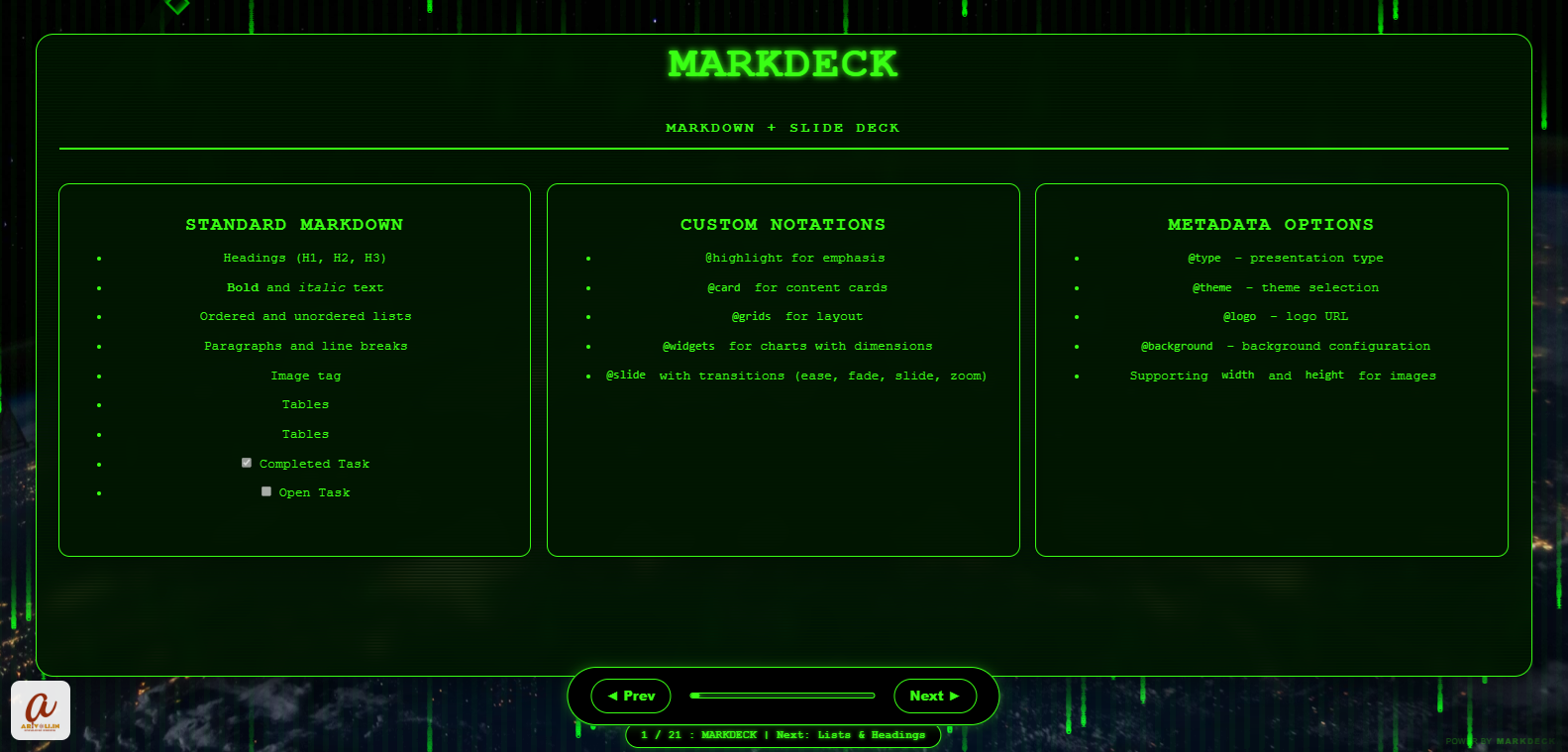
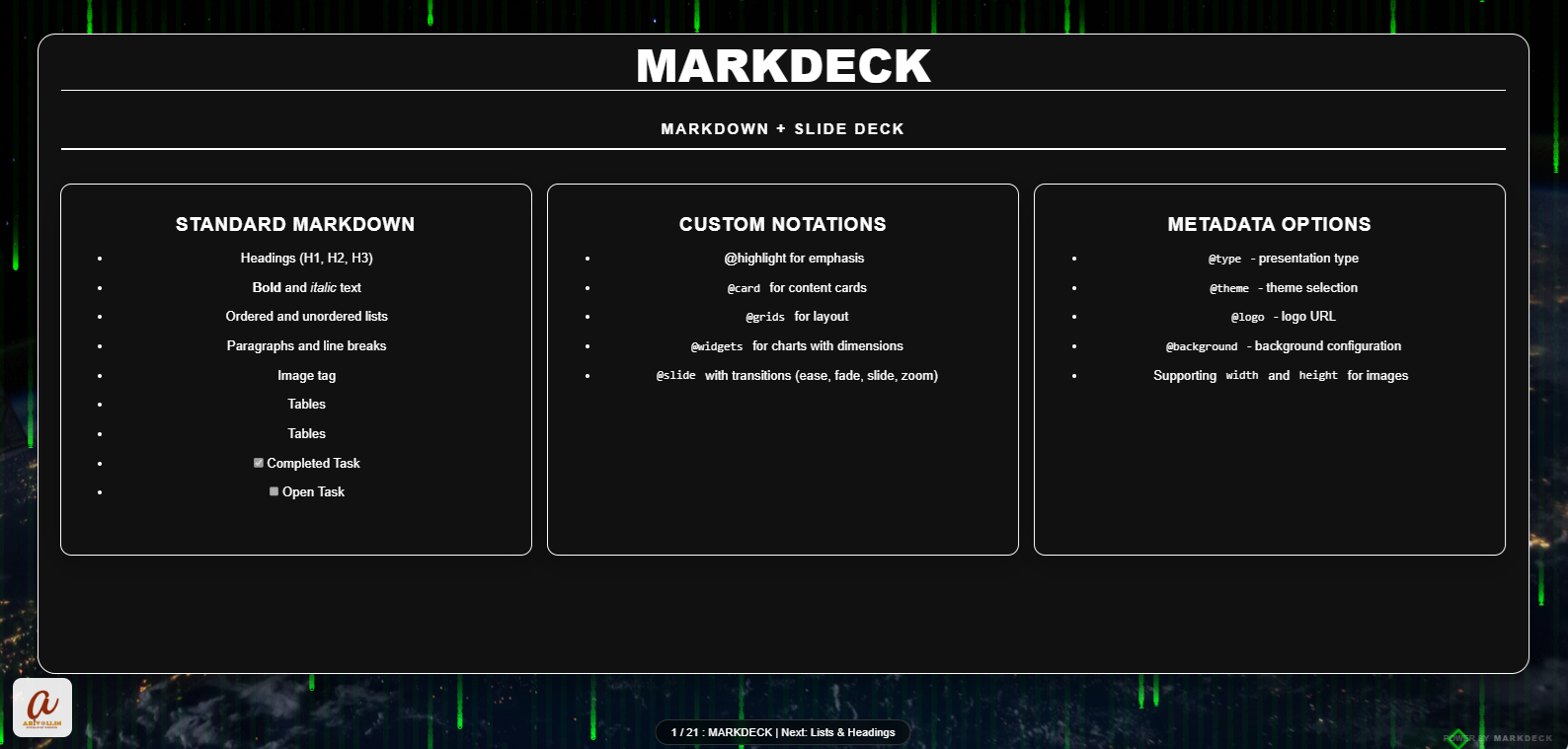
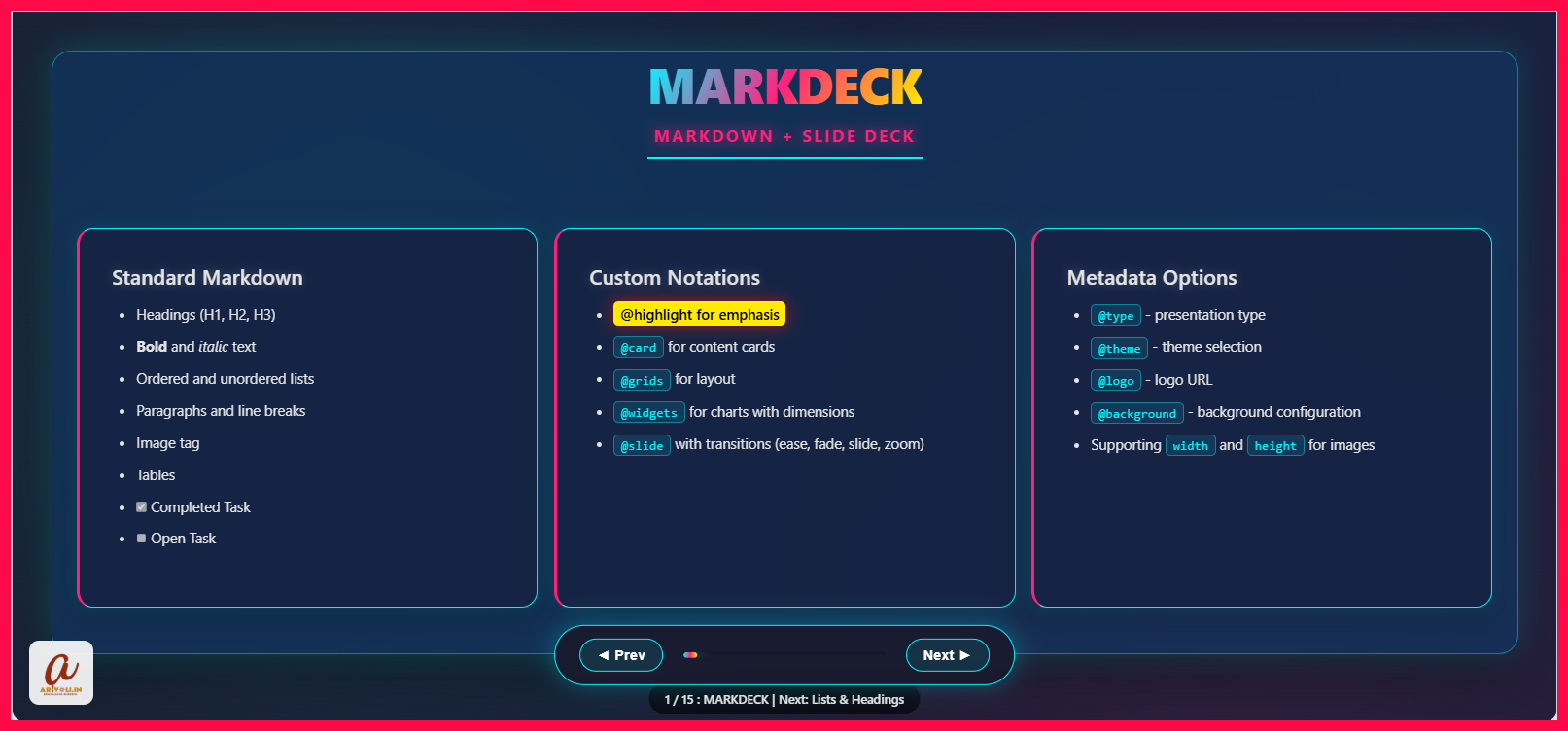
Themes
MarkDeck includes a diverse set of professionally curated themes:
OceanBlue (Default)Healthcare (Clean/Teal)FinTech (Modern/Gold)DarkEnterprise (Classic Dark)CloudWhite (Clean/Minimal)CyberGreen (Matrix Style)Monochrome (Sleek Gray)CyberNeon (Vibrant Dark)CoralReef (Nature Wellness)TropicalSunset (Warm)ElectricViolet (Creative)IndustrialChic (Corporate)AutumnHarvest (Warm/Cozy)NeonNights (High Contrast)Default (Standard Light)
Few Themes
Syntax Guide
Slides
Use <!-- @slide --> to separate slides. Add options like transition or theme (per slide override).
<!-- @slide theme=cyberneon -->
# My Presentation
Cards & Grids
Group content into beautiful glass cards.
<!-- @grids -->
<!-- @card -->
### Left Card
Content here
<!-- @endcard -->

<!-- @card animation=pulse border=false -->
### Right Card
Animated content!
<!-- @endcard -->
<!-- @endgrid -->
Highlights & Badges
- Highlight:
==Important text== renders seamlessly inline.
- Badges:
[[Build:Passing]] or [[Version:1.0.0]].
Images
Resize images easily using attributes inside the parentheses:

Flip Cards:
<!-- @flipcard fontSize="24" -->
Front Side
---
Back Side Content
<!-- @endflipcard -->
Image Cards:
<!-- @imagecard title="My Image" subtitle="Description" align="right" -->

* Bullet point 1
* Bullet point 2
<!-- @endimagecard -->
Project Roadmap:
<!-- @roadmap title="2024 Plans" -->
<!-- @milestone date="Q1" label="Planning" status="done" -->
<!-- @milestone date="Q2" label="Dev" status="active" -->
<!-- @milestone date="Q3" label="Launch" status="pending" -->
<!-- @endroadmap -->
💻 Usage
- Open any Markdown file.
- Press
Ctrl+Shift+P (Cmd+Shift+P on Mac).
- Run "MarkDeck: Export HTML".
- Your presentation will be generated as
index.html in the same folder.
📦 Installation
Install via VS Code Marketplace.
Please share your ideas and feedback in the following URL

www.arivoli.in
License
MIT

