ArchiGraphA local-first VS Code map of capabilities, use cases, API flows, and code calls for Python and web projects. Installation Launch VS Code Quick Open ( Ctrl+P), paste the following command, and press enter.Copied to clipboard |

ArchiGraphArchiGraph is a local-first VS Code extension that shows what a project does, how its flows are connected, and where the supporting code lives. It analyzes your workspace locally, without uploading source code or requiring AI. Features
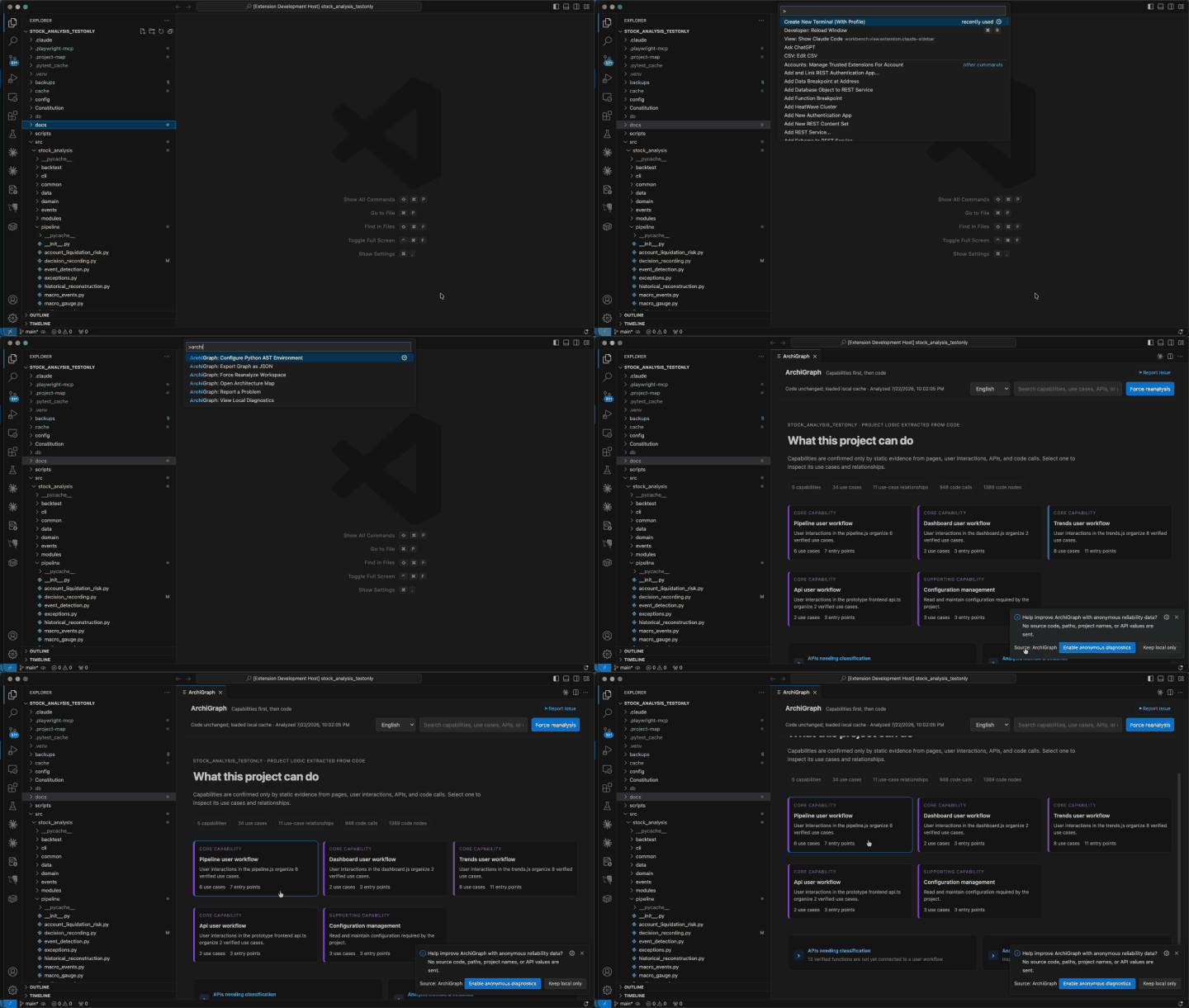
Demo
Supported projectsArchiGraph is designed for Python backends and full-stack applications using JavaScript, TypeScript, HTML, or CSS. Python-only services are supported; frontend analysis adds user-interface and end-to-end call evidence when present. PrivacyAnalysis runs locally. Source code and Git diffs are not uploaded. Cached analysis is stored in On first use, users can opt in to anonymous Application Insights reliability events. ArchiGraph honors VS Code's global telemetry preference and sends only a small allowlisted set of health signals. Successful events are sampled at 10%; failure events are sent after consent. Install
The map opens automatically by default. Set LicenseMIT |