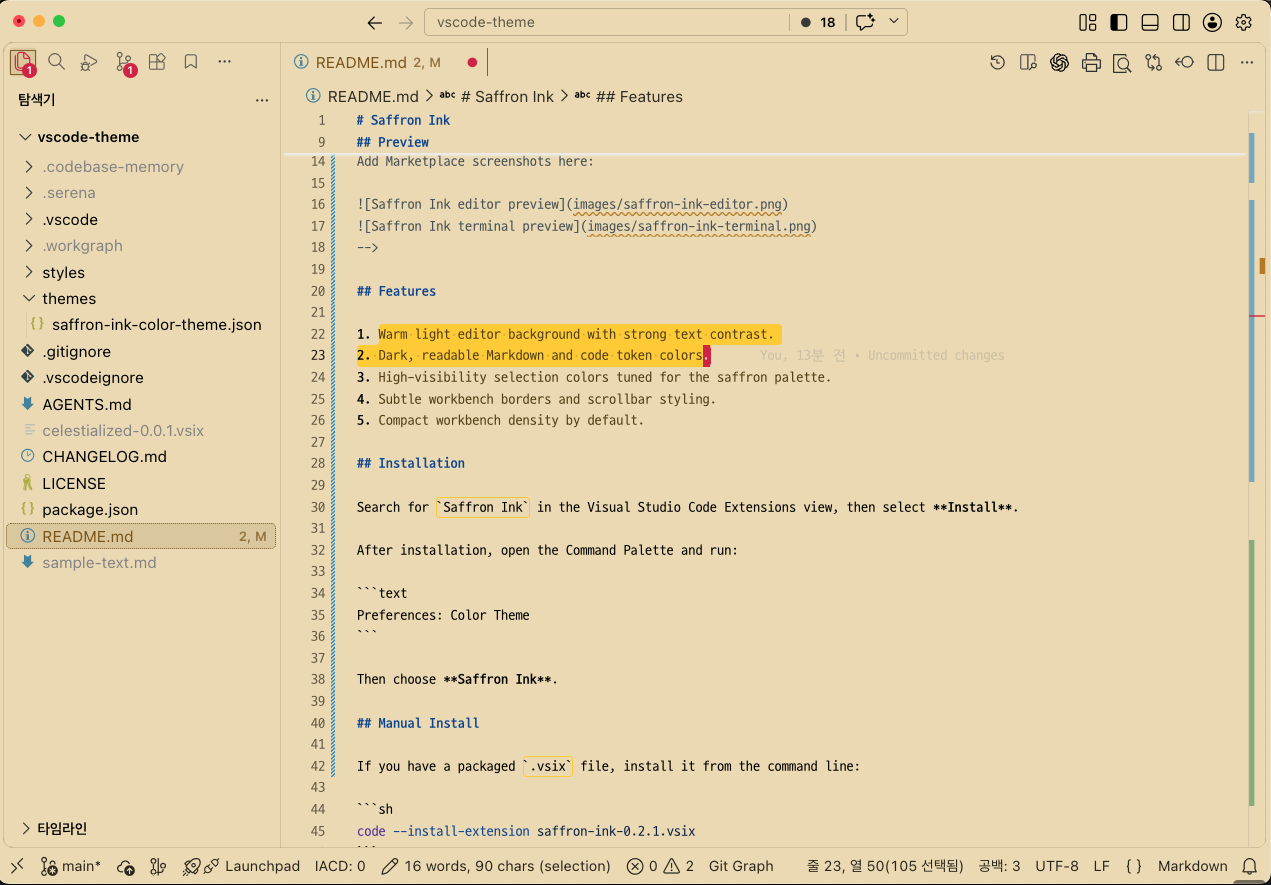
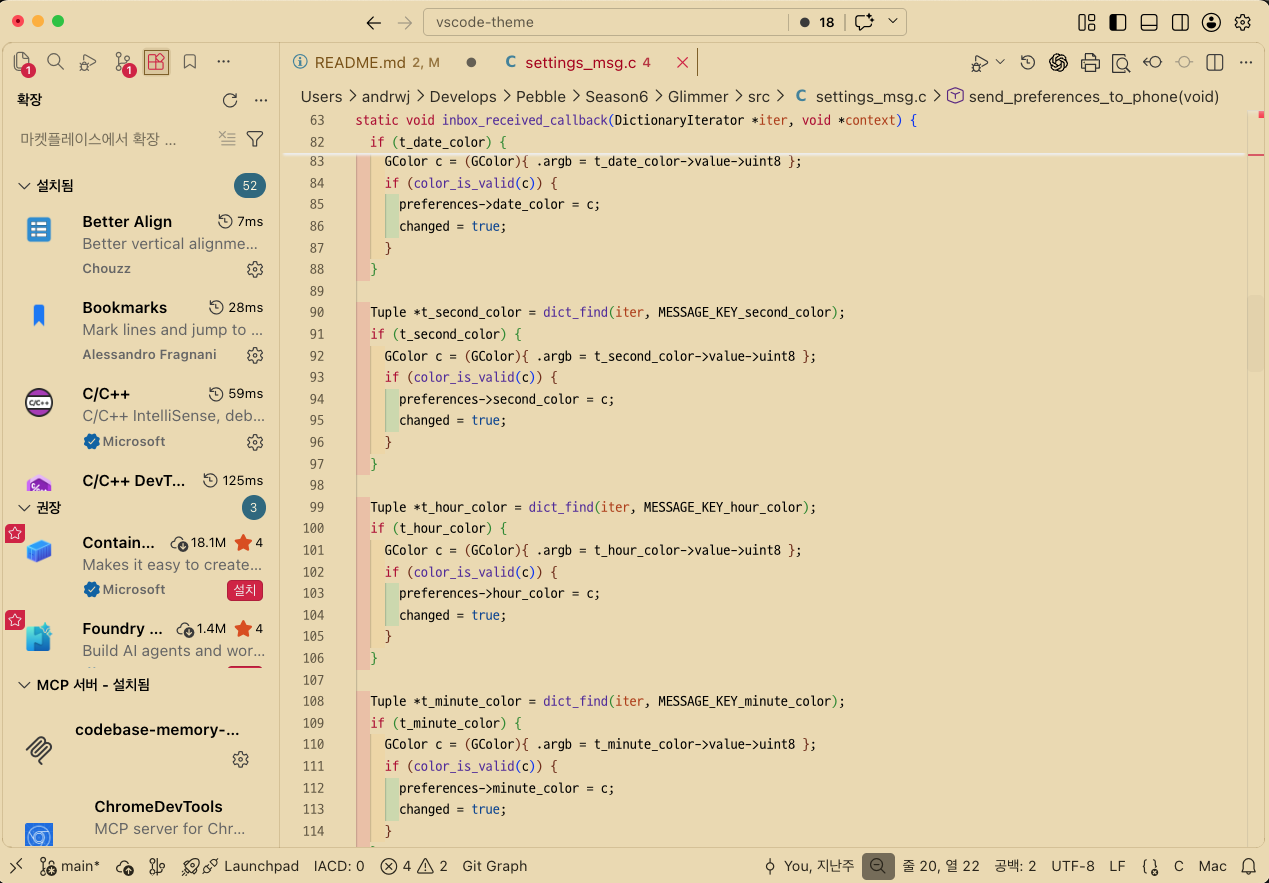
Saffron InkA warm, high-contrast light theme for Visual Studio Code, inspired by saffron paper and crisp ink. Saffron Ink is designed for long reading and writing sessions: a soft paper-toned editor background, dark readable text, restrained UI chrome, and clear selection feedback. Saffron Ink is based on Preview
Features
InstallationSearch for After installation, open the Command Palette and run: Then choose Saffron Ink. Manual InstallIf you have a packaged If the DevelopmentInstall dependencies and package the extension: During local theme development, this repository can be linked directly into VS Code's extensions directory: After editing theme files, run Repositoryhttps://github.com/andrwj/saffron-ink-vscode-theme CreditsSaffron Ink is derived from The original theme license notice is preserved in this repository. The original MIT license identifies: LicenseMIT. This project preserves the original MIT license notice from the source theme. |