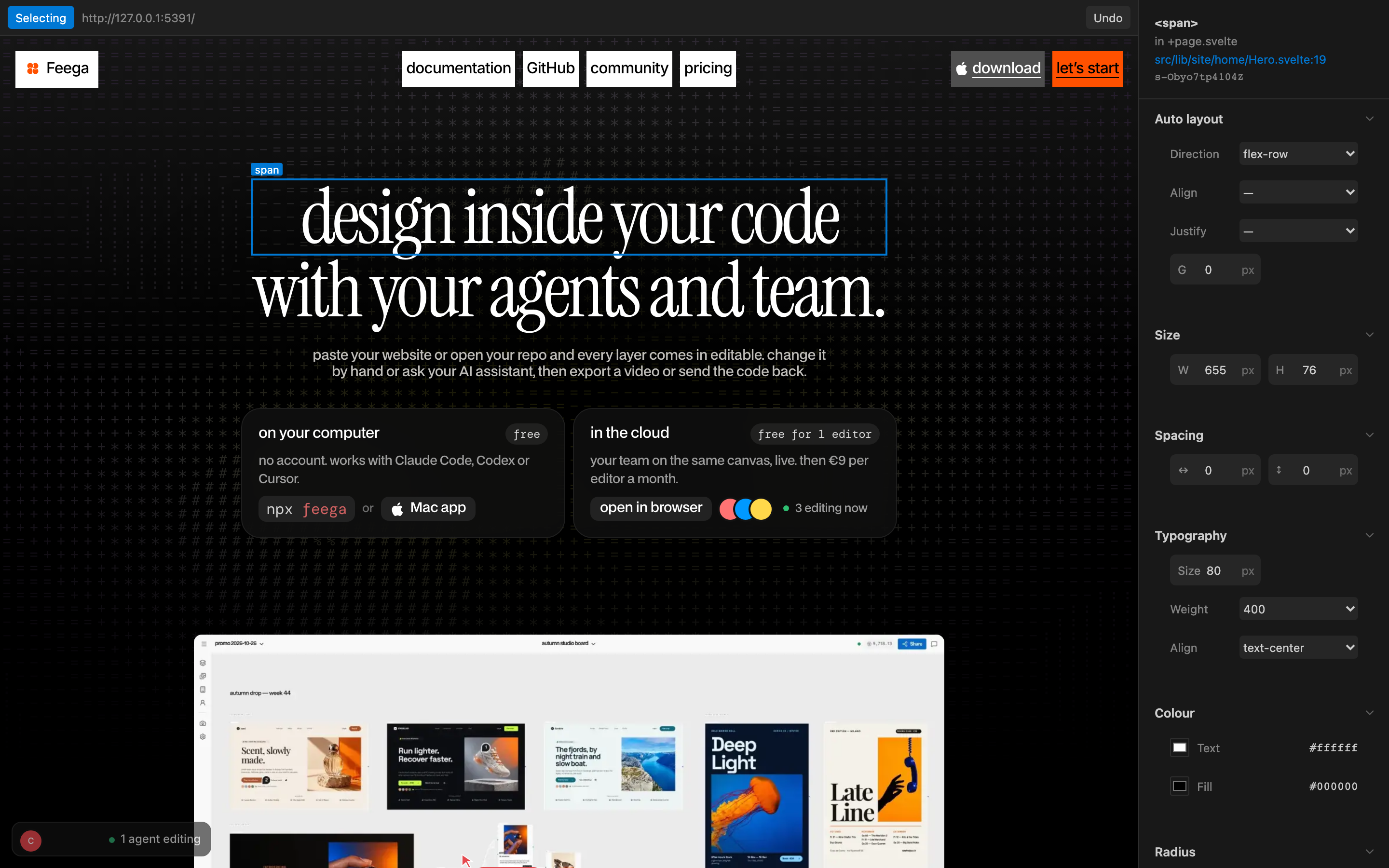
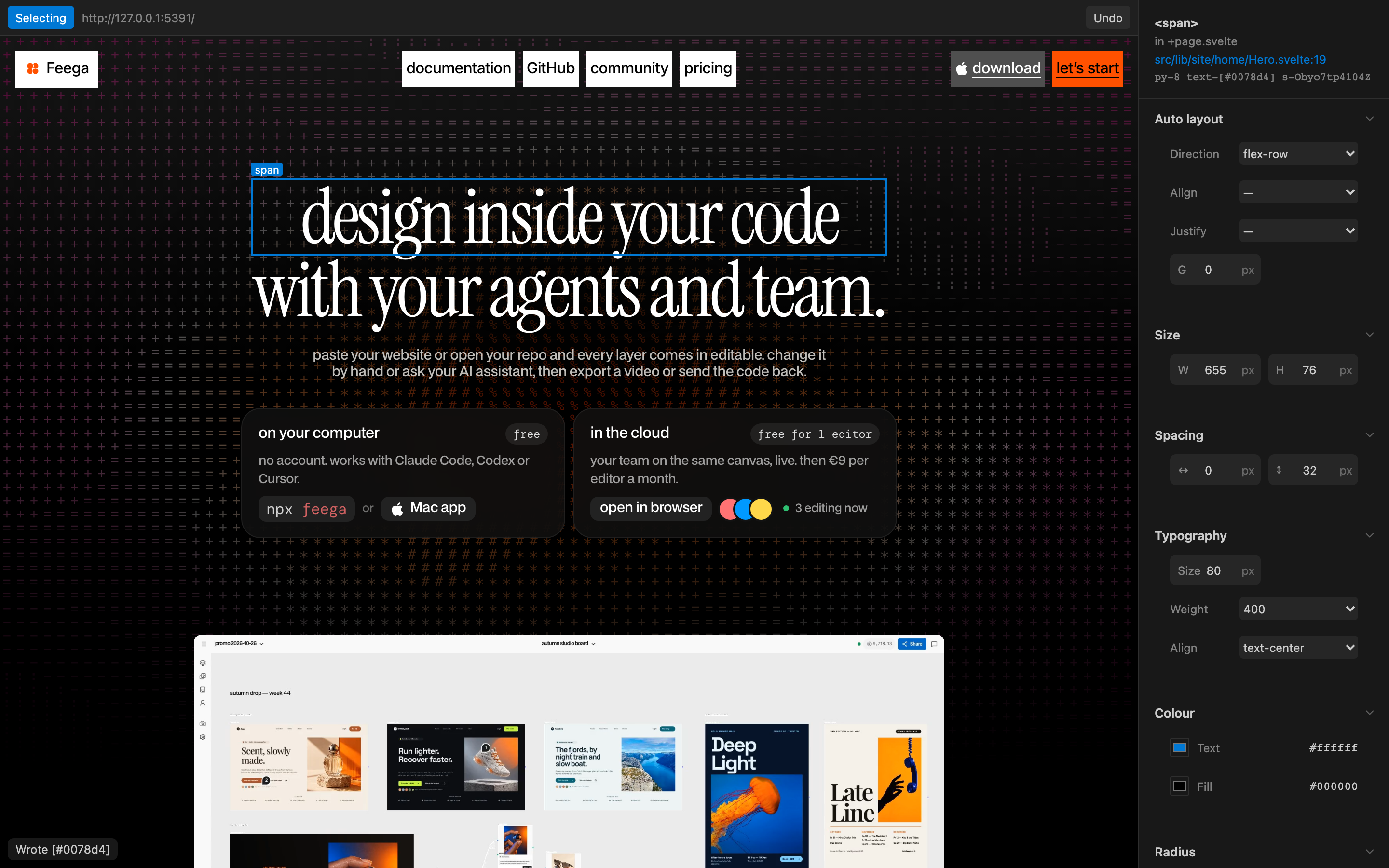
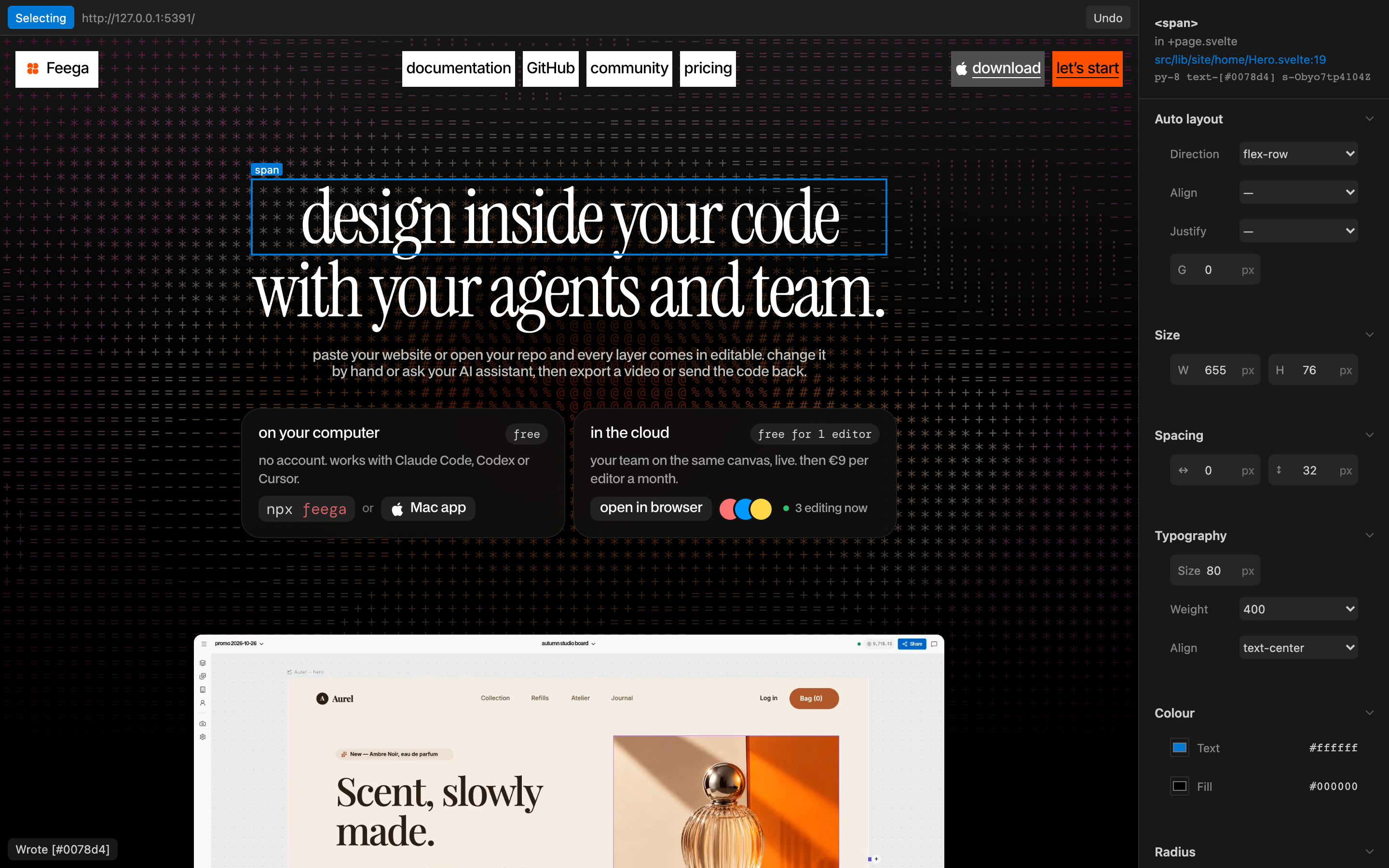
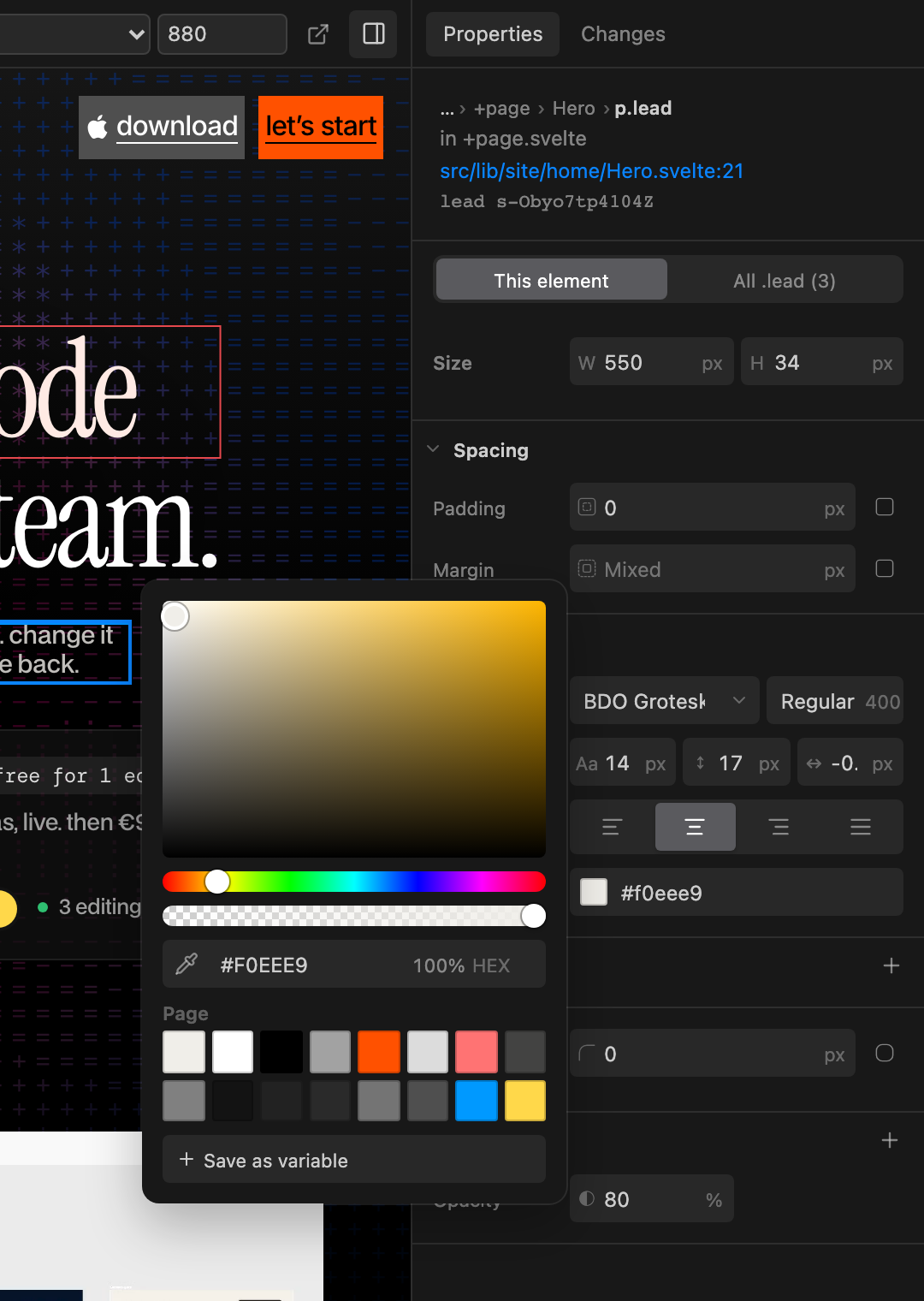
FeegaDesign in your codebase: click any element of your running app, edit it like in Figma, and the change is written to your code. No AI, no tokens. Installation Launch VS Code Quick Open ( Ctrl+P), paste the following command, and press enter.Copied to clipboard |

FeegaDesign in your codebase. Click any element of your running app, edit it like in Figma, and the change is written to your code. No AI, no tokens. Same editor, two ways to run it: this extension inside VS Code, or
How it works
Features
Supported frameworksReact, Next.js, Svelte, SvelteKit, Vue, Astro and plain HTML, with Tailwind or CSS. PrivacyFeega sends nothing. No account needed. Your code never leaves your machine. SettingsUnder Links |