Use OpenCode from a native VS Code sidebar or editor tab while keeping the OpenCode CLI, providers, configuration, and sessions underneath.
[!IMPORTANT]
OpenCode Native Sidebar is an independent community extension. It is not affiliated with, endorsed by, or maintained by the OpenCode team.
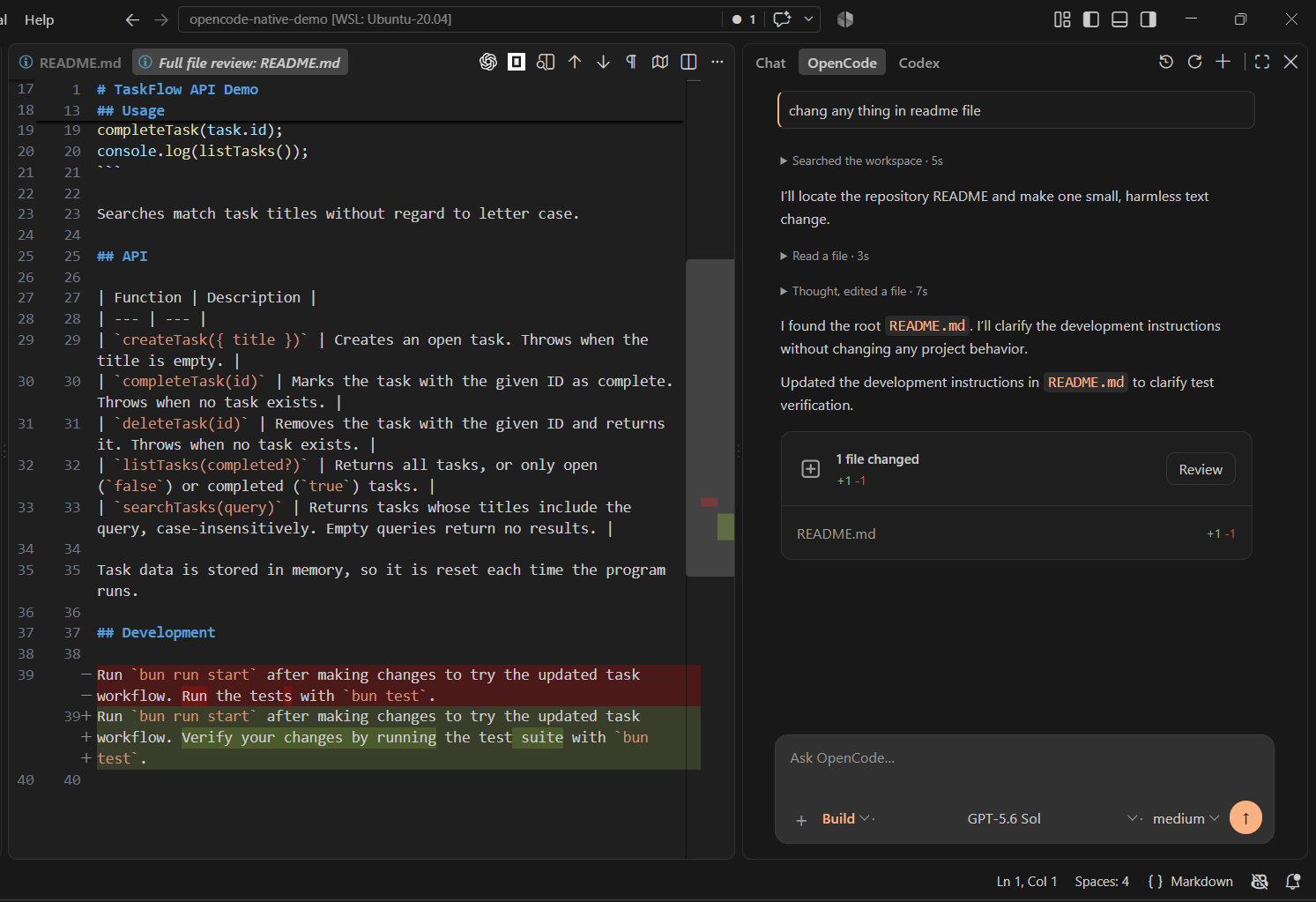
Watch the 23-second demo
Highlights
- Streaming chat with OpenCode models, agents, variants, questions, and tool activity.
- Optional editor tabs for independent chats, with Sidebar/Editor filters in History.
- Current-chat cost and token breakdown, plus expandable model, agent, timing, cost, and per-turn token details.
- The three most recently updated workspace chats on the empty screen, with inline rename and two-step delete confirmation, plus searchable session history with refresh, fork, undo/redo, rolled-back message restore, and native diff review.
- Provider sign-in through
/connect, including subscription/OAuth and API-key methods exposed by OpenCode.
- Workspace context plus local text, PDF, image, audio, and video attachments, with direct text/image paste and local image previews in the composer.
- Searchable slash commands, current OpenCode commands and skills, MCP controls, and RTL-aware rendering.
- Approval UI only when OpenCode emits a real pending permission request.
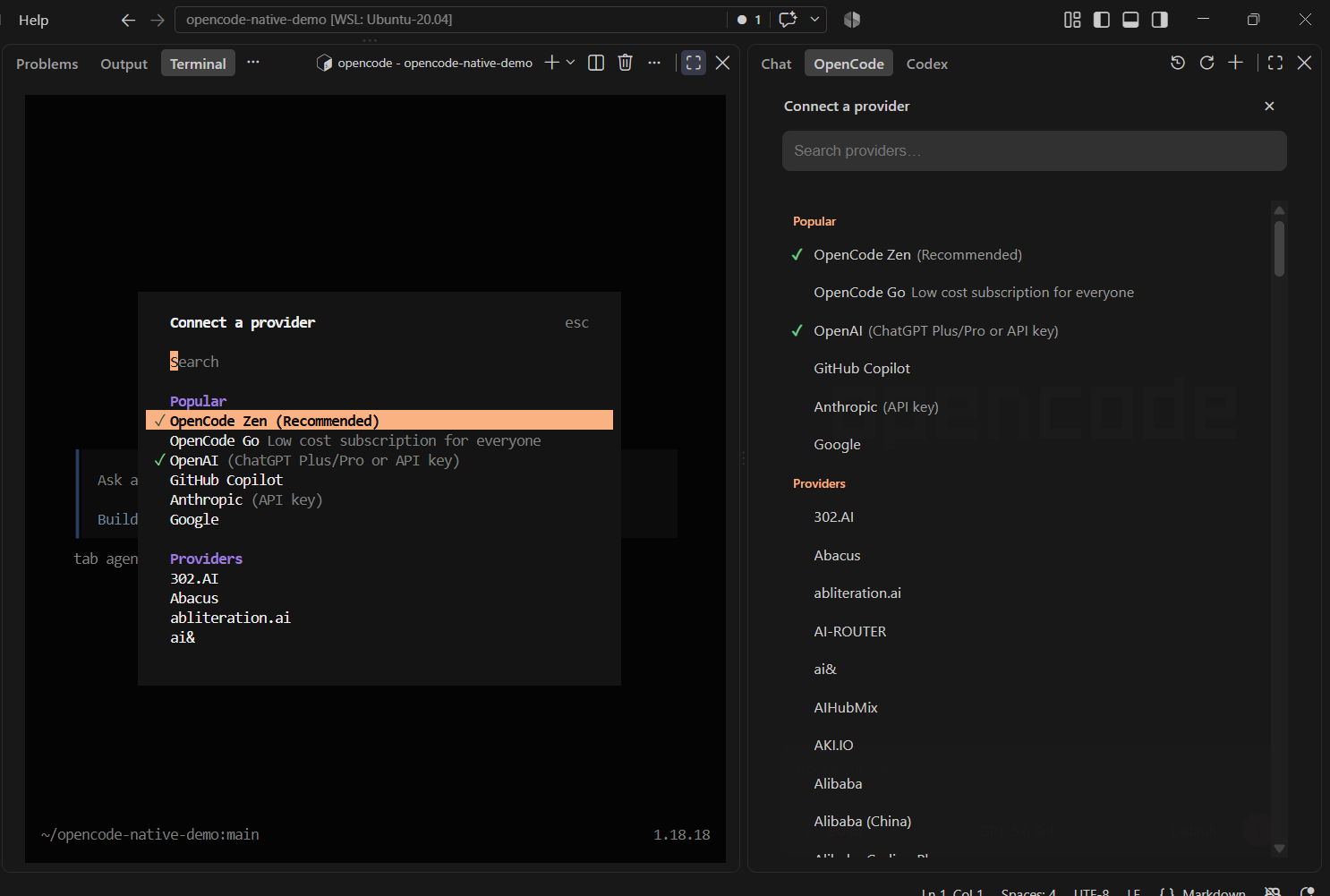
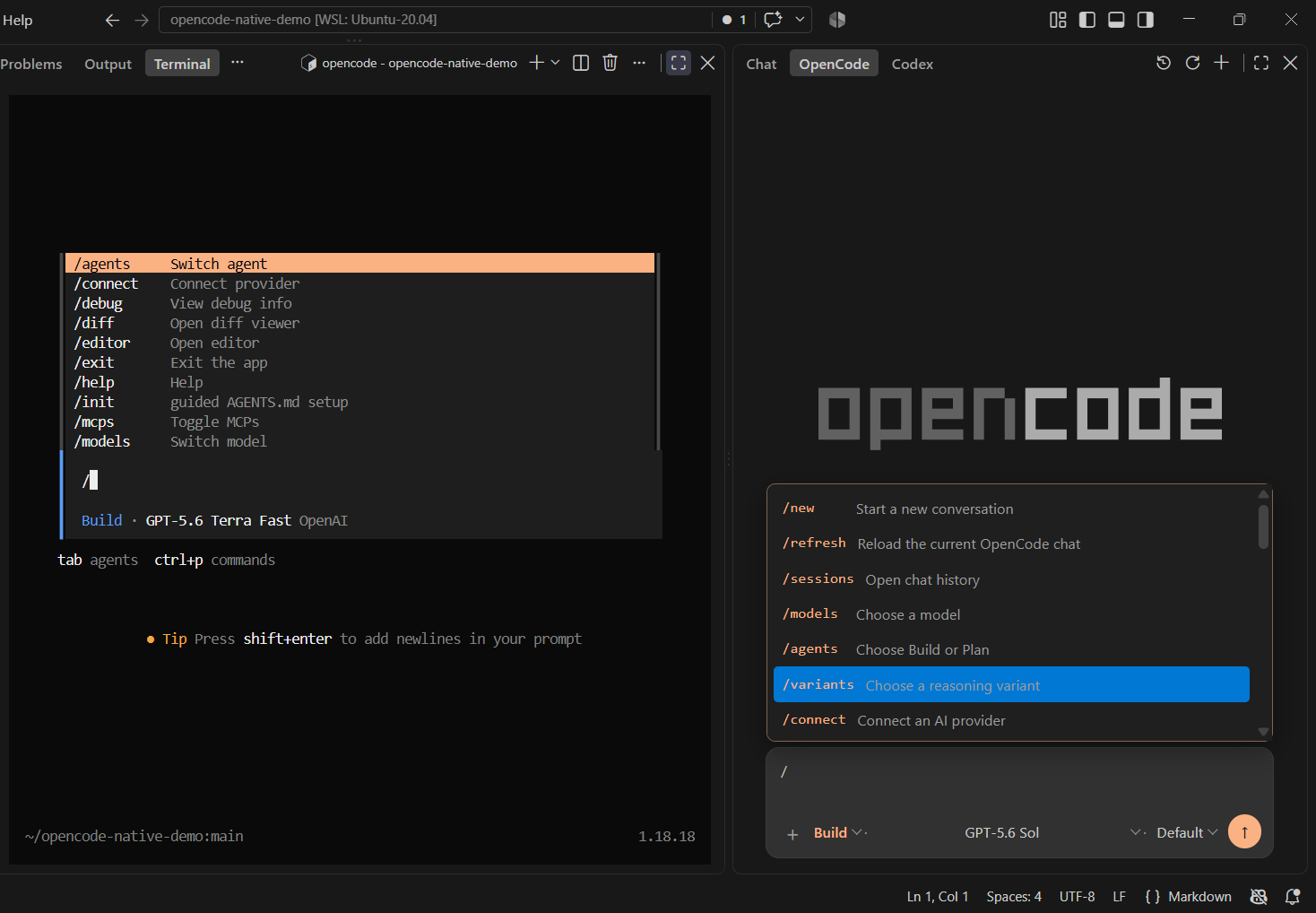
Chat tokens and message history
The recent-chat rows include rename and delete buttons. Delete becomes a red Confirm button in the same place; moving the mouse away, clicking elsewhere, or pressing Escape cancels it. Confirm permanently deletes the Core session and its child sessions. Native revalidates the selected chat before making the change; busy or changed chats must be refreshed before retrying.
Use the Chat Tokens button beside History to see the current chat's total cost and detailed input, output, reasoning, cache-read, cache-write, and combined token totals. Native uses the authoritative complete-chat aggregate supplied by OpenCode; it does not estimate tokens locally or show monthly/account usage. Response details continue to show the model, agent, timing, turn tokens, and cost when OpenCode provides them.
After /undo, a collapsed Rolled-back messages dock appears above the composer. Expand it to restore a selected turn, its saved response, and the earlier rolled-back history through OpenCode's official revert state—without storing a separate conversation copy in the extension.
Editor tabs
The Sidebar remains the default. Run OpenCode Native: Open Current Chat in Editor Tab to open the current idle chat in an editor, or OpenCode Native: New Editor Chat for an independent chat. The Native icon in the editor title bar also opens a new editor chat; commands labeled OpenCode CLI launch the terminal/TUI instead. Move tabs between editor groups to work side by side. Up to eight editor chats can remain open; each keeps its own draft and attachments while hidden. Closing a tab does not delete its saved Core session. Reopen saved sessions from History after closing tabs or reloading VS Code.
History defaults to the current surface and offers Sidebar and Editor filters based on where the session was created. Existing and TUI sessions appear under Sidebar. Either filter can be opened from either surface without copying the session or changing its origin. Each filter shows up to 200 matches from the latest 1,000 workspace sessions.
If the same session is open in two Native views, only the sending view streams its response; use Refresh in the other view after the response finishes. Native blocks overlapping writes to that session within the same Extension Host. Different sessions can respond in parallel, but they still share workspace files—tabs are not separate worktrees. Coordinate same-session use with the TUI or other VS Code windows yourself.
Install and set up
OpenCode Native ships the VS Code interface only; it does not bundle the CLI. It works with the official OpenCode CLI and does not require a forked Core build or a Native-specific backend patch.
Choose either installation method:
VS Code Marketplace
Install from the Marketplace listing, or:
- Open Extensions in VS Code (
Ctrl+Shift+X on Windows/Linux or Cmd+Shift+X on macOS).
- Search for OpenCode Native Sidebar, confirm that the publisher is amr-s-elzoghby and the listing links to this repository, then select Install.
- Run Developer: Reload Window if VS Code asks you to reload.
For an existing installation, open its Extensions page and select Update when a newer version is available, or let VS Code update it automatically if auto-update is enabled.
If you previously installed the GitHub VSIX published as amr-elzoghby.opencode-native, uninstall that package before installing the Marketplace listing. The new Marketplace identity is amr-s-elzoghby.opencode-native-sidebar; keeping both installed can create duplicate commands and views.
GitHub Release
- Open the latest GitHub release and download its
.vsix file.
- In VS Code, run Extensions: Install from VSIX..., select the file, then run Developer: Reload Window.
After installing with either method:
- Install the OpenCode CLI where the VS Code Extension Host runs. In WSL, SSH, or a dev container, install it inside that environment.
- If
opencode is not on PATH, open Settings, search for OpenCode Native: Executable Path, and enter its absolute path in that environment.
Open a trusted, filesystem-backed project, then open OpenCode in the Secondary Sidebar. Use /connect to sign in, or reuse a provider already connected in the same OpenCode environment.
Files and context
Use the + menu to add workspace files, the current file, the current selection, or Add file....
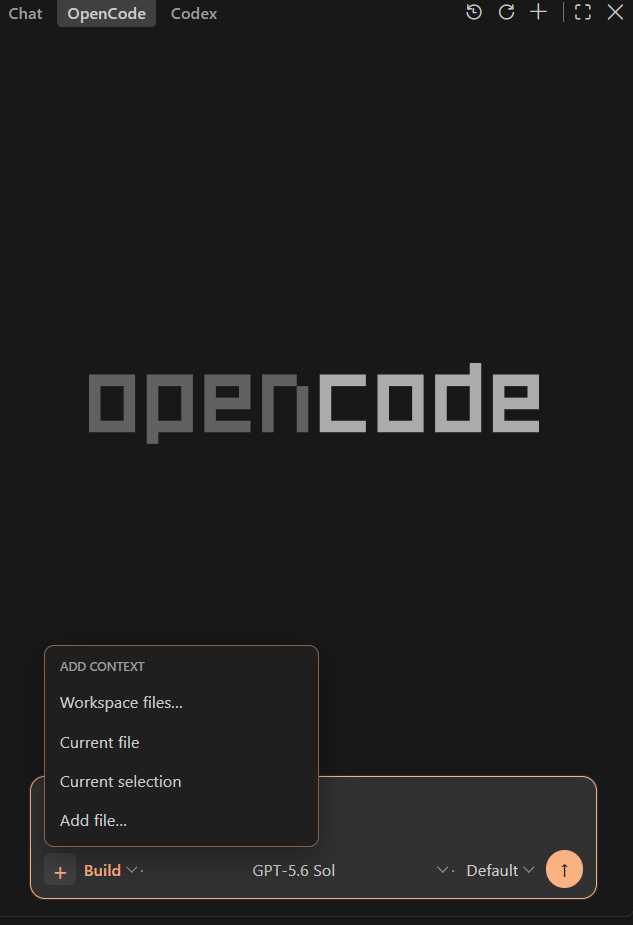
Add file... opens the device file picker and adds one file at a time. The picker displays all files, but Native accepts only supported UTF-8 text extensions, PDF, PNG/JPEG/GIF/WebP, and recognized audio/video formats. The selected model must support non-text input.
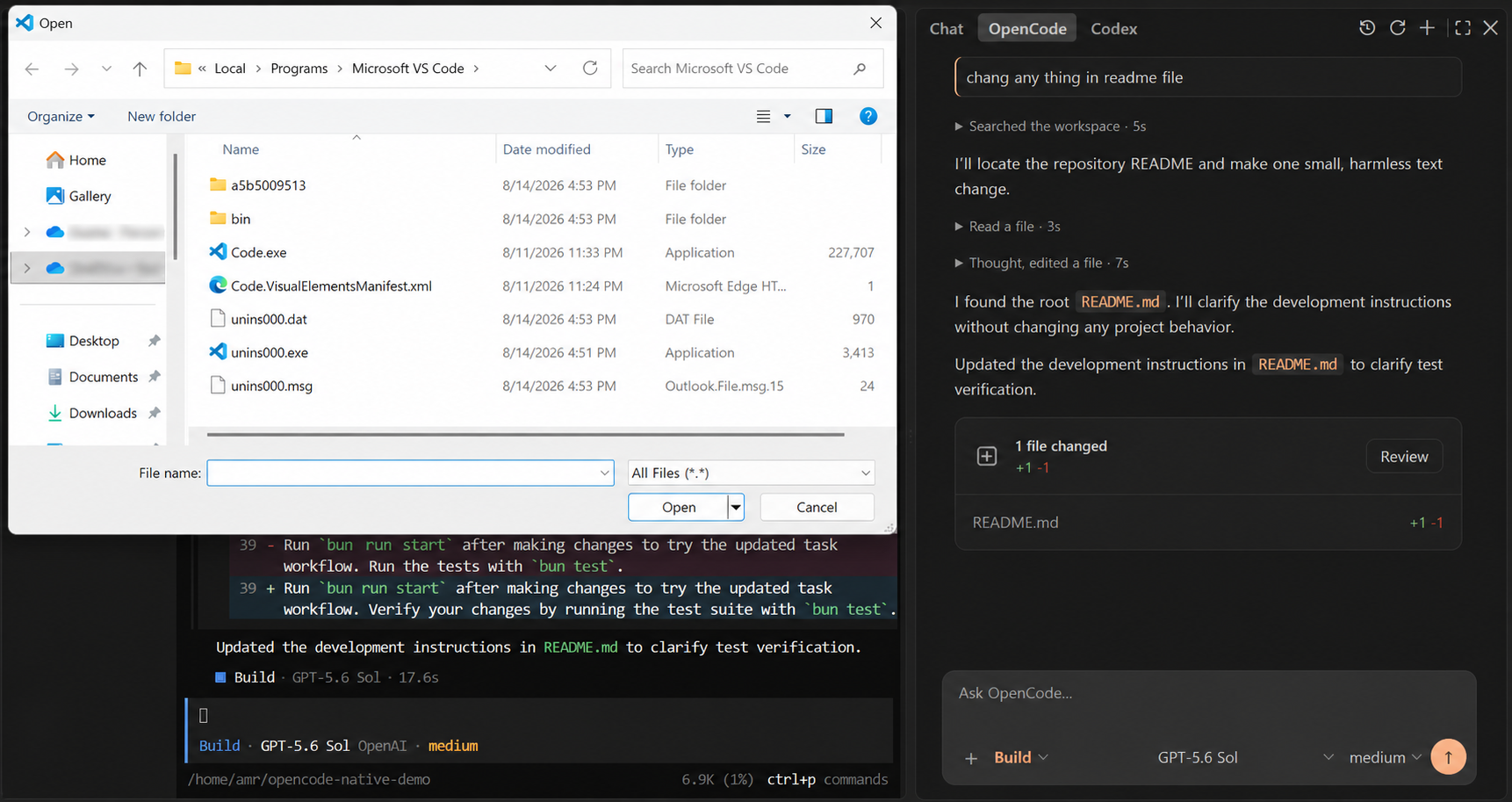
Per-file limits: 256 KiB for text, 5 MiB for images, and 25 MiB for PDF, audio, or video; attachment-count and total-size caps also apply. Workspace context is restricted to regular, non-symlink files inside the current workspace.
Shortcuts
| Shortcut |
Action |
Alt+N |
New chat |
Alt+R |
Refresh the Native chat |
Alt+H |
History |
Alt+M |
Models |
Alt+A |
Agents |
Escape |
Stop an active response |
The Alt shortcuts target the focused OpenCode sidebar or editor tab—click inside it first. Escape works while that chat's composer is focused and its response is active.
Use Cmd+Esc on macOS or Ctrl+Esc on Windows/Linux to open or focus the OpenCode TUI. Add Shift to start another TUI terminal. The launcher uses the same configured executable.
Slash commands
Type / to open the command list and keep typing—for example, /s—to filter it. Use /help for the supported Native actions.
Common actions include /connect, /sessions, /new, /refresh, /models, /agents, /variants, /mcps, /compact, /fork, /undo, /redo, and /diff. Current OpenCode commands, MCP commands, and skills also appear. TUI-only or conditional actions are labeled unavailable in Native instead of being run incorrectly; unknown slash text is sent as an ordinary prompt.
Native and TUI sessions
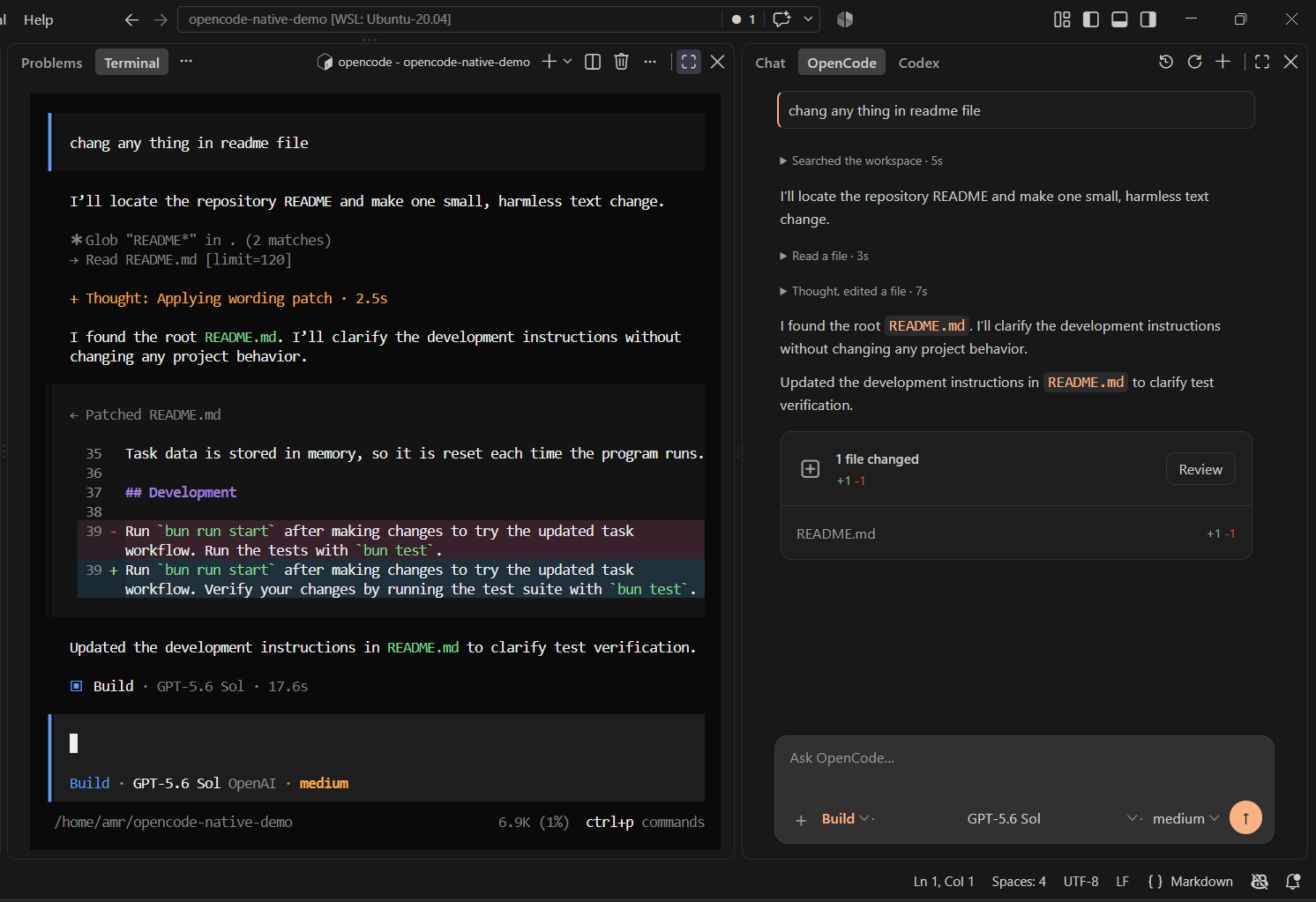
Native and the TUI can reuse stored sessions and provider sign-in when they run in the same OpenCode data environment and project folder. Two already-open clients do not update each other live.
- TUI to Native: wait for the response to finish, open the same session, then use Refresh,
Alt+R, or /refresh in Native.
- Native to TUI: reopen or resume the session in the TUI.
/refresh is Native-only.
Avoid writing to the same session from both clients at the same time.
Security and limits
- OpenCode Native does not operate a publisher backend or include publisher telemetry. Prompts, files, and tool context are handled by the local OpenCode Core and may be sent to the provider or integration you select; see the Privacy Policy.
- The Extension Host owns the authenticated loopback OpenCode server. Provider credentials and the server password are not exposed to the Webview.
/connect sends credentials from VS Code host inputs to OpenCode Core; the sidebar never receives those secrets.- After explicit selection, the Webview reads the device file and sends its basename, MIME hint, and bounded content to the Extension Host; the full local path is not sent. The host revalidates the payload, detects an allowed type, and checks size and model support before submission.
- OpenCode agents may read or modify workspace files and run terminal commands according to OpenCode Core configuration and permissions.
- Native does not decide which actions require approval. It shows only real pending requests from OpenCode Core and returns Allow once or Deny. Routine reads, searches, directory inspection, and informational commands remain silent whenever Core allows them; Native has no command-name risk engine.
- Native Review uses OpenCode's official full-file
before/after snapshots from message summaries and session.diff; it keeps a validated host-side snapshot when older Core diff endpoints return no rows. Snapshot contents never enter Webview state. Agent edits can still finish when Core provides only a touched path, but Full File Diff is unavailable for that file.
- Live cross-client sync and persistent Always Allow management are not included in this release.
Development
Clone this repository, open its root in VS Code, and install dependencies:
bun install
Then press F5. The included launch task builds the extension and starts an Extension Development Host.
bun run check-types
bun test src/test
bun run lint
bun run package
For an isolated VS Code editor-tab smoke test (no model requests), run bun run compile-tests, bun run compile, then node script/test-editor-tabs.mjs. A desktop display is required on Linux; set OPENCODE_TEST_VSCODE to reuse an existing VS Code test executable.
Issues and license
Report bugs at GitHub Issues.
OpenCode Native is distributed under the MIT License; dependency notices are in THIRD_PARTY_NOTICES.md. OpenCode is a separate MIT-licensed project.

