CodeWord brings Scripture into your development workflow. Schedule Bible reading plans or meditation passages, and Scripture opens quietly when you need it.
Installation
Launch VS Code Quick Open (Ctrl+P), paste the following command, and press enter.
CodeWord is a VS Code extension that brings Scripture reading and meditation into your development workflow. It allows you to schedule daily Bible passages or meditate on selected chapters, verses without leaving your coding environment. The extension respects your focus, opens passages in a clean split view, and supports both offline and reading-plan modes.
Features
CodeWord offers the following key features:
Offline Bible Support
Reads from a bundled JSON file; no internet connection required.
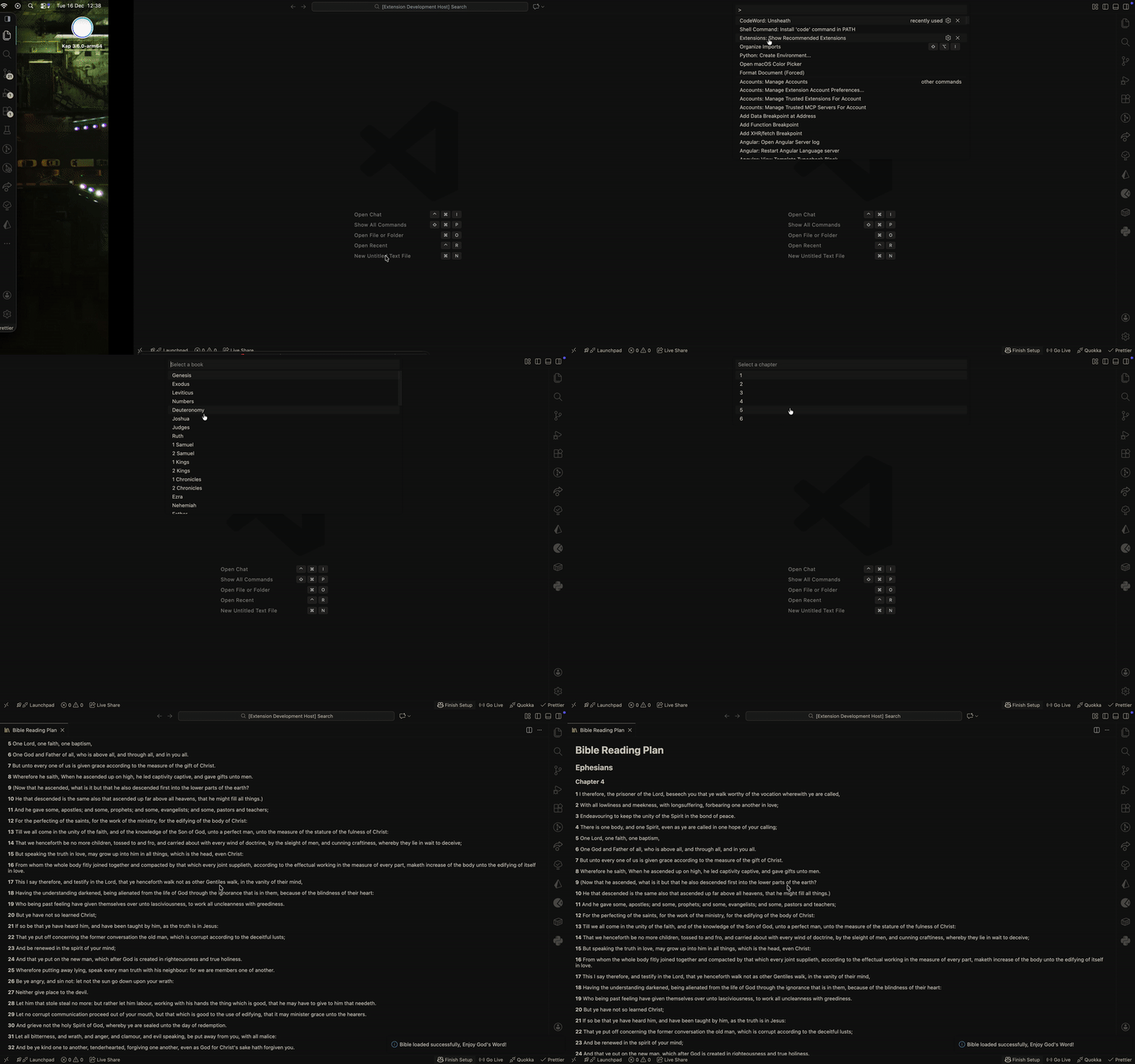
Manual Command: CodeWord: Unsheath
Opens a picker to select book, chapter, and verse manually.
New Split Editor
Read Scripture alongside your development work without disruption.
Meditation Mode
Automatically opens selected Bible passages at configured times for reflection and devotion.
Reading Plan Mode
Follow structured Bible reading plans, with passages opening in a split view alongside your code.
Multiple Daily Times
Configure several reading or meditation times per day.
Requirements
VS Code 1.102.0 or later
No external dependencies required; works offline
Optional: Configure your Bible times and reading plan in settings
Extension Settings
This extension contributes the following settings:
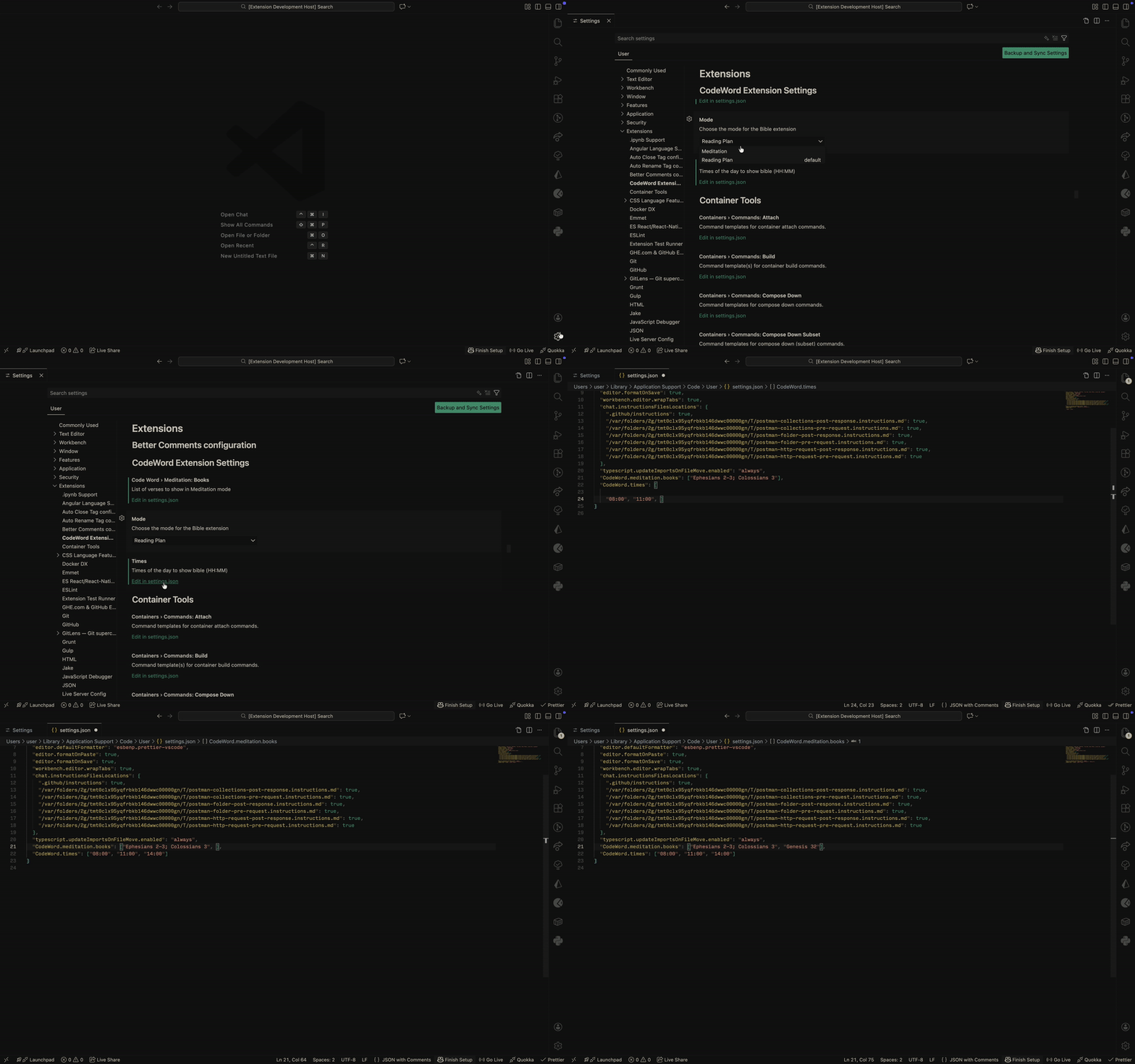
CodeWord.mode — Choose the mode for CodeWord (Meditation or Reading Plan).
CodeWord.meditation.books — List of passages for meditation mode.
CodeWord.times — Times of day (HH:MM) to show Bible readings.
Known Issues
The extension activates only when VS Code starts or a command is run. Scheduled meditation does not run if VS Code is closed.
Bible Book aliases are not supported yet, Books of the Bible need to be spelt out in full.
Release Notes
0.1.0
Initial release of CodeWord
Meditation mode with configurable bible books and chapters
Reading plan mode with scheduled passages
Manual command CodeWord: Unsheath to pick book, chapter, and verse