Markdown MusicMarkdown Music is an editor for
Writing a scoreWith a caret inside a score's block, the editor shows its ABC in the extension's colours and the score drawn under it, as below; the grey comments say what each line does. ![A score block as the editor shows it with a caret inside, its ABC coloured and the score engraved under it. X:1 % reference number, the first line of a tune / T:Four bars % title / M:4/4 % metre / L:1/8 % unit note length: a plain letter is an eighth / Q:1/4=100 % tempo, in quarter notes a minute / K:C % key, the last line of the header / % C is middle C and c the octave above; a 2 after a note doubles its length / % ^ sharp, _ flat, = natural, z a rest, [CEG] a chord, |] the end / CDEF GABc | c2 B2 A2 G2 | ^F2 _B2 =B2 z2 | [CEG]8 |]](https://raw.githubusercontent.com/alpelito7/markdown_music/main/vscode-mdm/docs/abc-card.png)
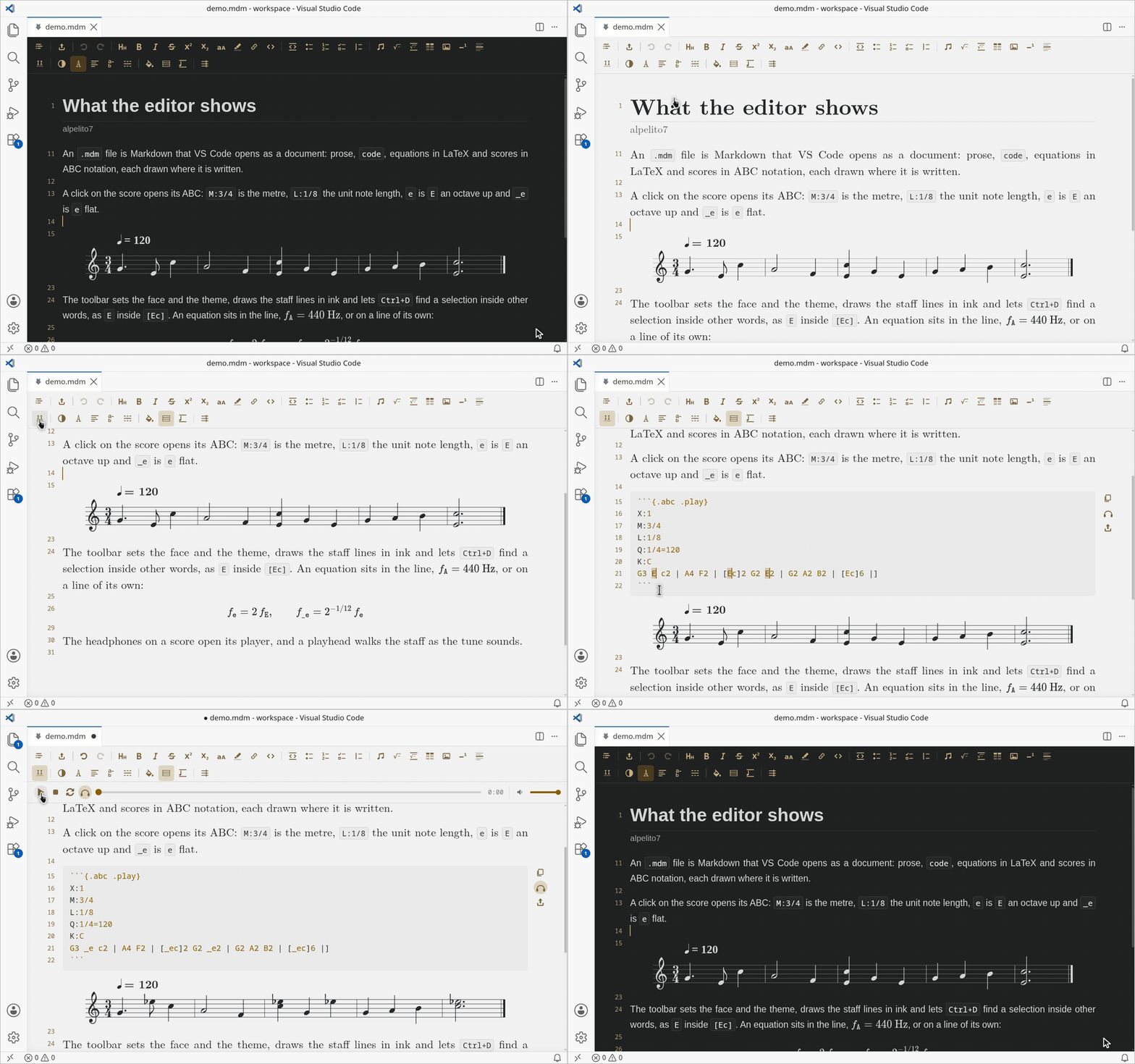
Repeats, ties, lyrics, several voices and the rest of the notation are in the ABC standard. The headphones on a score open a player, whose piano comes with the extension and is the only instrument it has. Under them, a third button writes that score's audio beside the document as MIDI or as WAV: the WAV is the piano you hear, the MIDI the notes at the tempo the editor plays them at, and neither needs anything installed. A block fenced as Writing Markdown
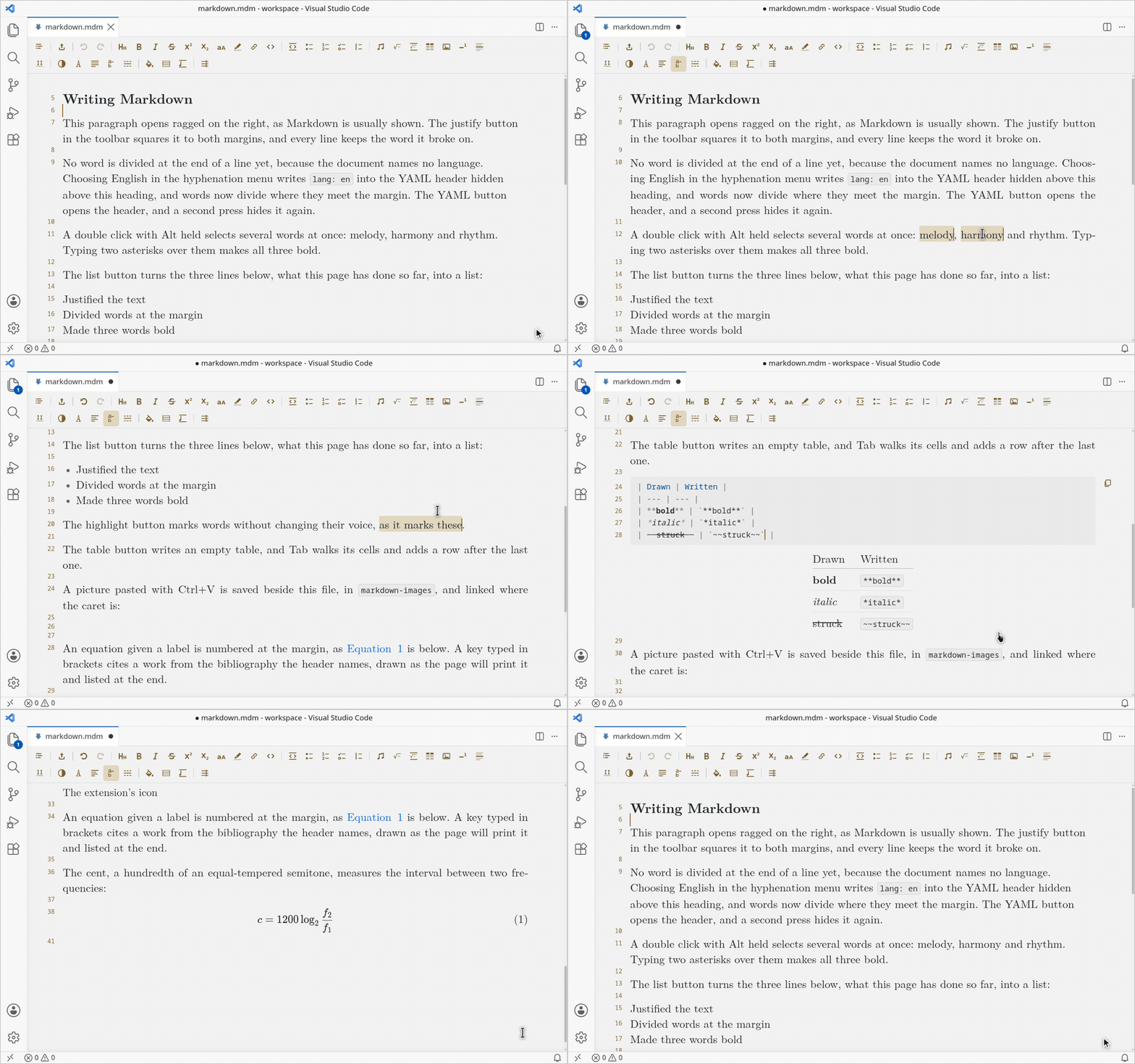
The text is the file, and the editor reads it as the export does: Pandoc's Markdown, with CommonMark's blank lines. Lists, quotes, callouts, tables, footnotes, numbered equations, figures, tables and sections are drawn in place, and a line shows its source while the caret is on it. With a bibliography in the header and Quarto installed, a citation reads as the page prints it, "Knuth (1984)". A pasted picture is saved in a folder beside the document. The toolbarThe first row writes: headings, marks on words, blocks, and what a document holds beside its words (a music symbol, an equation, a table, a picture, a footnote, a rule). A tooltip names the button's key where it has one. The two buttons at its left open the outline of the headings and export the document. The second row holds settings shared by every document, except the hyphenation, which each file keeps:
ExportDocument writes HTML or PDF with the editor's font, justification and hyphenation, and needs Quarto 1.4 or later. The PDF is the HTML page printed by Chrome, Chromium or Microsoft Edge, so it needs no TeX: its sheets are numbered, its headings are its bookmarks and it is printed on the header's Documentation and licenceThe documentation is in the markdown_music repository. The extension is under the MIT licence, and the third-party work it includes is credited in |