All My Do
Unified task inbox for Azure DevOps, Jira, GitHub, Outlook, and more — inside VS Code (and compatible editors via Open VSX).
Get started
You need an All My Do account. There’s a free tier (not a time-limited trial).
Before tasks show up here, sign up at app.allmydo.com and connect your task sources (Jira, Azure DevOps, GitHub, Outlook, and so on) in All My Do. Follow How to get started — then return to the IDE.
- Install this extension from the Marketplace.
- Open the All My Do icon in the activity bar.
- Command Palette → All My Do: Sign In → Open when prompted → finish in the browser with that account.
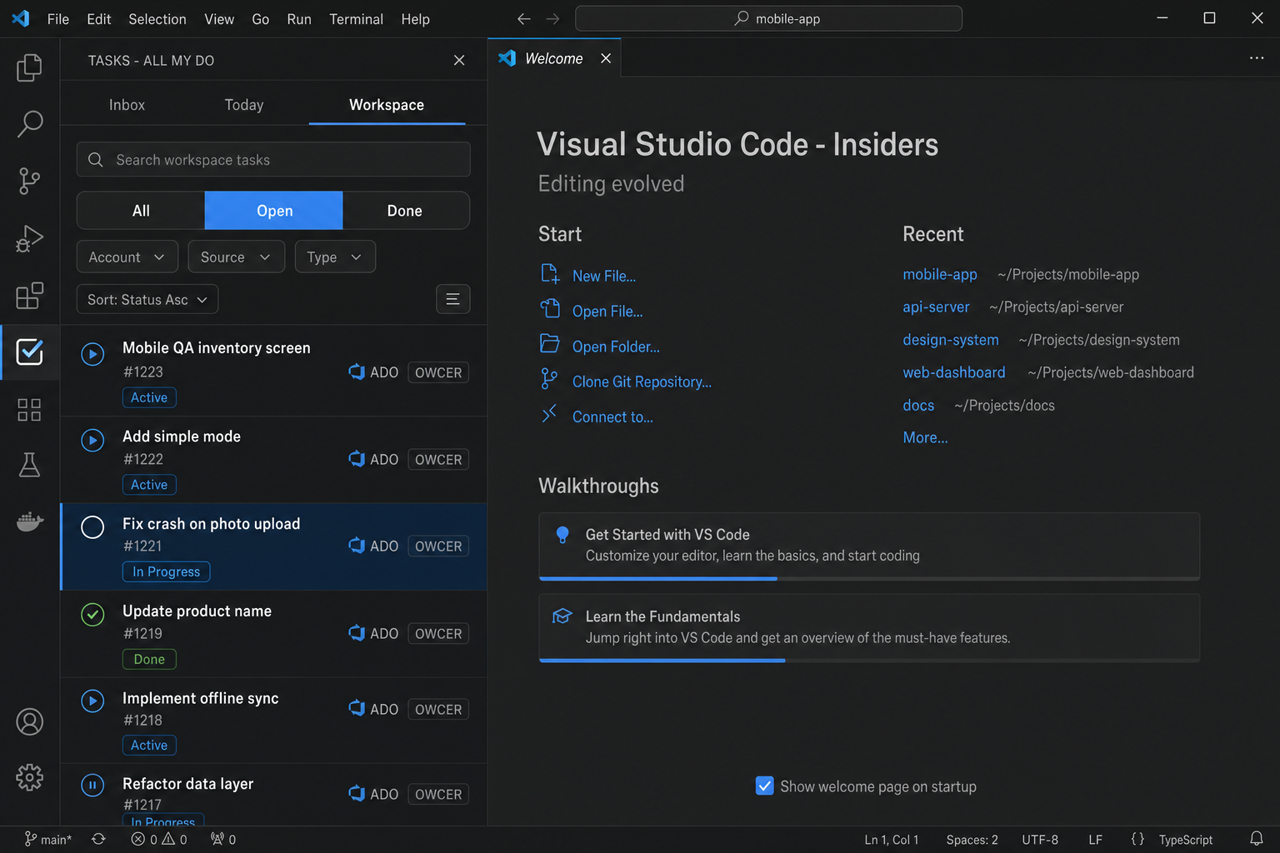
- Your Inbox, Today, and workspace tasks appear in the side bar.
New installs use production All My Do (app.allmydo.com).
Privacy · Privacy Policy · Terms · Support
Screenshots
What you can do
- Inbox / Today / This workspace — triage the same unified list you use on the web
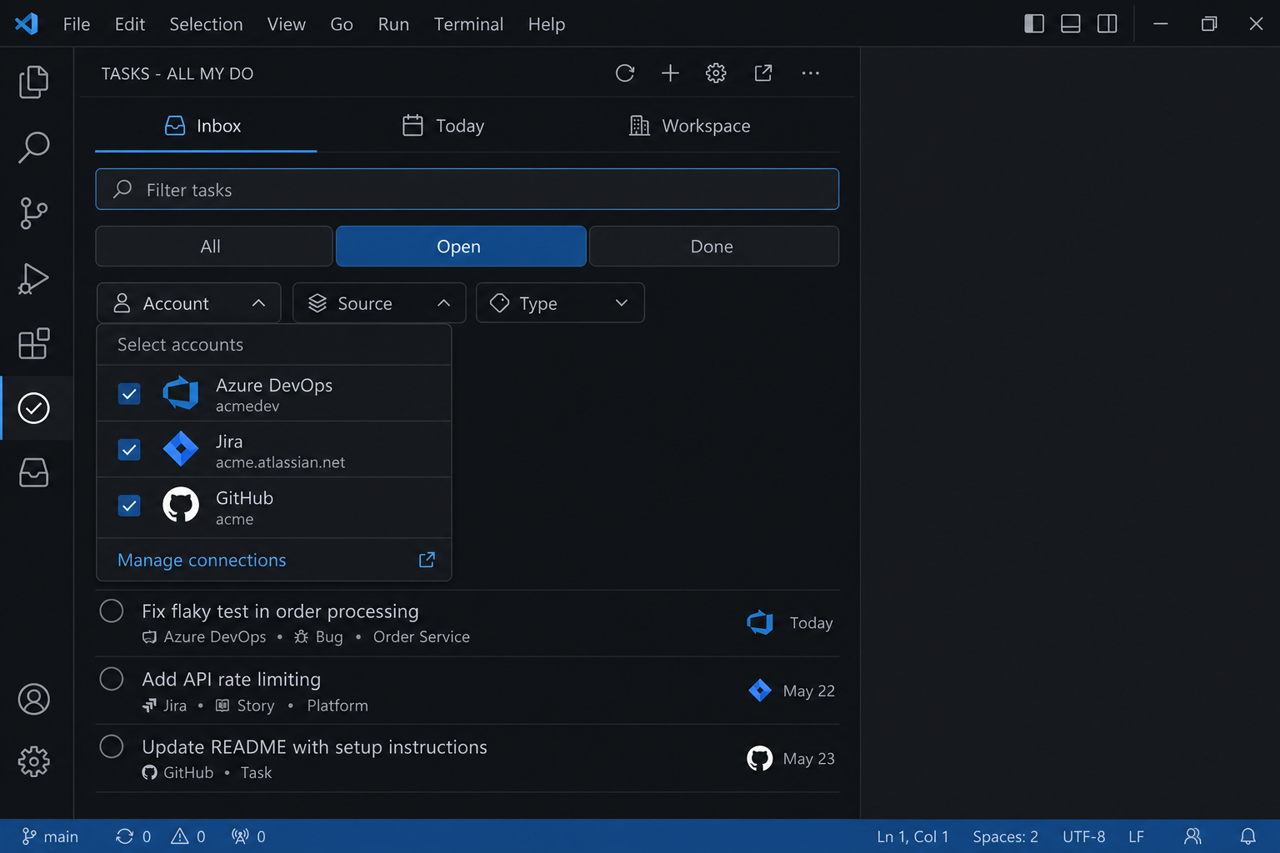
- Filter & sort — Account, Source, Type facets, All / Open / Done, text filter, and sort
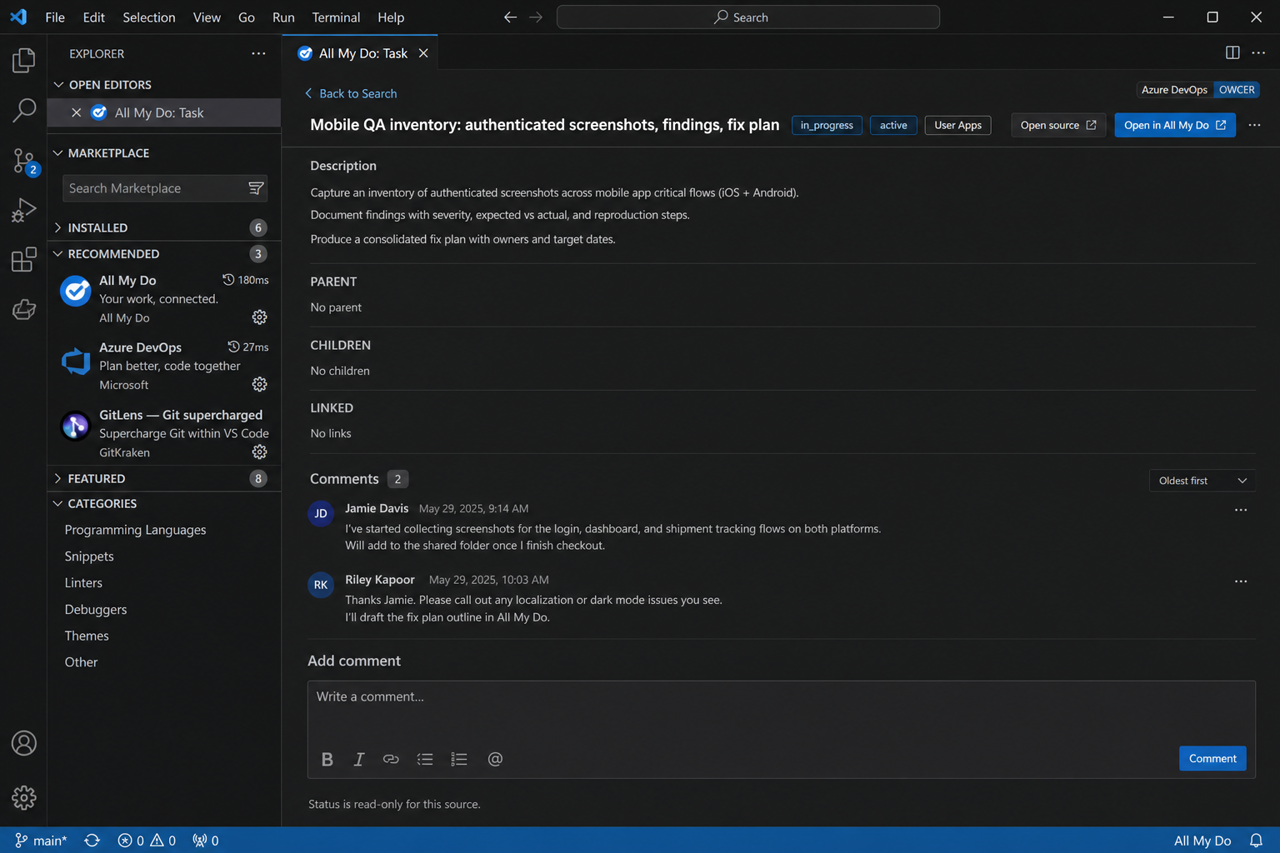
- Open tasks in the editor — detail panel with status, links, and comments (multi-panel supported)
- Workspace SmartList — bind the folder you’re in to the right connections/scopes
- Create, Today, ignore, done — quick actions without leaving the IDE
Sign-in
The IDE opens a browser window so you can sign in to your All My Do profile with a Microsoft or Google account. When that’s done, return to the editor — your session appears automatically.
Settings
| Setting |
Default |
Notes |
allmydo.env |
prod |
Or use All My Do: Switch Environment |
allmydo.apiBaseUrl |
https://api.allmydo.com |
Only when env is custom |
allmydo.appOrigin |
https://app.allmydo.com |
Only when env is custom |
Most people can leave these at the defaults.
Troubleshooting
| Symptom |
What to try |
| Sign-in never finishes |
Keep the editor open; complete the browser step; don’t only refresh the web app |
| Wrong environment |
Status bar AMD: … → switch to Prod (or Dev if you’re testing with us) → Sign In again |
| Empty list |
Confirm connections in the web app; try Refresh on the Tasks view |
| Need help |
support@allmydo.com |
More

