Flavor Grenade LSP — Multi-flavor Markdown Support
Multi-flavor Markdown support for Obsidian vaults and flavor-aware Markdown
projects in Visual Studio Code.
Flavor Grenade keeps ordinary .md files in VS Code's built-in Markdown mode
while the extension and bundled language server add vault indexing,
Obsidian-style navigation, Markdown flavor detection, structured-document
diagnostics, and project-aware completions. See the current docs at
flavor-grenade.dev.
What You Get
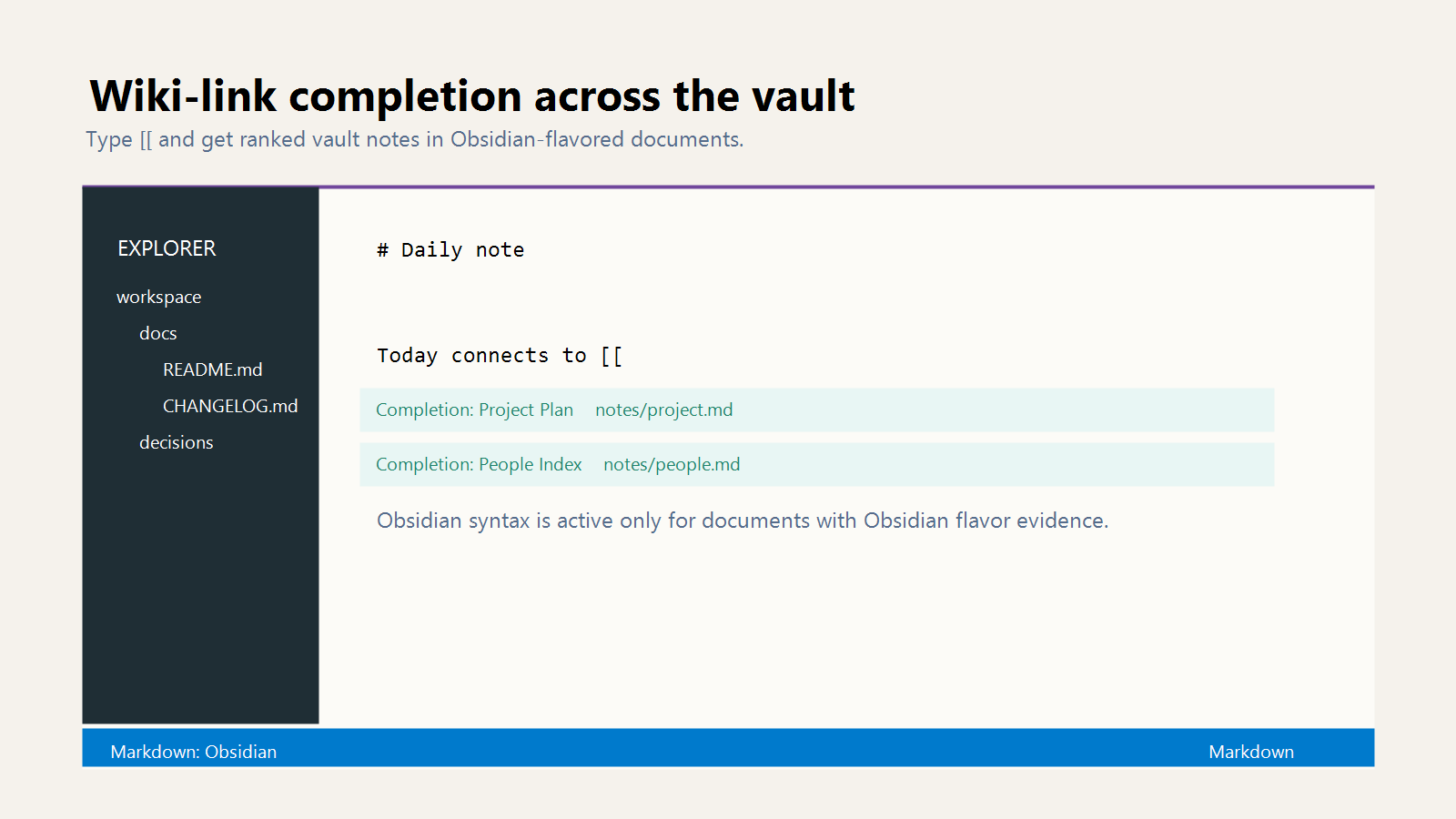
- Wiki-link, heading, block-anchor, tag, callout, embed, attachment, and
Markdown-link completions
- Go to definition, find references, hovers, document links, symbols, folding,
semantic tokens, code lens, rename, and code actions
- Diagnostics for broken wiki-links, ambiguous links, malformed wiki-links,
broken embeds or attachments, missing block anchors, non-breaking spaces,
malformed frontmatter, and structured-document issues
- Markdown flavor auto-detection for Obsidian, CommonMark, GFM, GLFM, Pandoc,
MultiMarkdown, MDX, kramdown, Markdown Extra, R Markdown, Reddit, Stack
Overflow, and Original Markdown
- Structured profile flags for Keep a Changelog, Common Changelog, and MADR
layered over any base Markdown flavor
Screenshots
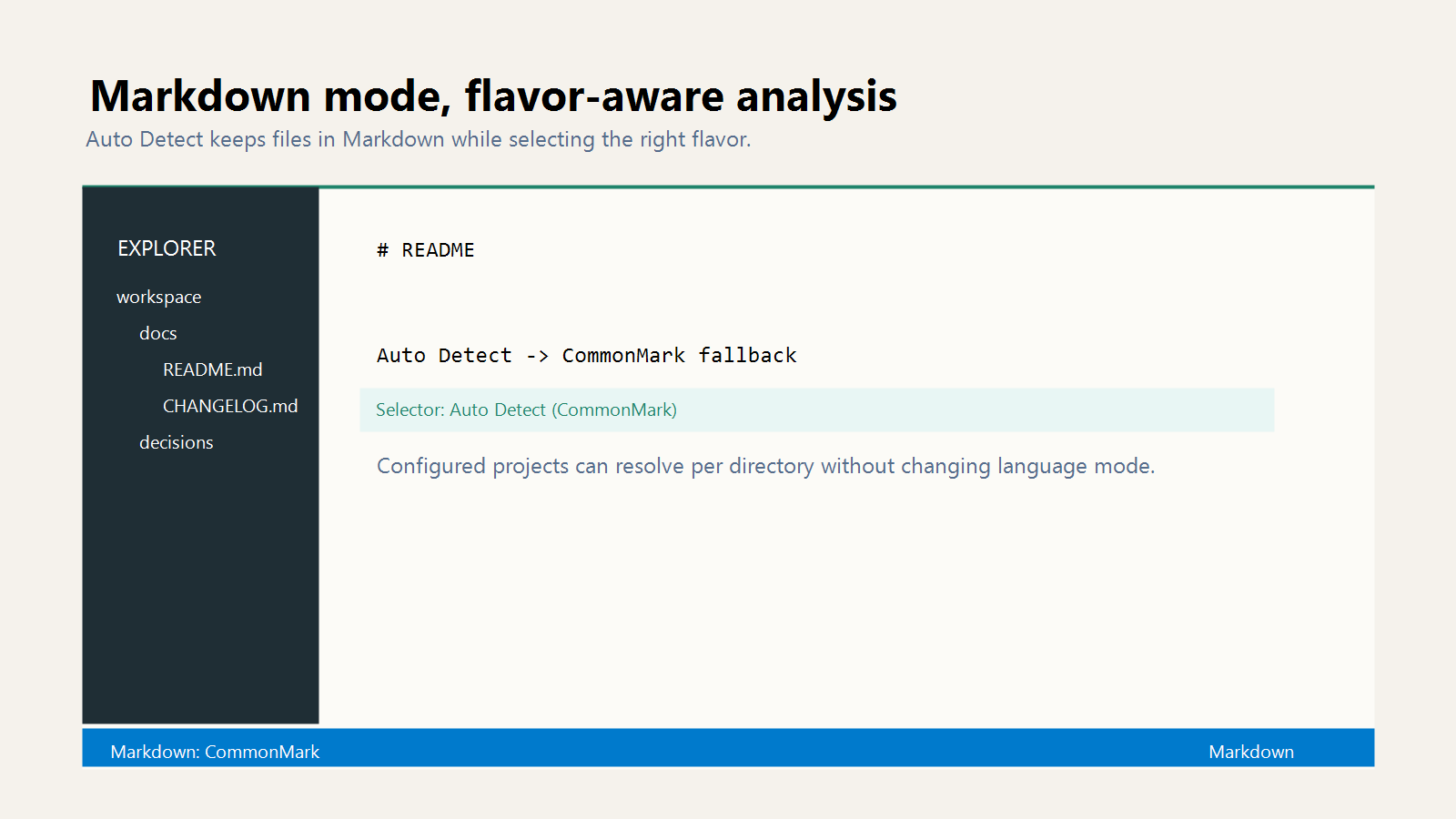
Markdown files stay in VS Code's Markdown mode. The Flavor Grenade selector
shows the active base flavor and whether it came from .fgattributes, Auto
Detect, an Obsidian vault marker, syntax inference, or CommonMark fallback.
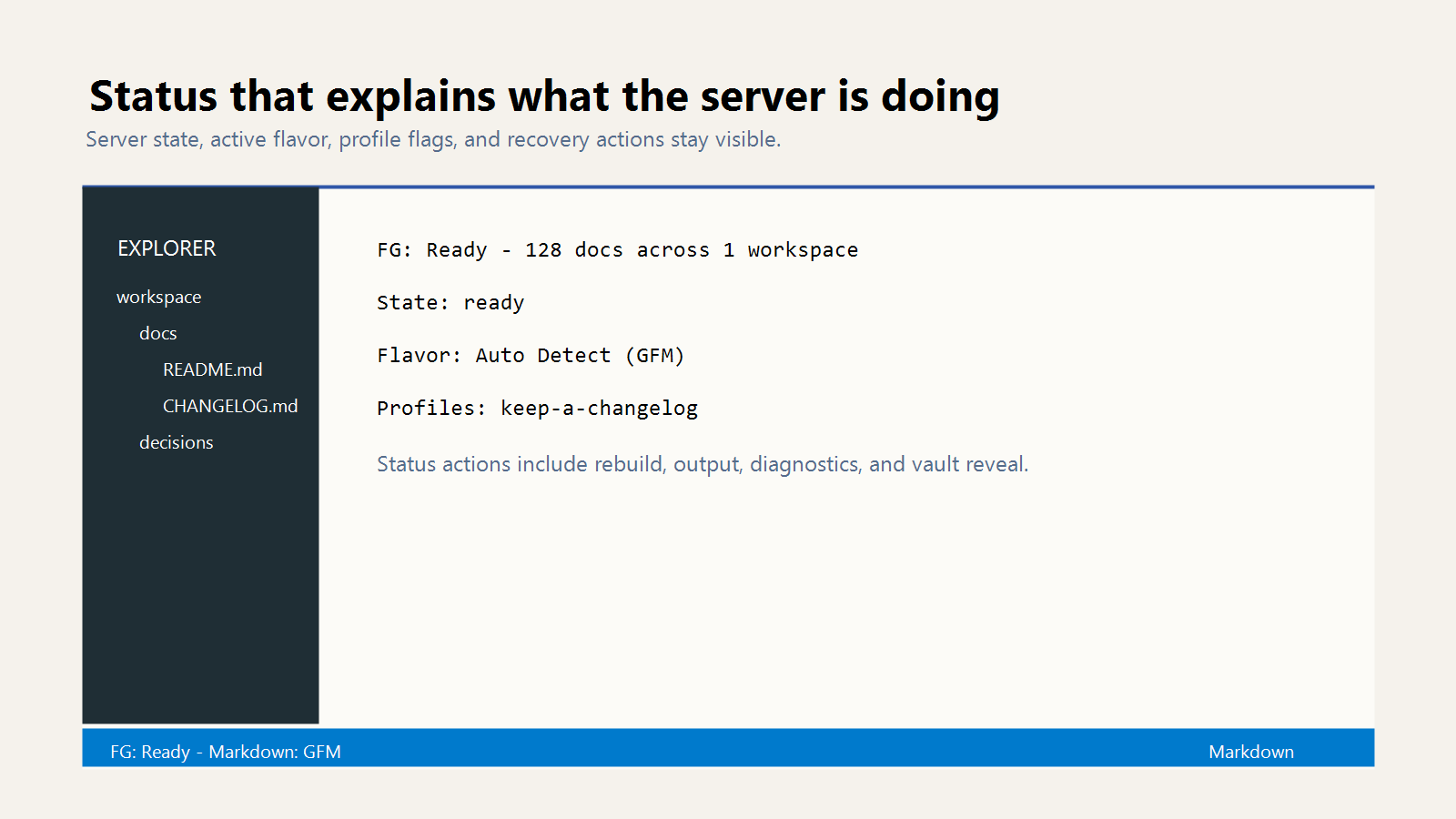
The status bar reports server state and active Markdown flavor. Auto Detect uses
Obsidian vault evidence and syntax signals, then CommonMark fallback. It runs
when no concrete .fgattributes flavor applies, when flavor=auto matches, or
when !flavor clears the effective flavor selected so far.
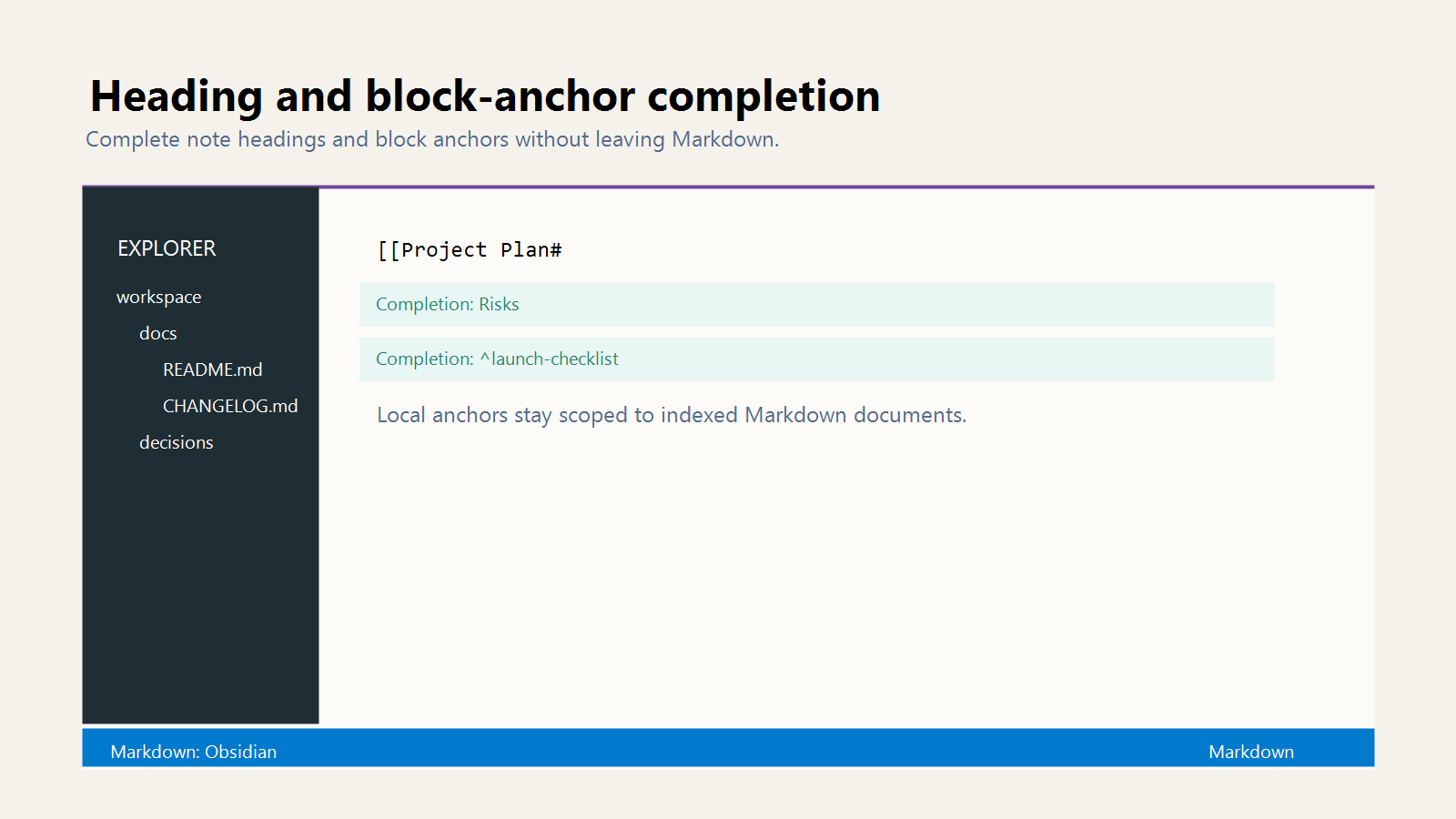
Heading and block-anchor completions make [[note#heading]] and
[[note#^block]] links discoverable.
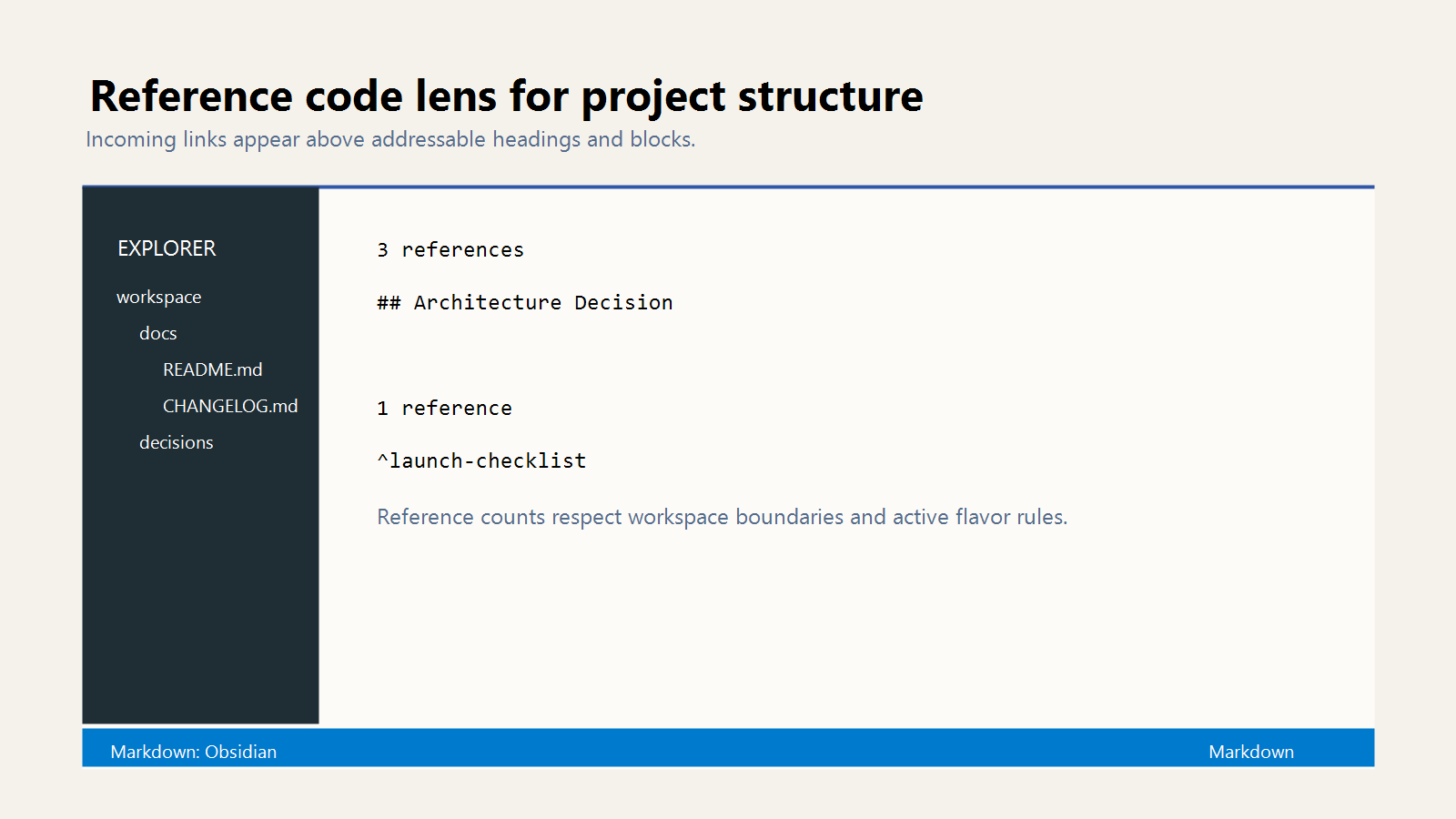
Reference code lens surfaces incoming-link counts above headings and block
anchors.
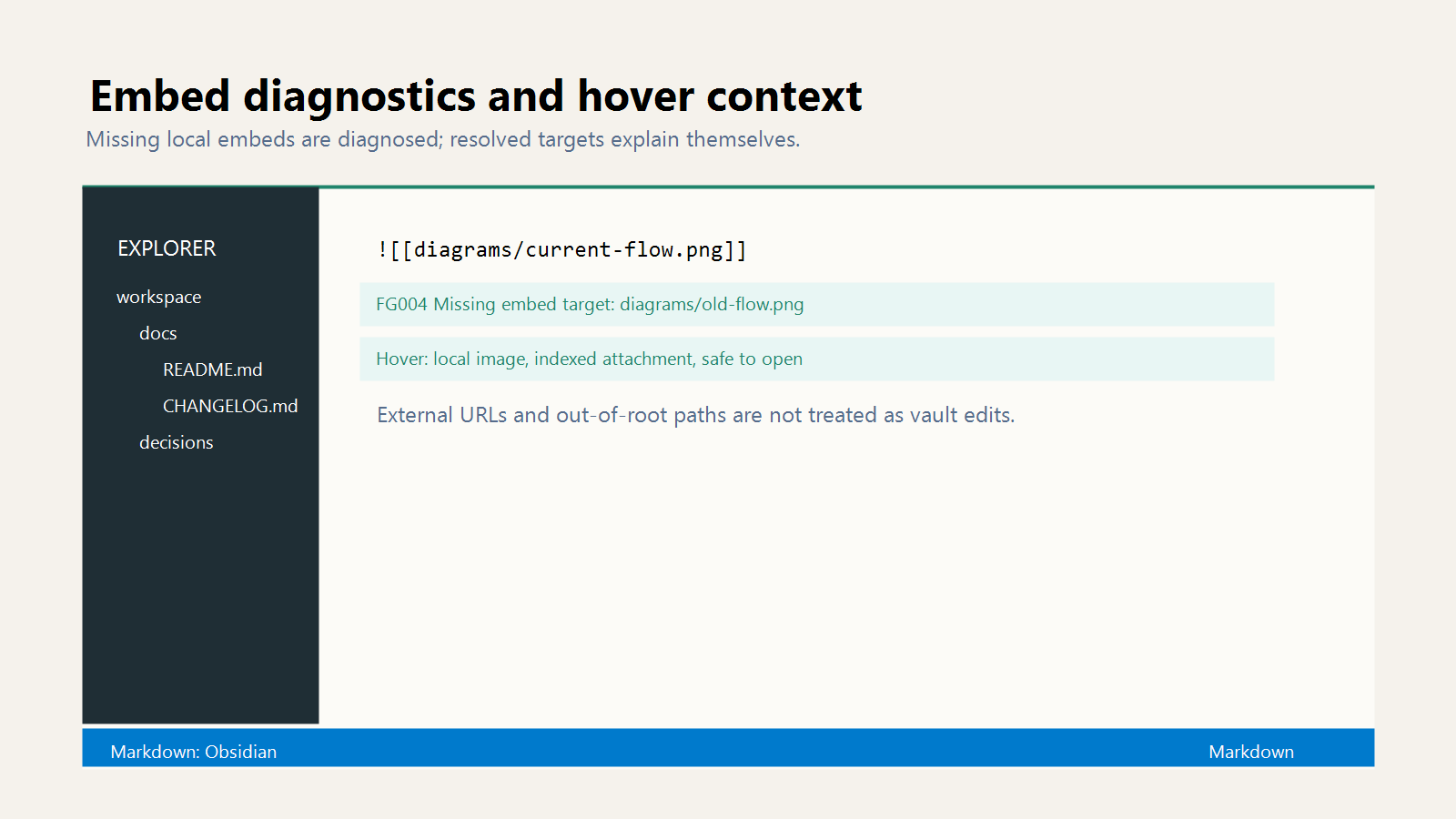
Embed diagnostics flag missing targets. Hovers show context for resolved notes
and local attachments.
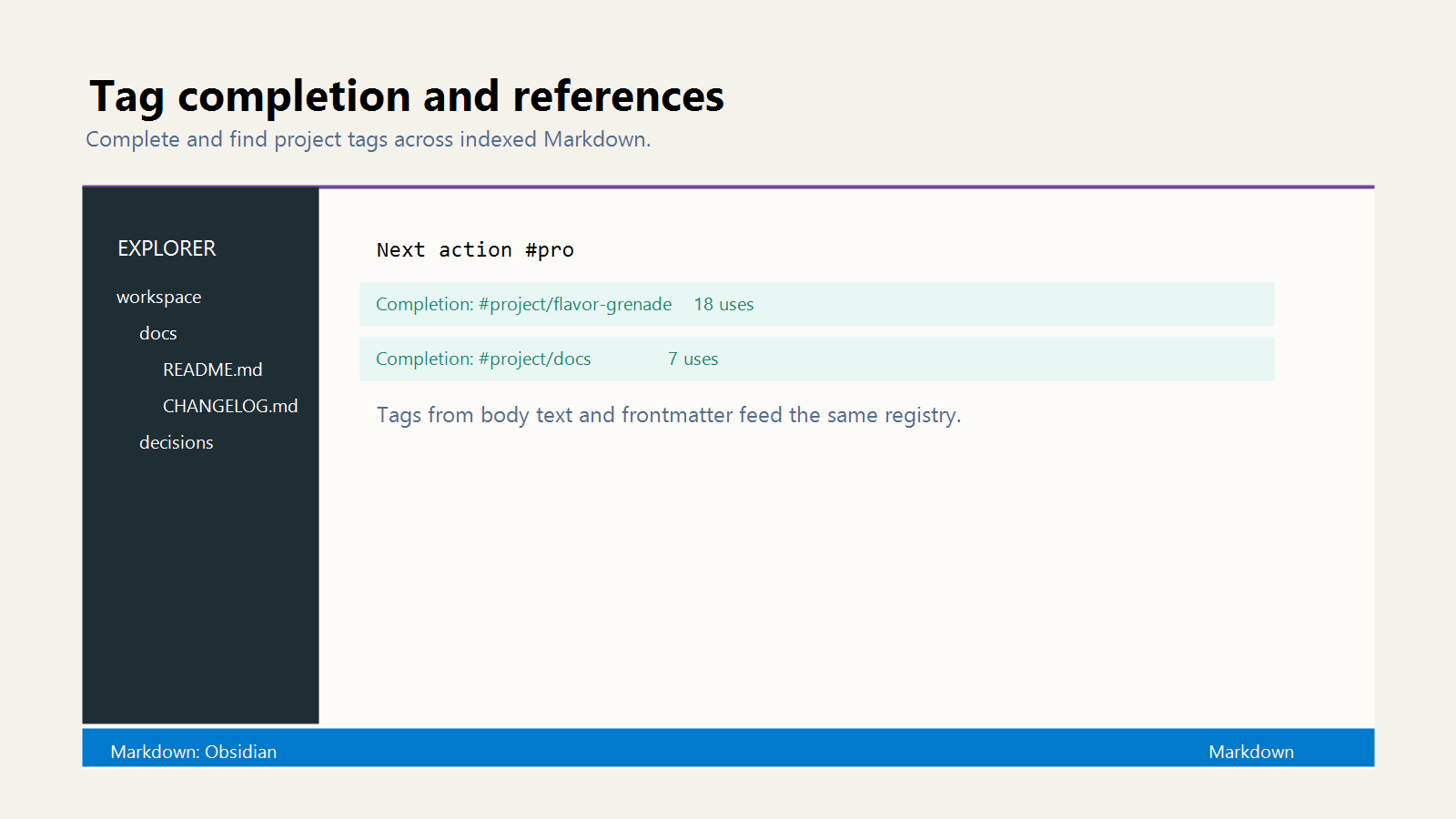
Tag completion and references use the vault-wide tag index, including nested
Obsidian tag paths.
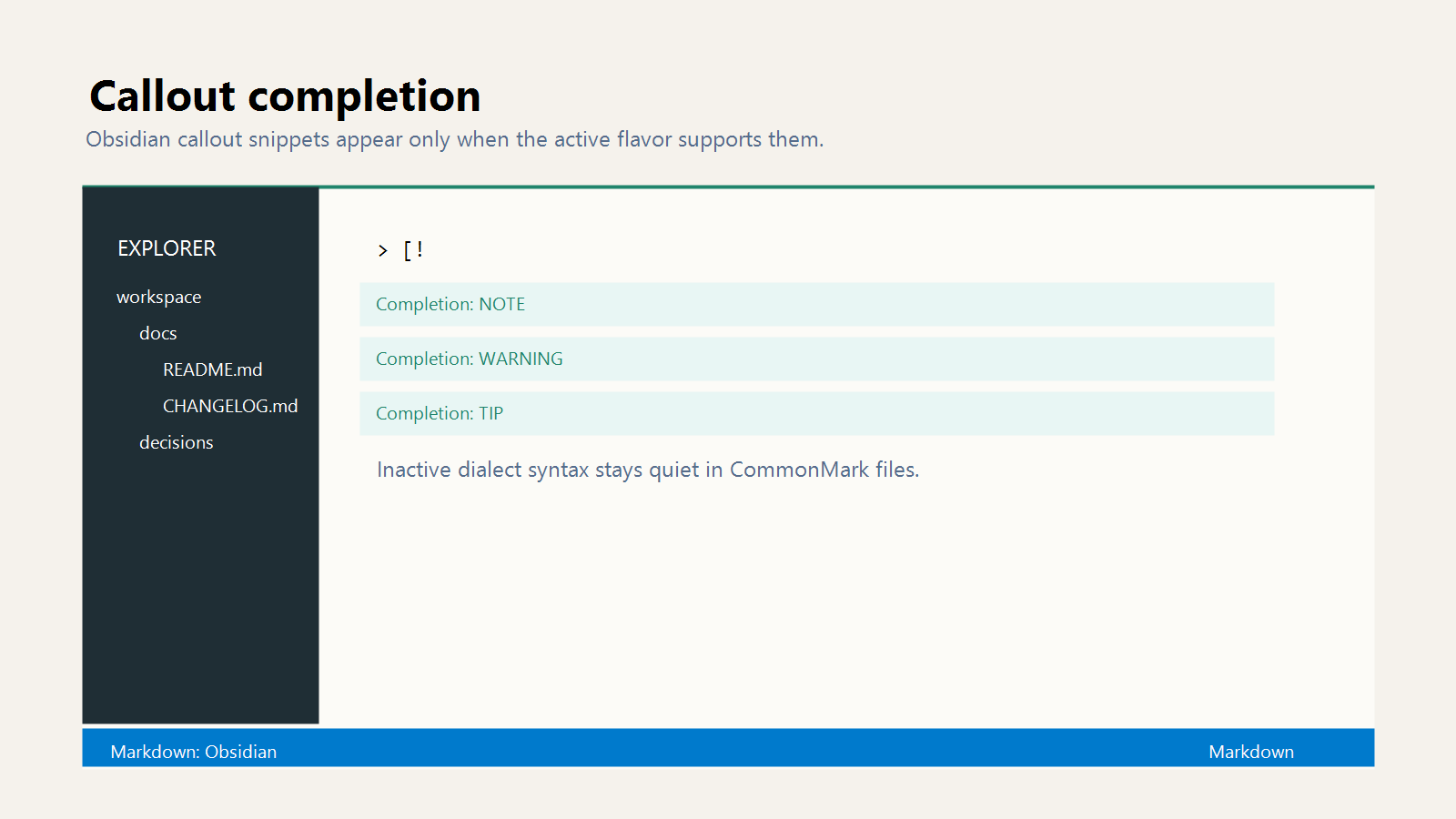
Callout completion offers common Obsidian callout types inside quote blocks.
Getting Started
- Install Flavor Grenade LSP from the Visual Studio Marketplace.
- Open an Obsidian vault or a configured Markdown project.
- Open a Markdown file.
- Wait for the status bar to report that Flavor Grenade is ready.
- Type
[[, #, > [!, or a Markdown link target to use completions.
Generic Markdown workspaces stay idle until there is positive project evidence
or you run an explicit Flavor Grenade command.
Project Configuration
Flavor configuration lives in Git-style files that can appear at the workspace
root or in subdirectories:
.fgignore controls Flavor Grenade visibility. Matching files are inactive
and are not processed, indexed, completed, diagnosed, navigated, renamed, or
used as references unless a later negated rule re-includes them..fgattributes controls explicit base flavor and structured-profile
attributes. Rules cascade from the root toward the active file's directory.
Later matching rules win. Negated selectors cancel matching rules from the
same .fgattributes file, !flavor clears the effective flavor selected so
far, and flavor=auto asks Auto Detect to run.
Example .fgattributes:
*.md flavor=auto
docs/github/*.md flavor=gfm
docs/decisions/*.md flavor=commonmark structured_profiles=madr
CHANGELOG.md flavor=auto structured_profiles=keep-a-changelog
Example .fgignore:
generated/
private/
!private/README.md
When these files are absent, Auto Detect applies to the opened directory and
all subdirectories by default.
Supported flavor values:
originalcommonmarkobsidiangfmglfmpandocmultimarkdownmdxkramdownmarkdown-extrar-markdownredditstack-overflow
Supported structured_profiles values:
keep-a-changelogcommon-changelogmadrnone
Keep a Changelog and Common Changelog are mutually exclusive. MADR can combine
with either changelog profile when the document context supports it.
The Markdown flavor selector writes .fgattributes. After you select a flavor,
the extension asks whether the rule applies to the selected file or all
Markdown files in that directory. Choosing Auto Detect removes or resets the
matching scoped flavor assignment instead of writing a legacy workspace
setting.
VS Code Settings
flavorGrenade.linkStyle: wiki-link completion style, one of file-stem,
title-slug, or file-path-stemflavorGrenade.completion.candidates: maximum completion items returnedflavorGrenade.diagnostics.suppress: diagnostic codes to suppressflavorGrenade.fgConfig.maxBytes: maximum .fgignore or .fgattributes
file size read for flavor configurationflavorGrenade.trace.server: LSP trace levelflavorGrenade.server.path: user-level custom language-server command path
Flavor and structured-profile persistence belongs in .fgattributes, not VS
Code workspace settings.
Commands
Open the Command Palette and search for "Flavor Grenade":
- Restart Server
- Rebuild Index
- Show Output
- Show Status Actions
- Select Markdown Flavor
- Open Troubleshooting
Requirements
- VS Code 1.120.0 or later
- A local file-system workspace. Restricted Mode and virtual workspaces are not
supported because the extension starts a bundled language server and indexes
local files.
Links
License
MIT

