ApizrInspect Python and notebook evidence and browse local experiment Runs through your installed Apizr engine. Installation Launch VS Code Quick Open ( Ctrl+P), paste the following command, and press enter.Copied to clipboard |

Apizr for VS Code
Inspect Python and notebooks, browse local experiment history and compare Runs.
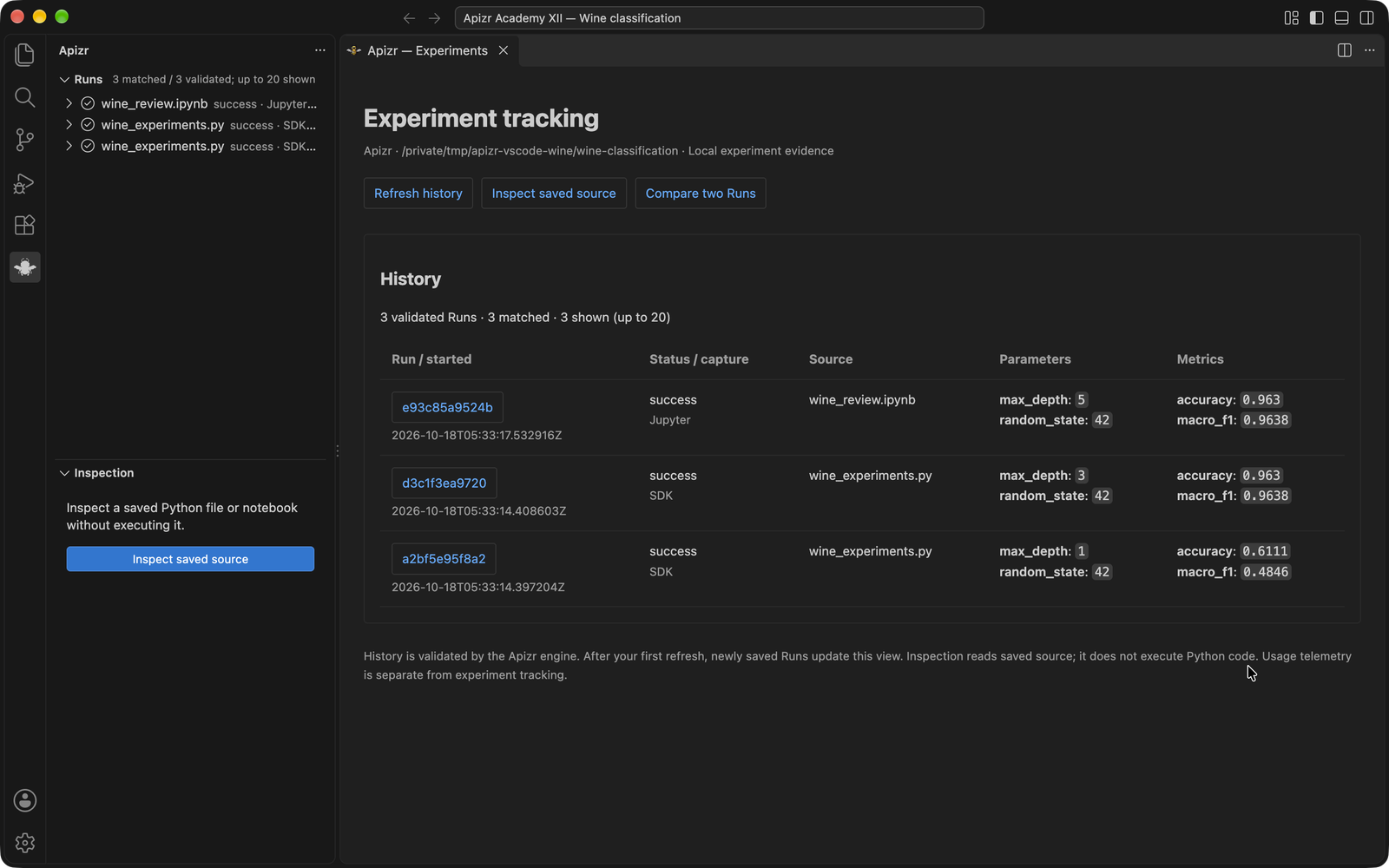
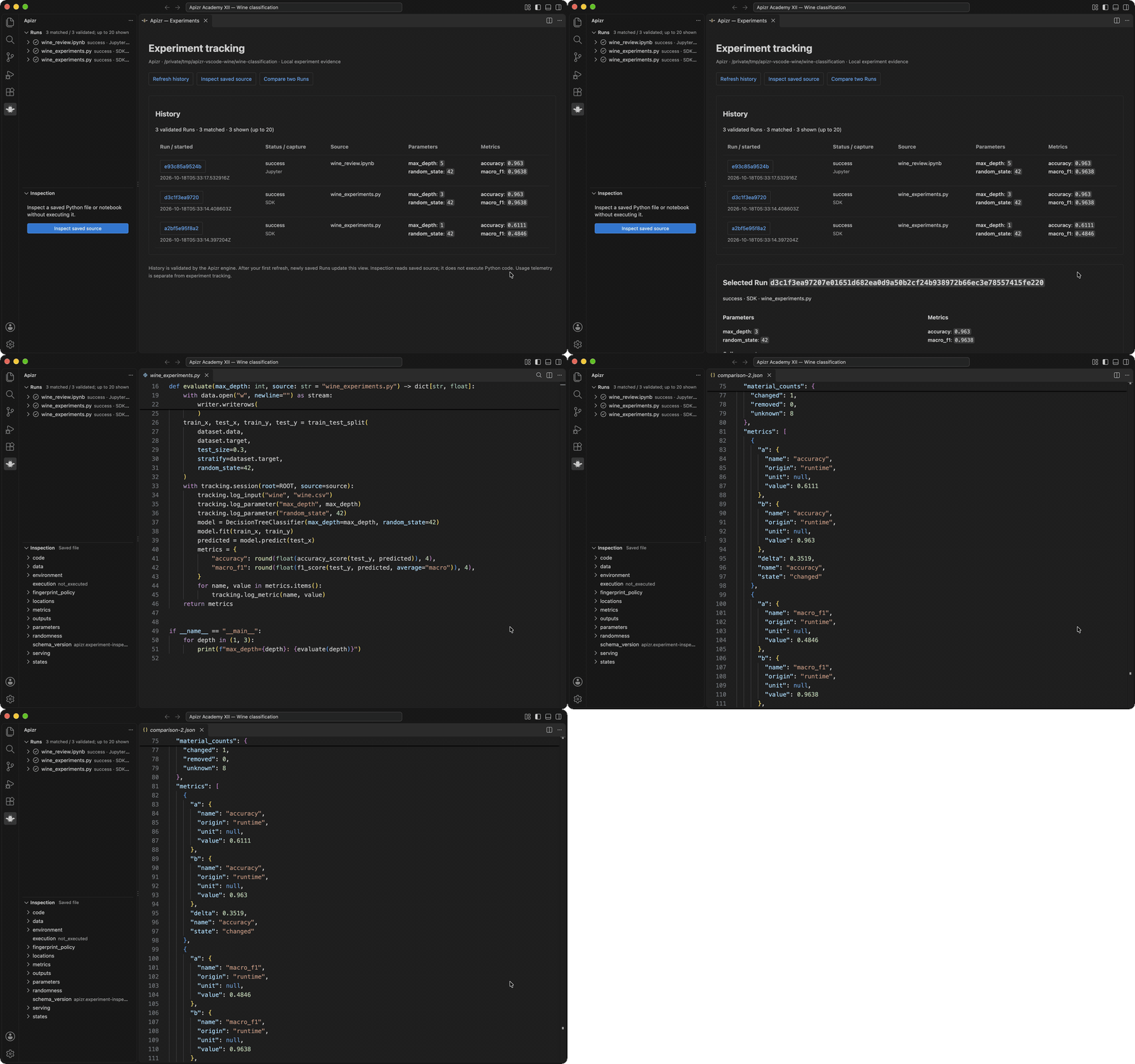
These are actual SDK and Jupyter executions on the public UCI Wine dataset, shown in the 0.4.6 extension. Parameters, accuracy and macro F1 come from the retained Runs; the interface delegates history validation to the Apizr engine. Short walkthrough using captured views of the running extension:
Repeat the illustrated Academy lesson to train the models, inspect saved source and compare their results. Get started
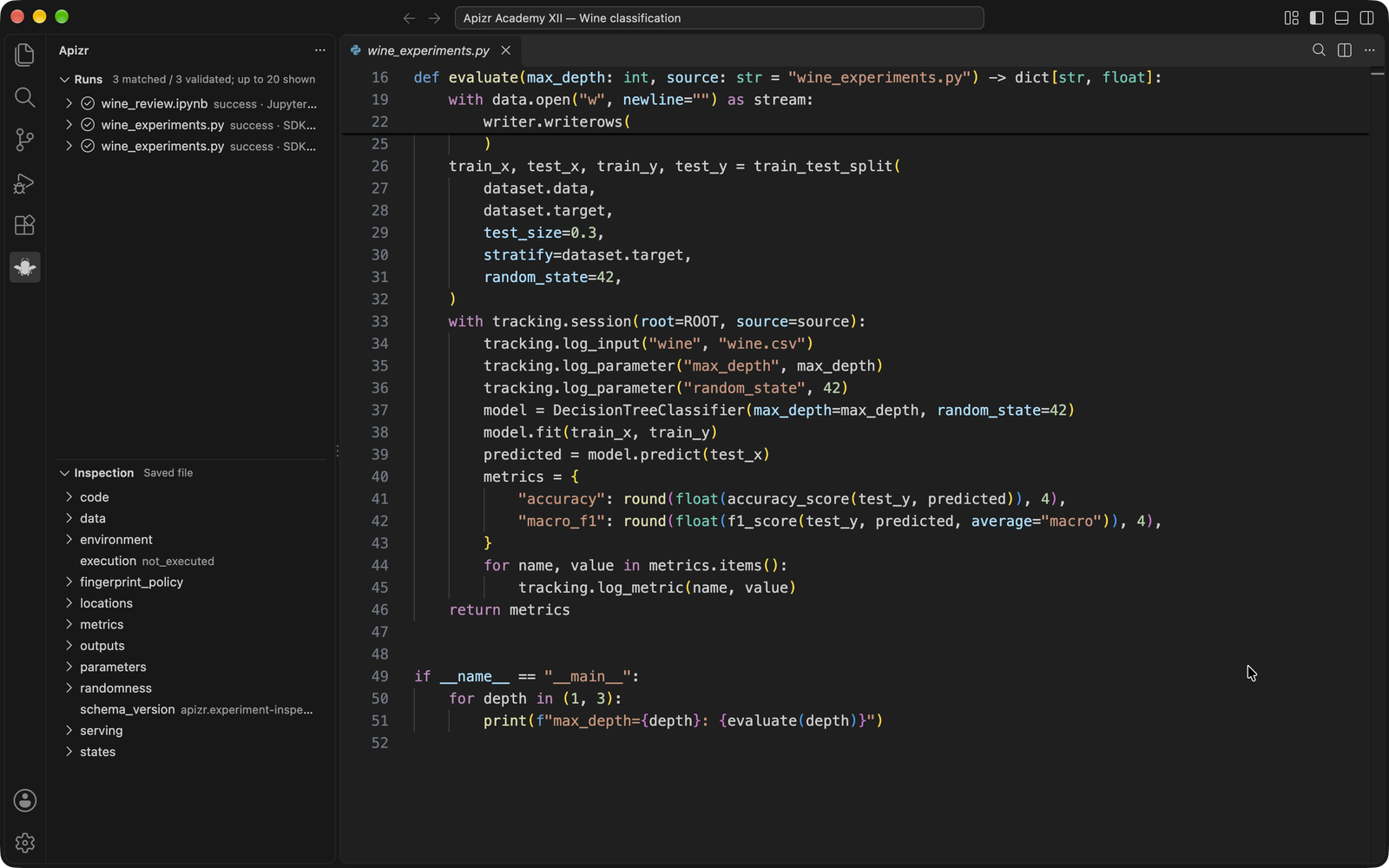
Use the Apizr bee in the Activity Bar for the experiment dashboard, metrics, parameters and Run details. Python editor shortcuts and the notebook toolbar inspect saved code without executing it. Apizr: Open CLI terminal makes the installed CLI available in a terminal. Existing CLI environments remain selectable.
The managed installer uses the exact PyPI release
Usage telemetry follows VS Code’s permission by default. Disable
|