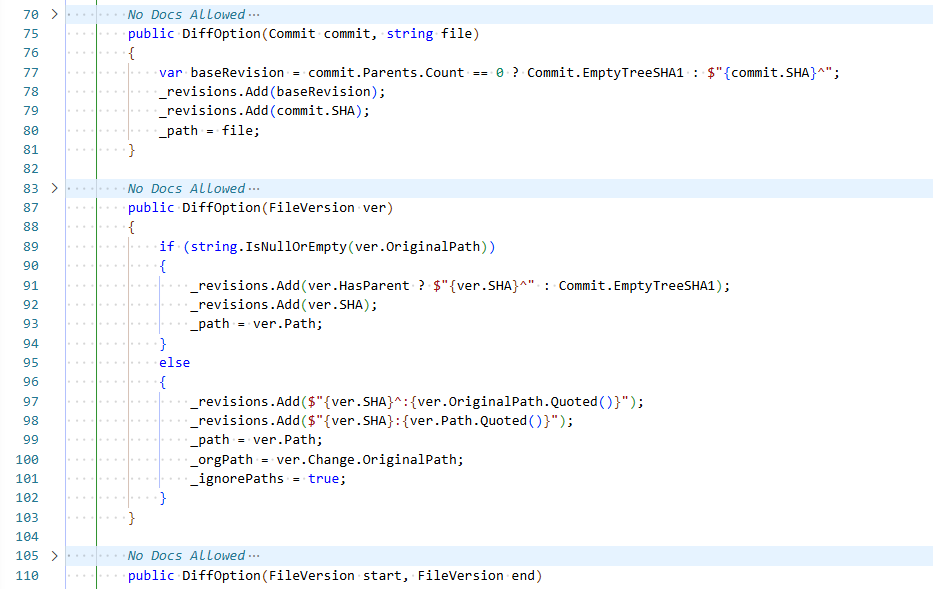
NDA — No Docs AllowedToggle visibility of /// XML documentation comments in C# files Installation Launch VS Code Quick Open ( Ctrl+P), paste the following command, and press enter.Copied to clipboard |

NDA — No Docs AllowedNDA (No Docs Allowed) is a lightweight Visual Studio Code extension that folds and hides XML documentation comments, helping you stay focused on what actually matters — the code.
Why NDA?Modern codebases are often overloaded with documentation noise. NDA lets you opt-in to clarity by hiding what you don’t need right now. Because sometimes… the best documentation is no documentation.
Commands
Perfect for
|