Akkal Dark Theme
A modern dark theme for Visual Studio Code inspired by the timeless look and feel of One Dark Pro.
Preview
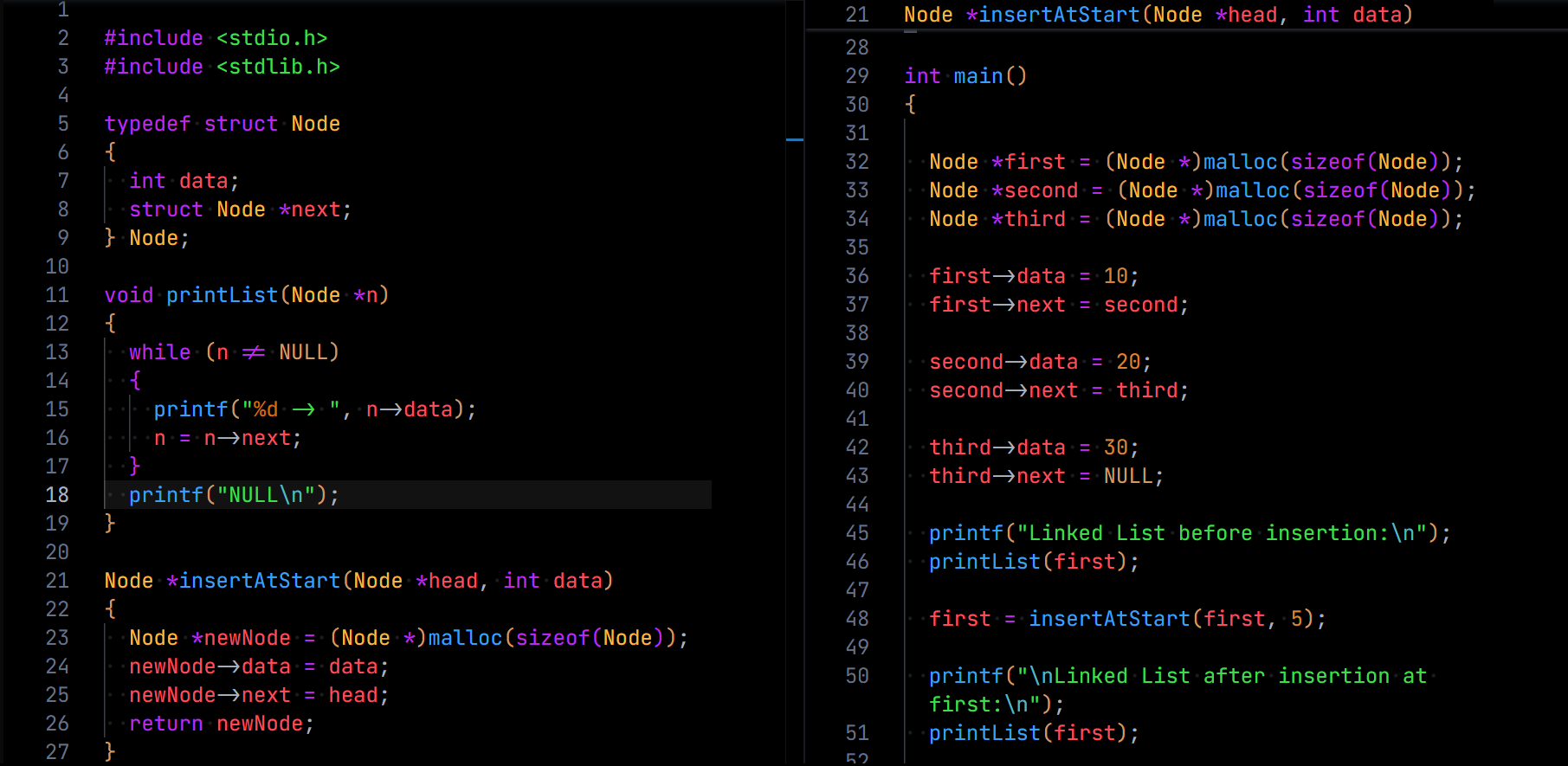
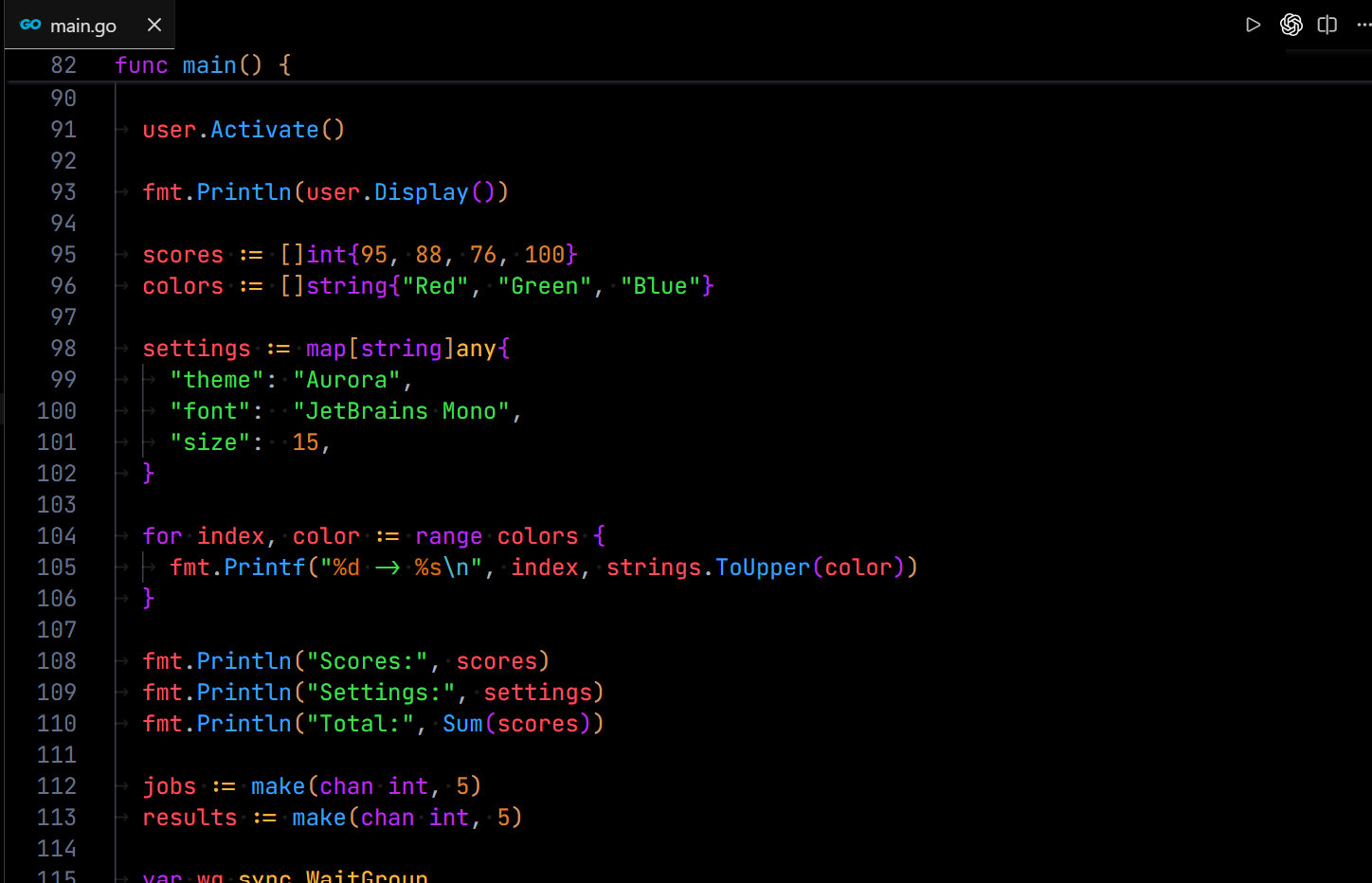
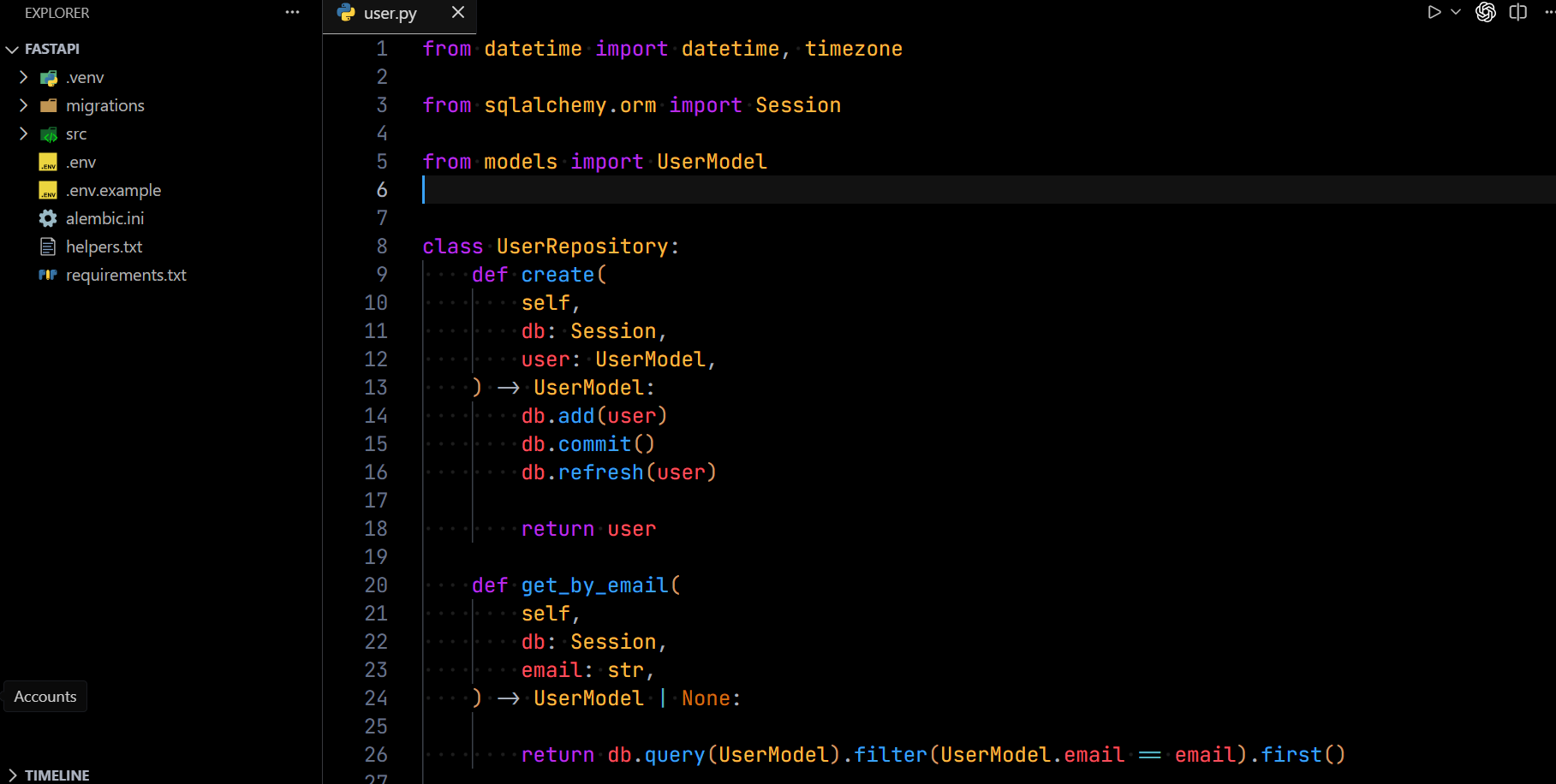
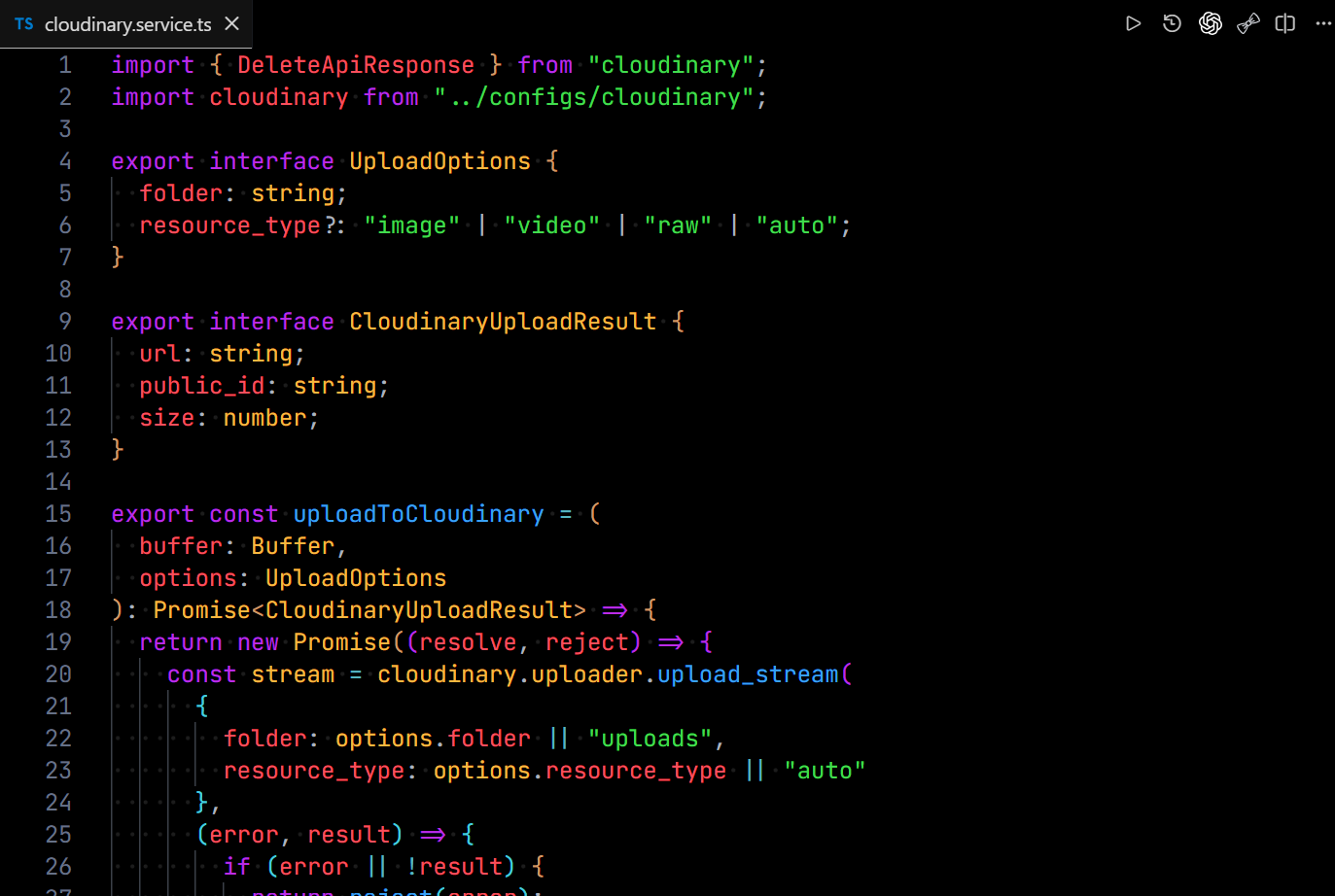
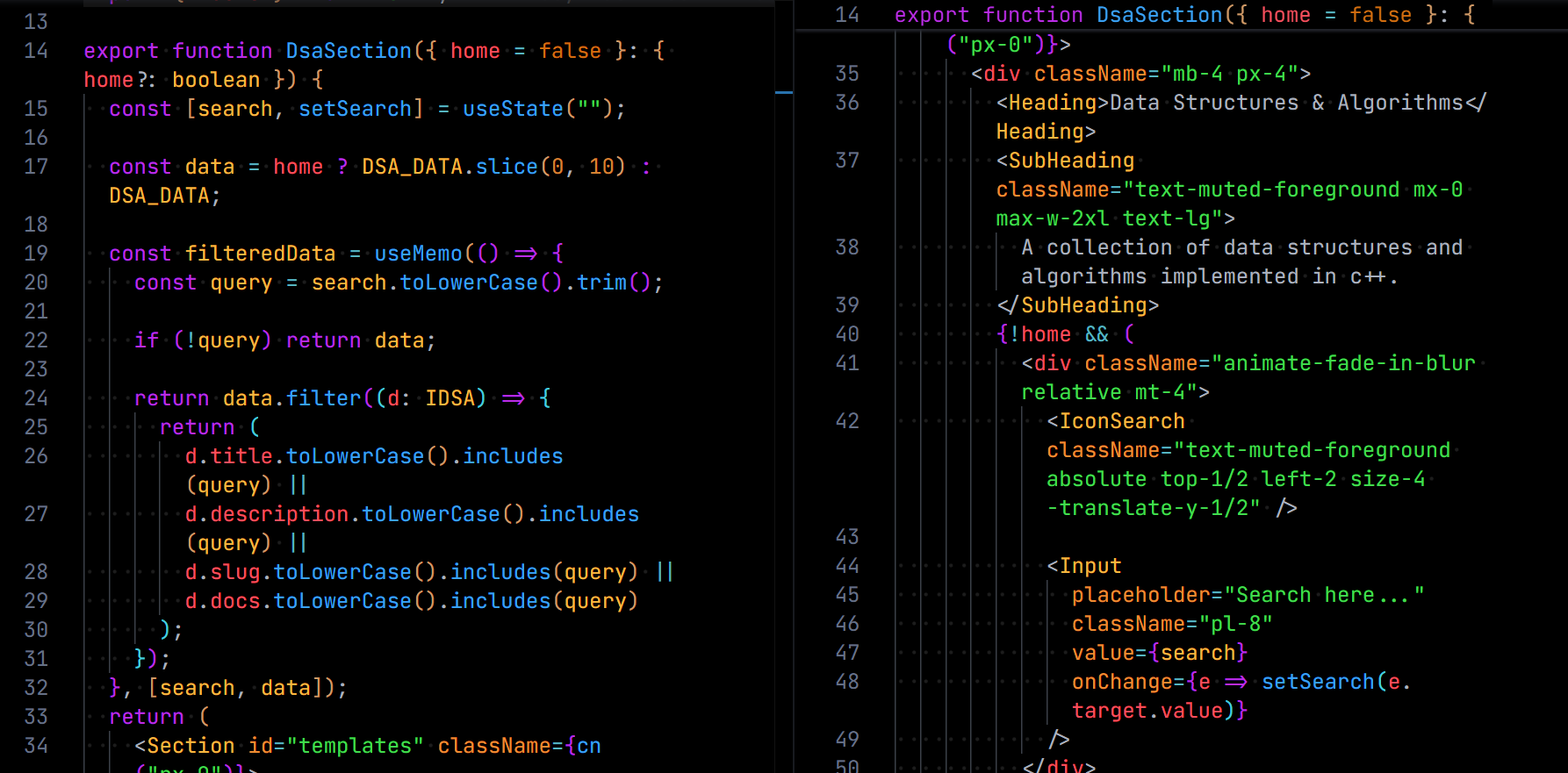
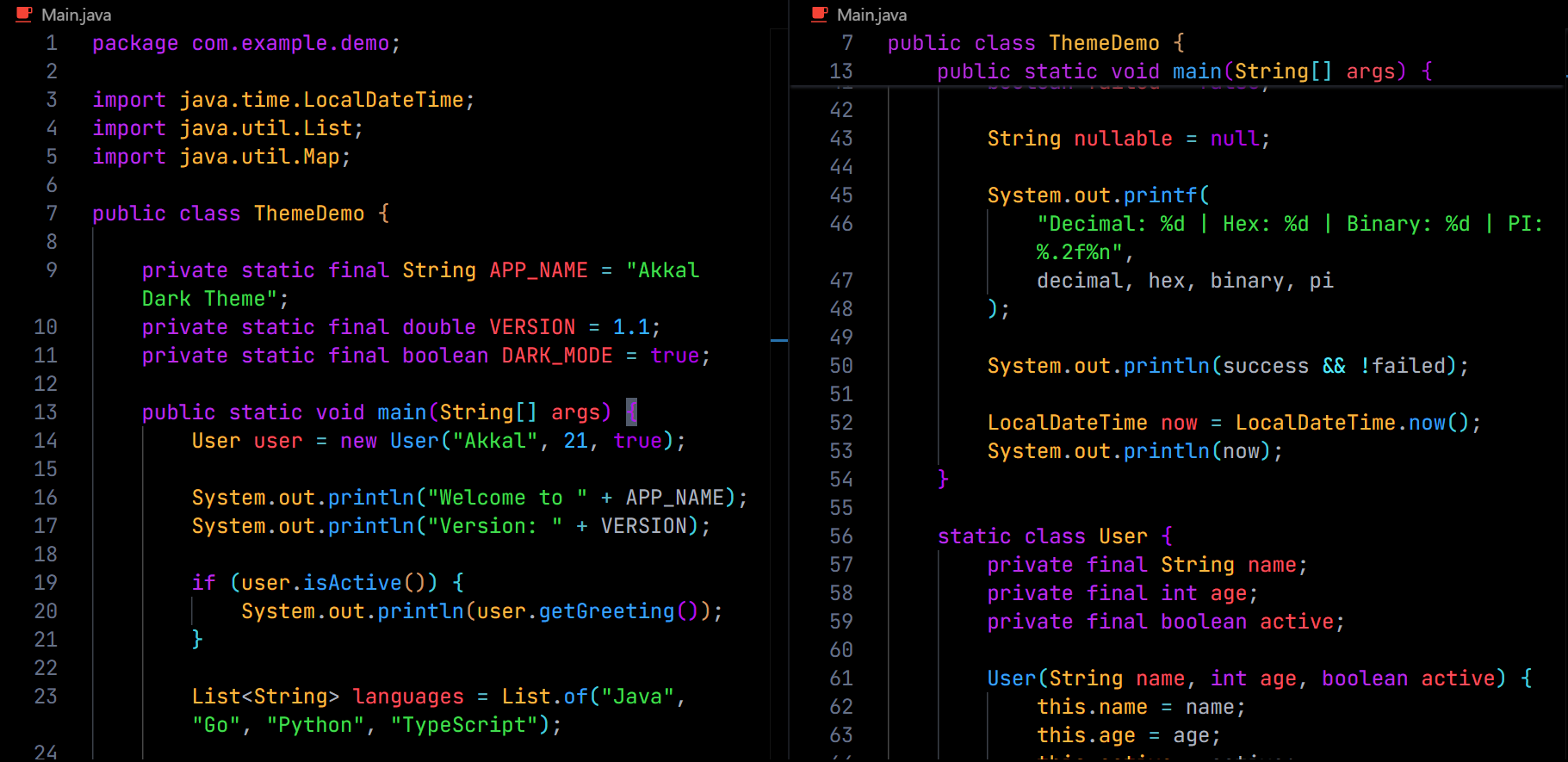
Features
- Inspired by the classic One Dark Pro aesthetic
- Carefully balanced dark color palette
- Optimized syntax highlighting
- Semantic highlighting support
- Custom workbench and terminal colors
Installation
- Open Extensions (
Ctrl + Shift + X)
- Search for Akkal Dark Theme
- Click Install
- Select Akkal Dark Theme from Preferences → Color Theme
Support
If you enjoy Akkal Dark Theme, consider:
- ⭐ Starring the repository
- 📝 Leaving a review on the Visual Studio Marketplace
- 💬 Sharing it with other developers
Your support helps improve the theme and add support for more languages.
License
MIT License
GitHub Repo
Akkal Dark Theme
| |

