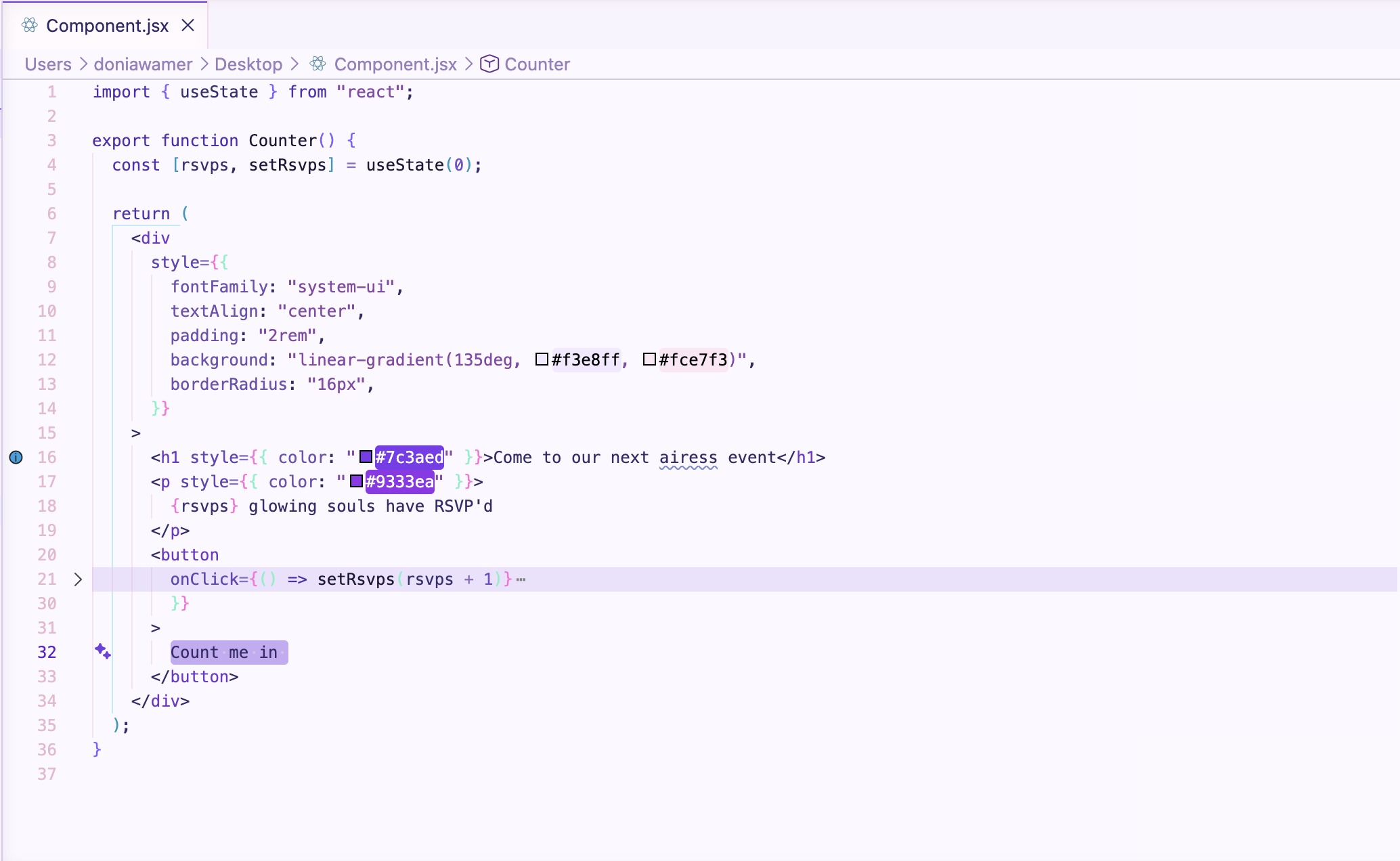
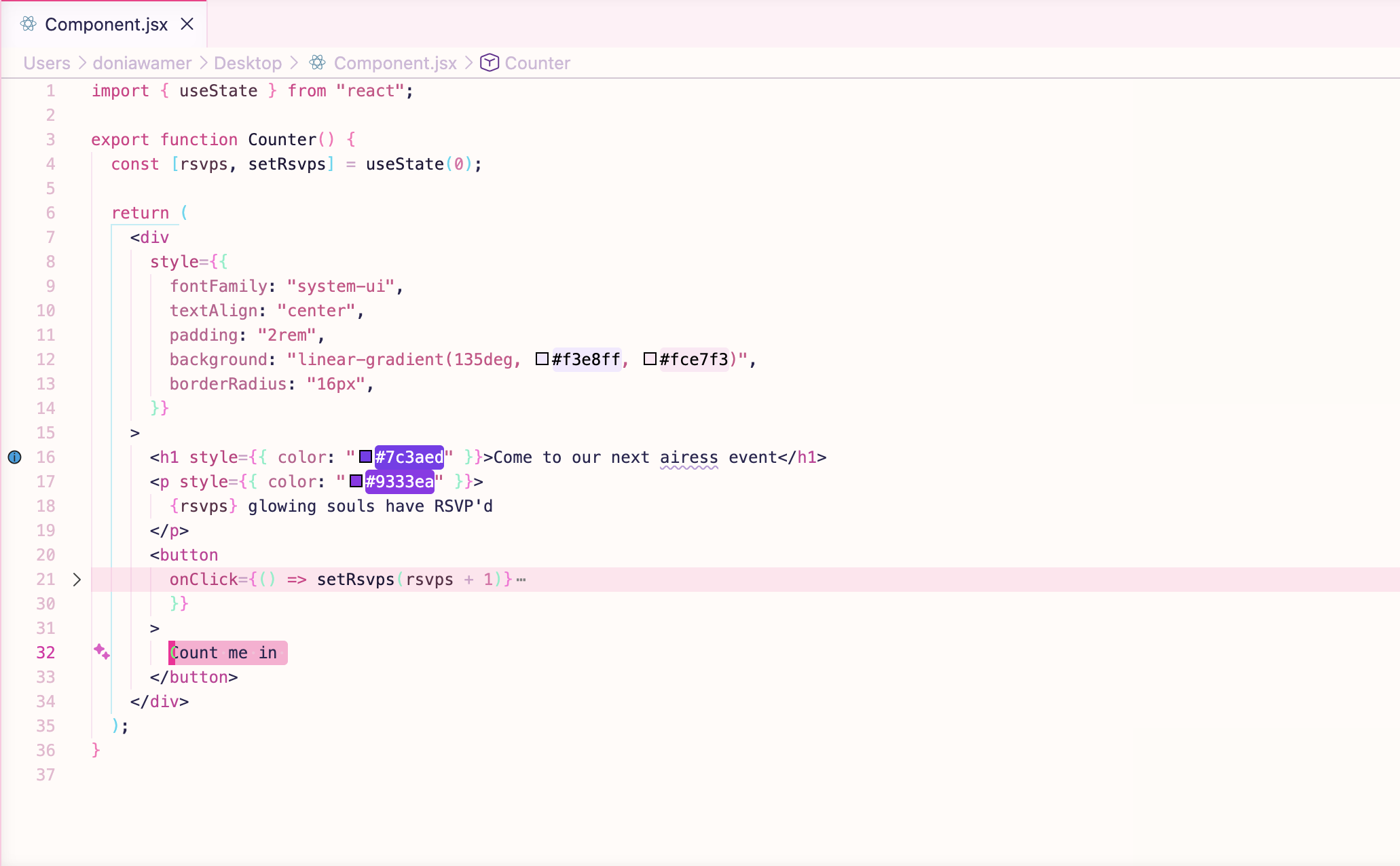
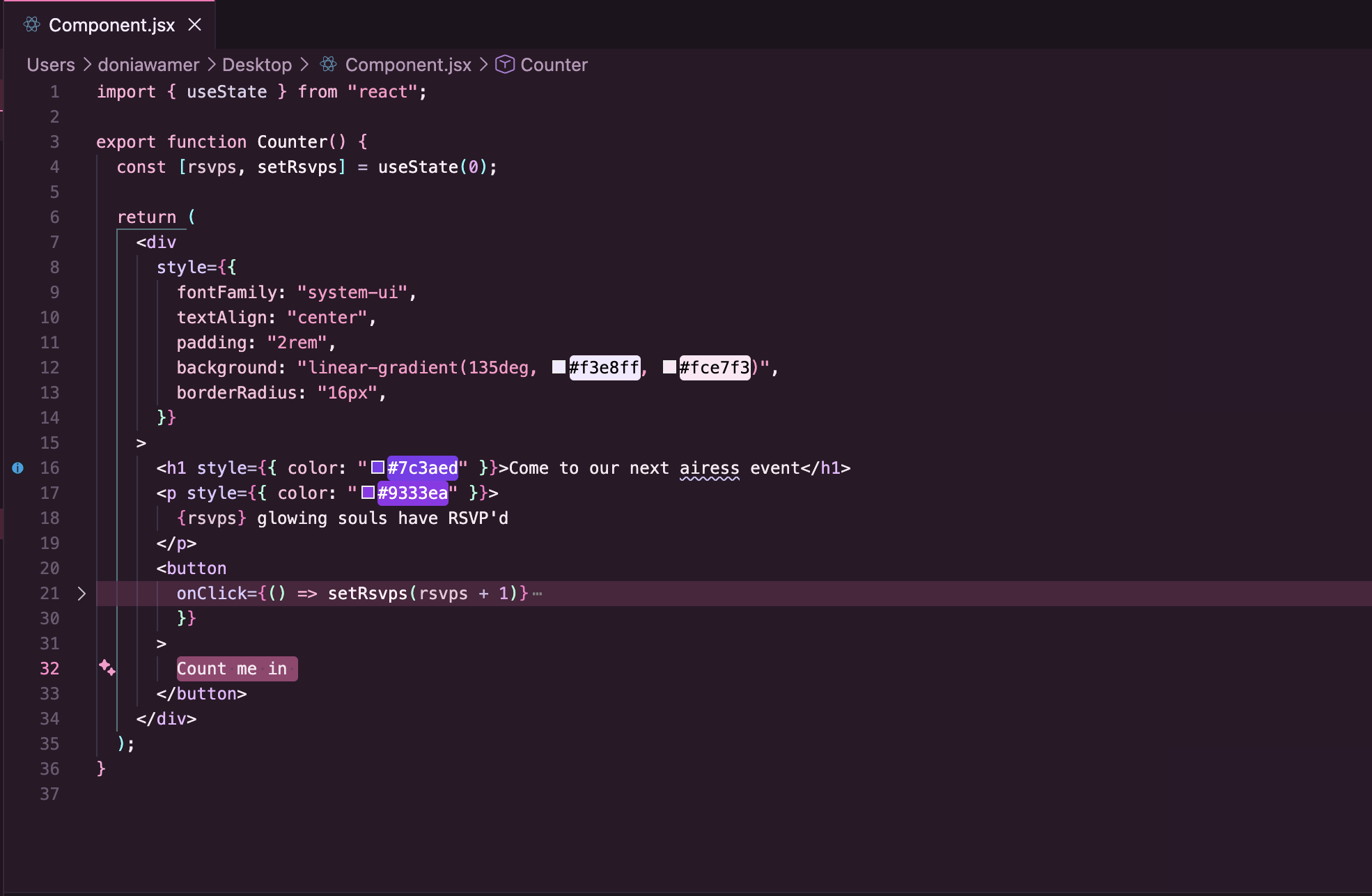
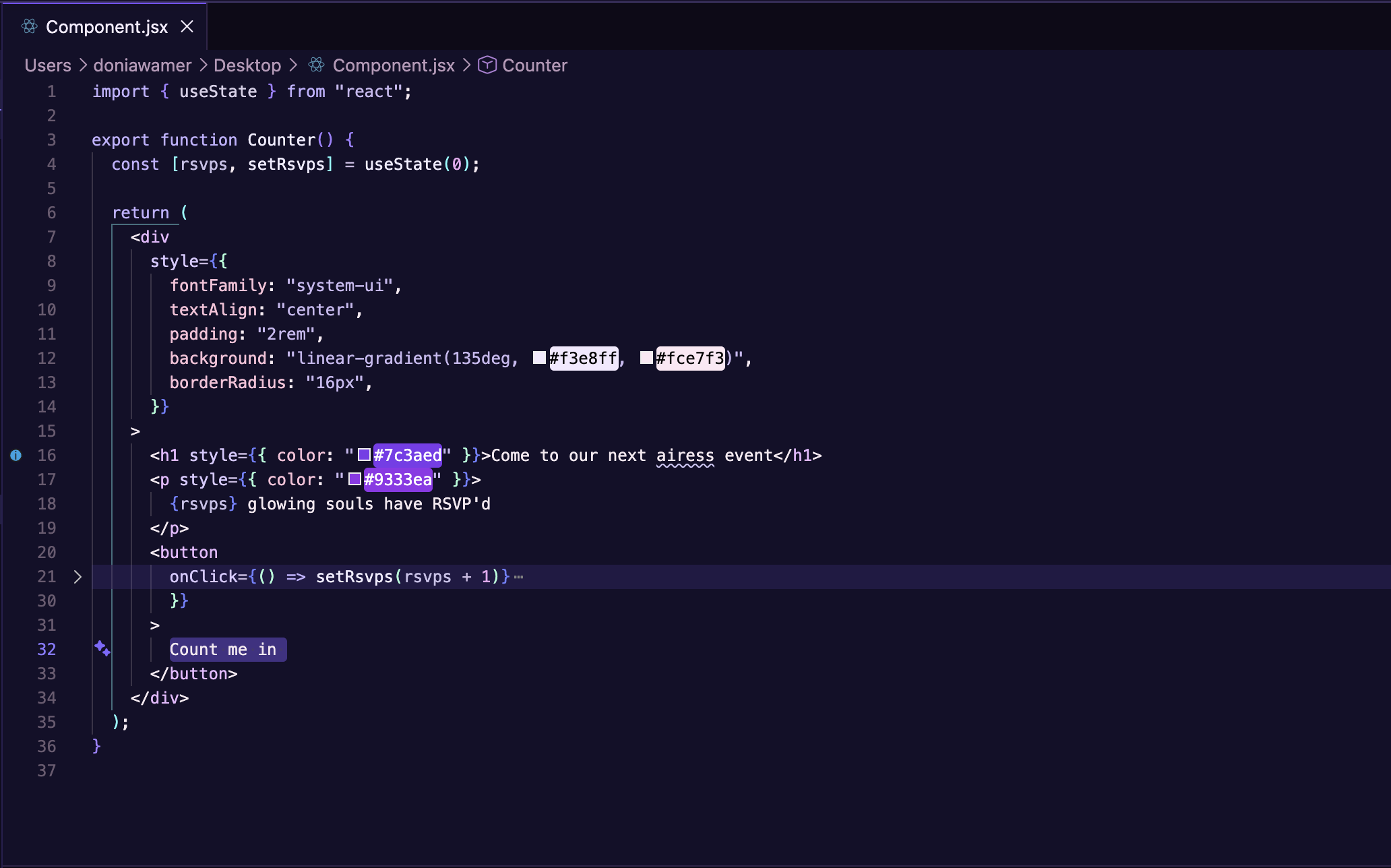
airess glowFour airess themes: airess bloom (rosy pink light), lumen airess (lilac purple light), midnight airess (magenta noir dark), velvet airess (deep indigo dark). ✨ Installation Launch VS Code Quick Open ( Ctrl+P), paste the following command, and press enter.Copied to clipboard |

airess glowA collection of four beautiful, carefully curated VS Code themes from the airess design system. Themeslumen airess — Light theme with lilac purple accents ✨
airess bloom — Light theme with rosy pink accents 🌸
midnight airess — Dark theme with magenta noir accents 🌙
velvet airess — Dark theme with deep indigo accents 💜
Features
Installation
UsageAfter installation, select your preferred theme:
Want to make your own theme?You can fork airess glow and customize the colors to create your own VS Code theme. For the full step-by-step guide, see CUSTOMIZE.md. |