Transmute
Developer utility toolkit — JSON, Image, PDF, and more. All processing happens on your device.
Features
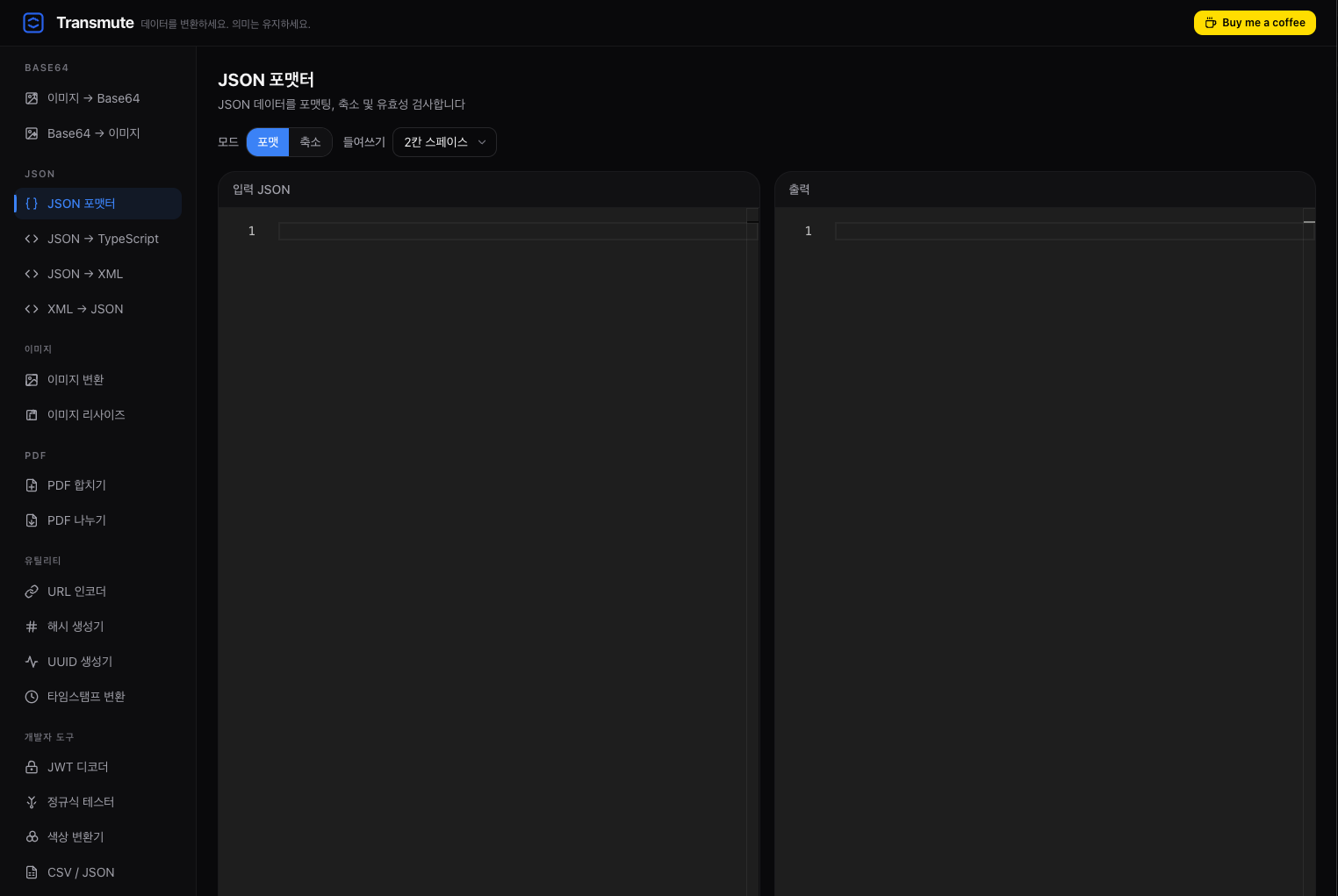
Transmute provides 18 built-in tools organized into 6 categories, all running locally inside your editor with zero network requests.
Base64
- Image → Base64 — Convert images to Base64-encoded strings
- Base64 → Image — Decode Base64 strings back to images
JSON
- JSON Formatter — Format, minify, and validate JSON with Monaco Editor
- JSON → TypeScript — Generate TypeScript interfaces/types from JSON
- JSON → XML — Convert JSON data to XML format
- XML → JSON — Convert XML data to JSON format
Image
- Image Converter — Convert between PNG, JPEG, WebP, and more
- Image Resizer — Resize images with custom dimensions
PDF
- PDF Merge — Combine multiple PDF files into one
- PDF Split — Extract or split pages from PDF files
Utility
- URL Encoder/Decoder — Encode and decode URL components
- Hash Generator — Generate MD5, SHA-1, SHA-256, and other hashes
- UUID Generator — Generate UUID v4 identifiers
- Timestamp Converter — Convert between Unix timestamps and human-readable dates
Developer
- JWT Decoder — Decode and inspect JSON Web Tokens
- Regex Tester — Test regular expressions with real-time matching
- Color Converter — Convert between HEX, RGB, HSL, and other color formats
- CSV ↔ JSON — Convert between CSV and JSON formats
Privacy
All conversions and transformations are performed entirely on your local machine. No data is ever sent to external servers.
Supported Languages
Transmute adapts to your editor's language setting:
- English
- Korean (한국어)
- Japanese (日本語)
- Chinese (中文)
Installation
VS Code
- Open the Extensions view (
Ctrl+Shift+X / Cmd+Shift+X)
- Search for Transmute
- Click Install
Cursor
- Open the Extensions view (
Ctrl+Shift+X / Cmd+Shift+X)
- Search for Transmute
- Click Install
Manual (VSIX)
- Download the
.vsix file from Releases
- Run
code --install-extension transmute-<version>.vsix
Usage
Open the Command Palette (Ctrl+Shift+P / Cmd+Shift+P) and run:
Transmute: Open Transmute
Select a tool from the sidebar and start converting.
Requirements
- VS Code 1.85.0 or later (or compatible editors like Cursor)
Building from Source
# Install dependencies
pnpm install

# Development mode (watch)
pnpm dev

# Build for production
pnpm compile

# Package as VSIX
pnpm package
License
MIT
| |

