Skip to content
| Marketplace
Sign in
Visual Studio Code>Programming Languages>AxolotlNew to Visual Studio Code? Get it now.
Axolotl

Axolotl

Zhuolun Li

|
1 install
| (0) | Free
Autonomous coding agent right in your IDE, capable of creating/editing files, running commands, using the browser, and more with your permission every step of the way.
Installation
Launch VS Code Quick Open (Ctrl+P), paste the following command, and press enter.
Copied to clipboard
More Info

Axolotl

Axolotl

AI that tests your code before you merge it.

Point it at a PR. It reads the diff, analyzes the code, generates tests,
opens a real browser, clicks through your app, and tells you if it's safe to ship.

Website  License  Stars


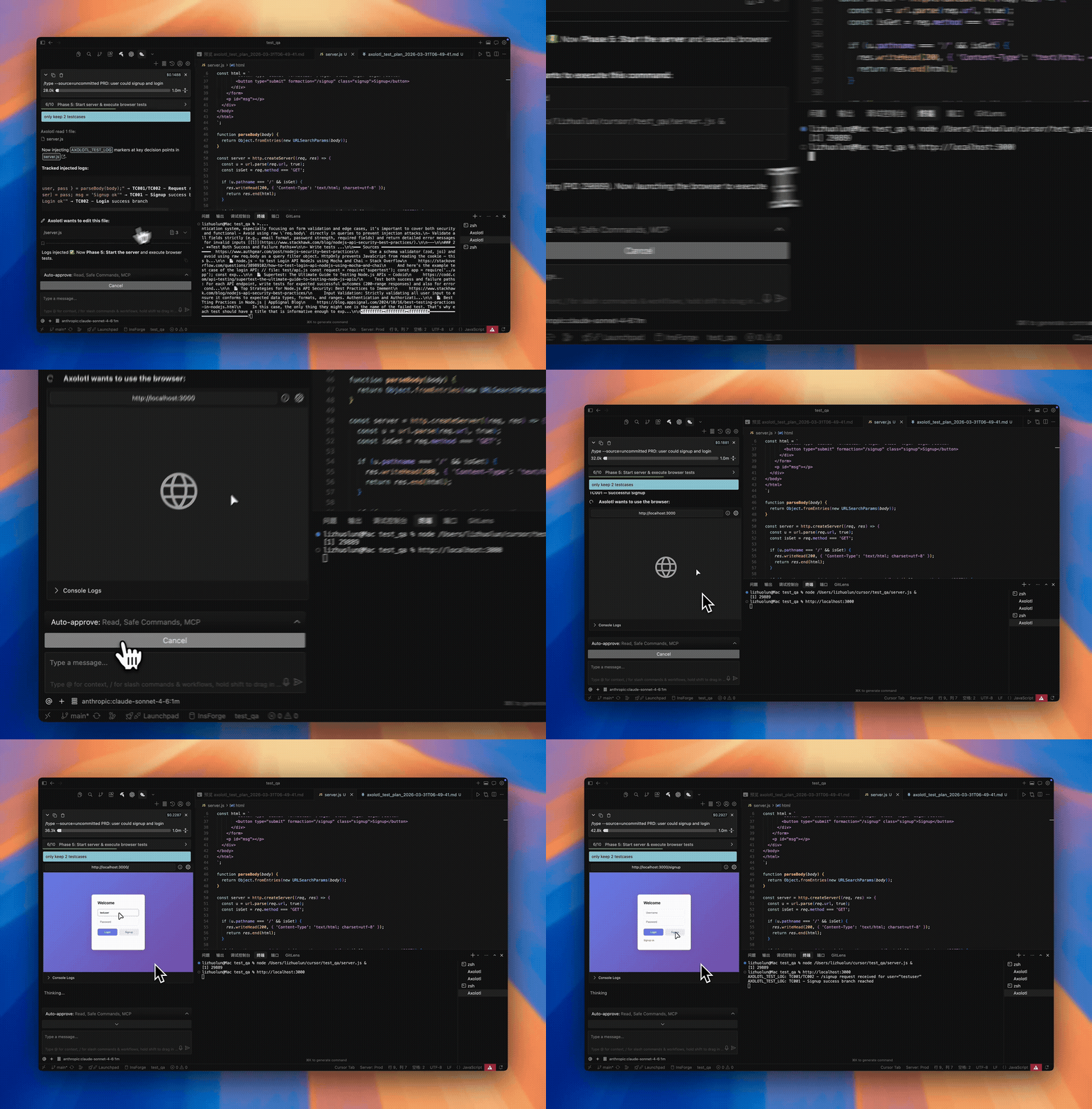
Axolotl running end-to-end browser tests

Axolotl testing a live app — clicking buttons, checking responses, capturing evidence.


The Problem

You open a PR. You eyeball the diff. You run the existing test suite — it passes. You merge.

Two hours later, production breaks. The tests didn't cover the actual user flow that changed.

Axolotl fixes this. It reads your code changes, figures out what should be tested, and actually tests it — in a real browser, against your real app.


See Every Step

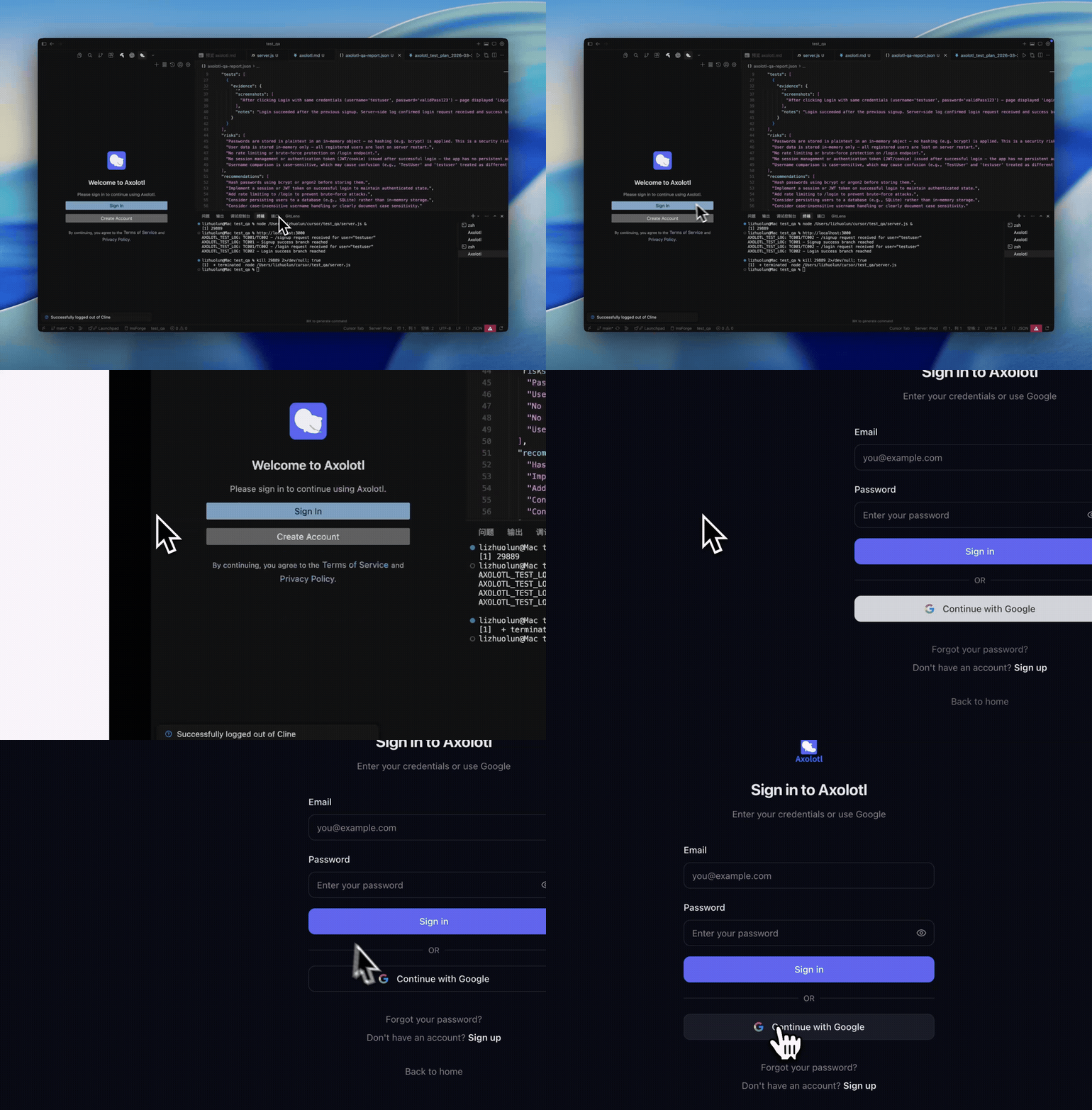
1. Sign In

One-click Google sign in. Only used for future update notifications — no usage data is collected.

Watch full video →

Sign In
Configure Settings

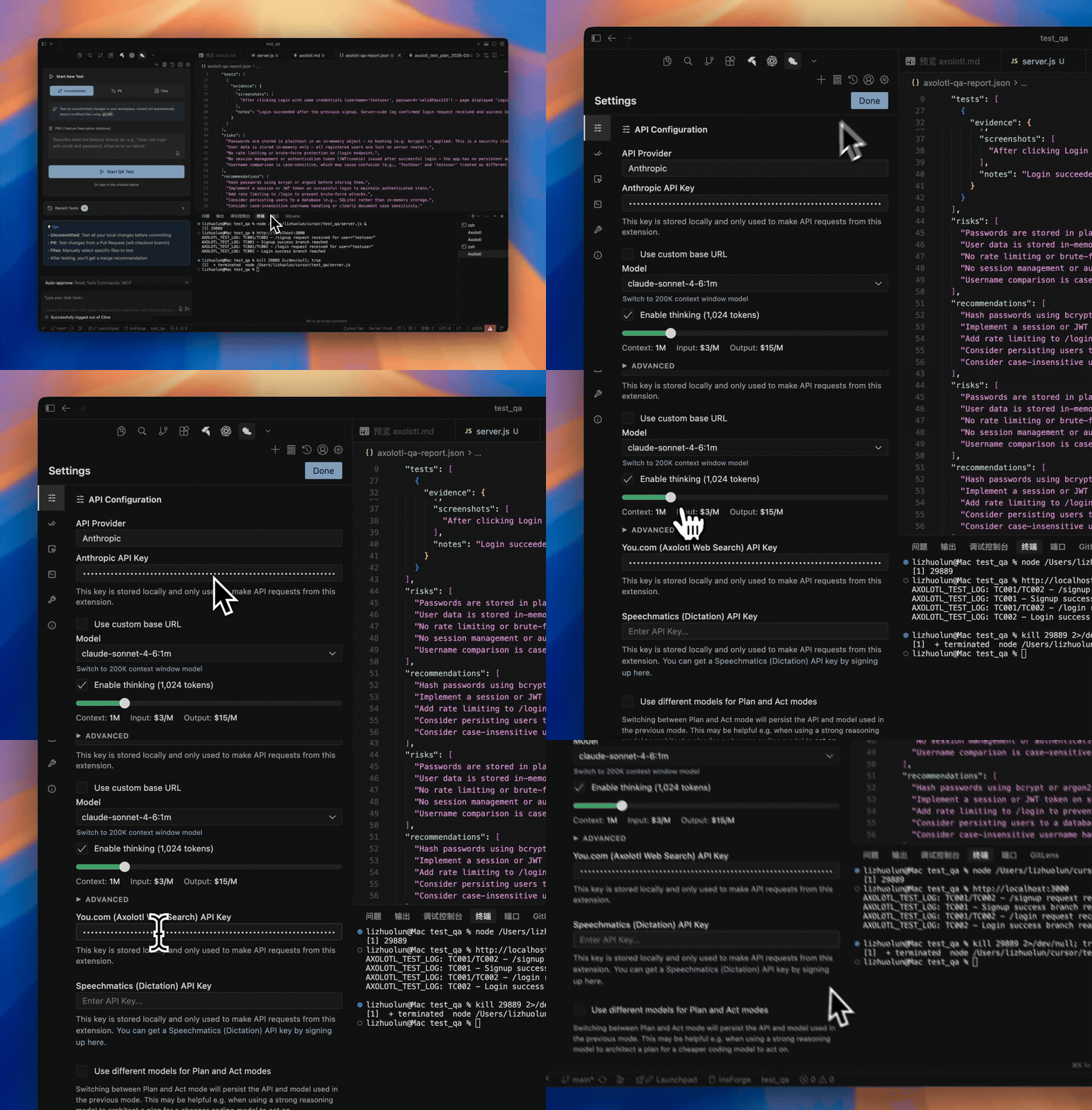
2. Configure

Set your Anthropic API key and You.com API key for web search. We recommend Claude Sonnet 4.6 (1M) — all browser testing is optimized for Sonnet.

Watch full video →

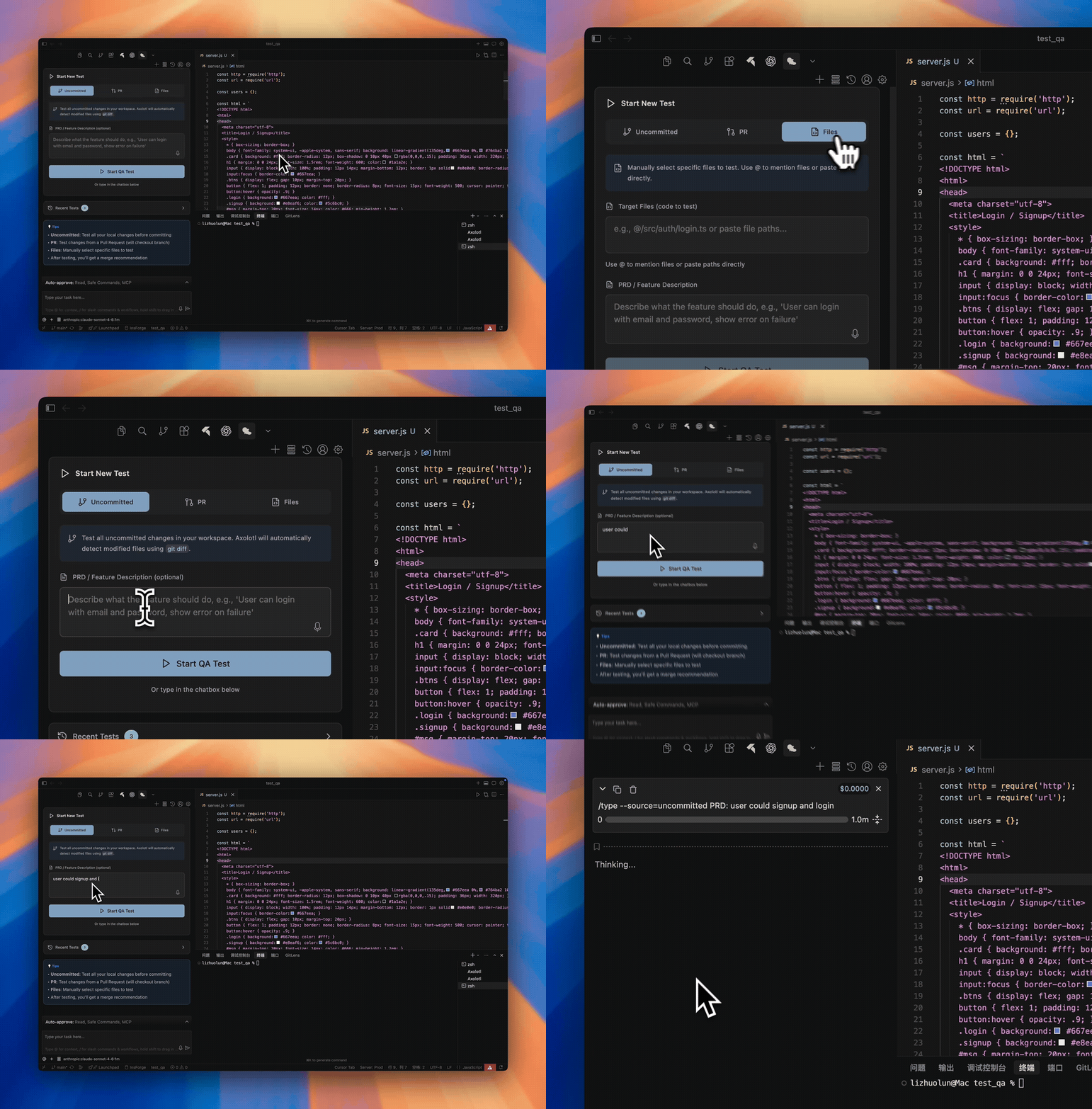
3. Start a QA Session

Pick your source: a PR number, uncommitted changes, or specific files. Or just type in the chat box.

Watch full video →

Start QA Session
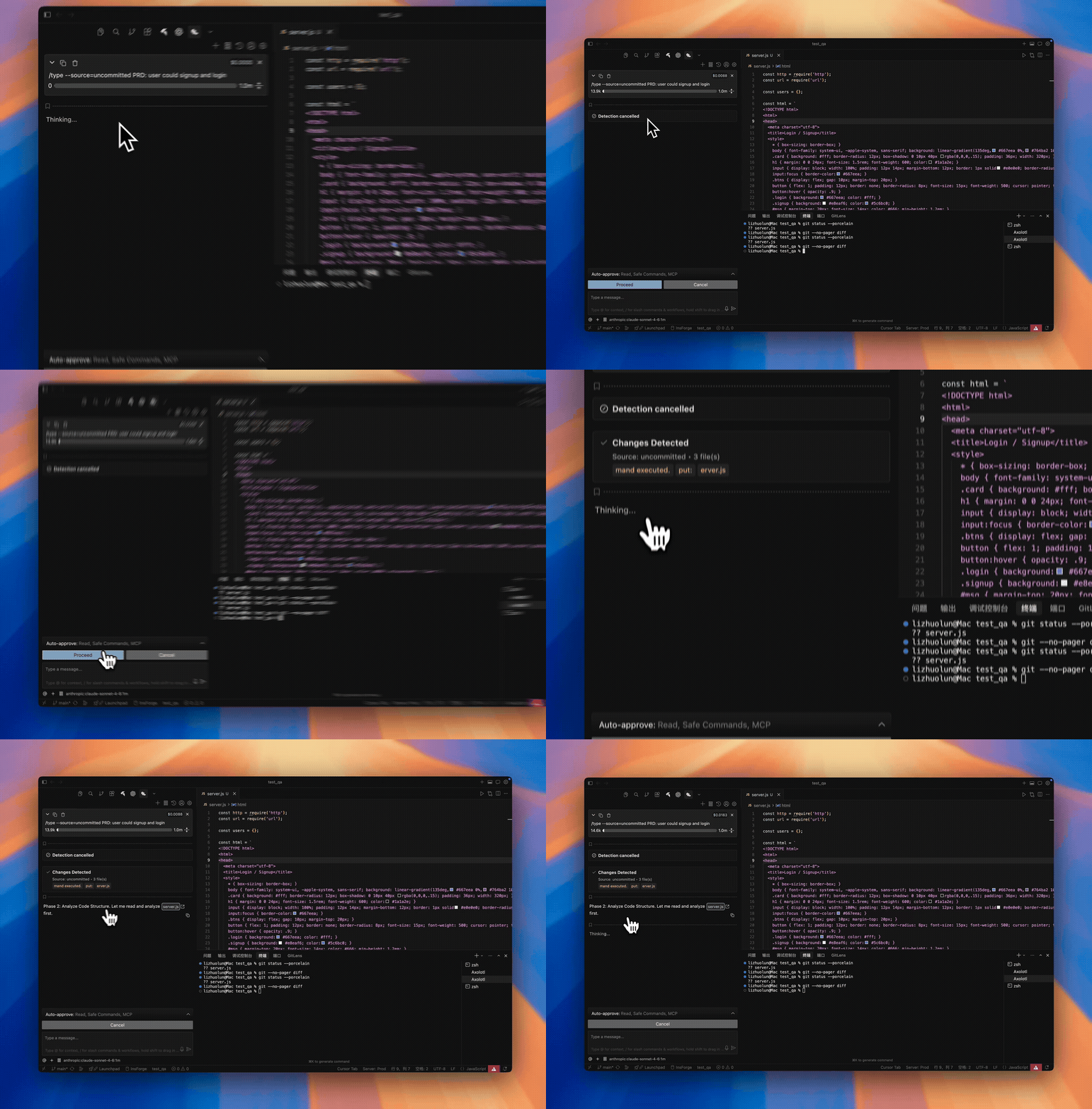
Code Analysis

4. Code Analysis

Tree-sitter AST parsing + ripgrep pattern search. Axolotl understands your code structure before writing any tests.

Watch full video →

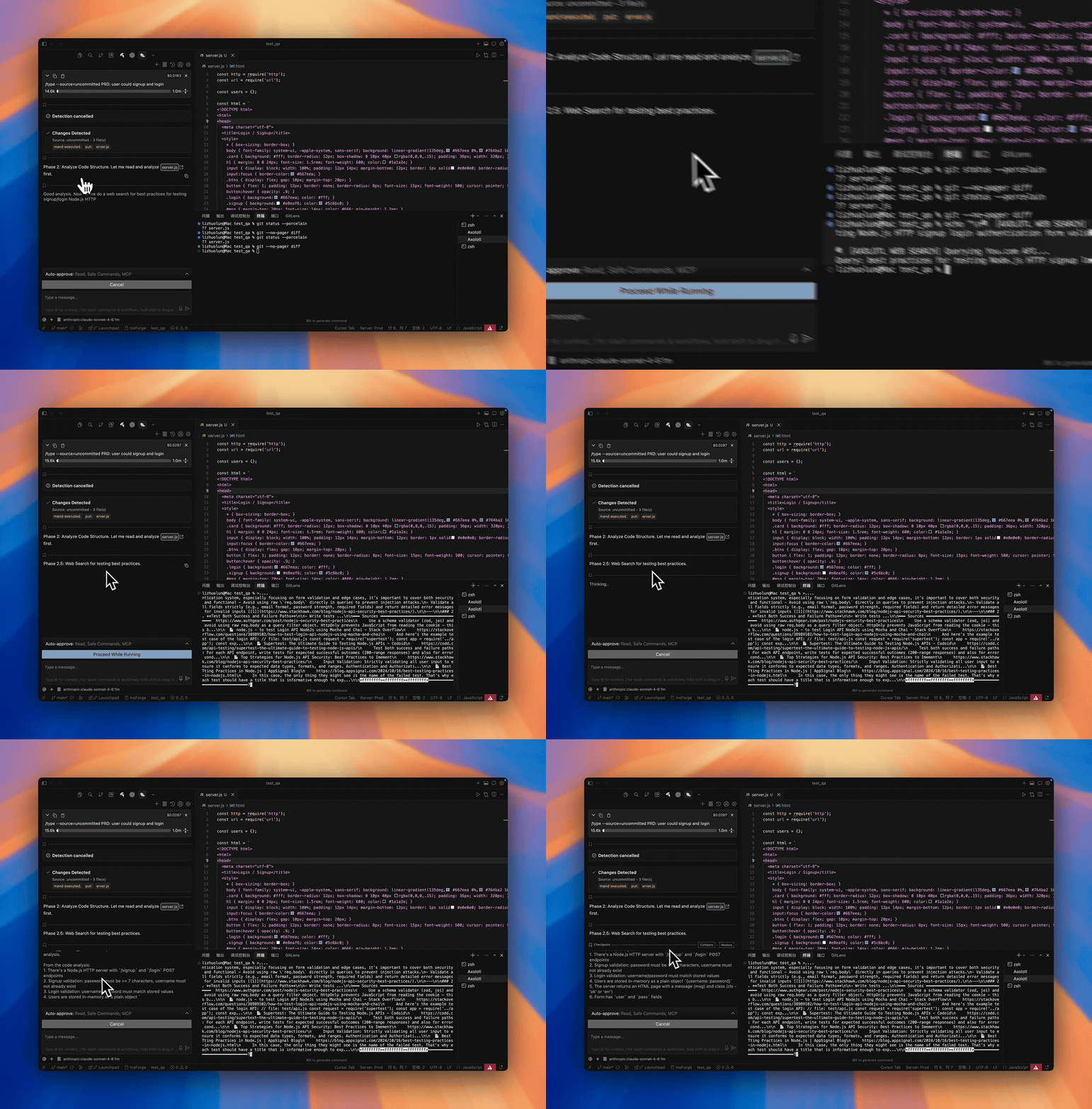
5. Web Search & Test Cases

Searches for testing best practices specific to your tech stack, then generates targeted test cases.

Watch full video →

Web Search & Test Cases
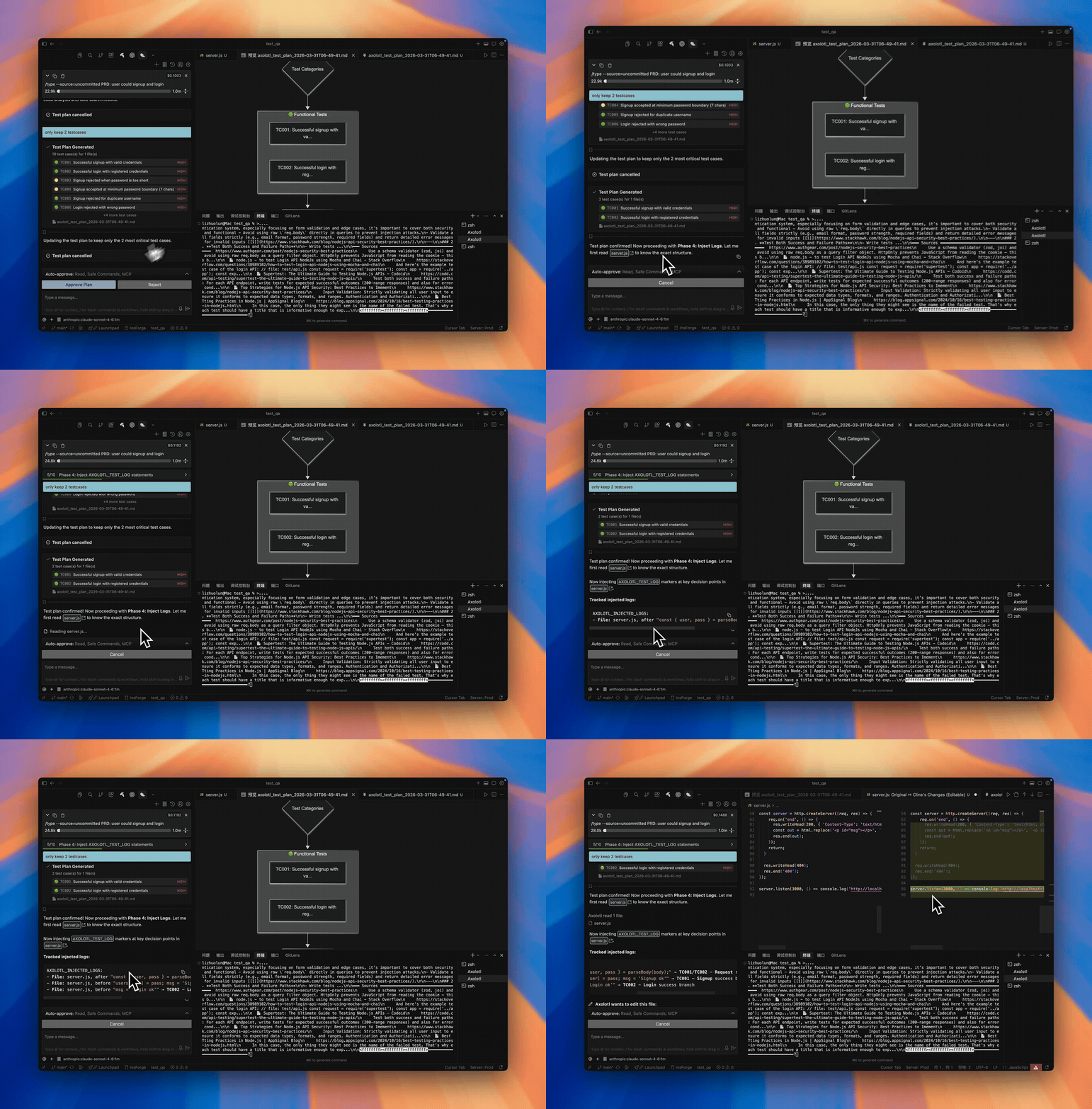
Plan & Log Injection

6. Plan & Log Injection

Review the test plan. On approval, Axolotl injects temporary log markers to capture behavioral evidence.

Watch full video →

7. End-to-End Testing

Real browser. Real clicks. Real screenshots. Monitors frontend UI and backend output simultaneously.

Watch full video →

End-to-End Testing
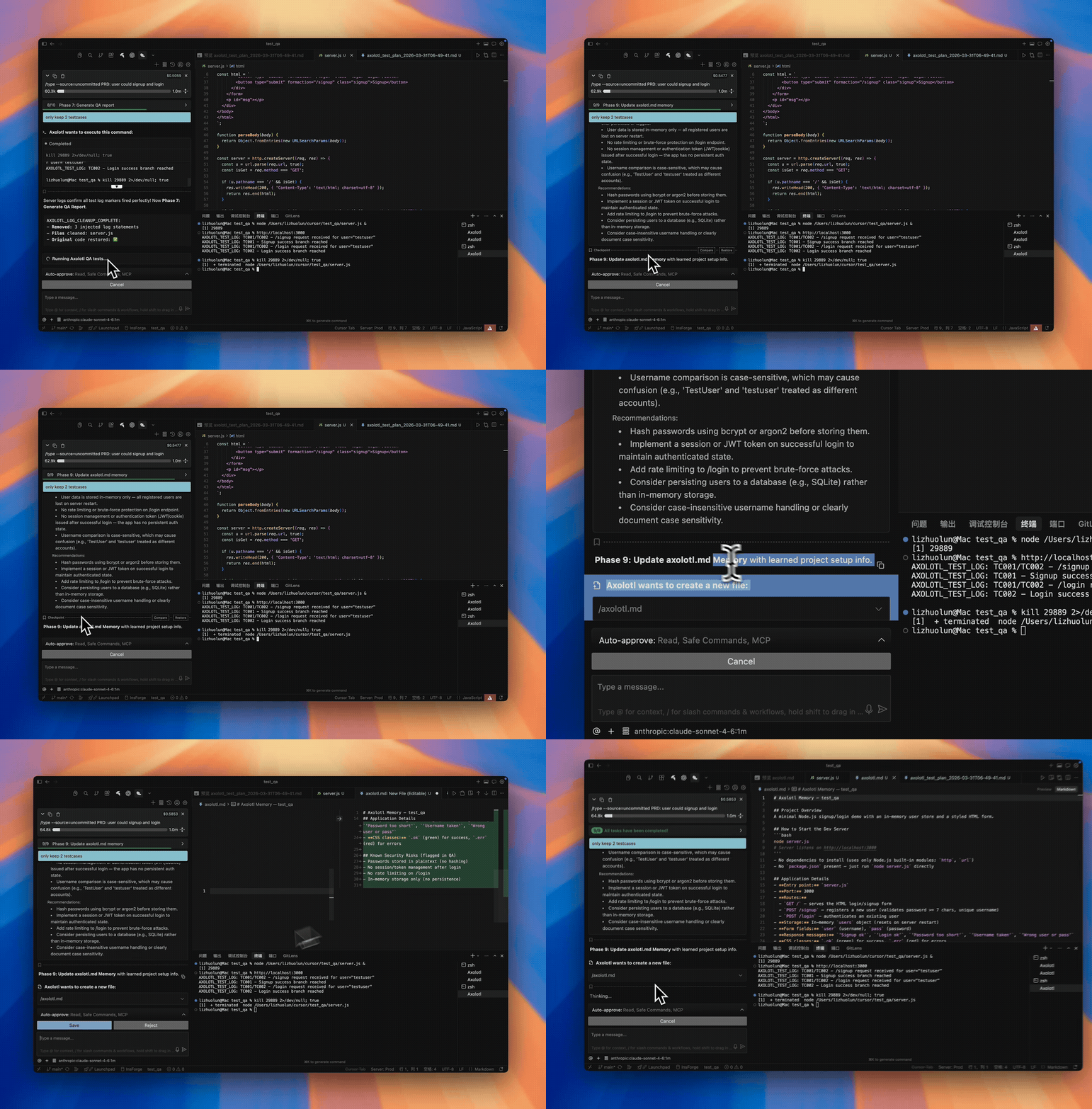
Report & Memory

8. Report & Memory

Evidence-backed verdict with pass/fail per test case. Axolotl remembers your project setup for next time.

Watch full video →


Quick Start

1. Clone & Install

git clone https://github.com/Axolotl-QA/Axolotl.git
cd Axolotl
npm install
npm run build:webview
npm run dev

Press F5 to launch the Extension Development Host.

2. Configure

Setting Value Why
Model Claude Sonnet 4.6 (1M) or Opus 4.6 All browser testing is optimized for Sonnet. Other models produce inconsistent results.
Provider Anthropic Direct API access, best performance.
Web Search You.com API key Enables research on testing best practices. Significantly improves test plan quality.

3. Run

--source=pr --pr=123              ← test a pull request
--source=uncommitted              ← test your working changes
--source=files @src/auth.ts       ← test specific files

Or just describe what you want tested in the chat box.


Why Axolotl

Traditional Testing Axolotl
Test creation You write and maintain test scripts AI generates tests from code analysis
Coverage gaps Tests cover what you thought to test Tests cover what actually changed
Browser testing Selenium/Playwright setup required Built-in browser with screenshot evidence
Maintenance Tests break when UI changes Fresh tests every run, zero maintenance
Evidence Pass/fail boolean Screenshots, logs, behavioral markers
Time to first test Hours to days Minutes


Key Features

Zero test maintenance — tests are generated on-the-fly from your actual code changes. No test suite to maintain.

Evidence-driven verdicts — every result is backed by screenshots, console logs, and injected behavioral markers. Not just pass/fail.

Human-in-the-loop — you review the test plan, approve each phase, and decide what to do with the results.

Persistent memory — Axolotl remembers how to install deps, start your dev server, and run your app across sessions via axolotl.md.

Web-informed — searches the internet for testing best practices relevant to your specific tech stack before generating test cases.

Multi-language analysis — tree-sitter powered AST parsing for JavaScript, TypeScript, Python, Rust, Go, C/C++, C#, Ruby, Java, PHP, Swift, and Kotlin.


Contributing

We'd love your help. See the Contributing Guide for details.

git clone https://github.com/Axolotl-QA/Axolotl.git
cd Axolotl
npm install
npm run dev            # watch mode
npm run build:webview  # build UI
# F5 to launch


License

Apache 2.0 — see LICENSE.

Built on Cline. Extended for automated QA.

  • Contact us
  • Jobs
  • Privacy
  • Manage cookies
  • Terms of use
  • Trademarks
© 2026 Microsoft