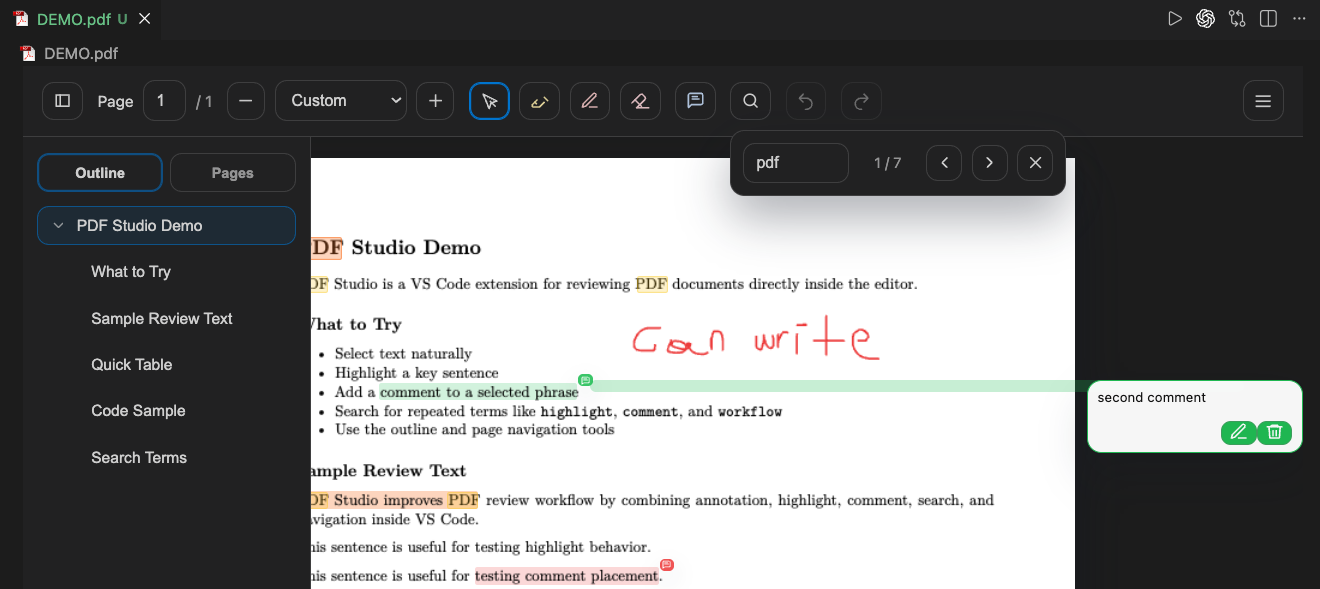
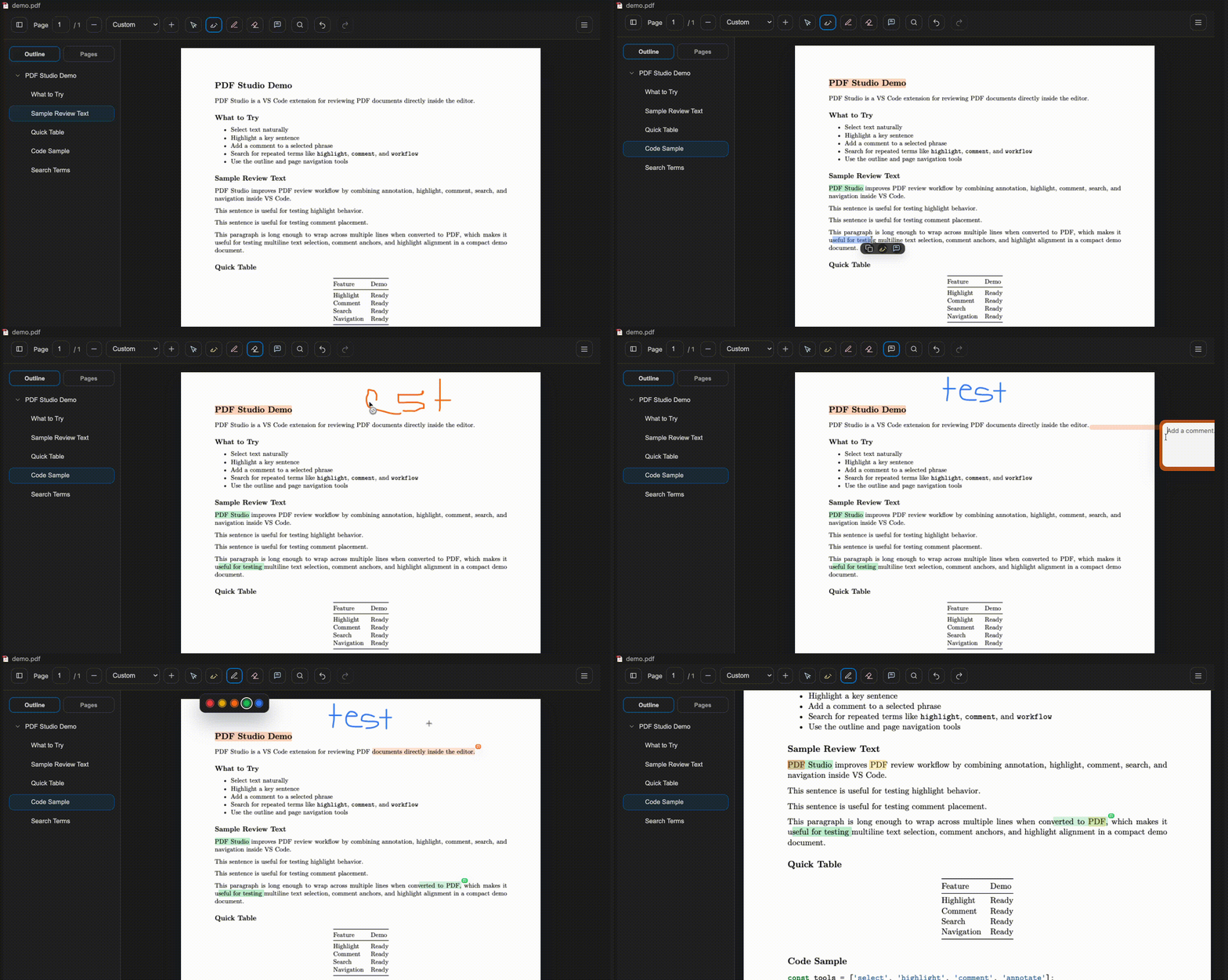
PDF Studio is a VS Code custom editor for reviewing and annotating PDF files without leaving the editor.
Features
Opens *.pdf files inside a custom PDF editor in VS Code
Freehand annotation with color and width controls
Text selection, inline highlight, and comment workflows
Search, page navigation, and PDF outline/bookmark navigation
Undo and redo support
Auto-save directly back into the PDF file
How It Works
PDF pages are rendered in a local webview using vendored pdf.js assets
Annotations are embedded back into the PDF for compatibility with other PDF readers
Extension-managed annotation data is also embedded in the PDF so Studio can restore editable state on reopen
Settings
Comment author: Open the Command Palette and run PDF Studio: Set Comment Author to set the name written into PDF comments.
Finger drawing: Enable PDF Studio: Allow Finger Drawing in VS Code Settings, or run PDF Studio: Toggle Finger Drawing from the Command Palette. It is disabled by default so fingers scroll the document while a pen or mouse draws and erases annotations.
Current Limitations
The editor is optimized for review and markup workflows, not full PDF text editing
Saved comments/highlights are rendered into the PDF for external-reader compatibility
Comment/search/selection behavior depends on the embedded text layer of the source PDF; scanned image PDFs may not behave like text PDFs
Git Tracking
If you want to track PDF revisions in Git, configure your repository with an appropriate .gitattributes setup for PDF files.
PDF Studio writes changes back into the PDF itself, but version tracking and diff strategy are still handled by Git rather than by the extension.
For standard Git tracking, add this to .gitattributes:
*.pdf binary
If your repository uses Git LFS for large binary files, use this instead:
*.pdf filter=lfs diff=lfs merge=lfs -text
This ensures PDFs are tracked as binary assets. It does not create human-readable PDF diffs by itself; it only tells Git how to store and treat the files.
Development
npm install
npm run compile
If you update pdfjs-dist, refresh the vendored frontend assets with: