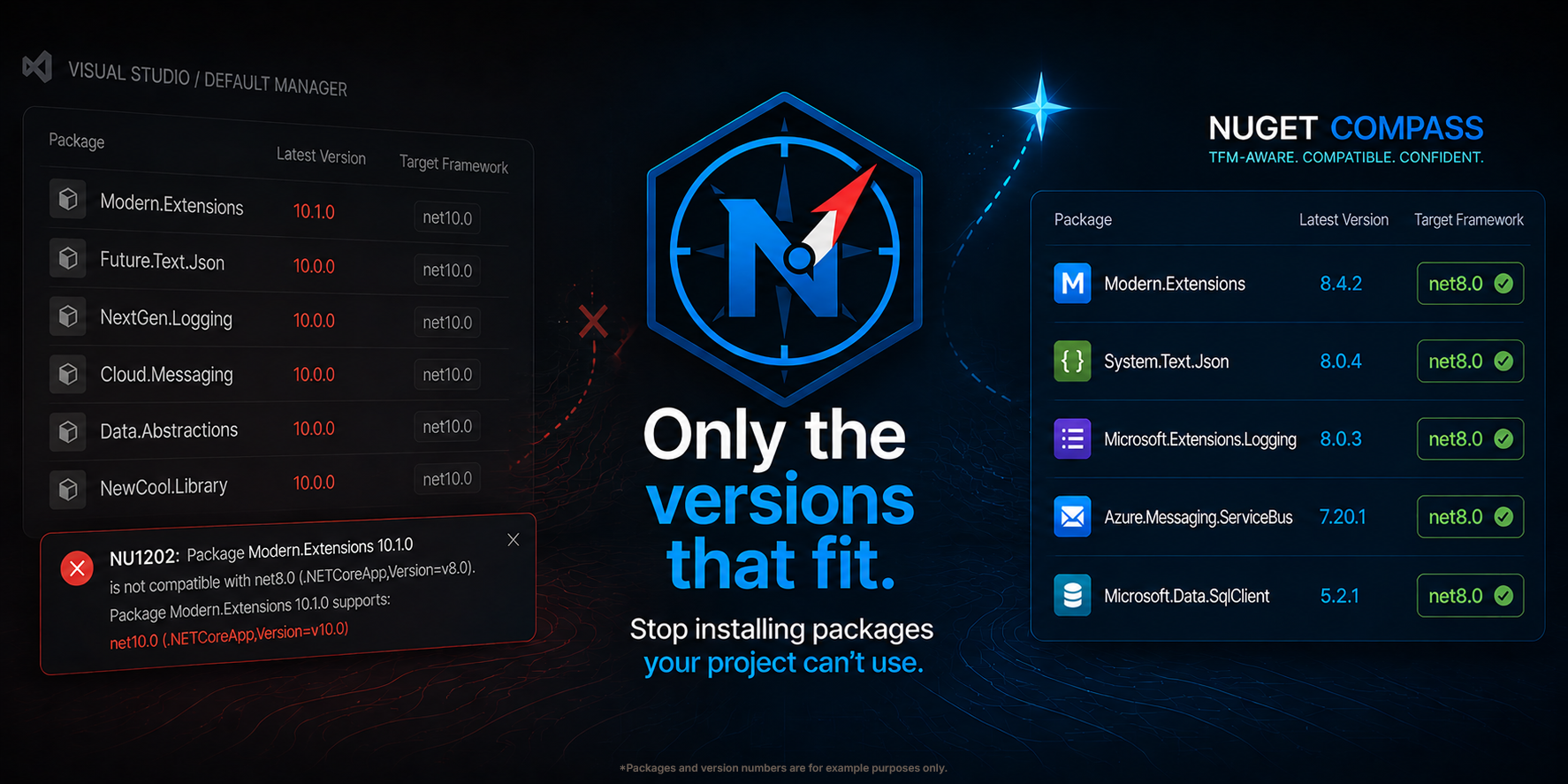
NuGet for VS Code, with target framework filtering that actually works.
⚠️ Early testing. This extension is in early testing and the API, settings, and UI may change without notice. Bug reports and feedback are very welcome.
Why
Default NuGet package manager UIs show the "latest" version of every package regardless of whether it actually targets your project's framework. On a net8.0 project, you'll see net10.0-only packages offered as updates, and "Update All" happily tries to install them — usually resulting in NU1202: Package X is not compatible with net8.0.
NuGet Compass is built around the assumption that every version offered to you should be one you can actually install.
Features (v0.2.x)
Lists installed packages from .csproj, .fsproj, and .vbproj projects
Reads your project's <TargetFramework> directly from MSBuild
Queries the NuGet v3 API and filters versions to those compatible with your TFM
Update level controls: patch / minor / major
Optional prerelease inclusion
Optional transitive dependency view
Settings
See nuget-compass.* in VS Code settings for update level, TFM filter, prerelease handling, dotnet path, and request tuning.