
DocuMint — Code Documentation GeneratorGenerate clean code documentation in one click. Create Markdown docs, HTML docs, UML diagrams, architecture overviews, docstrings, and usage examples directly inside VS Code. Installation Launch VS Code Quick Open ( Ctrl+P), paste the following command, and press enter.Copied to clipboard |

DocuMint - Code Documentation Generator for VS Code
DocuMint is a VS Code extension that generates code documentation for an entire workspace, a selected folder, or a selected file using providers such as OpenAI, Anthropic, OpenRouter, DeepSeek, or a custom OpenAI-compatible endpoint.
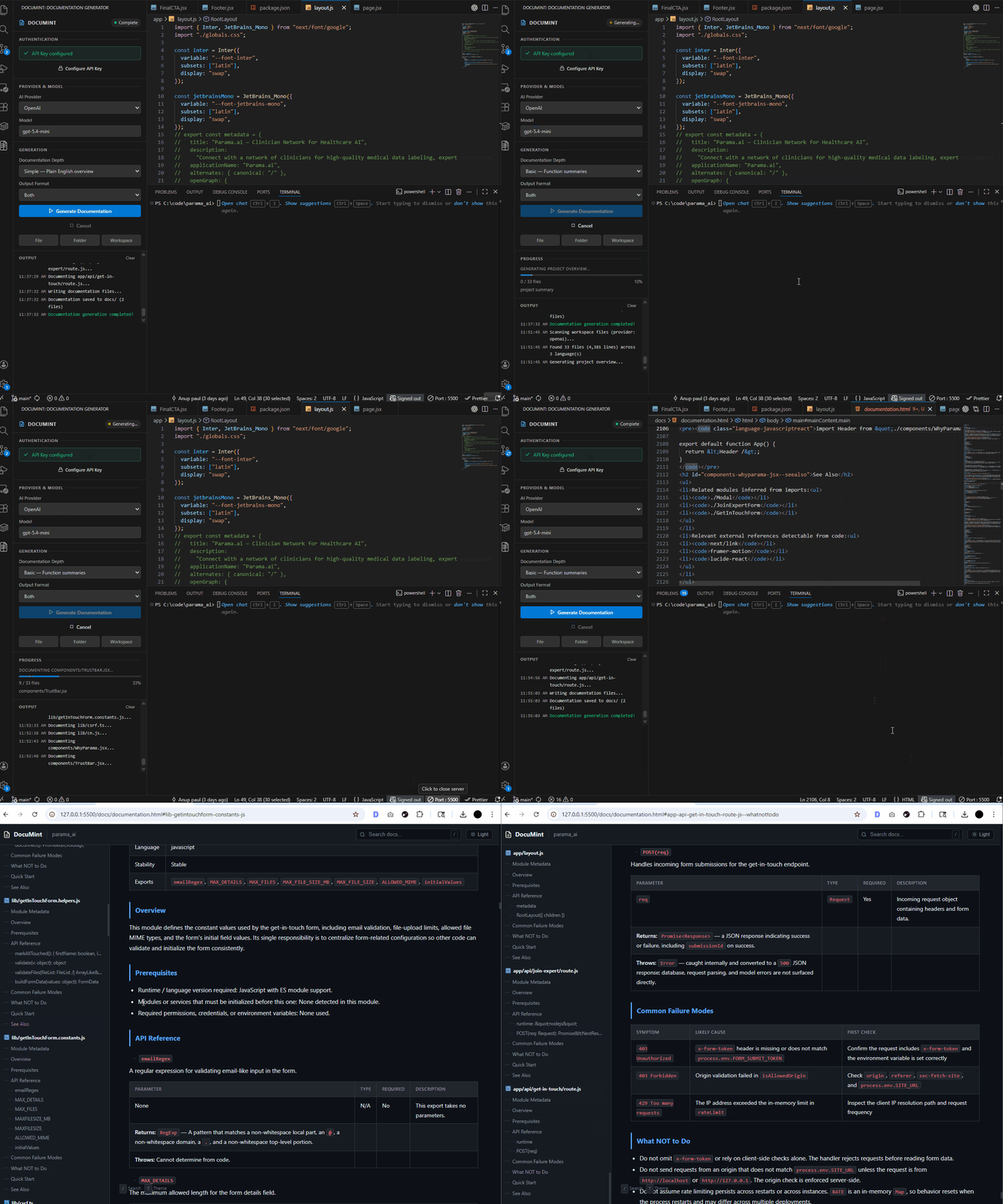
Generated documentation preview:
It produces:
Table of Contents
What It DoesDocuMint scans source files, sends code to the configured provider, and builds project-level documentation with:
The extension runs directly inside VS Code through a sidebar webview. What's New in 1.0.4DocuMint 1.0.4 is focused on speed, cache reuse, and a cleaner premium generated-document experience. Headline: super fast generation after the first run. The first generation builds full docs and cache; the second generation can reuse unchanged file docs, project overview data, and visual blueprint cache, so repeat runs are much faster. 1.0.4 Highlights
Estimated 100-Page Website Generation TimeThese are practical estimates, not fixed benchmarks. Actual time depends on provider speed, selected model, rate limits, project size, file changes, and network latency.
Design Improvements
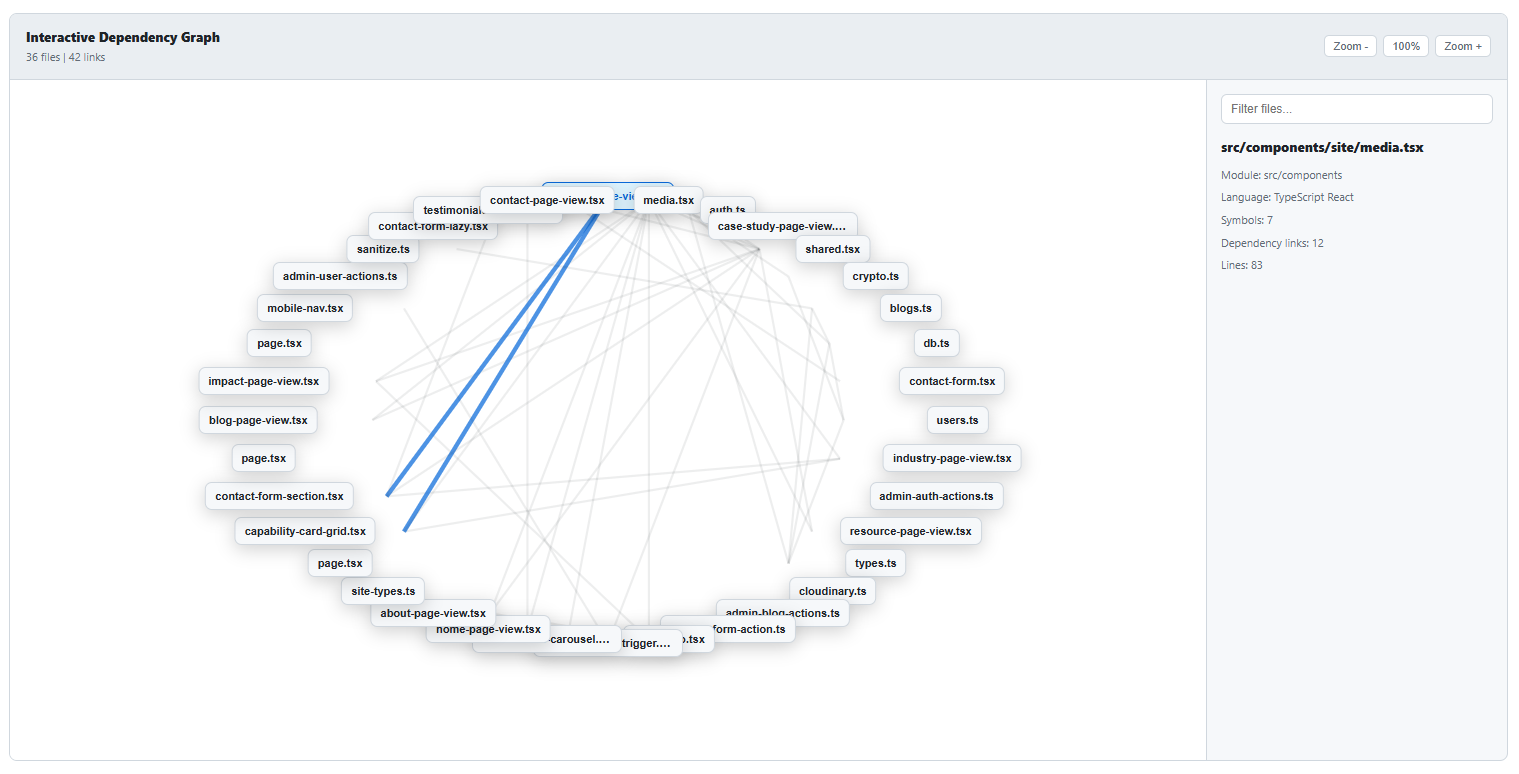
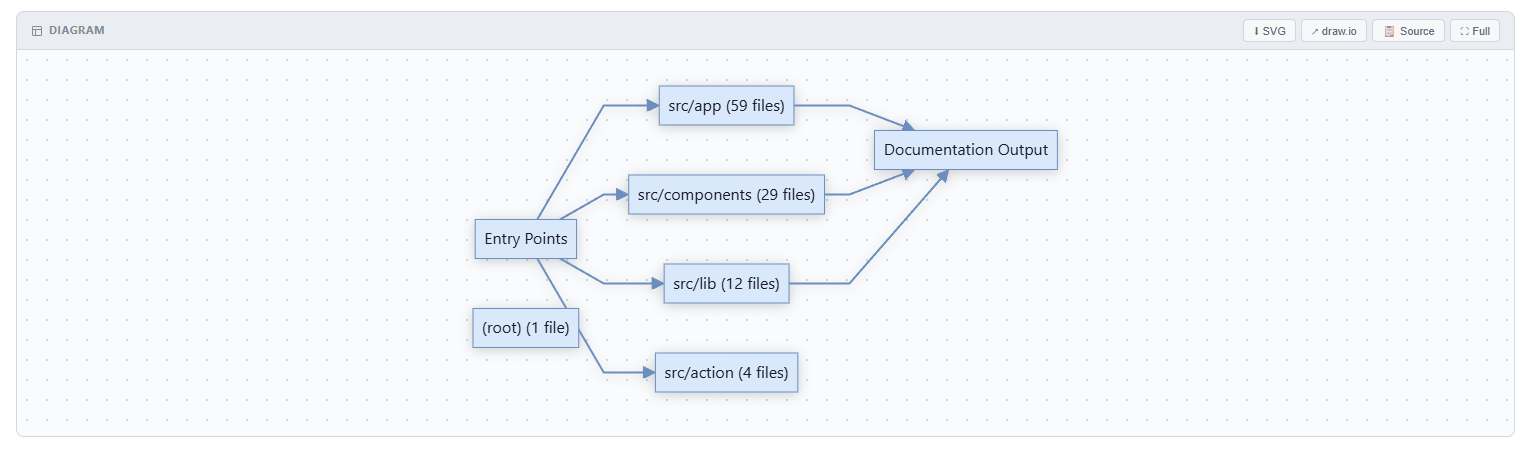
Visual PreviewInteractive Dependency Graph:
Editable Diagram Export:
How It Works
Core pipeline entry point: Supported ProvidersConfigured using
Provider implementations live in Supported LanguagesCurrent workspace scanner settings can include:
Notes:
InstallMarketplaceInstall from VS Code Marketplace: Or run: VSIXBuild from SourceQuick Start
CommandsContributed commands:
Internal scope commands used by sidebar:
ConfigurationAll settings are under Key Settings
Example
|



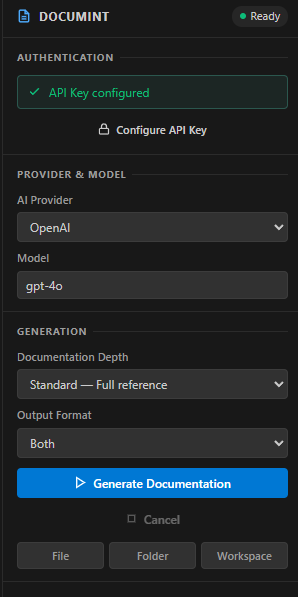
| Mode | Best For | What It Generates |
|---|---|---|
simple |
Fast plain-English understanding | Short purpose, key capabilities, and input/output summary for each file. |
basic |
Lightweight developer reference | Module metadata, overview, exported API reference, quick start, and related modules. |
standard |
Default production documentation | Full API reference, dependencies, usage examples, side effects, errors, configuration, security, concurrency, and testing notes when source evidence exists. |
comprehensive |
Detailed enterprise documentation | Architecture/design notes, module boundaries, exhaustive API reference, data flow, configuration, errors/recovery, security, limitations, TODO/FIXME inventory, and performance/resource notes when source evidence exists. |
Notes:
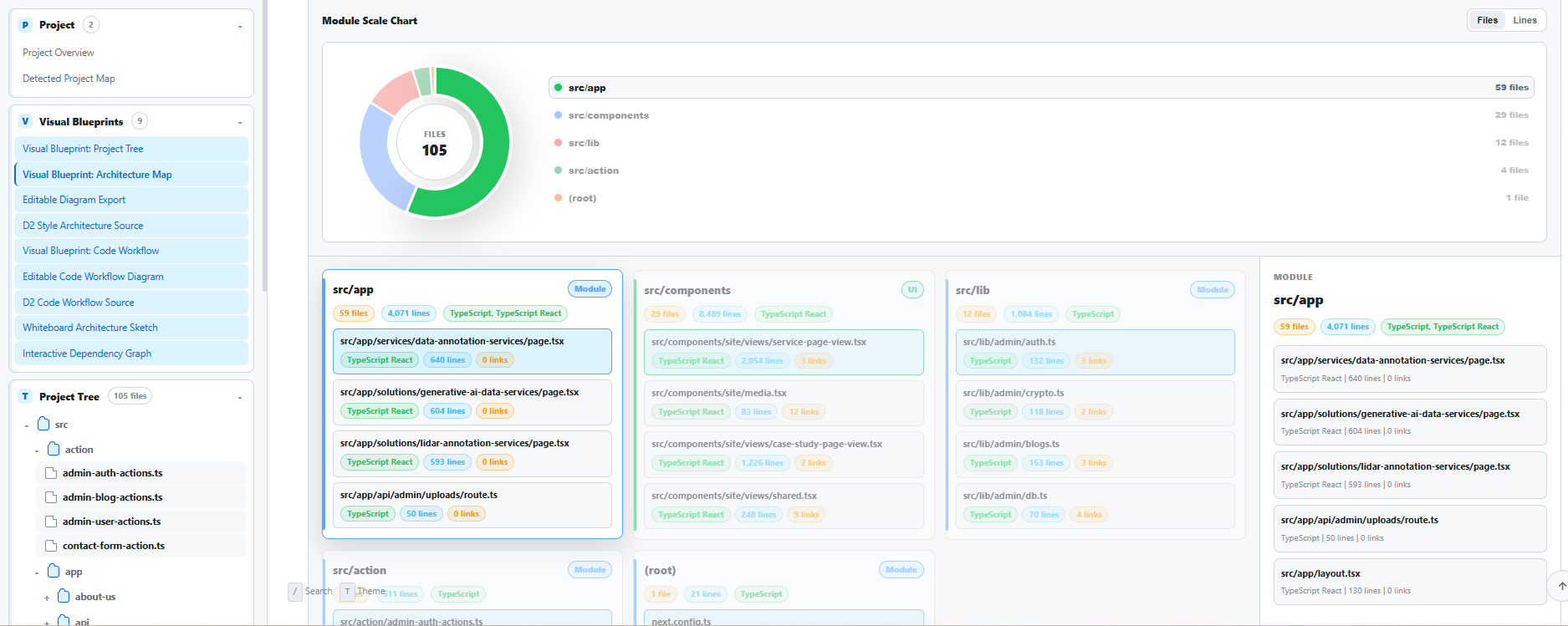
- Project tree, architecture visuals, workflow diagrams, whiteboard-style diagrams, and interactive dependency graphs are available in generated HTML output across all modes.
simple,basic, andstandardcan batch small files for faster generation.comprehensivecan batch small files, but large files are not truncated. They are generated as full single-file requests, and files that exceed the provider context window are split into chunks before the output is merged.
Output
Generated output is written to a docs/ directory in the workspace root:
documentation.mddocumentation.html
The HTML renderer includes:
- Sidebar TOC
- Route-based folder/file navigation
- Section anchors
- Search
- Theme toggle
- Syntax highlighting
- Mermaid rendering
- Project tree
- Architecture blueprint
- Draw.io export for Mermaid diagrams
- D2 source export
- Excalidraw-style whiteboard diagram
- Interactive dependency graph
- Copy-to-clipboard for code blocks
Project Structure
src/
|-- analyzer/
|   `-- sourceAnalyzer.ts         # Static import/export/symbol discovery
|-- extension.ts                  # Activation and command wiring
|-- types.ts                      # Shared types and error models
|-- config/
|   |-- secretStorage.ts          # VS Code secret storage wrapper
|   `-- apiKeyConfiguration.ts    # API key configuration helper
|-- scanner/
|   `-- workspaceScanner.ts       # Workspace file discovery and filtering
|-- providers/
|   |-- aiProvider.ts             # Base provider and prompt/chunking pipeline
|   |-- providerFactory.ts        # Provider resolution and creation
|   |-- openaiProvider.ts
|   |-- anthropicProvider.ts
|   |-- openrouterProvider.ts
|   |-- deepseekProvider.ts
|   `-- customProvider.ts
|-- services/
|   |-- docGenerator.ts           # Orchestration + writing docs output
|   |-- documentationValidator.ts # Checks generated docs against source facts
|   |-- htmlTemplate.ts           # Full HTML document template
|   `-- modelMetadataService.ts   # Context window metadata fetch/cache
`-- views/
    `-- sidebarProvider.ts        # Sidebar UI webview and state sync
Development
Prerequisites
- Node.js 18+
- npm 9+
- VS Code 1.110.0+
Commands
npm install
npm run compile
npm run typecheck
npm run watch
npm test
Package extension:
npx @vscode/vsce package
Known Limitations
- Static analysis is intentionally lightweight. It improves accuracy, but it is not a full compiler for every language.
- Documentation quality still depends on the selected model and the source code that is available in the workspace.
- Cloud providers receive selected source code after confirmation. Use a localhost custom endpoint when code must stay local.
aiDocGenerator.concurrentRequestsdefaults to15for faster generation. Lower it in settings if your cloud provider rate-limits requests.- Very large demo media can make the VSIX larger than the extension code itself.
Contributing
Issues and PRs are welcome.
- Repository: https://github.com/Wonderer-Tech/documint
- Issues: https://github.com/Wonderer-Tech/documint/issues
License
MIT. See LICENSE.