WebkitJS for Visual Studio Code
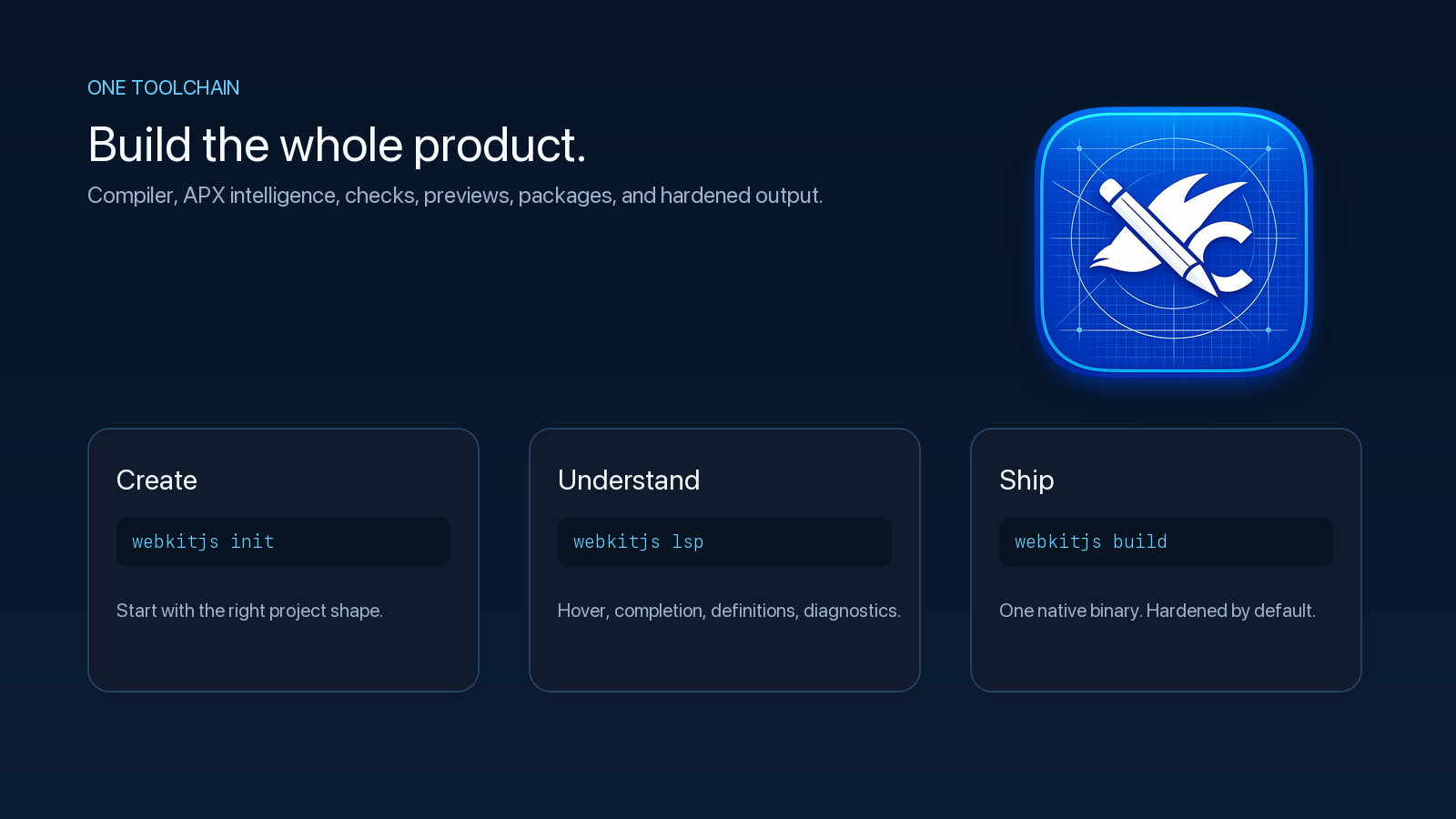
Build expressive websites, dashboards, and applications with WebkitJS APX—an Apple-inspired JSX-style system that is not React. The extension bundles the complete WebkitJS compiler for Apple Silicon Mac, Intel Mac, Windows x64, and Windows ARM64 in one universal VSIX, plus the WebkitJS production host for Apple Silicon and Intel Mac, so one install provisions the whole path from authoring to serving.
Visit WebkitJS · Get support · See what changed
From idea to polished product
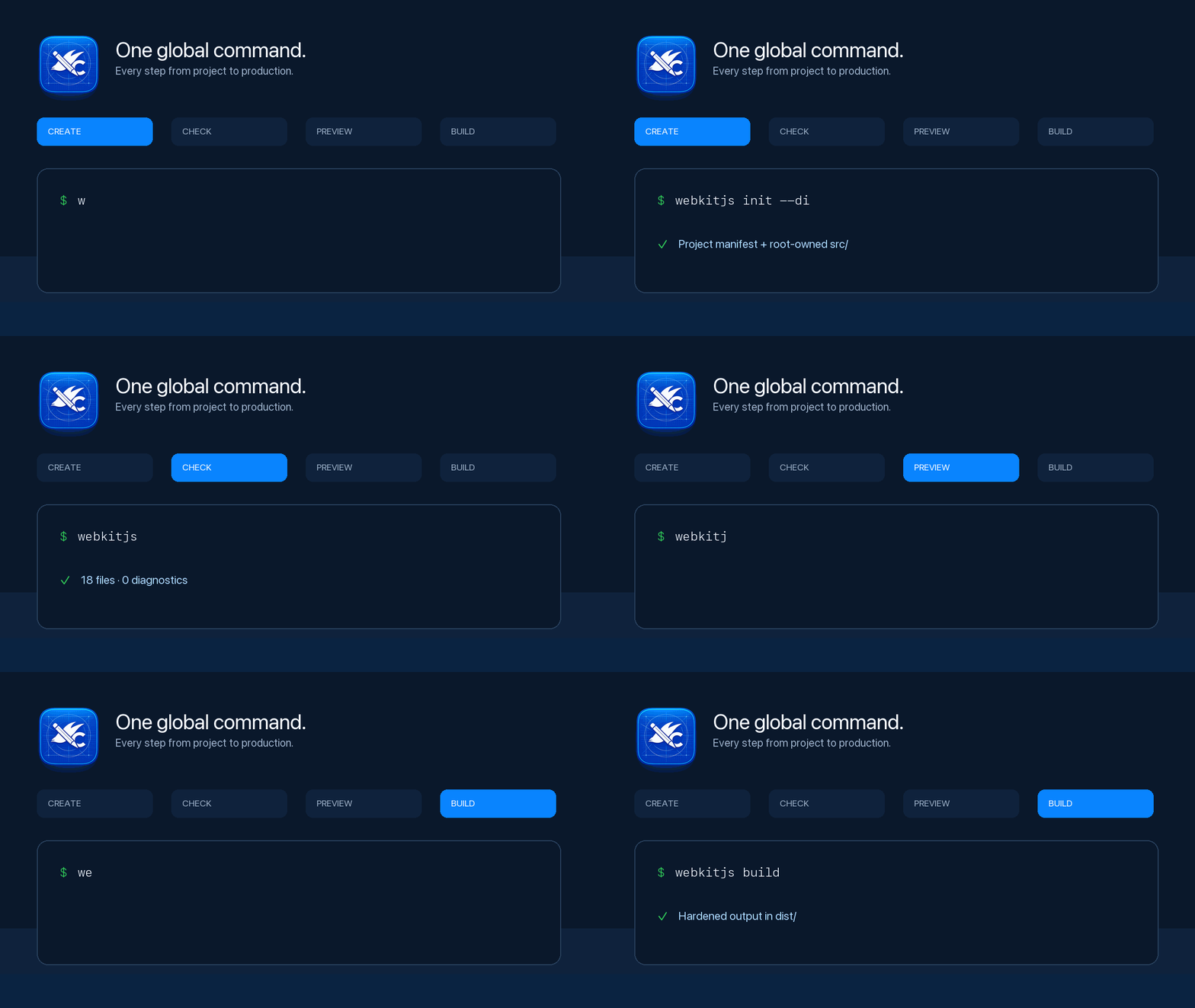
WebkitJS keeps the everyday workflow inside one focused tool:
- Create apps and packages from the Command Palette.
- Write
.apx with syntax highlighting, diagnostics, hover details, completion, and go-to-definition.
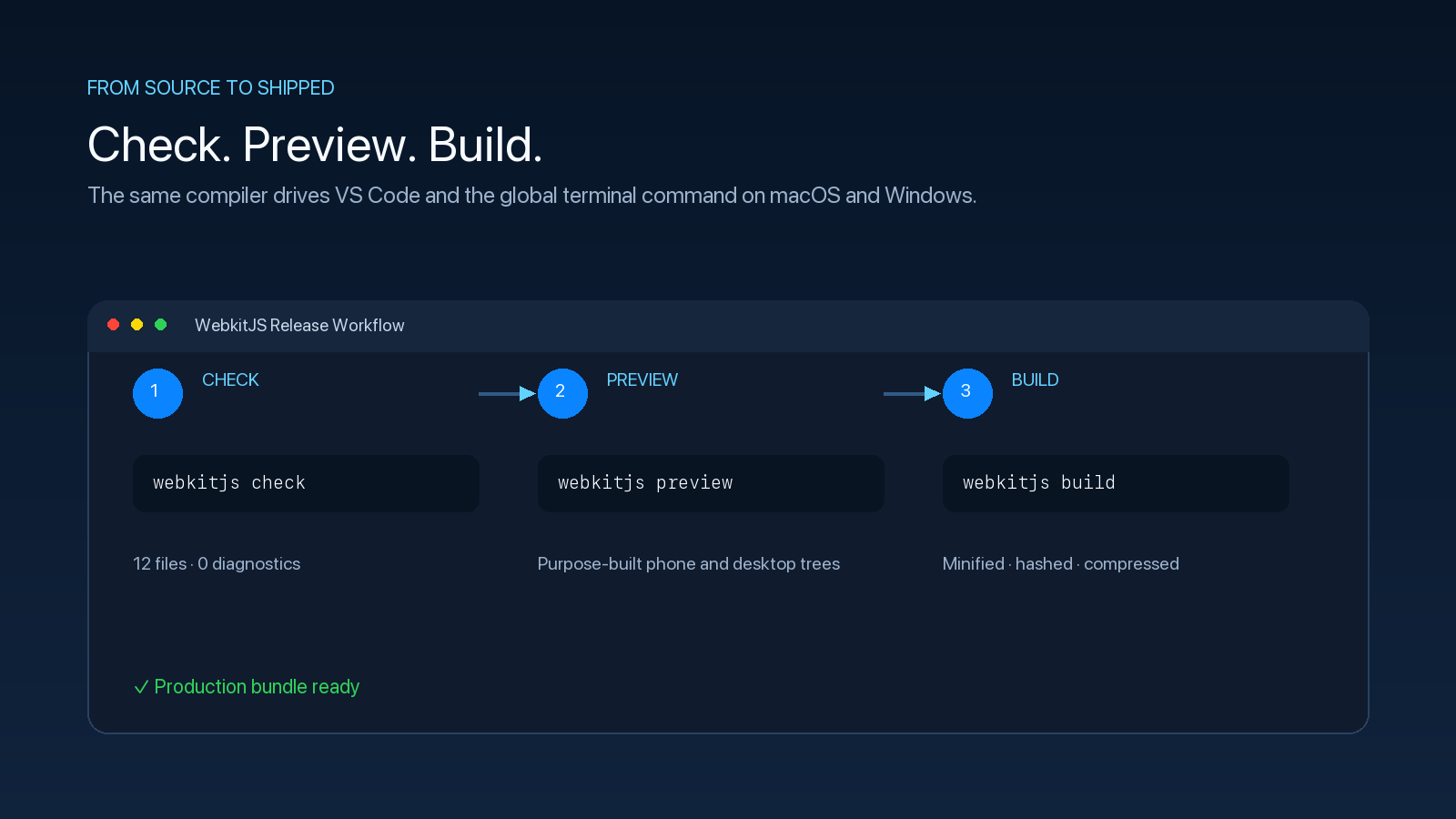
- Preview locally, check an entire workspace, and produce release builds.
- Use the same bundled compiler from VS Code or any new terminal as
webkitjs.
Get started
- Install the extension and open a new VS Code window if prompted.
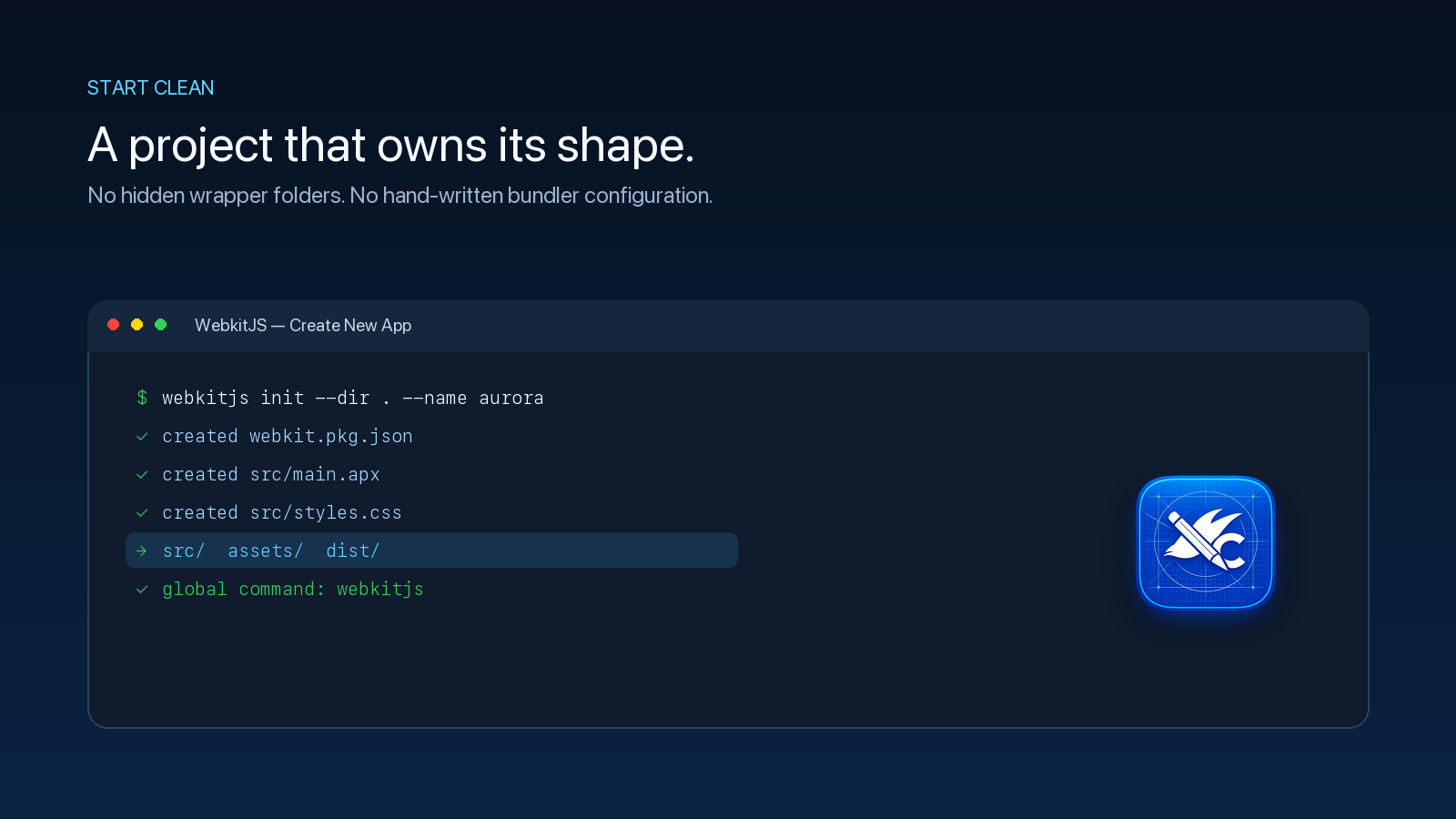
- Run WebkitJS: Create New App from the Command Palette.
- Choose a project folder and open the generated
.apx source.
- Run WebkitJS: Preview App while creating, then WebkitJS: Check App for Problems and WebkitJS: Build App when it is ready.
The extension also makes its packaged compiler available globally. New projects receive all six compiled WebkitJS packages and their public intelligence from the compiler itself, so builds do not depend on a separate framework checkout. Open a new terminal and run:
webkitjs --version
webkitjs init
webkitjs check
webkitjs dev
webkitjs build
The production host, in the same install
webkitjs-server is the standalone WebkitJS production host: it serves a built application over TLS, HTTP/2, and HTTP/3, terminates live transports, reaches databases through a sandboxed connector, and takes signed releases over a mutually authenticated cluster mesh. It is a separate product from the compiler, with its own version and its own release train, and the extension bundles it purely so you do not have to install it separately:
webkitjs-server --version
Two products, two commands. The compiler is an authoring tool for your machine; the host is a daemon for production, so the extension only ever installs and identifies it. Nothing starts a server but you, with a configuration you wrote — see the setup guide for the full operator path. On Windows the host is not published yet, and the extension says so rather than shipping a binary that was never built.
Intelligence for every agent
For every open folder containing webkit.pkg.json, the extension uses its packaged compiler to validate the six shipped intelligence payloads and maintain one root webkitjs.intelligence aggregate. This is ordinary project data that any local agent or context system can read; the extension never creates or edits agent authority files.
Run WebkitJS: Refresh Agent Intelligence at any time, or use the same agent-neutral command from a terminal:
webkitjs agent context --root .
On VS Code 1.106 or newer, the extension also registers one manifest-scoped WebkitJS MCP server definition per project. VS Code discovers these tools whenever a chat prompt is submitted and starts the matching packaged compiler service on demand. The webkitjs_begin tool explicitly covers prompts such as “use WebkitJS” and requests to create, build, modify, review, or debug WebkitJS websites, dashboards, applications, components, packages, and APX source. It must deliver the complete ordered intelligence before lookup, check, build, or implementation.
No MCP configuration or agent authority file is written. Set webkitjs.autoRegisterAgentMcp to false to opt out. Glyphmap or another host guardrail remains responsible for lifecycle, permission, and repository-integrity decisions; WebkitJS supplies framework knowledge and conformance only.
For another MCP host—or to inspect the equivalent configuration—run WebkitJS: Show Agent MCP Setup or WebkitJS: Copy Agent MCP Configuration. The extension previews or copies:
{
  "servers": {
    "webkitjs": {
      "type": "stdio",
      "command": "webkitjs",
      "args": ["agent", "serve", "--root", "${workspaceFolder}"],
      "cwd": "${workspaceFolder}"
    }
  }
}
Merge it into that host's workspace configuration. The folder must directly own webkit.pkg.json, and the global webkitjs command must be on PATH. These manual commands do not write MCP configuration or modify agent/Glyphmap authority files. The host remains responsible for trust and tool approval.
The command reports the six loaded package versions and requires agents to name the exact build/* and dna/* directions used before implementation. It also requires a WebkitJS component plan: that maps each screen role to an exact verified export and a final Native interactive elements: 0 audit. Native APX remains the composition layer for unique non-interactive structure; it must not recreate controls, forms, navigation, panels, lists, settings, feedback, or other available components.
Path handling is platform-specific and lossless. On Windows, bridge-style /C:/project and \C:\project inputs are normalized to the native drive before provisioning. Native drive paths, UNC paths, and relative paths are preserved. macOS and Linux absolute and relative paths are never rewritten.
On macOS the extension creates a managed symbolic link in a writable directory already on PATH. On Windows it creates a managed webkitjs.exe symbolic link in the current user's WindowsApps directory. If Windows denies symbolic-link privileges, the extension installs a managed webkitjs.cmd compatibility command so the CLI remains globally available. It never replaces an unrelated command. Use WebkitJS: Show Terminal Command Install Plan, Install Terminal Command, or Remove Terminal Command to inspect or manage it explicitly.
The built-in language client talks directly to the packaged webkitjs lsp server. There is no Node language-server dependency and no separate compiler download.
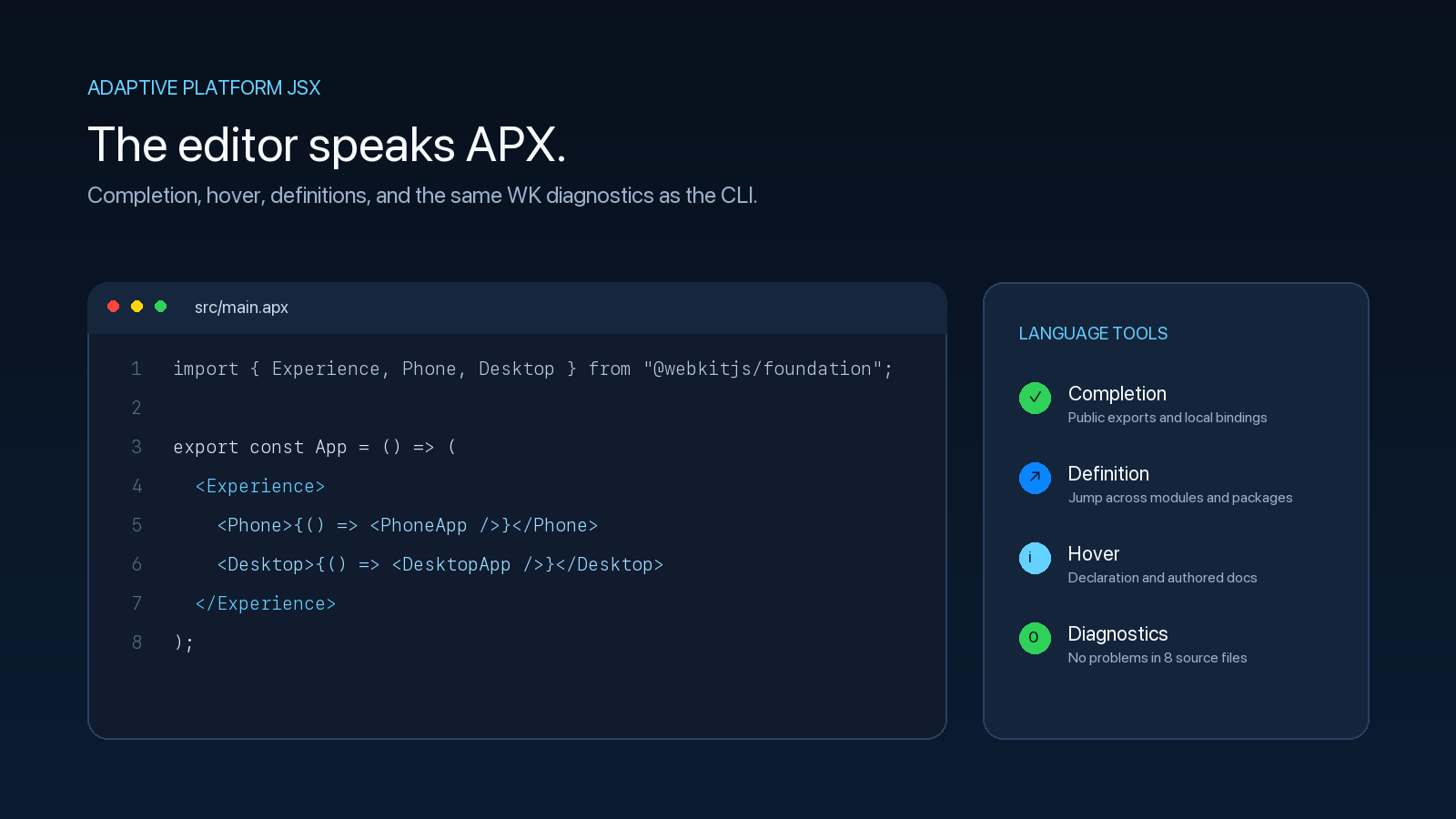
You get:
- Whole-project diagnostics and problem navigation.
- Hover information, completion, and definitions.
- Commands for apps, reusable packages, previews, checks, and builds.
- A visible compiler path and version for dependable troubleshooting.
- Automatic runtime selection for
darwin-arm64, darwin-x64, win32-x64, and win32-arm64.
Command Palette
- WebkitJS: Guide Me
- WebkitJS: Create New App
- WebkitJS: Preview App
- WebkitJS: Build App
- WebkitJS: Check App for Problems
- WebkitJS: Create Package
- WebkitJS: Build Package
- WebkitJS: Check Package
- WebkitJS: Restart Language Server
- WebkitJS: Select Compiler
- WebkitJS: Show Compiler Version
- WebkitJS: Show Terminal Command Install Plan
- WebkitJS: Install Terminal Command
- WebkitJS: Remove Terminal Command
- WebkitJS: Refresh Agent Intelligence
- WebkitJS: Show Agent MCP Setup
- WebkitJS: Copy Agent MCP Configuration
Settings
webkitjs.compilerPath: use a specific compiler instead of the packaged runtime.webkitjs.defaultOutDir: output folder used when building the current file; defaults to dist.webkitjs.enableLanguageServer: start APX language intelligence automatically.webkitjs.autoInstallTerminalCommand: expose the packaged compiler to new terminals automatically.webkitjs.autoProvisionAgentIntelligence: maintain the root webkitjs.intelligence aggregate automatically; defaults to true.webkitjs.autoRegisterAgentMcp: expose a manifest-scoped WebkitJS MCP server to VS Code agents without writing configuration or authority files; defaults to true.webkitjs.serverPath: use a specific webkitjs-server binary instead of the packaged production host.webkitjs.autoInstallServerTerminalCommand: expose the packaged production host to new terminals as webkitjs-server; defaults to true. Installing the command never starts a server.webkitjs.serverTerminalCommandName: the command name used for the host; must differ from webkitjs.terminalCommandName.
Requirements
- Visual Studio Code 1.106 or newer.
- macOS on Apple Silicon or Intel, or Windows on x64 or ARM64.
WebkitJS is proprietary software. See the bundled license for terms.

