Maps Viewer
Maps Viewer turns VS Code into a practical GeoJSON inspection workspace. Open one or many .geojson files on an interactive Mapbox map, compare layers side by side, inspect feature attributes, and save reusable map projects without leaving your editor.
Highlights
- Group layers: create groups, drag profiles in or out, apply shared group color and visibility, and restore profiles back to standard layers when a group is removed.
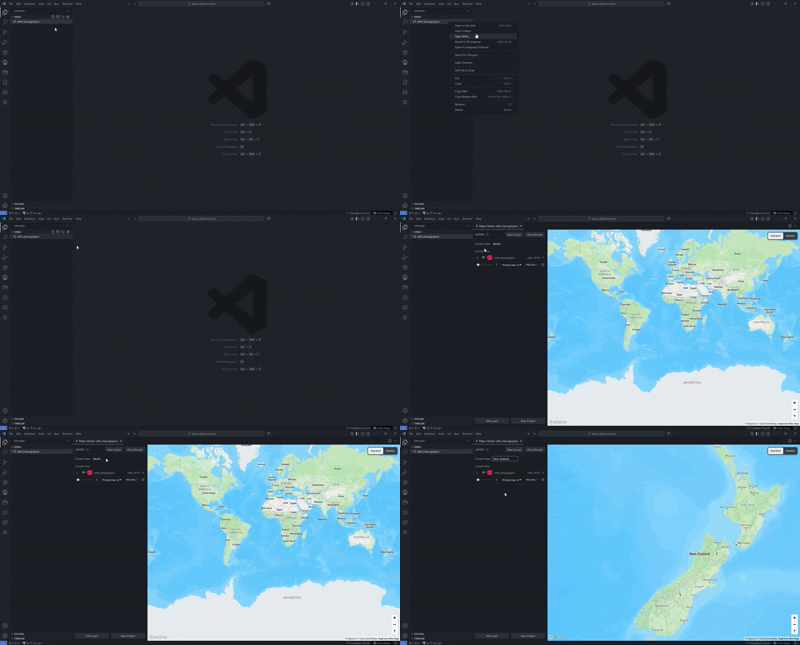
- Country View: limit the map to a selected country, fit the camera to that area, and prevent accidental navigation away from the chosen scope.
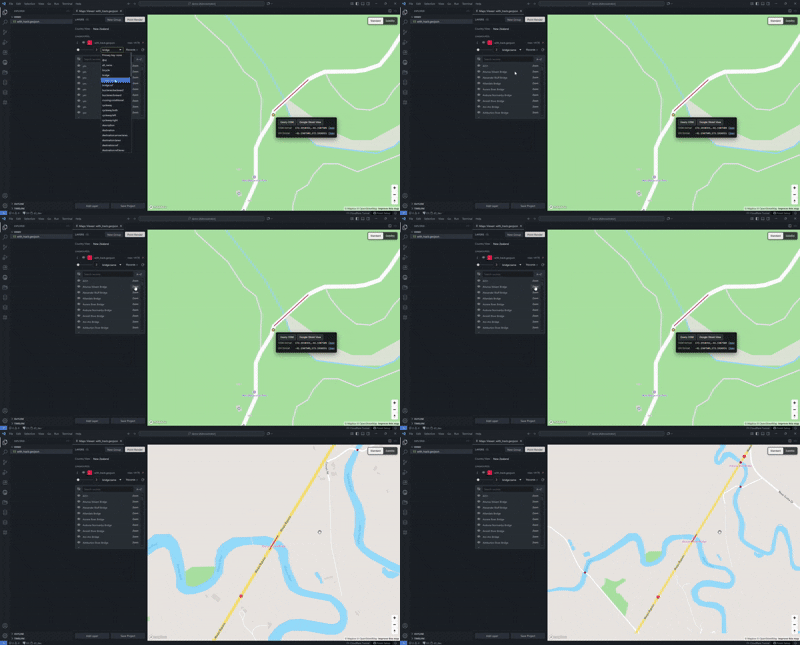
- Zoom onto features: choose a primary key, browse feature records, and jump directly to the selected geometry from the layer panel or command palette.
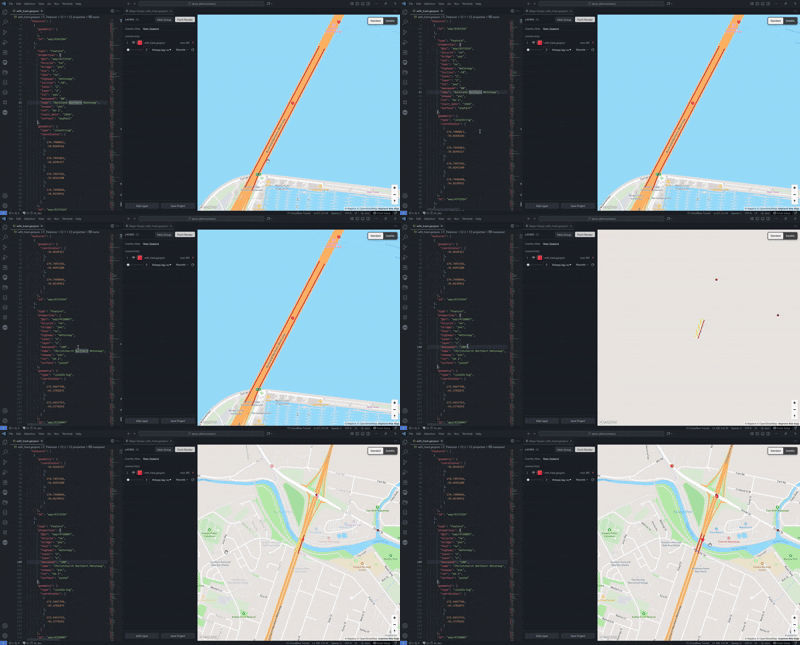
- Editor-to-map zoom: click inside a
.geojson feature record in the editor and the open map zooms to that feature.
- Coordinate tools: view clicked-feature coordinates, right-click map points, query OSM, open Google Street View, and open OSM/GraphHopper links.
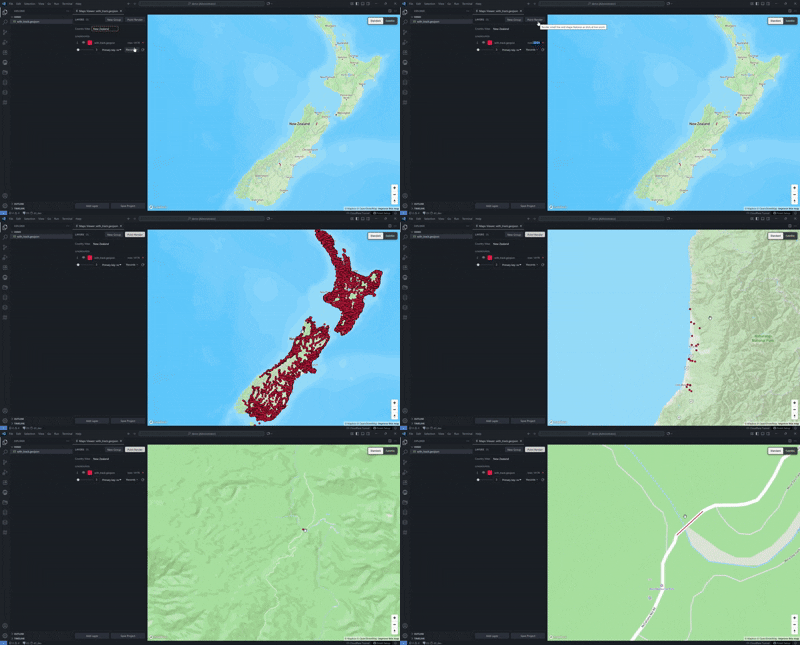
- Point Render: optionally collapse line and polygon features into fixed-size dots only when they become too small to read at the current zoom.
- Primary key controls: select a property per layer, search and sort records, hide/show individual records, and keep feature-level navigation tied to real GeoJSON attributes.
Feature Demos
Auto Find From Editor
Click inside a GeoJSON feature record and Maps Viewer automatically finds that feature, opens the active map, and zooms to the geometry.
Country View
Right-click a GeoJSON file, open it in Maps Viewer, and select a country to focus the map on a bounded country view.
Feature Select And Primary Key Records
Choose the feature key you want to use, then search, sort, hide/show, or zoom to individual records from the layer panel.
Point Render
Turn on Point Render to draw tiny lines and polygons as fixed-size points when zoomed out, so their positions stay visible on the map.
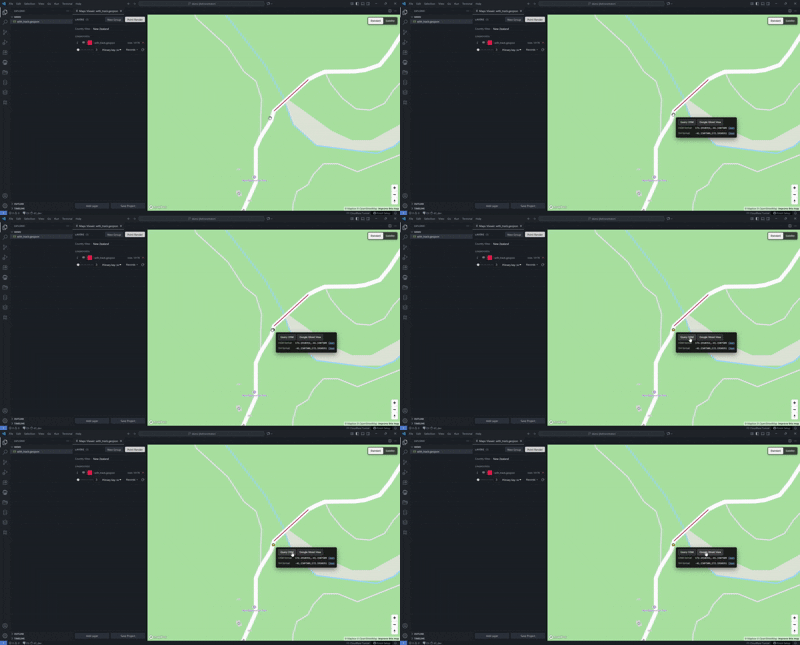
Right-click any map point to query OSM, open Google Street View, or open the same coordinate in OpenStreetMap and GraphHopper formats.
What You Can Do
- Right-click any
.geojson file and choose View in Maps.
- Add multiple GeoJSON files to the same map panel for comparison.
- Rename layers, change colors, tune stroke width, and hide/show layers or individual records.
- Hover or click map features to inspect structured properties.
- Click inside a GeoJSON feature record in the editor to zoom the map to that feature.
- Right-click any map point to query OSM, open Google Street View, or open the point in OSM or GraphHopper.
- Save your current view as a named project and reopen it later with layers, camera, country scope, primary keys, and styling restored.
- Switch between standard and satellite basemaps.
First-Time Setup
Maps Viewer uses Mapbox GL JS for the basemap and includes a public token for normal use. No token setup is required.
Privacy
Maps Viewer does not collect telemetry. Your GeoJSON files stay on your machine. The bundled Mapbox token is used only for Mapbox tile/style requests.
Commands
| Command |
Purpose |
Maps Viewer: View in Maps |
Open a GeoJSON file in the map viewer |
Maps Viewer: Add File to Current Map... |
Add more layers to the current map |
Maps Viewer: Set Primary Key... |
Choose the property used for feature records |
Maps Viewer: Locate Feature... |
Jump to a feature by primary-key value |
Maps Viewer: Set Country Scope... |
Choose a country view or return to world view |
Maps Viewer: Save as Project... |
Save the current map as a reusable project |
Requirements
- VS Code 1.85 or newer
- One or more
.geojson files
Links

