WacheIt
WacheIt is a powerful productivity tracker for modern coding workflows, especially AI-assisted and vibe coding sessions.
It does not just count keystrokes. It understands how real development time is spent across prompting, waiting, generating, reviewing, and shipping.
Stay focused, measure your flow state, and visualize your progress on the WacheIt Dashboard
🚀 Installation & Setup
Get up and running in less than a minute.
1. Install the Extension
Install WacheIt from your respected IDE's Marketplace.
2. Get Your API Key
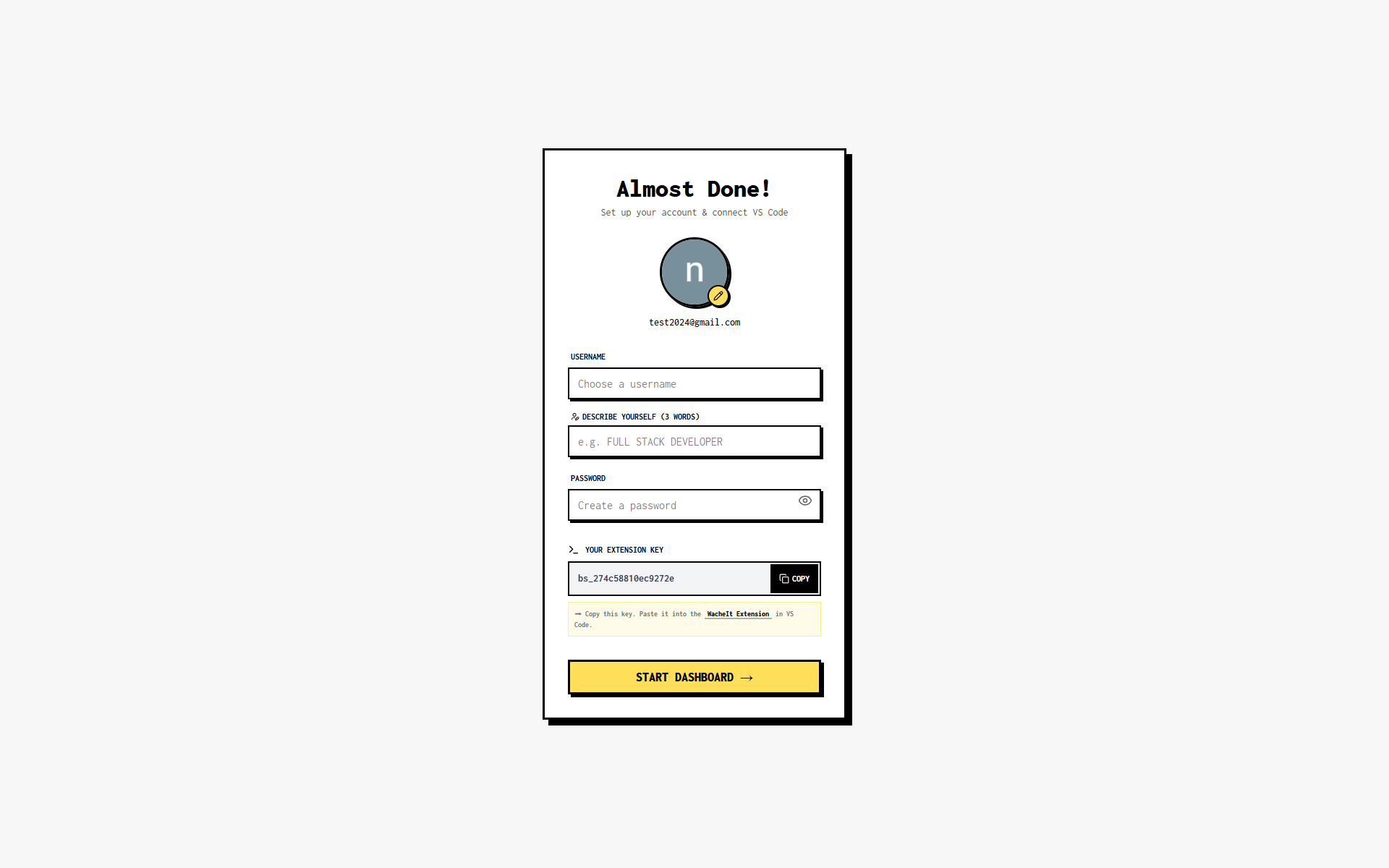
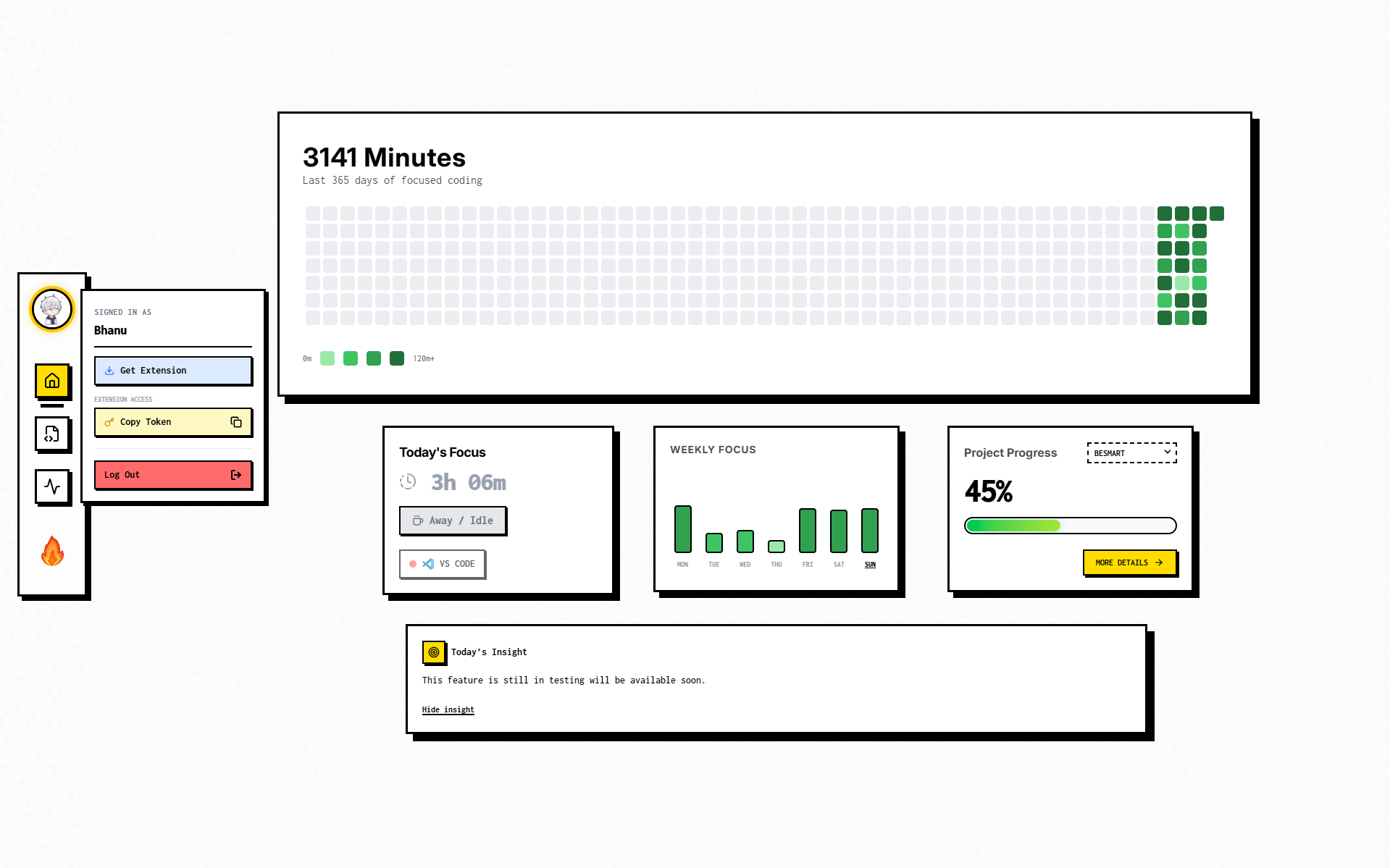
Visit the Dashboard and click your profile photo, or it is also shown at account creation time.
3. Activate in Your IDE
- Open your editor (VS Code, Cursor, etc.).
- Press
Ctrl + Shift + P (or Cmd + Shift + P on Mac) to open the Command Palette.
- Type and select:
WacheIt: Enter API Key.
- Paste your API Key and press Enter.

Success! You will see a confirmation message, and the status bar will update to show WacheIt: Live.
✨ Features
⚡ The Full Loop: AI Agent Tracking (Cursor & Antigravity)
WacheIt is built for AI-native workflows and tracks the full loop:
- Prompting/chat interaction time
- AI thinking/loading windows
- AI code generation bursts
- Human editing after generation
- Review and refinement time
This is ideal for developers using composer/chat-based workflows where value is created beyond typing speed.
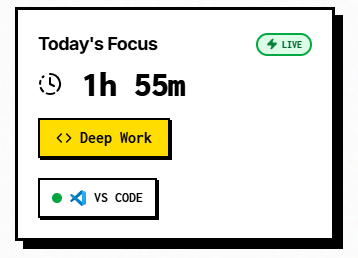
📊 Real-Time Activity Tracking
WacheIt tracks actual interaction signals from your IDE, including edits, selections, saves, tab focus changes, terminal focus, and active editor changes.
This means your timeline reflects real work, not inflated background runtime.
📂 Project & Language Detection
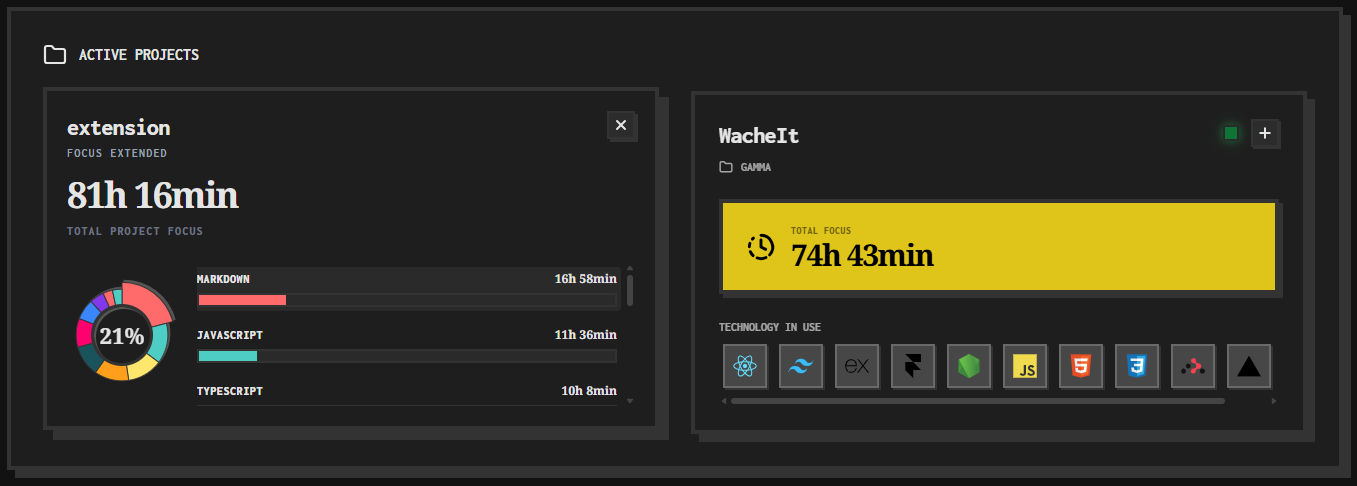
Each heartbeat is enriched with:
- Current workspace/folder context
- Active language
- Editor identity
- Per-phase duration split
This powers deep analytics by project and language, not just total daily hours.
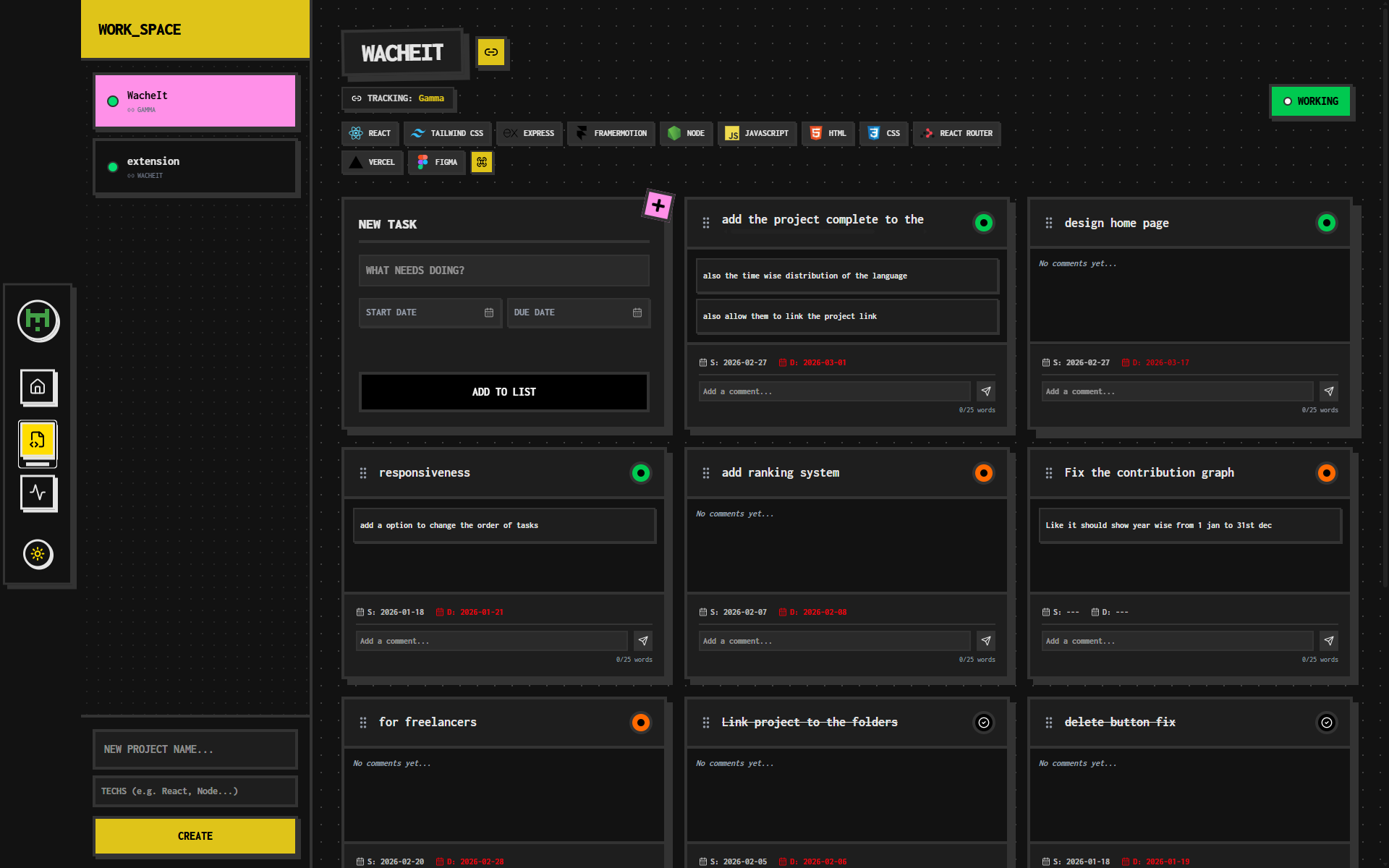
🤖 Advanced AI Detection Heuristics
WacheIt combines multiple detection layers to classify AI-assisted activity:
- Tab/viewType detection for AI panels
- URI scheme detection for chat/agent surfaces
- Label-based fallback matching
- Burst insert and high-velocity typing heuristics
- Paste-pattern heuristics for generation streams
Result: better classification across standard IDEs and AI-first forks.
⏸️ Smart Idle Detection
WacheIt automatically stops counting when you are inactive and avoids crediting large sleep/minimize gaps.
If your machine sleeps or timers drift, it protects your data by discarding non-work intervals instead of overcounting.
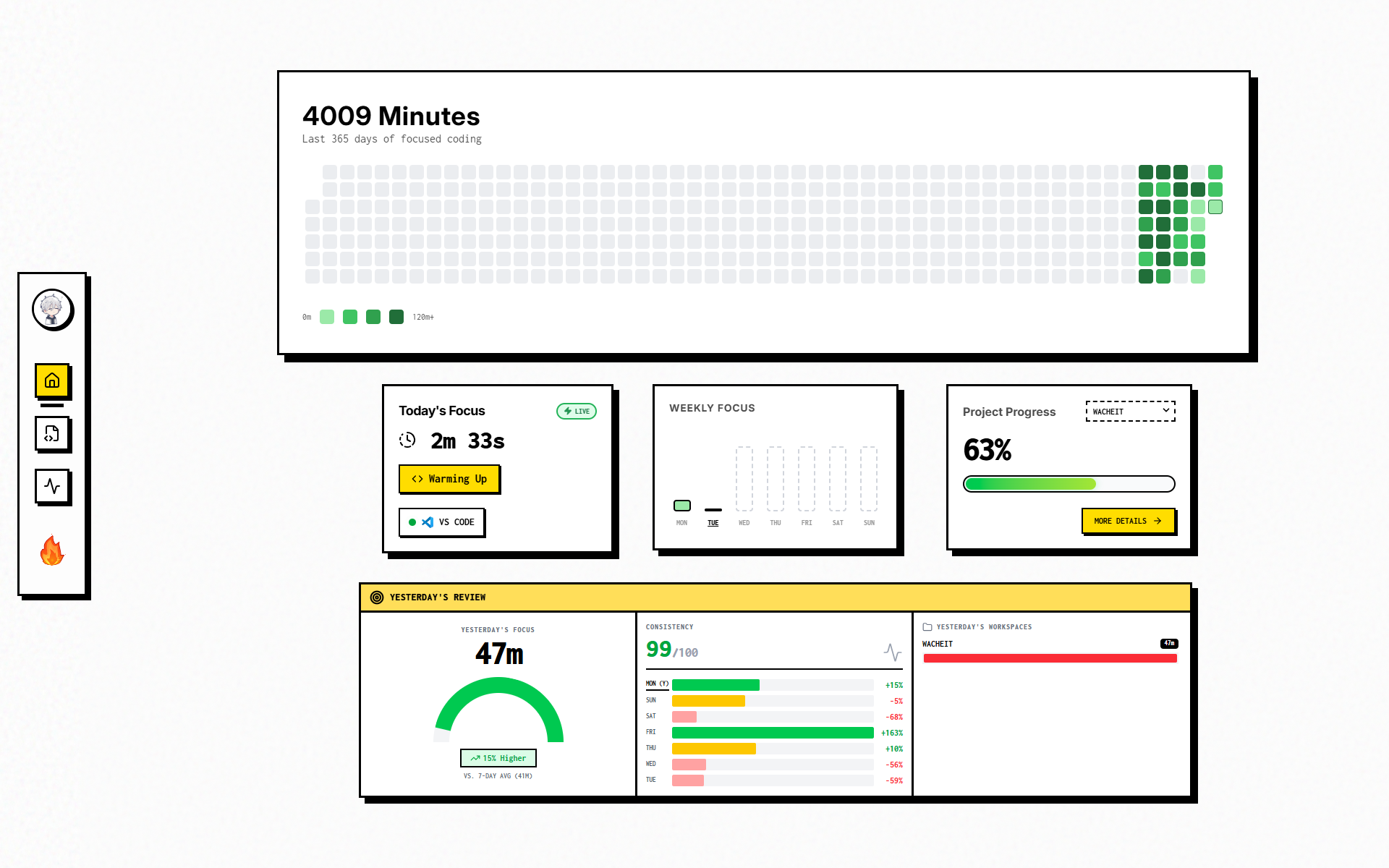
📈 Insightful Dashboard
Syncs your data to the cloud to generate beautiful visualizations. View your daily coding streaks, weekly heatmaps, and deep work sessions.
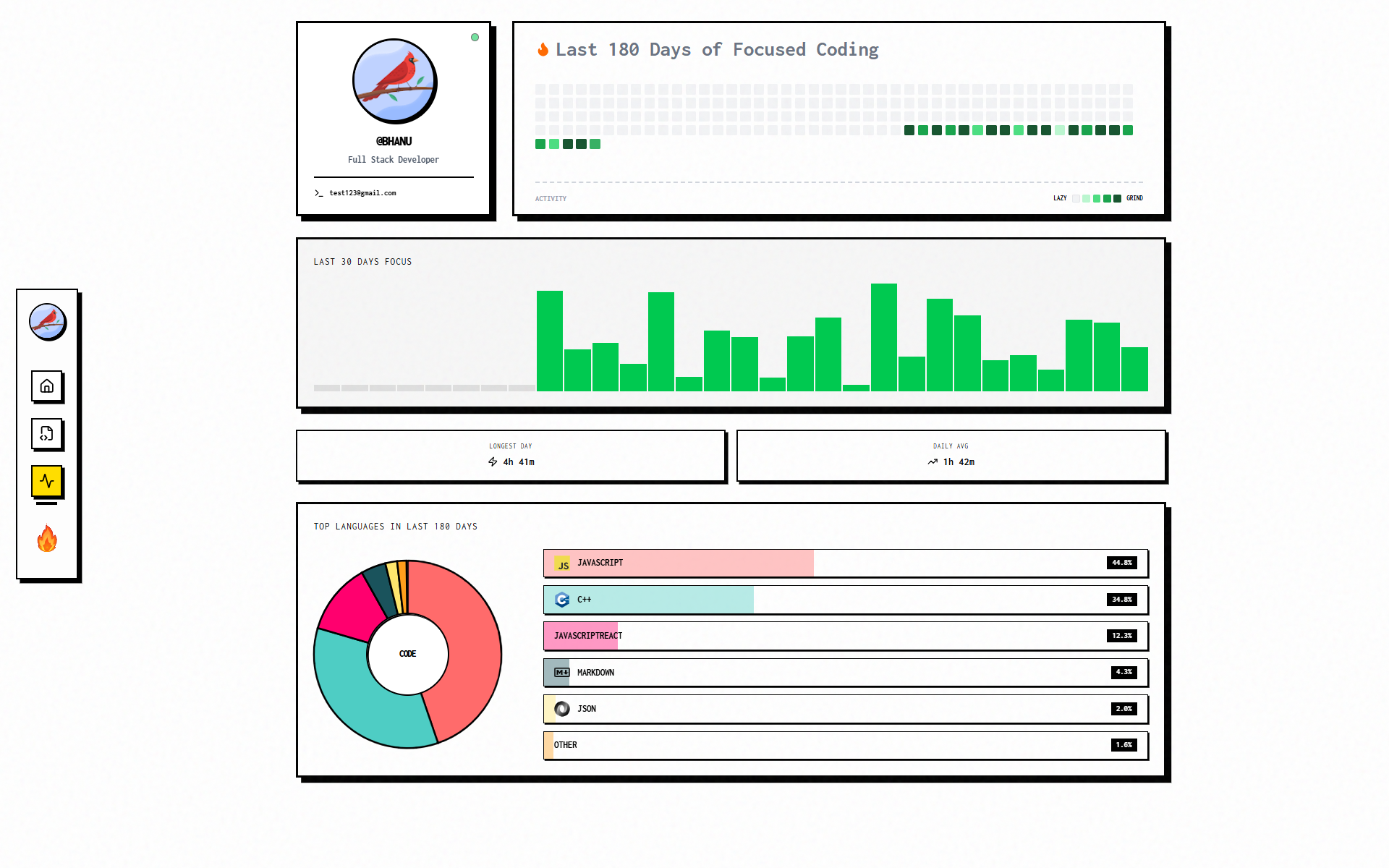
🔍 Detailed Analysis
Gain comprehensive insights into your coding habits over the last 180 days. Visualize long-term trends.
🧩 Reliable Offline-First Sync
If network/backend is unavailable:
- heartbeats are queued locally
- data is preserved in order
- queued records auto-sync when connectivity returns
This keeps timelines consistent even during travel, unstable networks, or temporary backend downtime.
API-Key Aware Session Isolation
When API key changes:
- old queued records are isolated/cleared
- displayed totals reset for the new identity
- old key data cannot block new key sending
This prevents account-mix issues in shared/dev environments.
Live Time in IDE Status Bar
The status bar shows real tracked time in a clean format (00h 00min) with day rollover behavior and minimal visual noise.
It gives instant feedback without distracting overlays.
Lightweight, Background-Friendly Design
WacheIt uses efficient event handling, debounce control, and periodic heartbeat sync to stay low-overhead while still producing high-resolution insight.
🛡️ Privacy & Security
- No Code Uploaded: WacheIt only sends metadata (file names, project names, languages, and timestamps). Your actual source code never leaves your machine.
- Low Overhead: Designed to be extremely lightweight with minimal impact on VS Code performance.
Built for AI-First Developers
Traditional trackers were built around manual typing.
WacheIt is built for how teams code now:
- prompt
- wait
- generate
- refine
- run
- repeat
It captures that real workflow with phase-level clarity, so your effort is finally represented accurately.
Marketplace-Ready Value Proposition
WacheIt helps developers:
- prove real daily output
- understand where time goes
- optimize AI-assisted workflows
- improve focus quality
- track project and language investment
- maintain reliable logs even offline
If your coding style includes AI collaboration, WacheIt gives you the visibility that older single-bucket trackers cannot.

