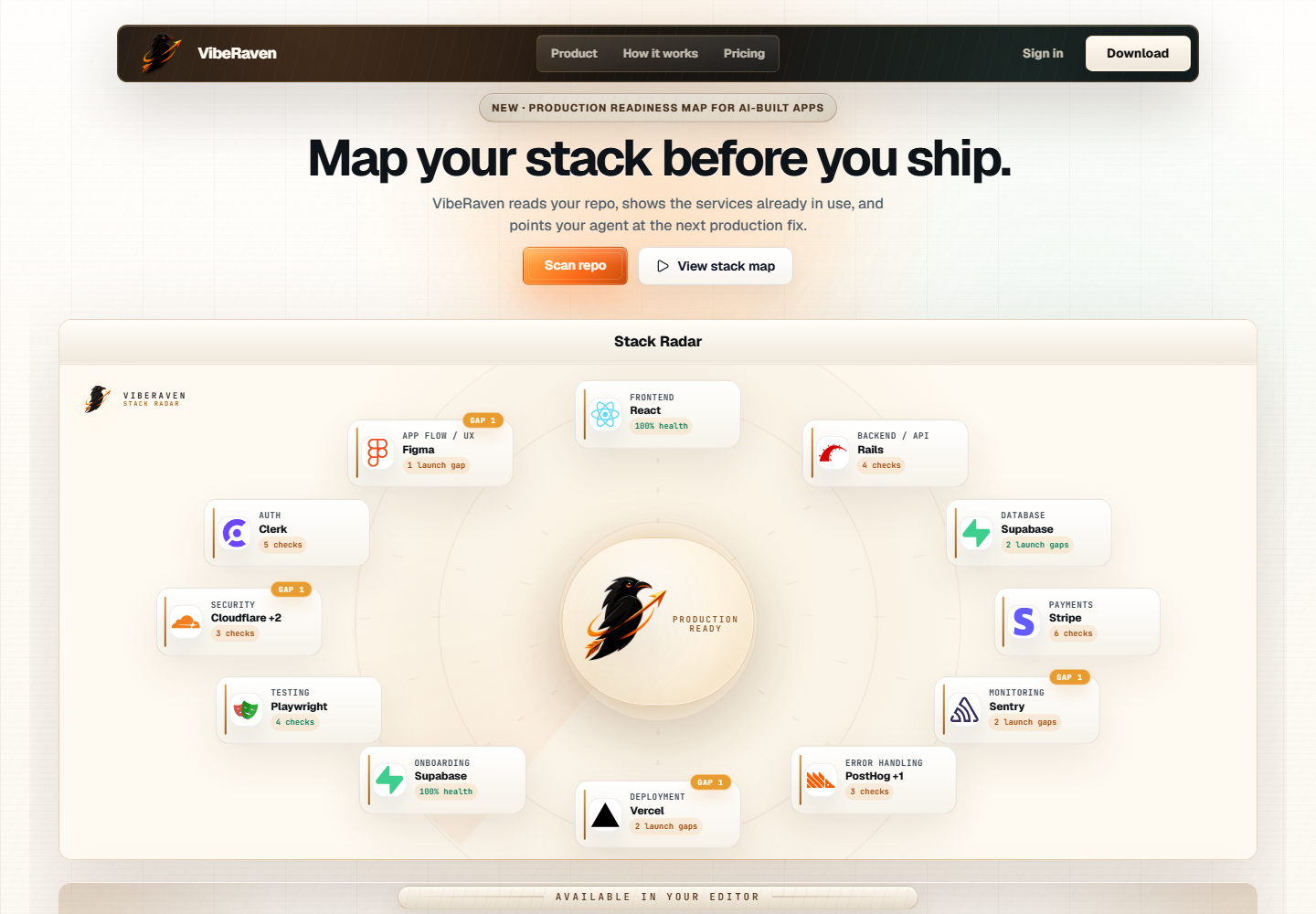
VibeRaven - AI App Production MapAI mission control inside your editor: scan a repo, find launch blockers, and get the next shipping prompt. Installation Launch VS Code Quick Open ( Ctrl+P), paste the following command, and press enter.Copied to clipboard |

VibeRaven StationAI mission control inside Cursor, VS Code, and Antigravity. VibeRaven scans your project, maps launch gaps, verifies the stack you are shipping with, and gives your coding agent the next practical prompt.
What It Does
Start
The command palette still works as a fallback: run VibeRaven: Sign In or VibeRaven: Show Station. The same VSIX works in Cursor, VS Code, and Antigravity. If you downloaded the VSIX manually, install it from inside the editor with Install from VSIX. Do not double-click the file in Windows. PlanThe free plan includes two scans and six Mission Map sections. Upgrade to Pro from your VibeRaven account page when you need monthly scans and all 12 Mission Map sections. Commands
Local API-key commands are available only for development fallback mode and are disabled by default in production-aligned installs. SupportUse your VibeRaven account page for plan and usage checks. If a scan does not appear, sign in again from the editor and run a new Station scan. |