VibeRailsA framework for AI-assisted development in VS Code: repository rules, session replay, human review, Jira and Azure DevOps workflows, and corporate API gateways. Installation Launch VS Code Quick Open ( Ctrl+P), paste the following command, and press enter.Copied to clipboard |


VibeRailsA developer and enterprise friendly framework that keeps vibe coding from going off the rails
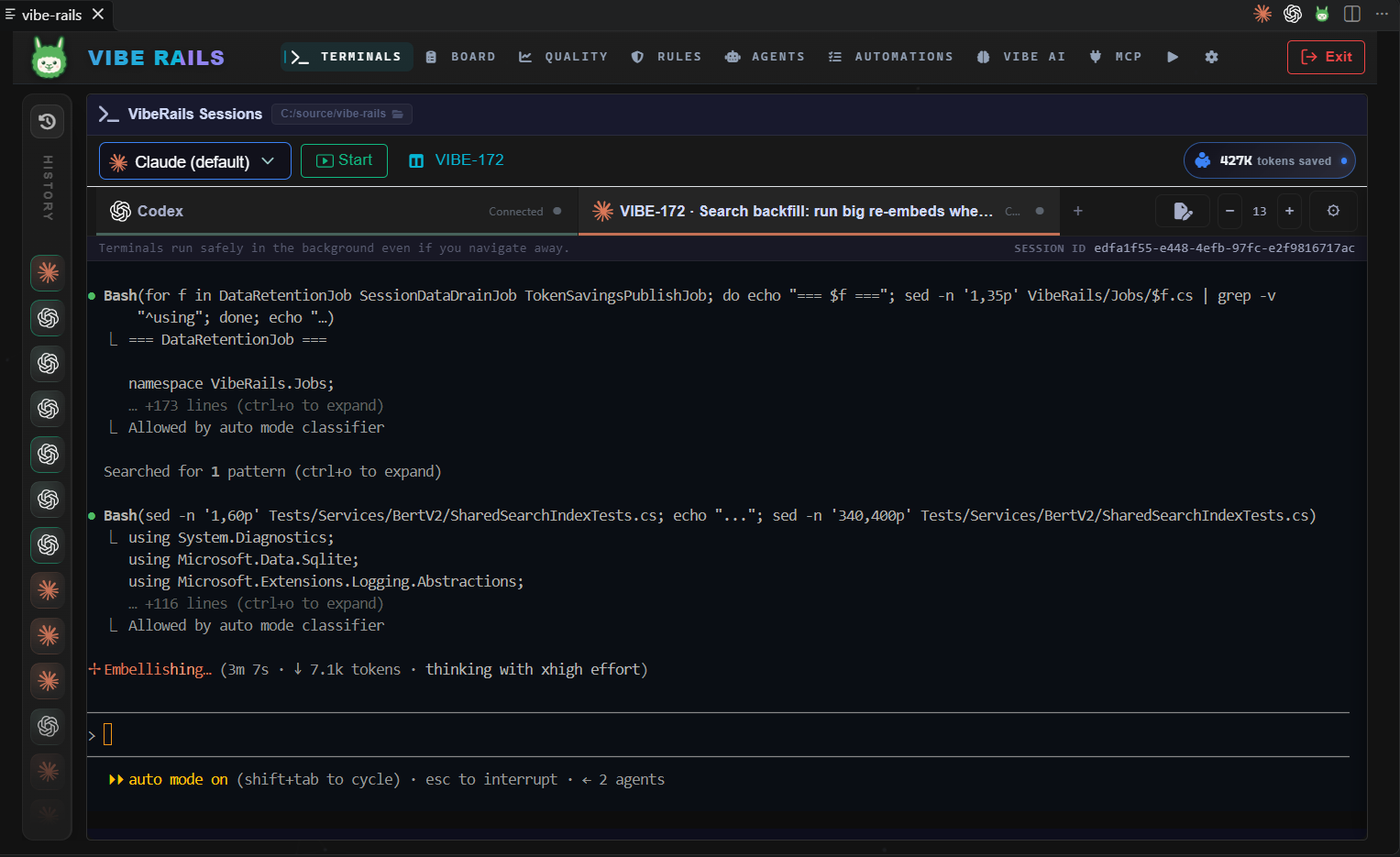
Bring Claude Code, Codex, and other supported AI coding CLIs into a common development workflow inside VS Code. VibeRails combines real terminals, repository standards, recorded sessions, and human review with reusable agent setups and automation. Developers keep their preferred coding tools. Teams get a consistent way to inspect work, apply rules, connect issue trackers, and route provider traffic through corporate API gateways. The extension bundles the VibeRails backend and dashboard and runs them on your machine.
Built for developers and engineering teams
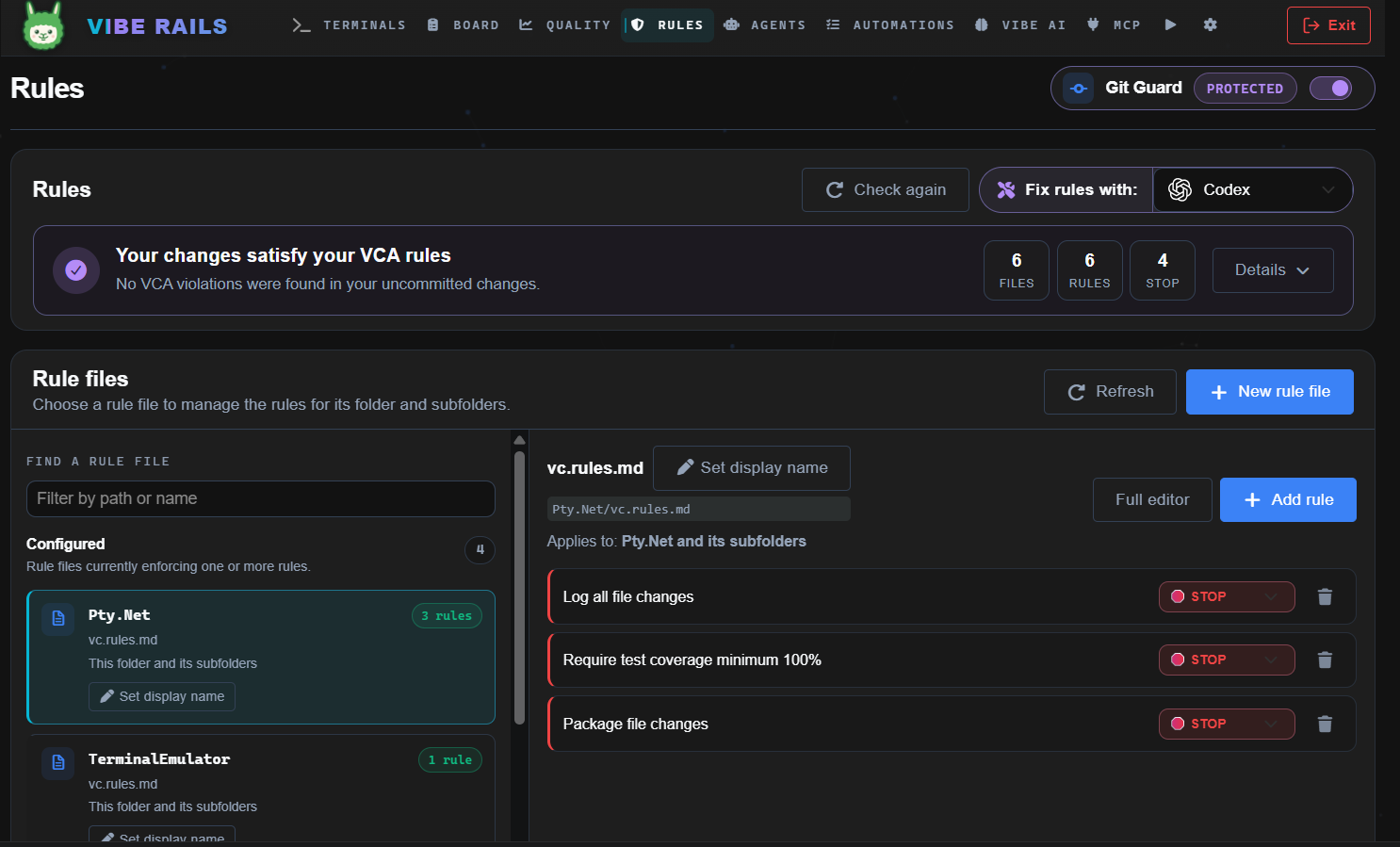
Repository standards and code qualityDefine rules in
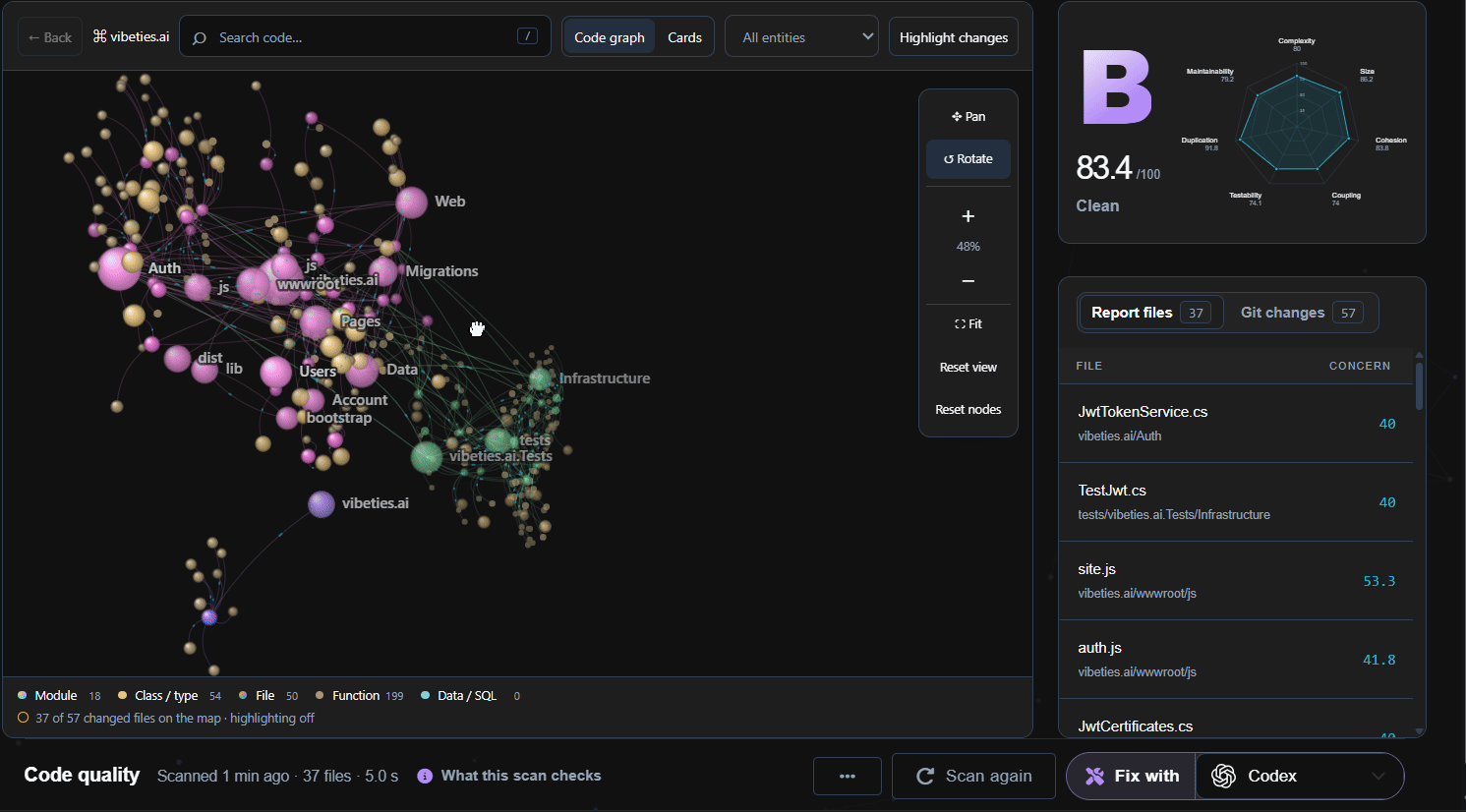
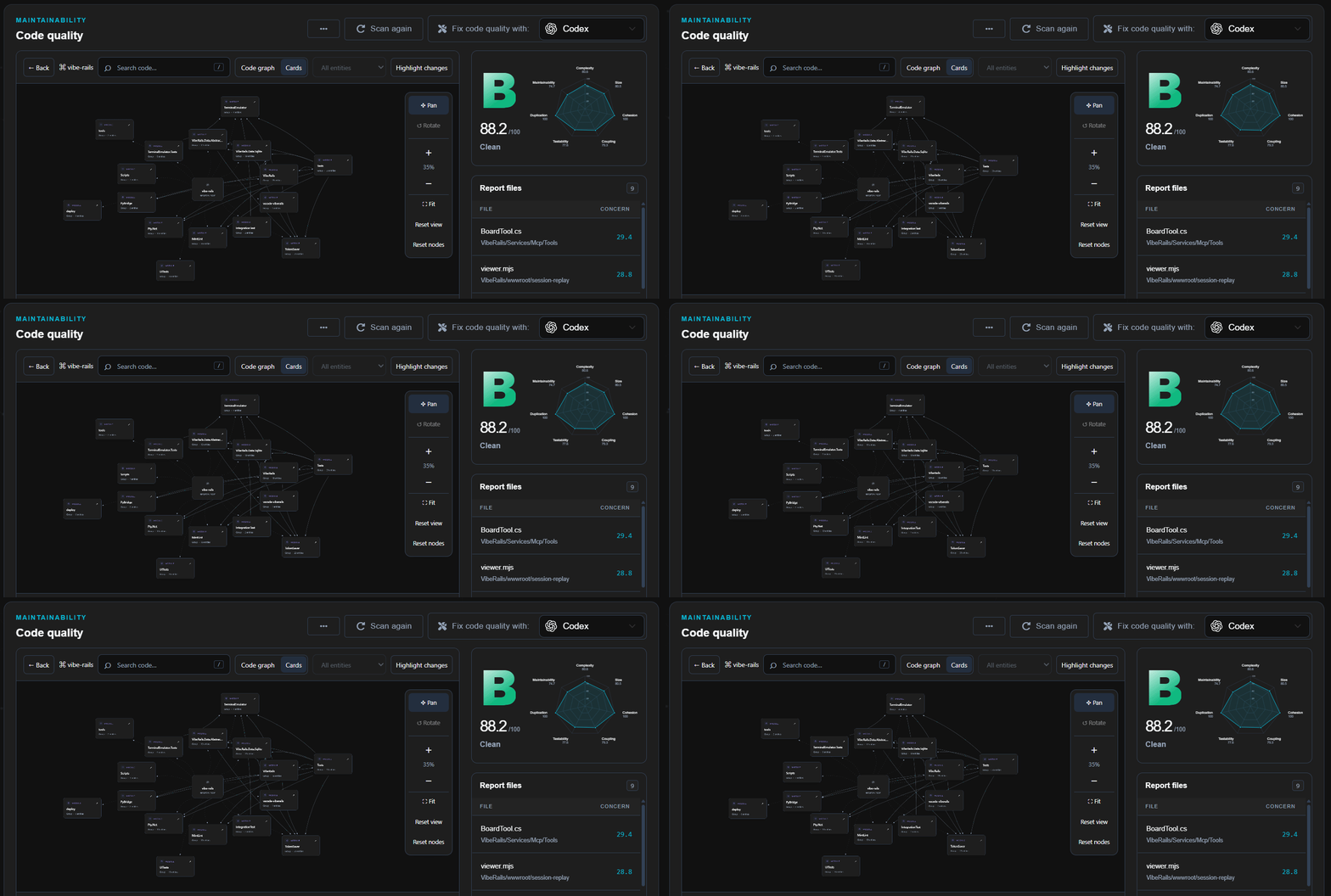
The MintLint code quality report scores supported source code and identifies files that need attention. Explore the code graph or connected module cards, highlight changes, and use Fix code quality with… to hand a report to an agent.
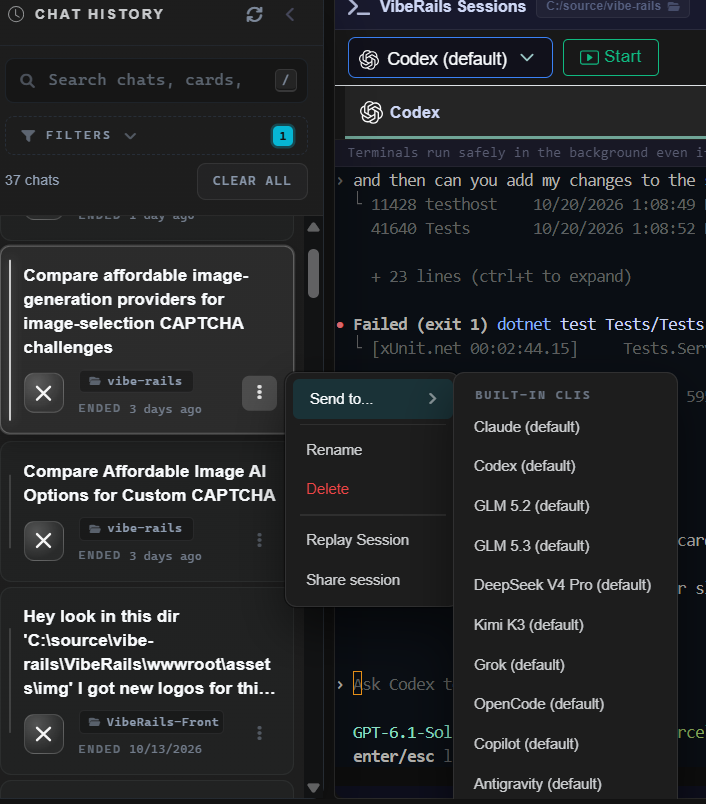
Review and session traceabilitySessions launched through VibeRails are recorded for replay. Inspect the prompts, terminal activity, and decisions behind a change; link sessions and commits to Board cards; and search past work by meaning or keyword in Vibe AI. Review requests let you send staged changes and their attached sessions to named reviewers through viberails.ai before committing. Reviewers can inspect the work, comment, and approve or reject. Signed approvals cover the exact staged tree and can satisfy configured repository approval rules. The Reviews requested of you sidebar brings incoming requests into VS Code. The dashboard's Reviews page also tracks GitHub pull request reviews across configured repositories. Send to… summarizes a recorded session and starts another supported CLI or saved setup with that context.
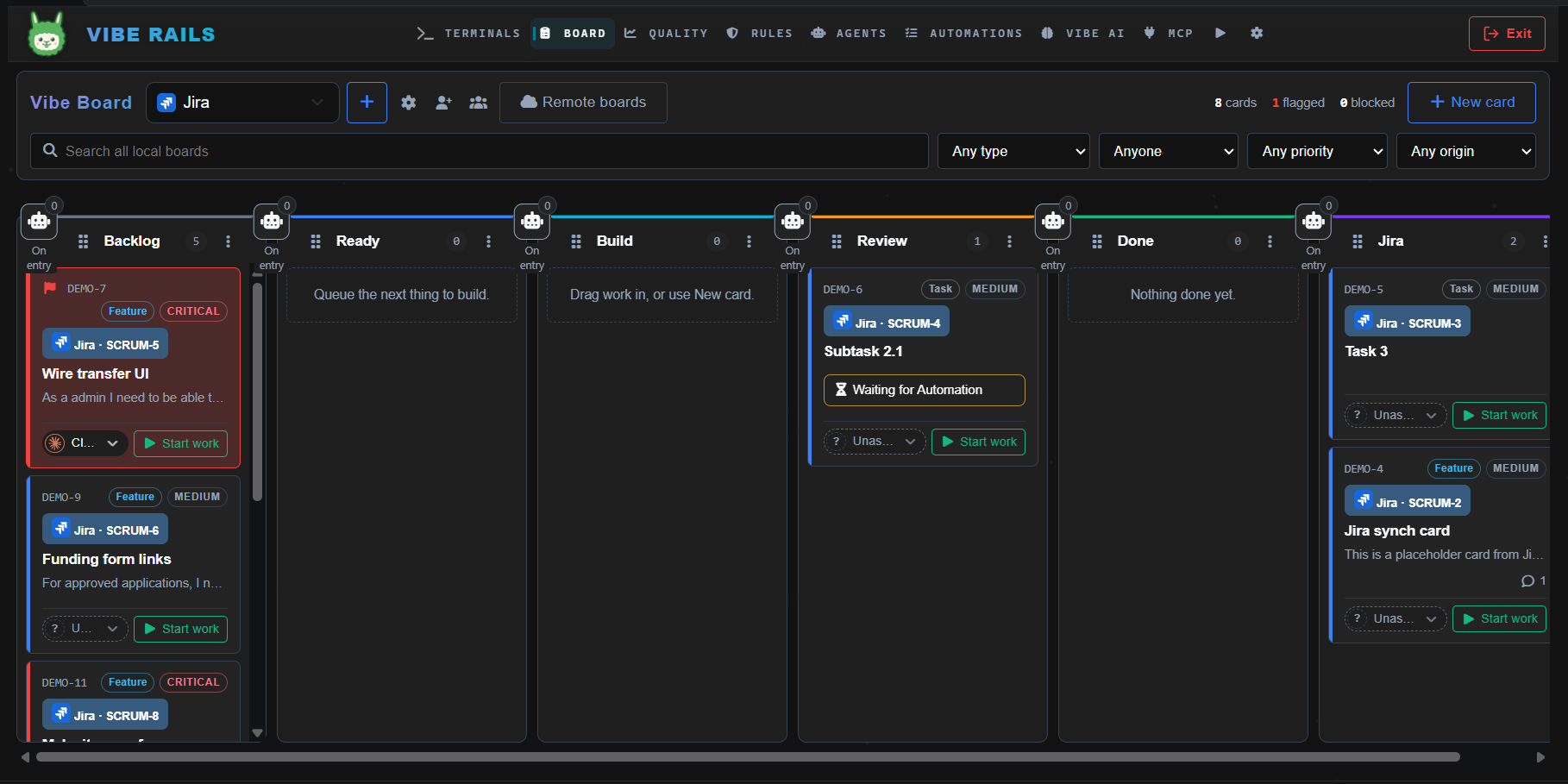
Boards and issue trackersPlan work on a project Board, assign an agent, and retain comments, handoffs, commits, and sessions with the card. Lane entry can trigger configured Agents and Automations for reviews or checks. Connect Jira Cloud or Azure DevOps to pull work into VibeRails and send comments and session references back to the linked issue or work item.
Agents, Quick Launches, and Automations
Agent work can use the project folder, a separate clone, or a fresh clone for each run. The signed scripts library supports PowerShell, Bash, and Python workflows. Agents and scripts run with your operating-system account's permissions, including in separate clones; review their prompts, tools, and scripts before enabling unattended work. The Activity Bar's Launch view puts Agents, Automations, and scripts beside your code. The backend starts quietly when VS Code opens a trusted workspace. Closing only the dashboard tab leaves it running, with scheduled work available. VibeRails: Stop, the status-bar close button, the dashboard's Exit button, or closing the VS Code window stops it. There is no operating-system background service. Corporate gateways, TokenSaver, and MCPUse Settings → LLMs to configure corporate API gateways for supported providers. Codex and Claude support saved gateway credentials. The local relay forwards requests to a gateway that accepts the provider's API format, so teams can use their existing provider access and network controls. See the gateway configuration guide. TokenSaver can trim noisy tool output before it reaches Claude Code or Codex while preserving user prompts and model replies. Savings depend on the workload; the terminal's tokens saved meter shows the running total. The built-in MCP server gives supported agents tools for Board work, handoffs, review tracking, history search, rule validation, and TokenSaver control. MCP Explorer lets you inspect and call those tools from the dashboard. Get started
Install and authenticate the AI CLI you want to use, such as Claude Code or Codex. Standalone installers for Windows, Linux, and macOS are also available at viberails.ai. Local operation and connected servicesThe VSIX includes a platform-specific native backend and dashboard assets for To connect a viberails.ai account, open Settings → General → Account, select Sign in, and approve the request in your browser. Connecting uploads completed sessions to that account. Sending review requests, sharing sessions, and connecting issue trackers also transfer the corresponding content to those services. Follow your team's data-handling policy when enabling these features. The API security contract documents the implemented boundaries. Settings
TroubleshootingThe dashboard won't open. Open View → Output and select VibeRails Backend for startup
details. Run The bundled backend is missing. Reinstall the Marketplace extension for your platform. Startup times out. A cold launch or antivirus scan can take longer. Raise The keyboard shortcut does nothing. Another extension or an AltGr keyboard layout may use
the same chord. Rebind A rule is not being read. Rules must be inside a Links
LicenseLast updated 2026-10-30 |