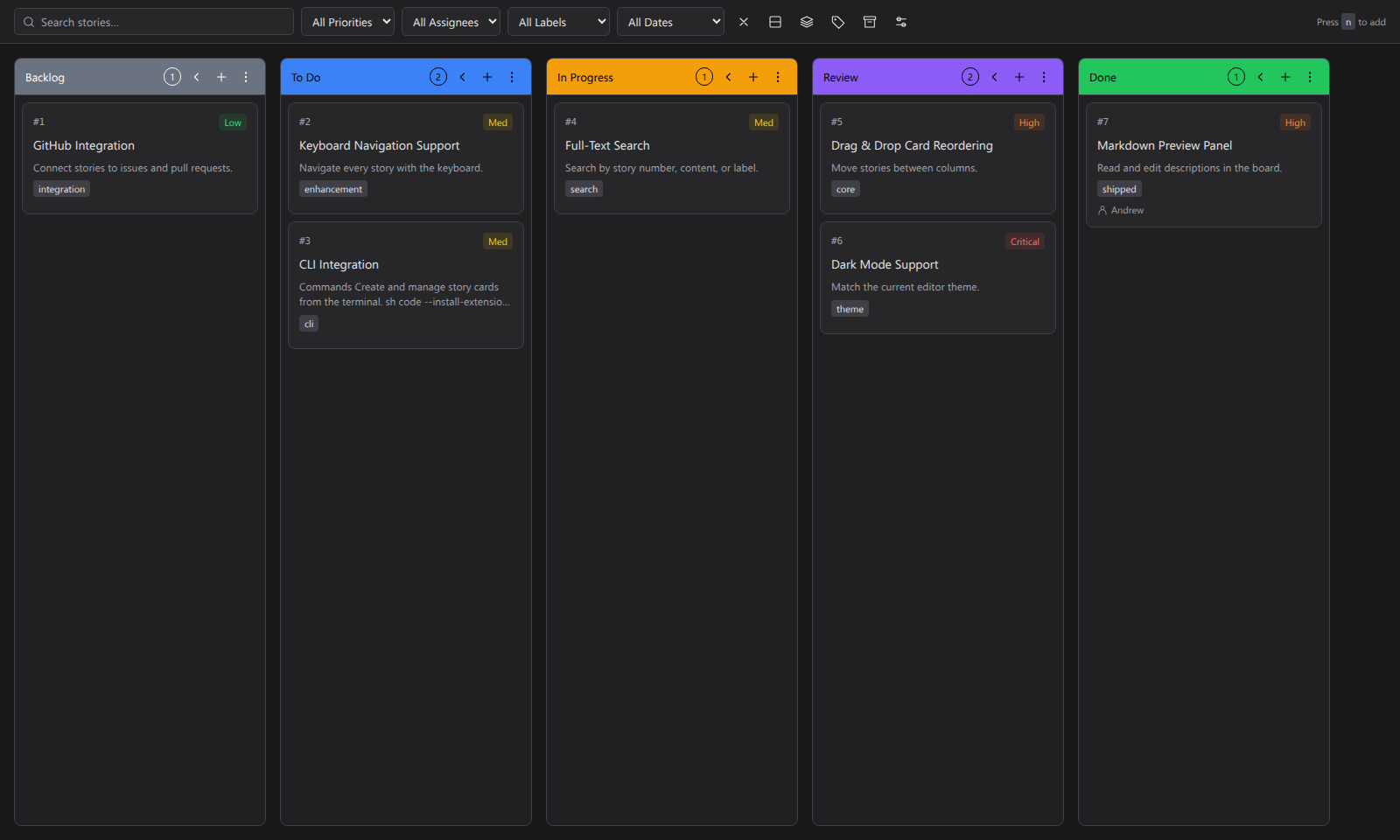
Code Kanban ProA Markdown kanban board for VS Code with permanent story numbers, rich-text editing, and workspace-local storage. Installation Launch VS Code Quick Open ( Ctrl+P), paste the following command, and press enter.Copied to clipboard |

Code Kanban ProPlan your work without leaving VS Code. Track tasks on a board, keep notes in Markdown, and send a story to your AI coding tool. By Valdex.
Features
Cards stay in local Markdown files, outside your project. Each workspace folder has its own board. Boards are not synced by Git. InstallIn VS Code, press Ctrl+P (Cmd+P on Mac), paste this line, and press Enter: Get startedOpen a project folder and click Code Kanban Pro in the Activity Bar. Click a column's + button to open the new-story modal, then choose Create story. Cancel or Escape closes it without creating a story. Drag cards to move work along. Click a card to edit its notes and details. Choose column colors in Board settings. Based on Kanban Markdown. Changelog · MIT license · Credits |