Unl
Unl, your why agent, beside your code.
On every turn, Unl hands your AI the decisions that bear on what you asked, each with its reason, and holds back the ones that do not. This panel shows that as it happens, in VS Code and in Cursor. It is the same live stream as unl in a terminal and the Unl terminal on unlimitless.ai.
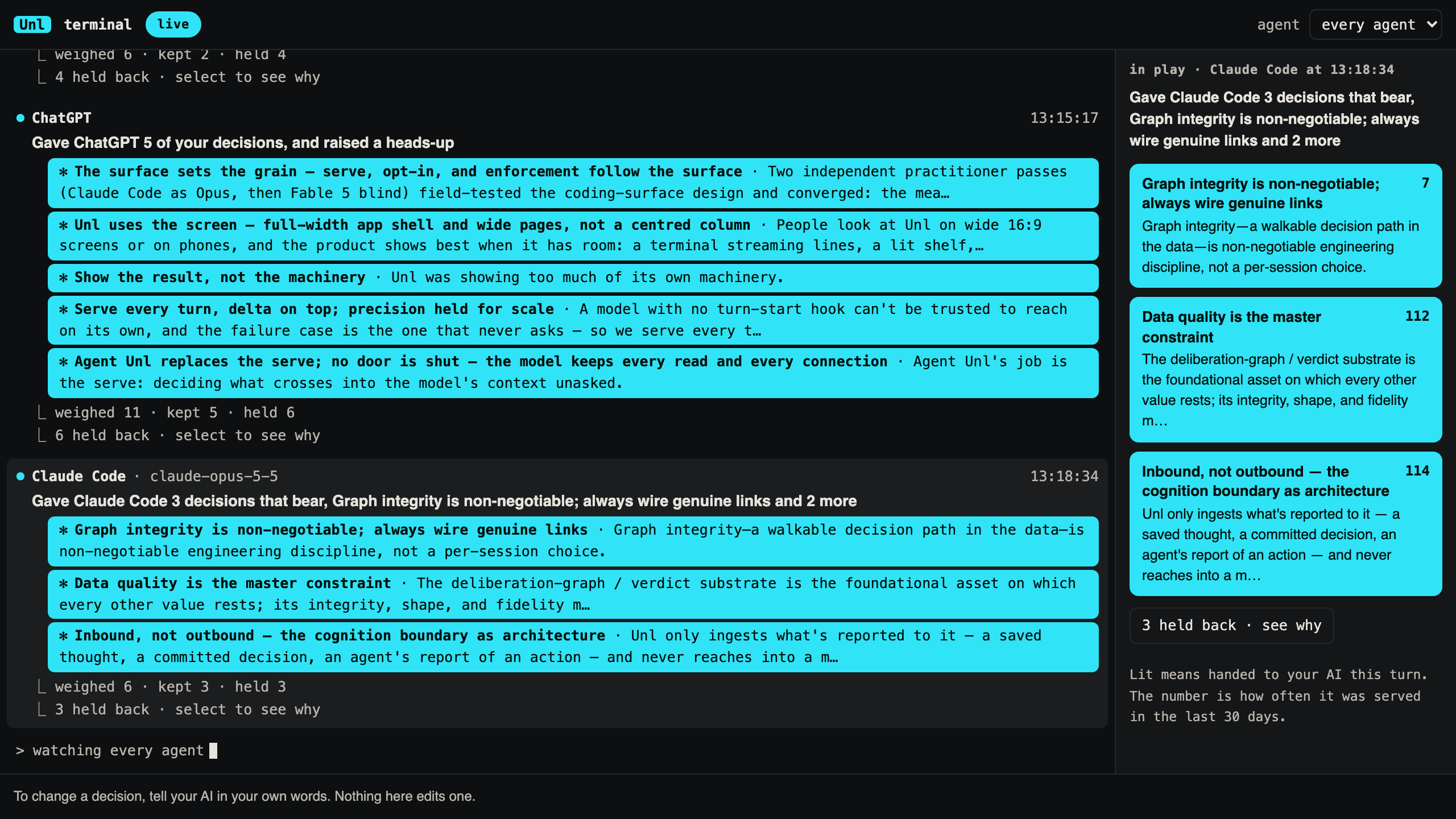
What you see
- Each turn, led by one plain line of what Unl did for you.
- The decisions it handed your AI, lit, with their reasons.
- The ones it held back, with why, when you ask.
- Every AI you work in, with a filter for one agent at a time.
Nothing in the panel edits a decision. To change one, tell your AI in your own words.
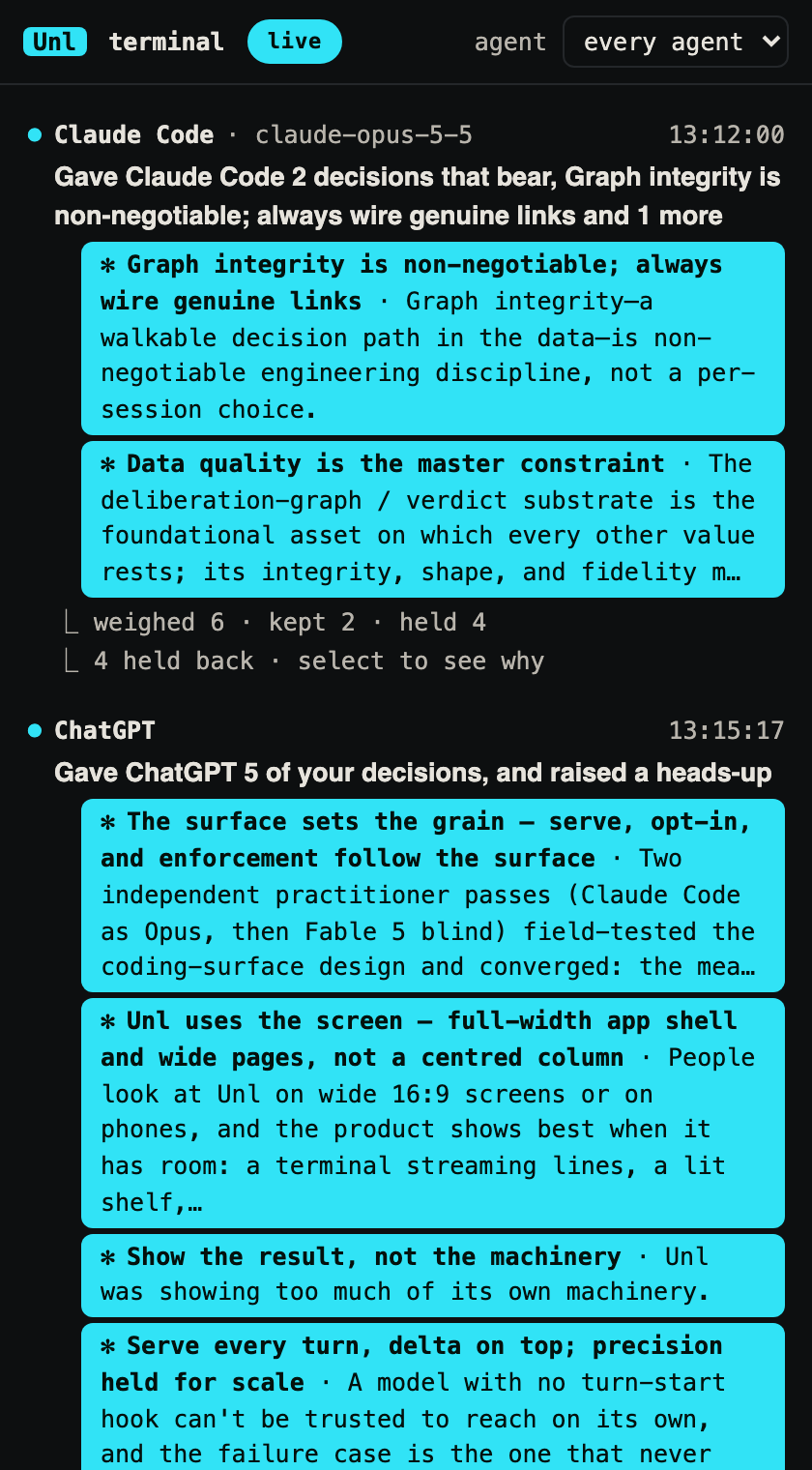
Getting started
You need an Unl account. Open the Unl panel from the activity bar.
If you already use unl on this machine, the panel signs in with the key it made. Otherwise choose Sign in and finish in your browser. The key is kept in the editor's secret storage, never in a settings file.
To add Unl to the folder you have open, choose Wire this workspace. It runs unl init in a terminal you can see, and only after you say yes. The panel never wires a folder by itself.
Settings
unl.agent shows one agent only (a run, seat or surface). Empty shows every agent.
More

