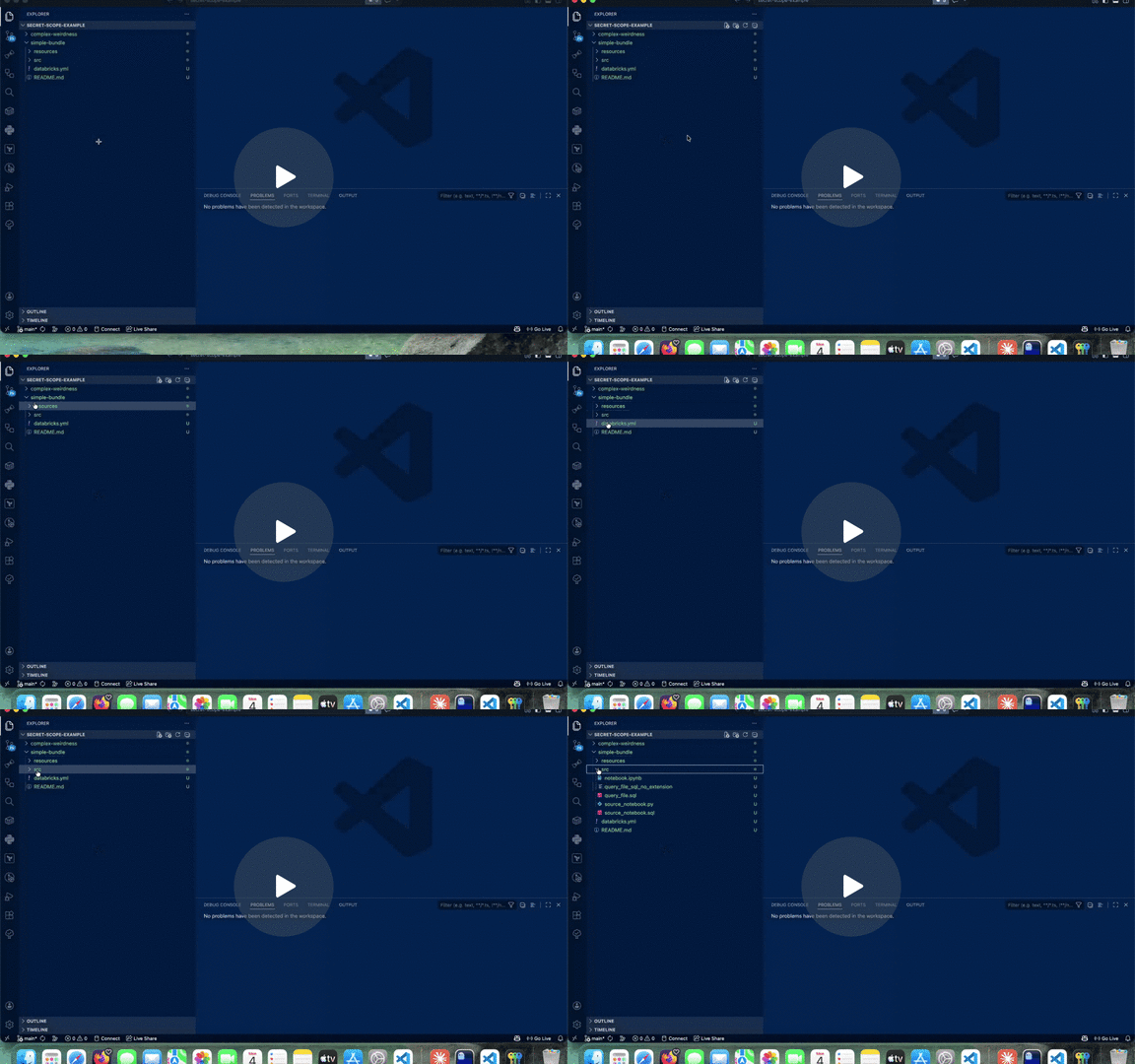
Databricks Bundle Inspector
A VS Code extension that visualizes Databricks Bundles as interactive job dependency graphs. See the actual structure of your bundle jobs, task dependencies, and configurations at a glance.
What it does
Open a databricks.yml file and run Inspect Databricks Bundle to see:
- Visual DAG: Interactive graph of jobs and
depends_on relationships with pan, zoom, and search.
- Task details: Type, source file, parameters, compute, and dependencies.
- Issue detection: Missing files, unresolved variables, unknown task types, and Databricks CLI diagnostics.
- Layout controls: Automatic graph layout to keep parallel branches visually separated.
Requirements
The Databricks CLI must be installed and available on your PATH, or configured via the databricksBundleInspector.cliPath VS Code setting.
Usage
- Open a folder containing a
databricks.yml or databricks.yaml file.
- Open the bundle file in the editor.
- Click Inspect Databricks Bundle (editor title bar button) or right-click and select the command.
The graph opens in a new editor panel. It refreshes automatically when you save the bundle file or related configurations.
Command
| Command ID |
Title |
When available |
databricksBundleInspector.inspectBundle |
Inspect Databricks Bundle |
Active file is named databricks.yml or databricks.yaml |
databricksBundleInspector.openBundleIssues |
Open Bundle Issues |
Command Palette; focuses issues for the active inspector bundle |
How it works
The extension runs databricks bundle validate --output json to resolve your bundle structure, builds a dependency graph from the jobs and their depends_on relationships, and renders it as an interactive visual DAG using React Flow.
Project status
Version 0.1.3. Active development. Feedback, bug reports, and feature requests are welcome on the issue tracker.
License
Apache-2.0. See LICENSE.