Vincent Van Code
Build the editor's colors yourself — every surface, every kind of token — live from a sidebar panel.
Start from a blank palette, a random one, or a painting, then move any color you like.
No reload, no theme files, nothing written outside three standard VS Code settings.
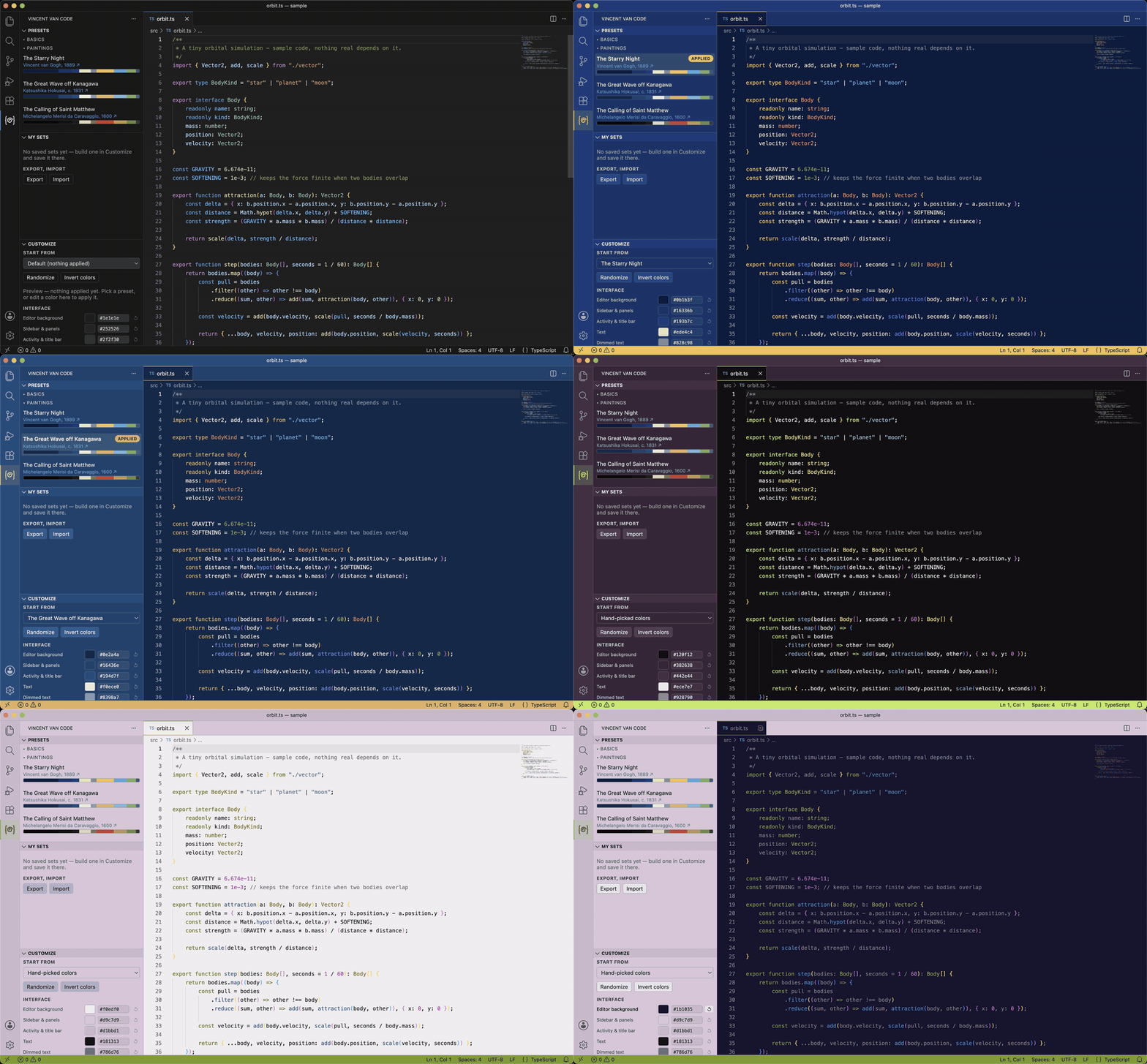
Sixteen colors, each one yours
Customize is the panel's real work. It lists every role the editor is painted with, each with a
color picker and its hex, and it writes as you pick:
| Interface |
Code |
| Editor background · Sidebar & panels · Activity & title bar · Text · Dimmed text · Main accent · Second accent · Third accent · Borders |
Comments · Keywords · Strings · Numbers · Types · Functions · Variables |
- A hand-picked color stays pinned until you clear it — pick another preset and your choice
survives it, one click on the revert arrow gives the role back.
- Interface edits reach the code. The seven code colors are derived from the palette, so moving
Main accent moves what was built from it; override a code role directly and that one stops
following.
- Randomize rolls a whole palette; Invert colors turns the current one inside out — a dark
scheme becomes its light twin, and the roles keep their relationships.
- You cannot pick something unreadable. Every foreground is measured against the background it
actually lands on and lifted to WCAG AA (4.5:1); an accent used as a background is moved when
neither black nor white reads on it.
Then My sets: save what you built under a name, apply it back whenever, export and import the
lot as JSON, and let Settings Sync carry your sets between machines. Every action is in the Command
Palette too, under Vincent Van Code.
Or start from a painting
The presets are starting points, not destinations: each is a fixed six-color choice taken from
one named painting — the panel links the source — expanded into the nine interface roles. The
Films group does the same from whole films, and Basics holds five neutral schemes. Pick one,
then go and change it.
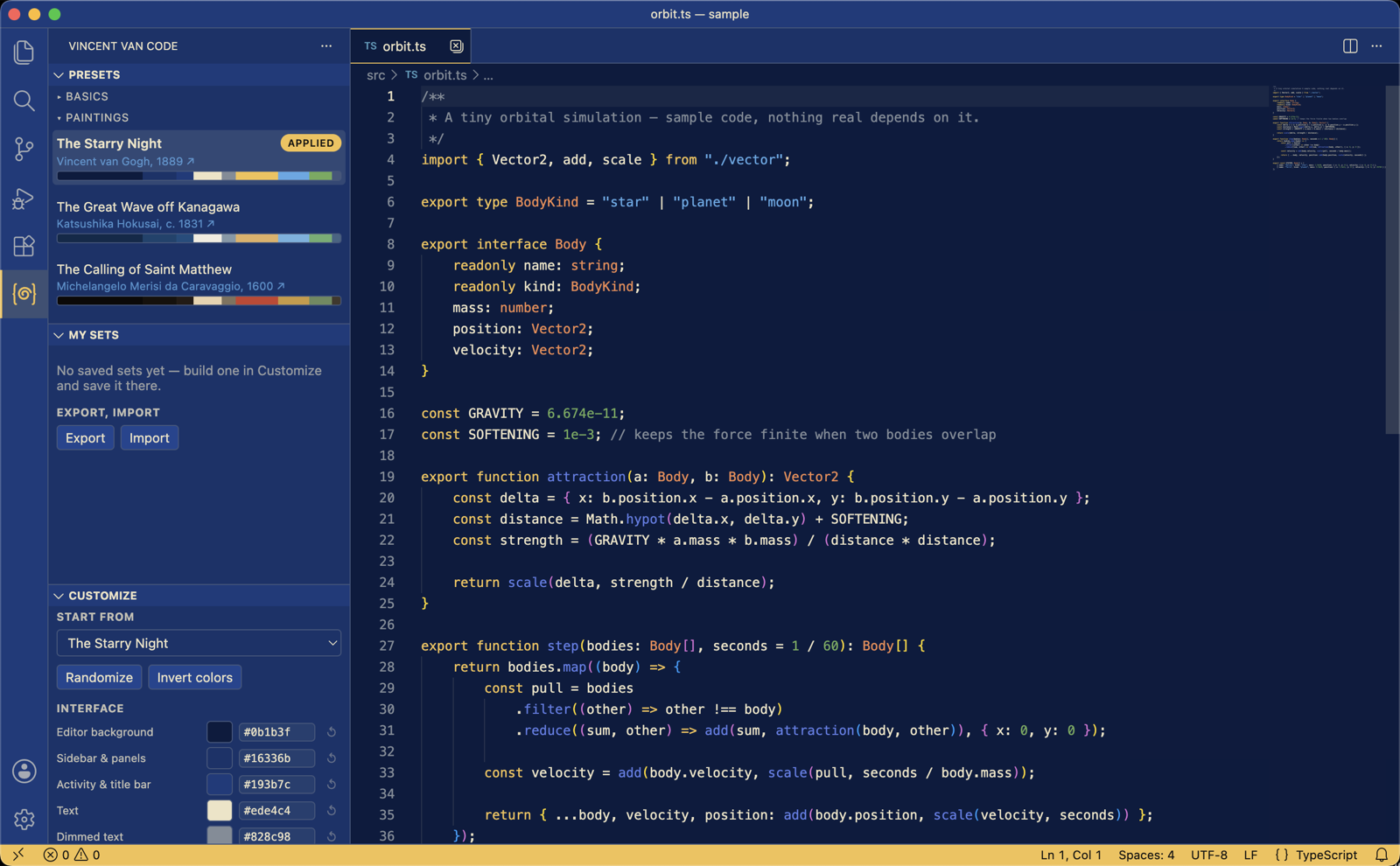
Every role, interface and code alike, with its own picker and hex — and the set you build saved
under a name:
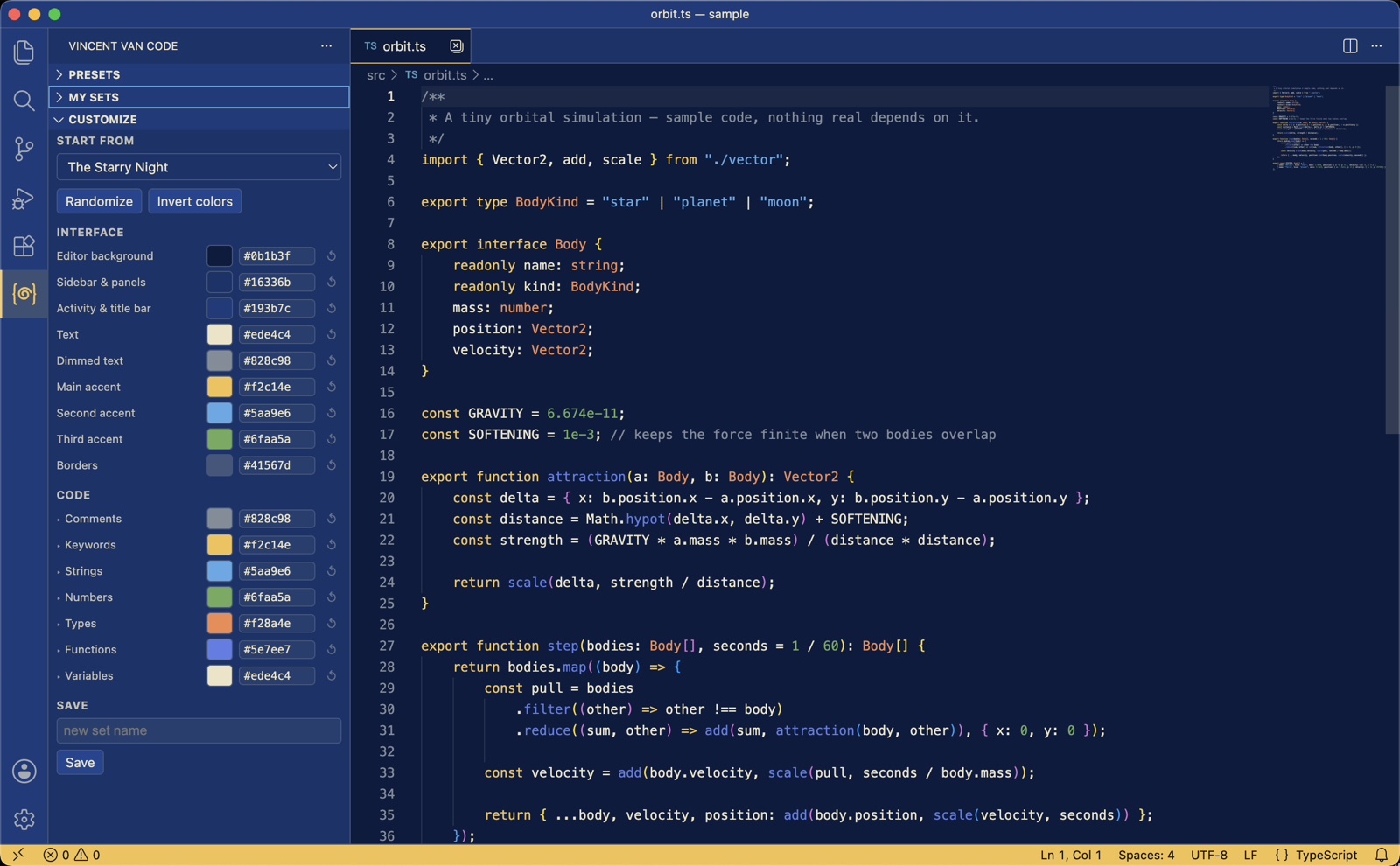
What your colors actually reach
- The whole workbench, not just the editor: activity bar, sidebar, tabs, terminal, notifications,
the sixteen ANSI colors, diffs, merge conflicts, the commit graph.
- Syntax and semantic tokens, mapped scope by scope, so HTML tags, CSS properties, markdown and
punctuation move too instead of staying on the base theme's colors.
Nothing is written outside workbench.colorCustomizations, editor.tokenColorCustomizations and
editor.semanticTokenColorCustomizations. There is no undo stack — Default, the first entry in
Presets, hands the editor back its own colors, and so does uninstalling the extension: the three
settings are put back to whatever they held before, or taken out again when they held nothing.
Known issues
- Semantic token colors apply only when the language's semantic-tokens provider is active and the
active theme opts in; otherwise the TextMate rules take over.
Origin
This extension started life as the end result of
guide-forge-vscode-extension, a
GuideForge learn-as-you-go build guide (7 milestones,
43 steps) that walks a reader from an empty folder to a packaged .vsix. This repository is where
that result continues on its own.
Development
npm install
npm run watch      # or: npm run compile
Press F5 to launch the Extension Development Host.
npm run lint
npx @vscode/vsce package   # produces the .vsix
Requires VS Code (see engines.vscode in package.json) and Node.js 24 LTS.
License
MIT · Release notes in CHANGELOG.md.

