Tokens Code
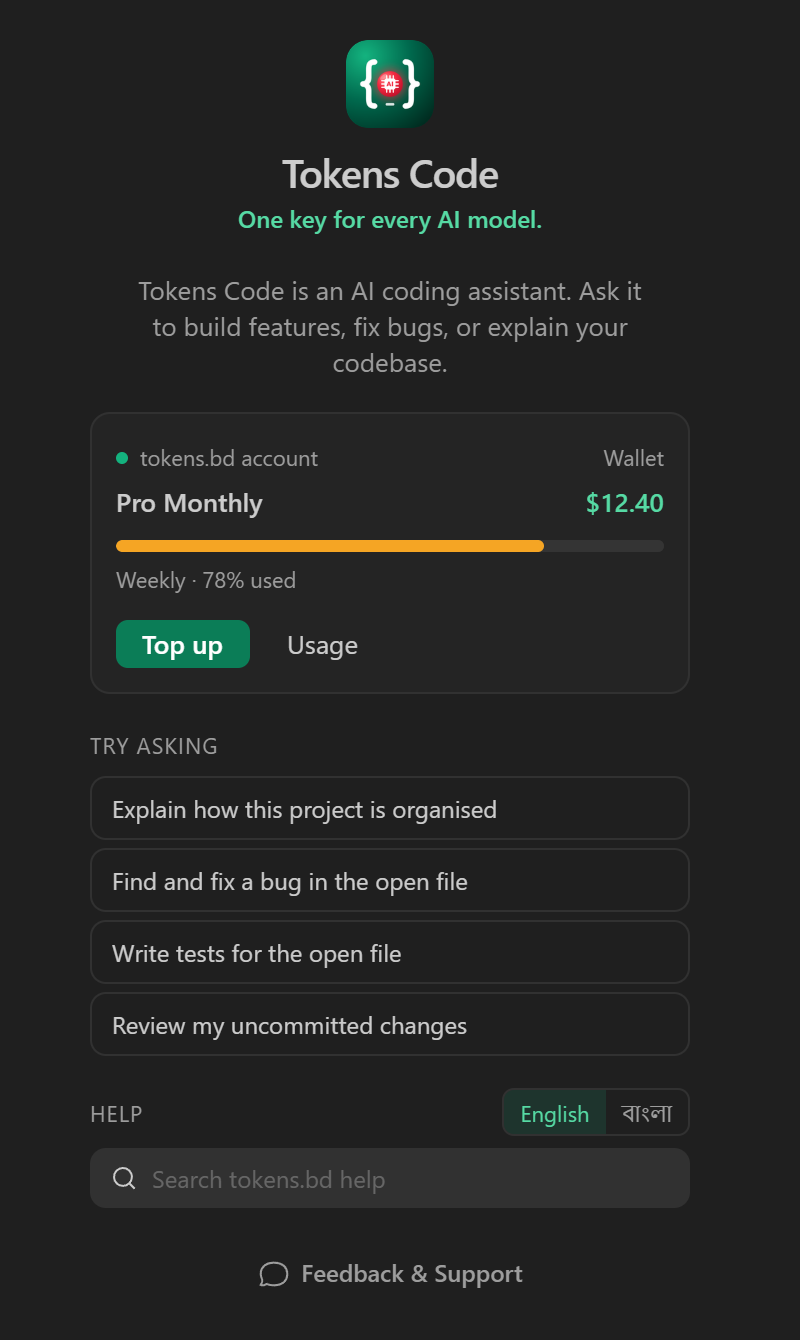
An AI coding agent in your editor, billed to your tokens.bd plan.
Log in with tokens.bd and start, or bring your own API key for any major provider.
Website ·
Plans and pricing ·
Models ·
Docs ·
Support
What it does
- Writes code from plain language. Describe a feature, a fix or a refactor; Tokens Code reads
your project, edits the files and shows you every change.
- Plans, codes and debugs in modes. Plan a change first, build it, ask about your code, or
hunt down a bug, each with its own behaviour.
- Runs your tools. Terminal commands, tests and builds, with your approval or on auto-approve
rules you set.
- Checks its own work. Reviews changes, and keeps checkpoints so you can roll back.
- Connects to MCP servers to use your own tools and data.
Made for tokens.bd
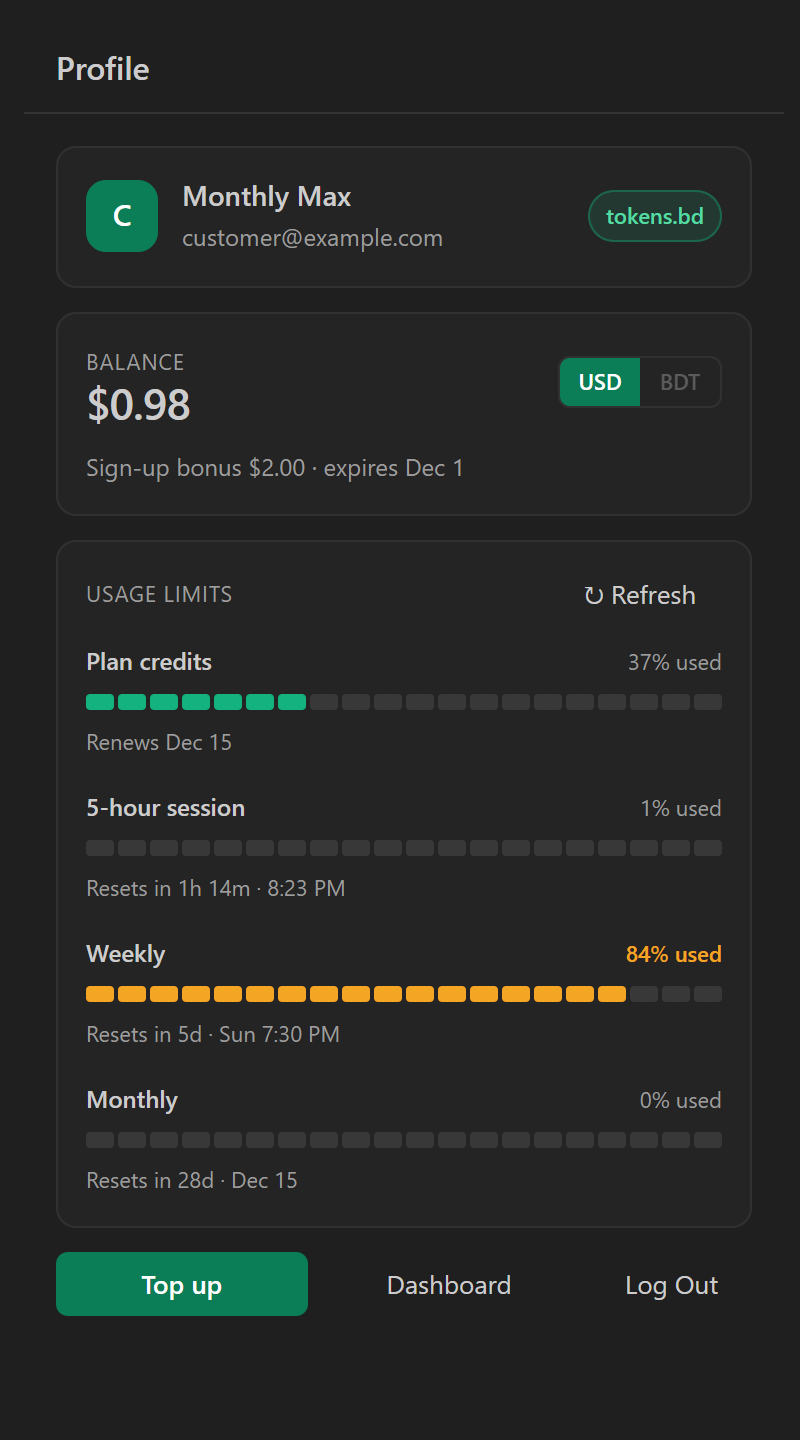
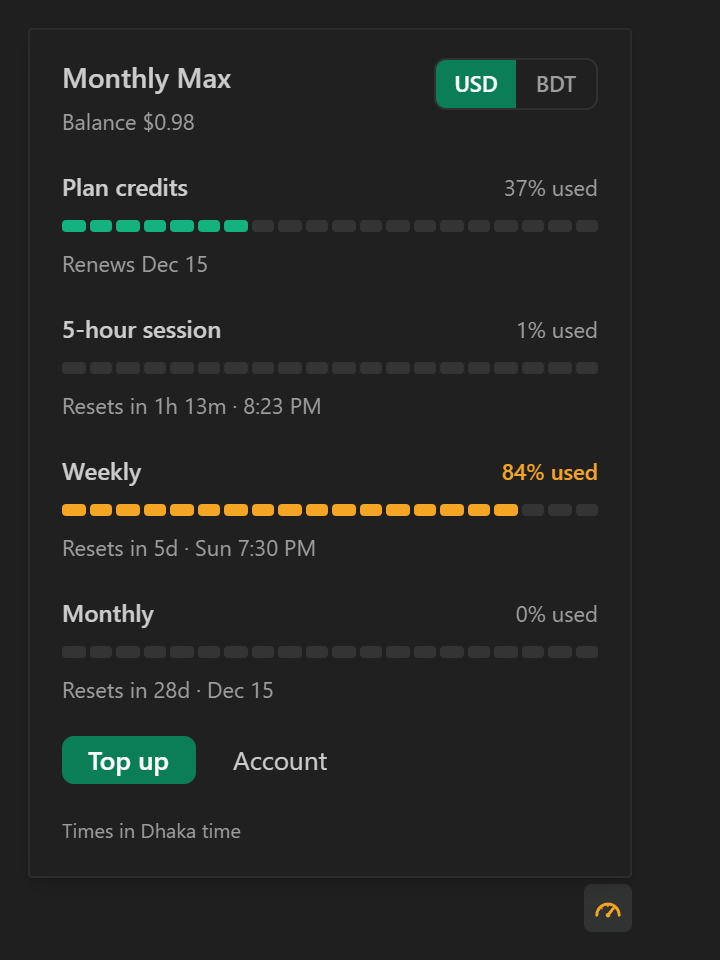
- Your limits at a glance. A meter in the status bar and a limits button in the chat show your
plan credits, balance and every usage window with its reset time (in Dhaka time).
- Alerts before you run out. A notification when a limit reaches 90% or is used up, with a
one-click top-up.
- Costs as you go. Each answer and each task shows what it cost, in US dollars or in taka.
- A budget per task. Set a limit and the task stops when it is reached, never more than one
request past it.
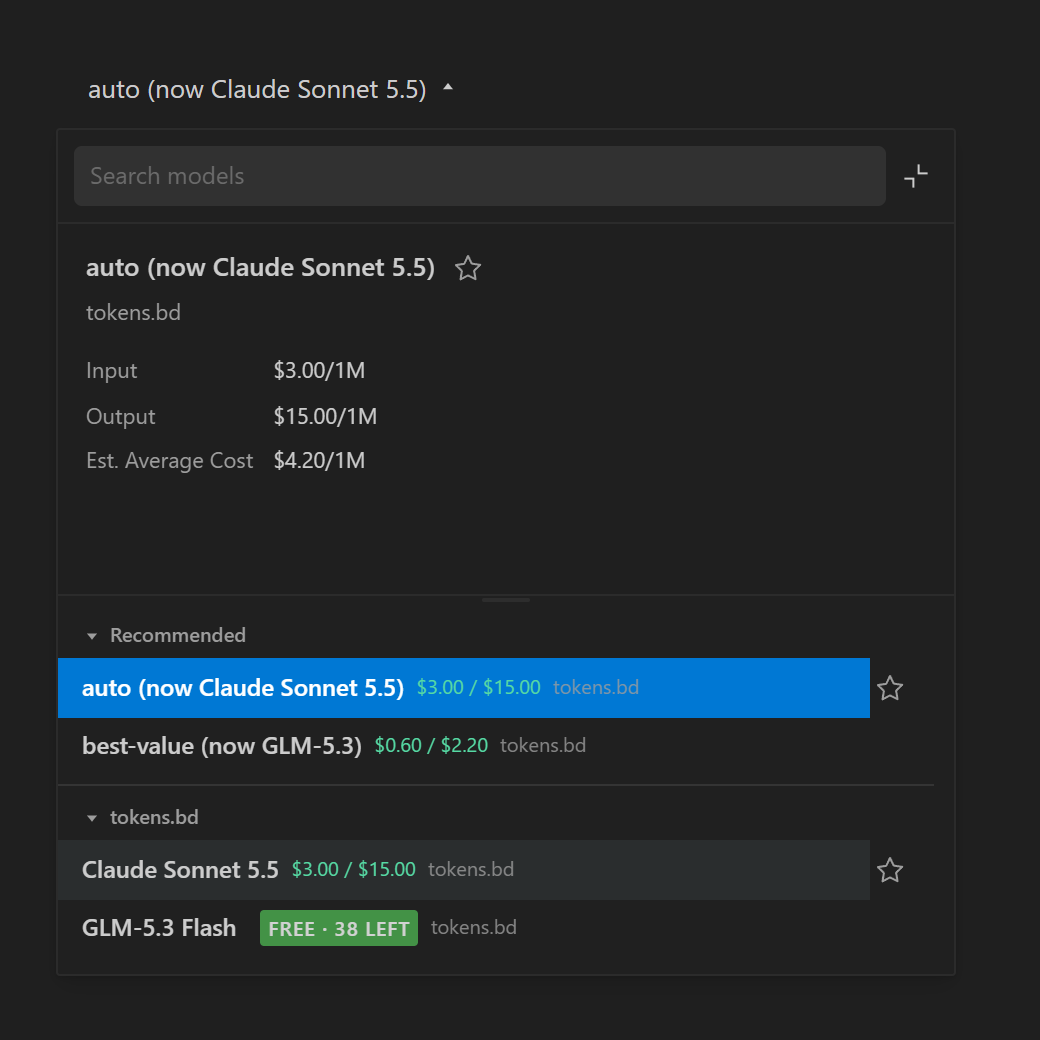
- The right model, priced. tokens.bd models come first in the model picker, with their prices
and any free requests left.
- Help in Bangla or English. Search the tokens.bd docs from the chat, in either language.
Screenshots
Get started
- Install Tokens Code.
- Open the Tokens Code panel in the activity bar and choose Log in with tokens.bd.
- Approve in your browser. Tokens Code uses your plan or wallet like any API key, and the key shows
on your API keys page, where you can remove it at any time.
Prefer your own keys? Choose Use another provider to connect Anthropic, OpenAI, Google Gemini,
OpenRouter, DeepSeek, Mistral, Groq, xAI, AWS Bedrock, Google Vertex, any OpenAI-compatible
endpoint, or local models through Ollama and LM Studio.
Pricing
Tokens Code is free. Requests made with tokens.bd are paid from your
plan or wallet, in taka or dollars; requests made with your own key
are billed by that provider.
Data and privacy
Tokens Code sends data over the internet only in the cases below. It never sends anything to Kilo
Code's or OpenCode's servers. Your sessions (prompts, answers and file changes) are kept on your
computer.
| When |
What is sent |
Where it goes |
How it is used and kept |
Anonymous? |
| You chat using tokens.bd (you start it) |
Your prompt, the files, command output and web pages the agent reads for the task, and your tokens.bd API key |
tokens.bd (servers hosted by Hetzner in Finland, behind Cloudflare), which forwards the request to the provider of the model you chose (for example Anthropic, OpenAI or Google, mostly in the United States) |
tokens.bd does not store prompts, code or answers; it records usage (model, token counts, cost, time, key) to bill you. The model provider's own retention policy applies to what it receives |
No, tied to your tokens.bd account |
| You chat using your own API key (you start it) |
The same content, and that key |
That provider directly |
That provider's terms |
No |
| You log in with tokens.bd (you start it) |
Your computer's name and your editor's name |
tokens.bd |
Names the API key made for this computer; kept until you log out or delete the key |
No |
| While you are logged in to tokens.bd (background: when the extension starts, after each task, and every few minutes while the editor is in focus) |
Your tokens.bd API key |
tokens.bd |
Reads your plan, usage limits, balance and the models you can use, for the status bar, account panel, alerts and model picker; nothing new is stored |
No |
| While you are logged in to tokens.bd (background) |
Nothing about you |
tokens.bd |
Reads tokens.bd's public service status and its payment methods for topping up |
Yes |
| You search the help (you start it) |
The words you type, and the language |
tokens.bd |
Searches the tokens.bd docs; not linked to your account |
Yes |
| Usage statistics (background, only while VS Code's telemetry setting is on) |
A random installation id, the extension, editor and operating system versions, which features are used, error codes, and for model answers the provider, model and token counts. Never prompts, code, file paths, error messages, costs, your account or keys |
tokens.bd only |
To see which versions and features are used and where the extension fails; kept 90 days; not shared or sold |
Yes, never linked to your account |
MCP servers and other tools you add receive what the agent sends them, under their own terms.
Turn off VS Code's telemetry setting (telemetry.telemetryLevel) to stop the usage statistics.
The full policy is the tokens.bd privacy policy, section 6.
Credits
Tokens Code is built on Kilo Code and
OpenCode, both released under the MIT License. It is not
affiliated with or endorsed by them.
| |

