The Toy BoxA practical VS Code toolkit for navigation, editing, notes, Markdown, PDF export, Git safety, and everyday developer productivity. Installation Launch VS Code Quick Open ( Ctrl+P), paste the following command, and press enter.Copied to clipboard |

The Toy Box
The Toy Box brings a collection of practical everyday tools into one VS Code extension. Navigate large files, keep code tidy, capture notes, improve Markdown, protect local Git changes, and export polished PDFs without assembling a long list of separate extensions. Every major feature can be enabled or disabled, so you can keep the tools that fit your workflow. Highlights
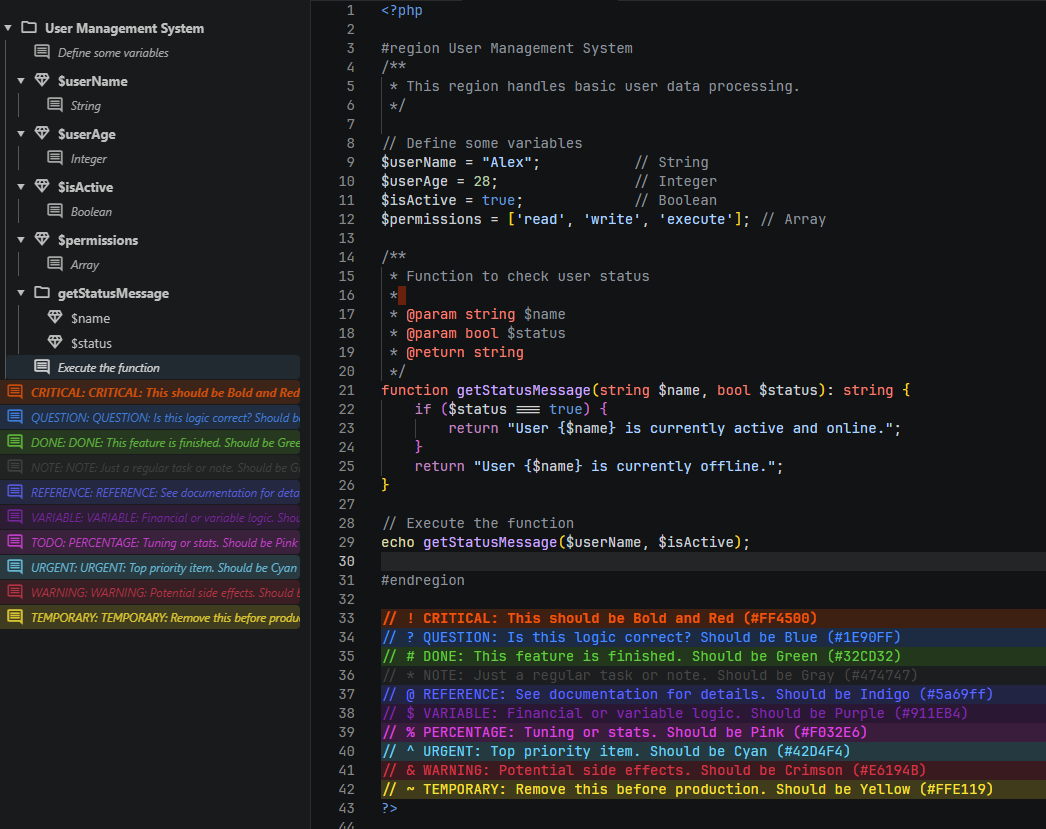
Better NavigationThe Better Outline sidebar provides a useful structural view for SQL, PHP, JavaScript, TypeScript, CSS, JSON, YAML, INI, nginx, KDL, and other supported files. It recognizes the concepts that matter in each language, supports regions, and takes you directly to the selected line.
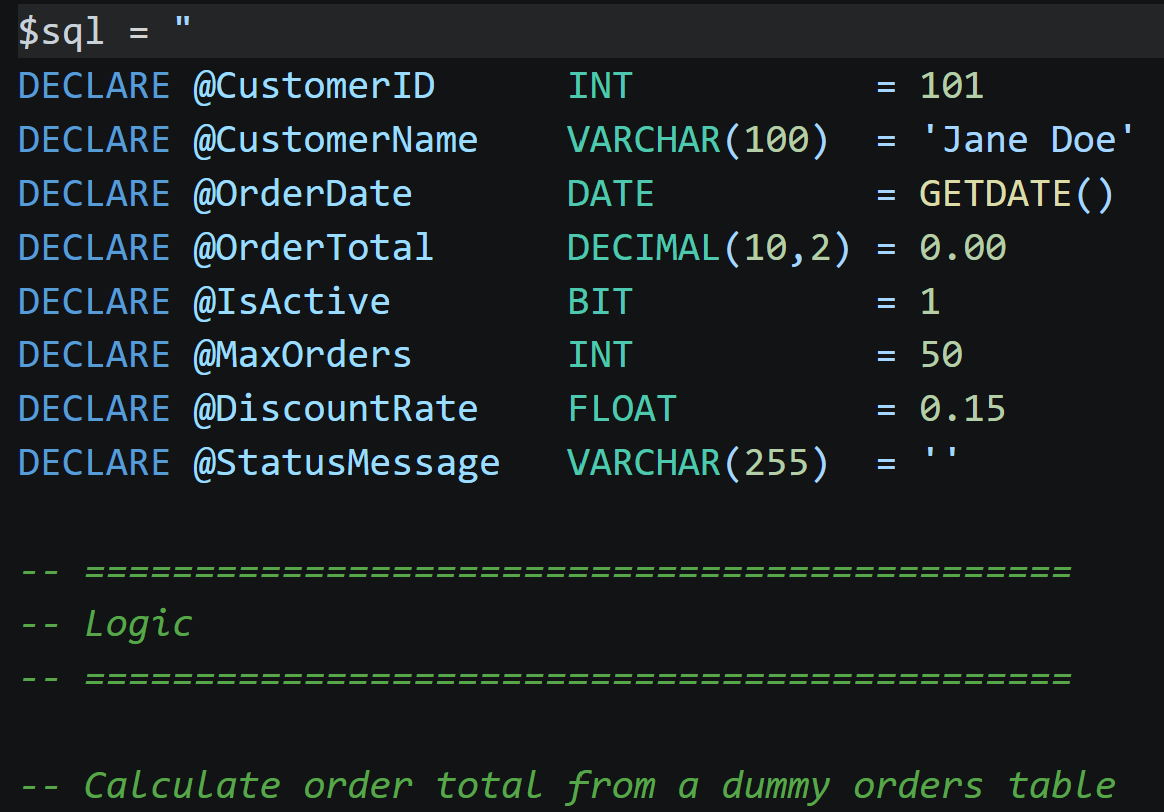
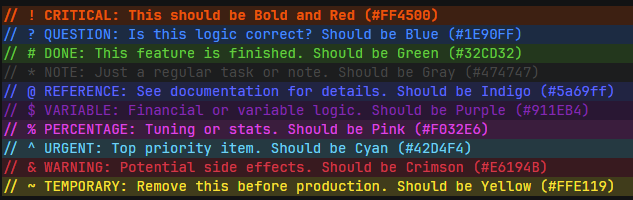
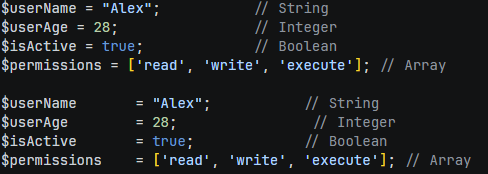
Bookmarks keep important lines close at hand, while Session Restore lets you save and reopen named groups of files. The Word Frequency panel helps you explore repeated terms and identifiers in the active document. Clearer CodeThe Toy Box adds visual support where VS Code may not provide enough by default:
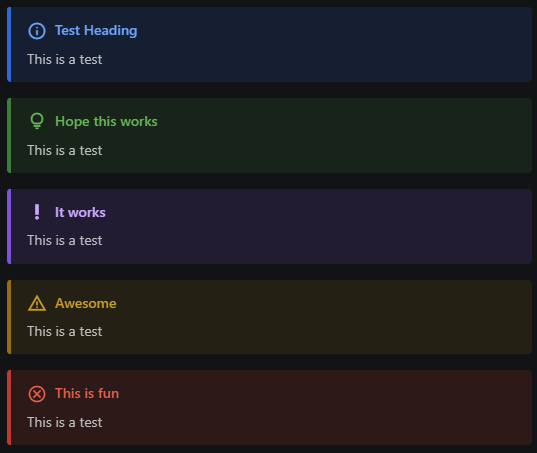
Markdown and PDF ExportGitHub-style alerts appear directly in VS Code's built-in Markdown preview. The supported alert types are NOTE, TIP, IMPORTANT, WARNING, and CAUTION, including optional custom titles.
Use The Toy Box: Save as PDF or The Toy Box: Print File to create a polished PDF from Markdown, HTML, or source code. Markdown export includes:
HTML is rendered before export, and other file types are printed as readable source code with line numbers. Everyday Editing Tools
Cleanup follows the Spaces or Tab Size choice in VS Code's status bar. Choose Indent Using Tabs to convert leading spaces to tabs. Mixed indentation keeps its visual alignment, and multiline string content is preserved. Run The Toy Box: Fix Tabs and Trim to clean a selection or the file.
Notes and Project AwarenessProject SetupRun The Toy Box: Set Up ESLint or The Toy Box: Set Up PHPStan from the Command Palette in a trusted workspace. Choose the project folder and options, review the proposed files and install command, then select Apply Setup.
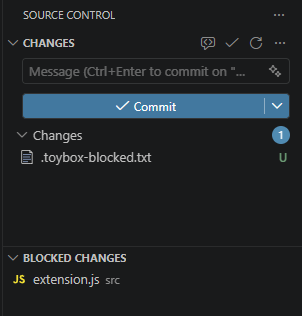
Existing project configurations are preserved. Installation progress appears in a terminal. JavaScript projects need Node.js and a supported package manager; PHP projects need PHP and Composer. Framework projects may need further customization. See the official ESLint setup guide and PHPStan setup guide for further configuration. Quick Notes keeps automatically saved notes that reopen with VS Code. Use New Quick Note to capture an idea and save it as a permanent file whenever it is ready. You can optionally turn on automatic capture of untitled files in User Settings, where you also choose your notes folder. The Toy Box custom Markdown preview blocks remote images by default. You can allow HTTPS images in User Settings; doing so contacts the image host. VS Code's built-in preview has its own settings. Keep feature notes close to the code they describe. Add an The Tagged Comments panel scans the workspace for your configured comment labels and gathers them into a filterable list. Select an entry to jump directly to its file and line. Safer Local Git ChangesBlocked Changes helps keep local configuration, experiments, and work-in-progress files out of commits. Blocked files appear in their own Source Control panel and can be restored to normal tracking when you are ready.
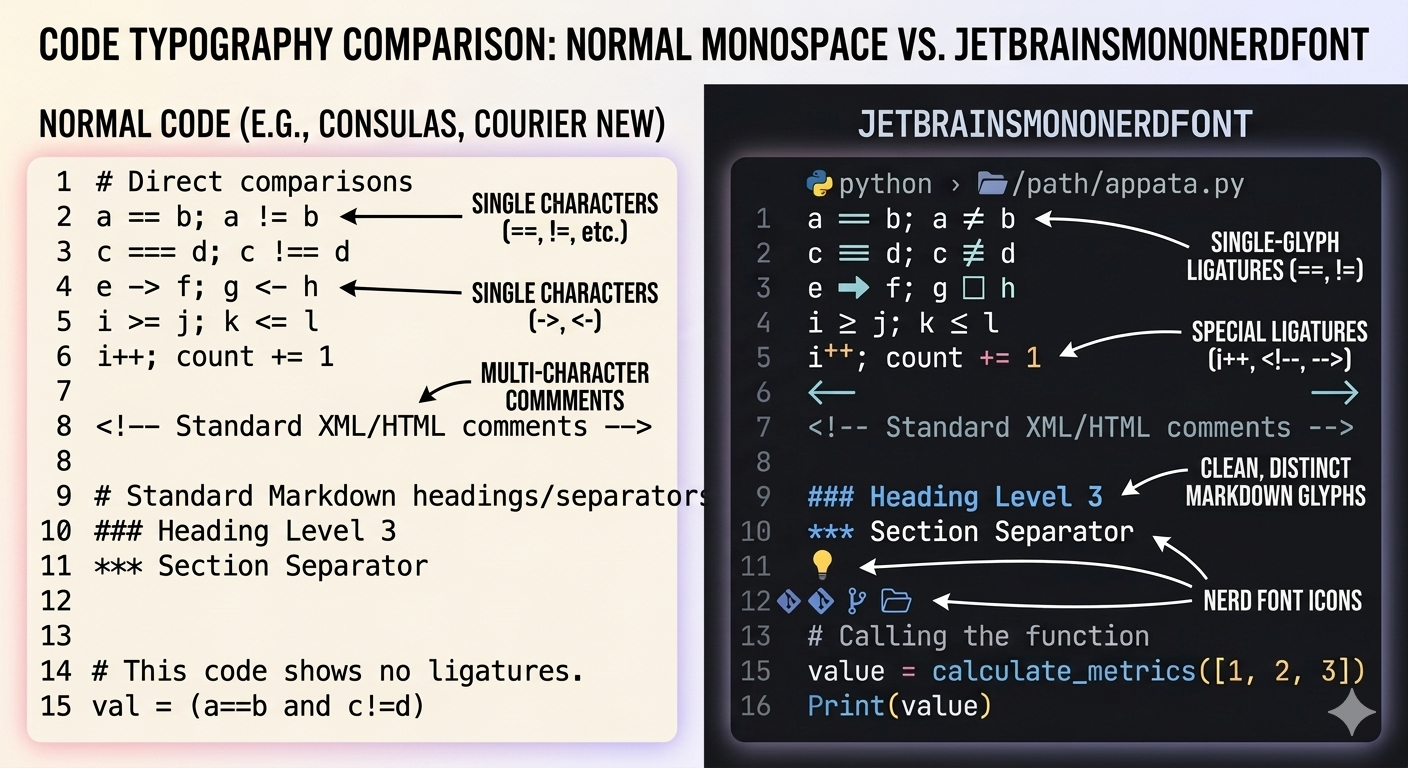
The feature includes commit protection and warns when local blocked changes may interfere with switching branches. As with any Git workflow tool, review the affected files before discarding changes. Optional Nerd Font SetupRun The Toy Box: Install JetBrainsMono Nerd Font to download and configure JetBrainsMono Nerd Font for your user account. The extension asks before changing editor or terminal font settings.
Fully close and reopen VS Code after installation so the operating system can make the font available. Getting Started
Useful default shortcuts:
ConfigurationMost features have an individual toggle under the Release NotesSee CHANGELOG.md for the full release history. SupportReport problems or request improvements through the project's GitHub repository. Author and LicenseCreated by Thomas Dromgoole and released under the MIT License. |