Tempr Chat
A bring-your-own-key AI coding assistant for VS Code — connect directly to 20+ model providers (OpenAI, Anthropic, Google Gemini, xAI, Mistral, DeepSeek, and more) and/or a gateway like OpenRouter, with no single required backend.
Features
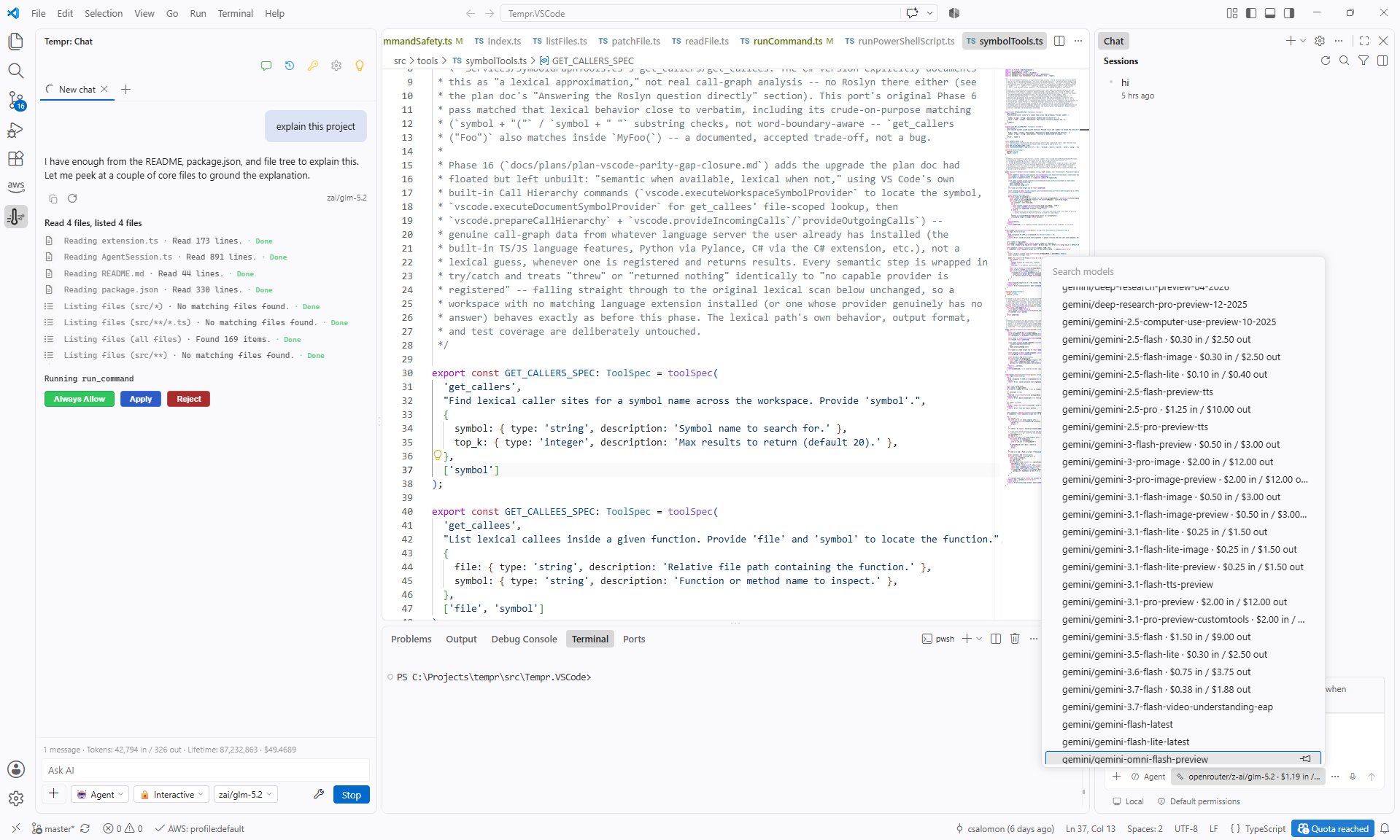
- Agent mode — every message runs through an agentic tool-calling loop: Tempr reads/searches your workspace, edits files, and runs shell commands, chaining as many steps as it needs and pausing for your approval before anything mutating happens.
- Editor-aware context — your active file and selection are automatically included with every message.
- Workspace-aware search — semantic and symbol search let Tempr find relevant code by meaning or by name, not just grep.
- @persona multi-agent delegation — hand a sub-task off to a specialist persona (plan, debugger, test, profiler, modernize, security, review, docs, refactor, git), or define your own.
- Inline ghost-text completions — optional Copilot-style suggestions as you type.
- "Send to Tempr" quick fix — send any diagnostic straight to chat with context attached.
- MCP support — connect your own Model Context Protocol servers as additional tools.
- File and image attachments, plus
@workspace, @terminal, and @problems context mentions.
- Chat history — multiple conversations, searchable, pinnable, renameable.
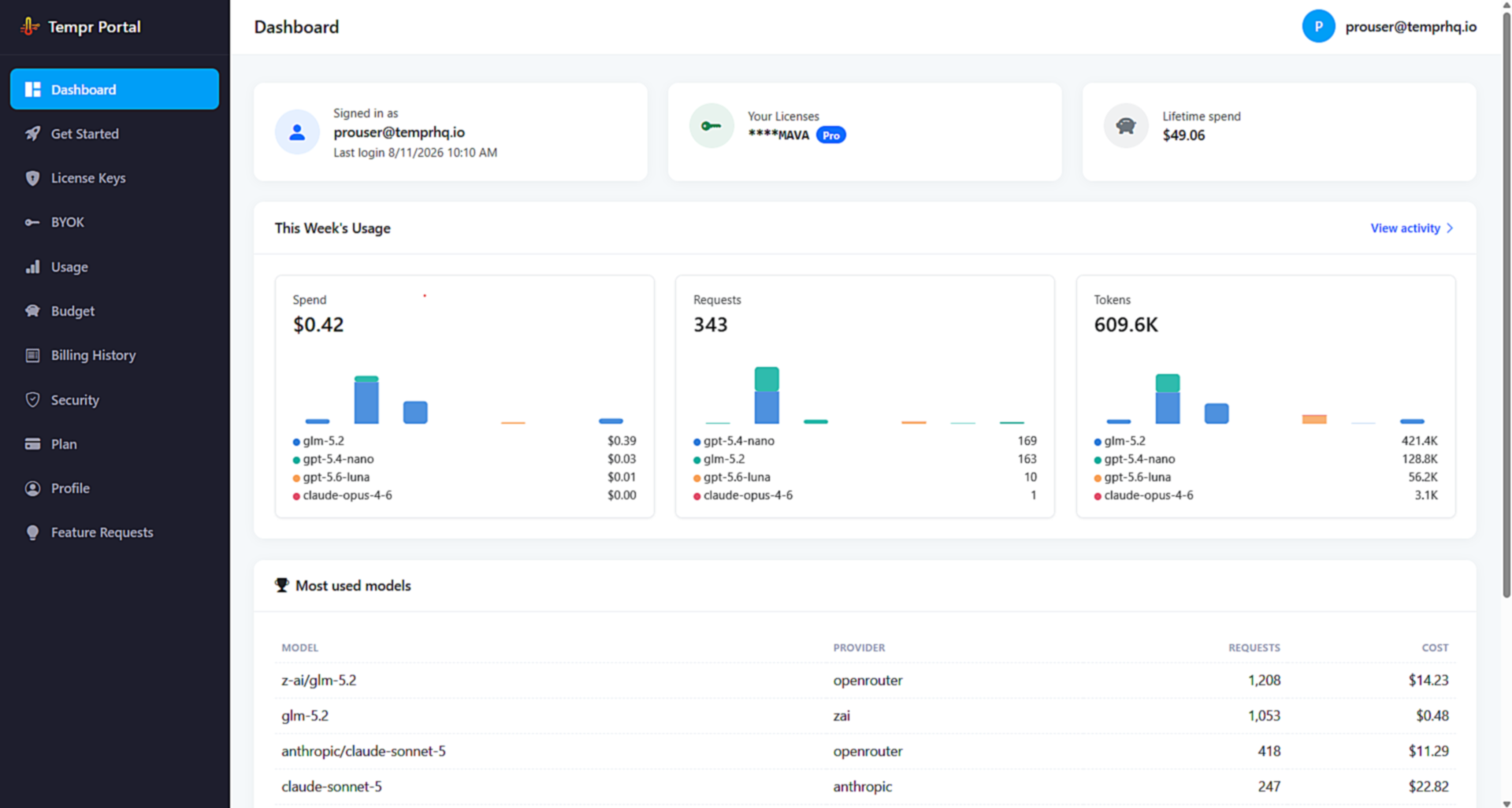
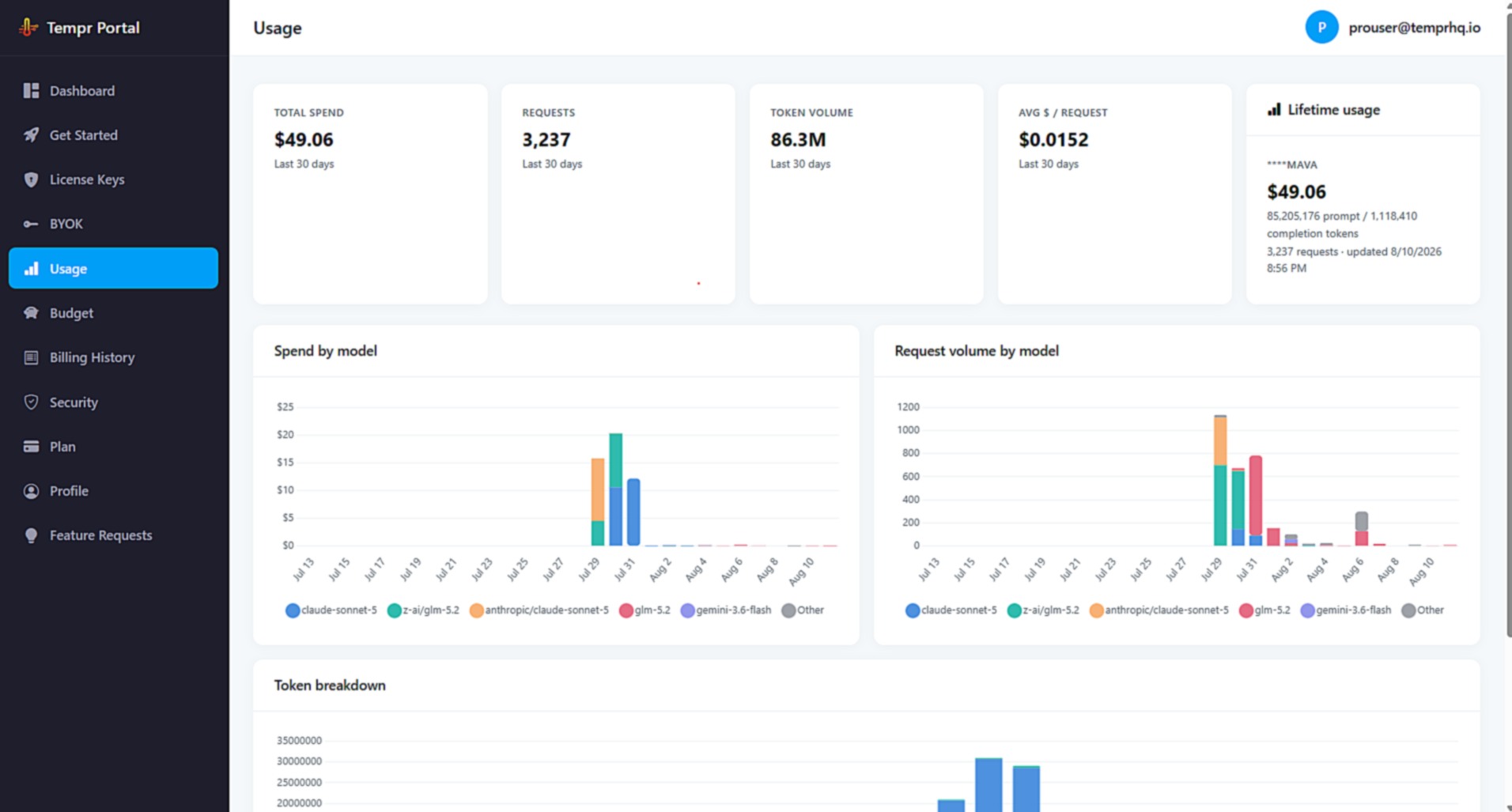
- Ask / Agent / persona chat modes, in-chat settings, and a live usage/cost footer with optional monthly budget alerts.
- Full control over approval mode, response style, iteration limits, and more via Tempr Settings.
Requirements
- A Tempr license key.
- Your own API key(s) for whichever model provider(s) you want to use, or a single OpenRouter key for broader access.
Getting started
- Install the extension and run Tempr: Enter License Key from the Command Palette.
- Open the Tempr view from the activity bar and start chatting — pick a model from the dropdown in the chat input bar whenever you want something other than the default.
Settings
Open Tempr Settings from the gear icon in the chat toolbar or the Tempr: Open Settings command for the full list, including approval mode, response style, iteration limits, MCP servers, and custom agent/persona definitions — with built-in editors for each.
Privacy
Chat content is sent through Tempr's server to whichever model you've configured, on your own provider key, in order to generate responses. Conversation history is stored on your machine, encrypted, and synced to your Tempr account so it follows you to other machines; turn off Cloud sync in Tempr Settings to keep it on this machine only. Anonymous error diagnostics (no source code or chat content) can optionally be sent to help us fix bugs — this is on by default and can be turned off in Tempr Settings.
Feedback
Use the in-chat feature-request button, or reach out to us directly.
License
Tempr Chat is proprietary software; a valid license key is required for use.
Pricing
Start a 7-day free trial at temprhq.io — your license key is emailed instantly. Plans start at $15/mo (limited-time introductory pricing); every plan includes the full model catalog, using your own provider keys. Teams plans start at $35 per seat per month (10-seat minimum): get a quote.
Questions? temprhq.io · FAQ · support@temprhq.io

