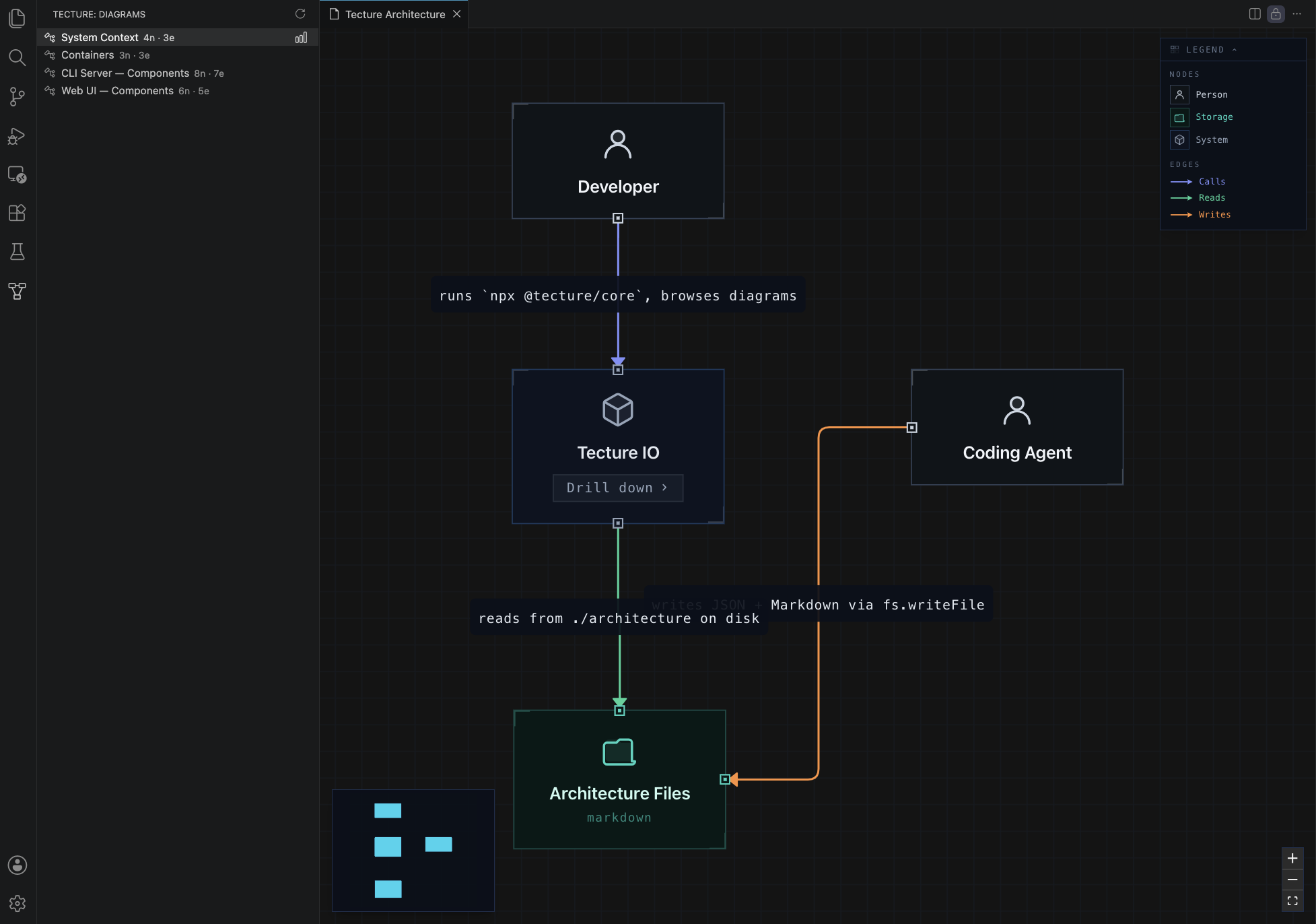
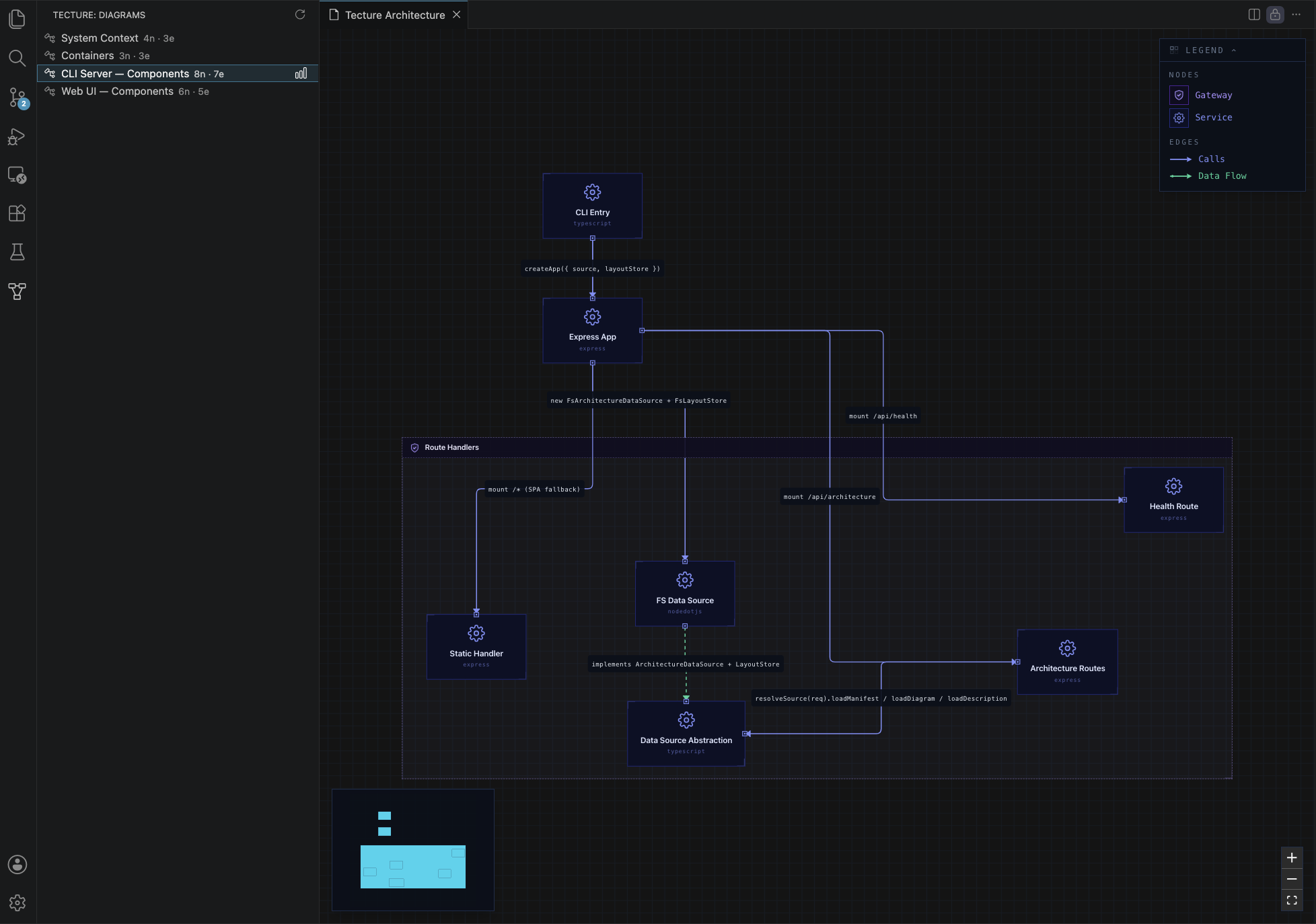
TectureNavigate your codebase's architecture — right inside VS Code. Tecture is an architecture documentation format (structured JSON and Markdown) that AI coding agents know how to write and maintain using a skill. This extension renders those files as interactive, navigable diagrams in your editor. If your repo already has an
Getting started1. Install the architecture-docs skill into your coding agentThe skill teaches your agent how to read a codebase and write architecture files in the Tecture format. Works with Claude Code, Cursor, GitHub Copilot, Codex, Windsurf, and other major coding agents. This installs the skill into each agent's native skills directory (interactive — pick your agents). Re-run the same command anytime to update. Always use 2. Generate the architecture mapFrom your project root, either:
The agent writes the map into an 3. Open the diagramsOnce the FeaturesMulti-level diagram navigationBrowse system context, container, and component diagrams from the Tecture Activity Bar. Double-click a node to drill into its sub-diagram.
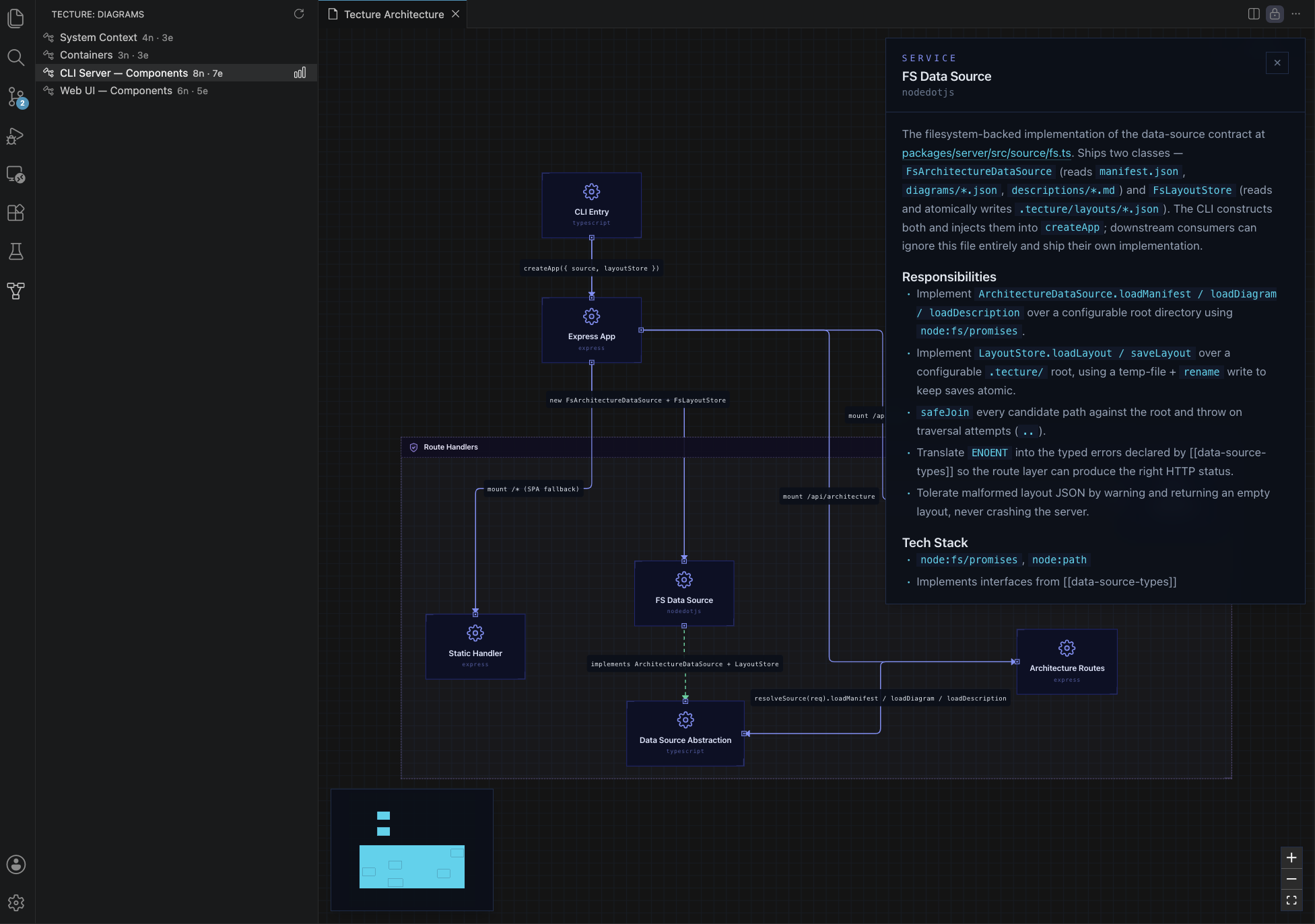
Component descriptionsSelect any node to open a detail panel showing its Markdown description, responsibilities, and tech stack — including rendered Mermaid diagrams.
Persistent layoutDrag nodes to rearrange the diagram. Positions are saved to Live refreshEdit any file under Requirements
The extension stays completely inert in repos without architecture files. Known limitations
TelemetryThe extension sends anonymous usage events (e.g. opening the architecture view, viewing a diagram level) to help prioritize improvements. It records only the C4 level (1/2/3) and counts — never your diagram names, node names, file paths, or any repo content. Events are keyed to an anonymous machine id. It fully respects VS Code's telemetry setting: if you set Resources
|