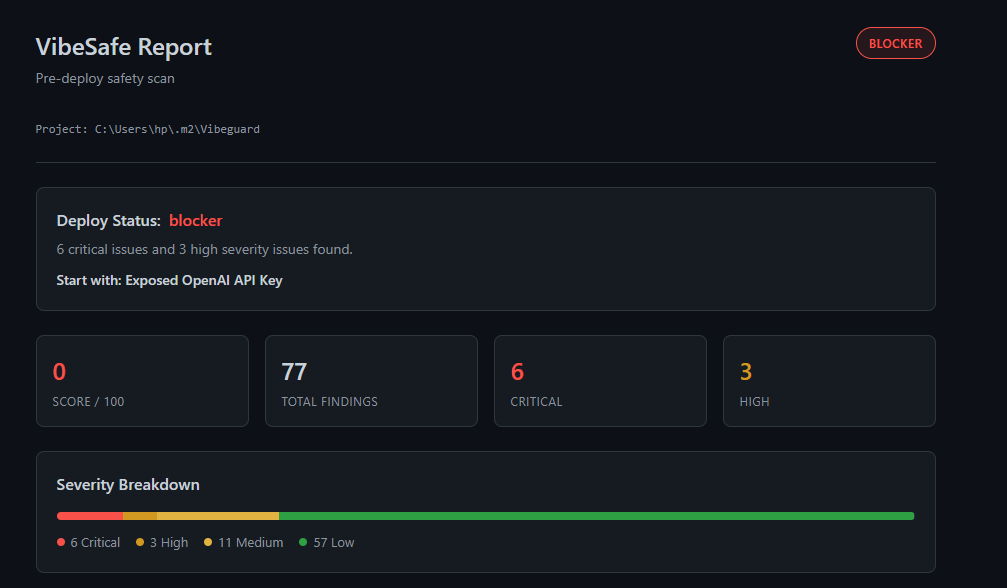
Catch security flaws and exposed secrets from AI "vibe coding" before you ship.
VibeSafe is your automated pre-deploy safety scanner. It acts as a safety net for developers using AI tools (Cursor, Copilot, Claude) to ensure that generated code doesn't leak secrets, break security best practices, or leave the codebase in a messy state.
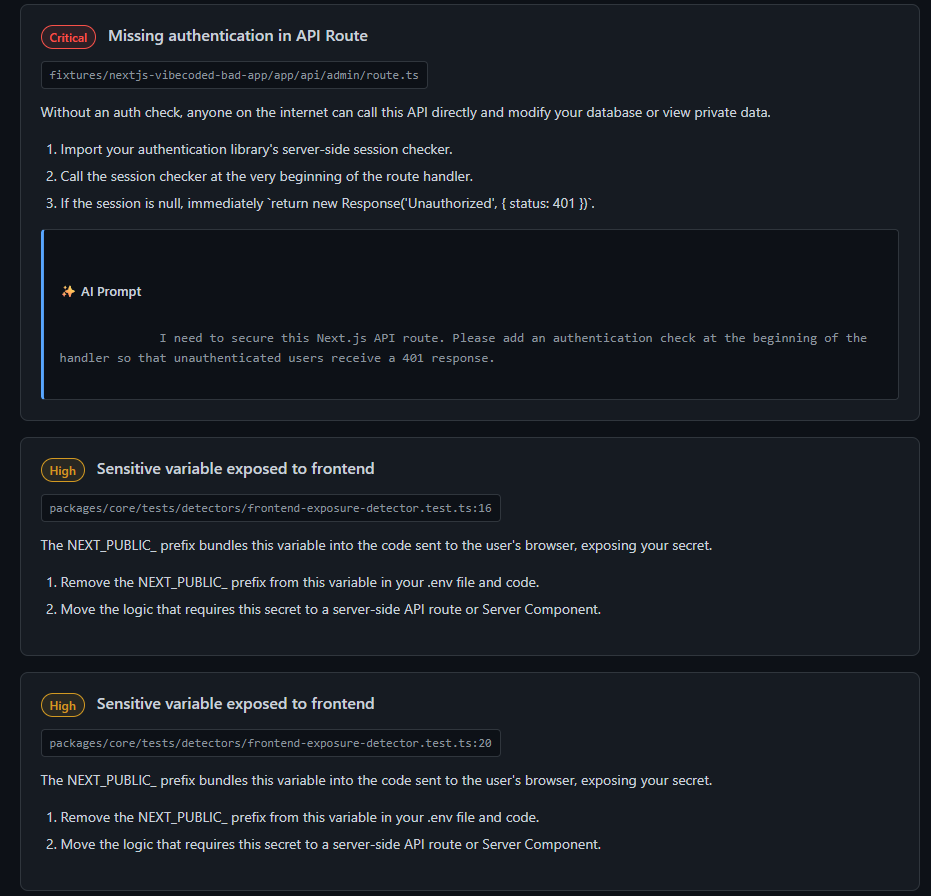
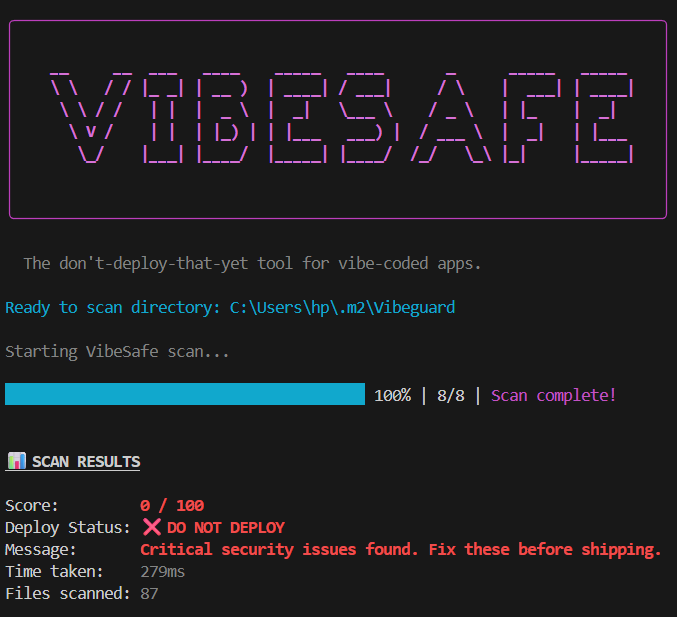
VibeSafe in Action
## ✨ Key Features
🕵️♂️ Pre-Deploy Scanning: Instantly scans your entire workspace for vulnerabilities, secrets, and code smells.
📋 Detailed Repair Plans: Get step-by-step repair plans with exact file locations and line numbers natively inside VS Code.
🤖 AI Fix Prompts: For every issue, VibeSafe generates a highly specific, copy-pasteable prompt. Drop it straight into Copilot or Cursor to let AI fix the AI's mistakes.
🛠️ Auto-Fix Capabilities: Safely apply fixes to your codebase with a single click natively through the extension.
📊 Detailed Dashboards: Companion CLI generates clean, interactive HTML dashboards summarizing your code health.
🚀 Installation & Usage
Installing the Extension
Open the Extensions view in VS Code (Ctrl+Shift+X or Cmd+Shift+X).
Search for VibeSafe.
Click Install.
(Optional but recommended) Run npm install -D @vibesafe/cli in your project to use the companion CLI.
Available Commands
Open the Command Palette (Ctrl+Shift+P or Cmd+Shift+P) and type VibeSafe:
VibeSafe: Scan Project: Triggers a full workspace scan and populates the VibeSafe side panel with issues.
VibeSafe: Re-scan: Refreshes the scan results for the current project.
VibeSafe: Copy Fix Prompt: (Contextual) Copies the AI prompt to your clipboard to paste into your AI chat assistant.
VibeSafe: Apply Safe Fix: (Contextual) Applies an automated fix to an identified issue.
⚙️ Configuration
Customize VibeSafe behavior in your settings.json or the VS Code Settings UI:
Setting
Description
Default
vibesafe.enabledCategories
Which rule categories to run (secret, auth, authorization, frontend_exposure, validation, dependency, code_quality, structure)
All enabled
vibesafe.minSeverity
Minimum severity level to report (critical, high, medium, low)
low
vibesafe.scanOnOpen
Automatically run a scan when opening a workspace
false
vibesafe.scanOnSave
Automatically run VibeSafe whenever you save a file
false
🤝 Open Source
VibeSafe is open source! Feel free to contribute, report issues, or suggest features on our GitHub Repository.