Syncause AI Debugger




Debug with Real Runtime Context — Powered by AI
AI writes code in seconds. But when it breaks, it’s completely blind.
AI only sees static code or whatever logs you manually paste into chat.
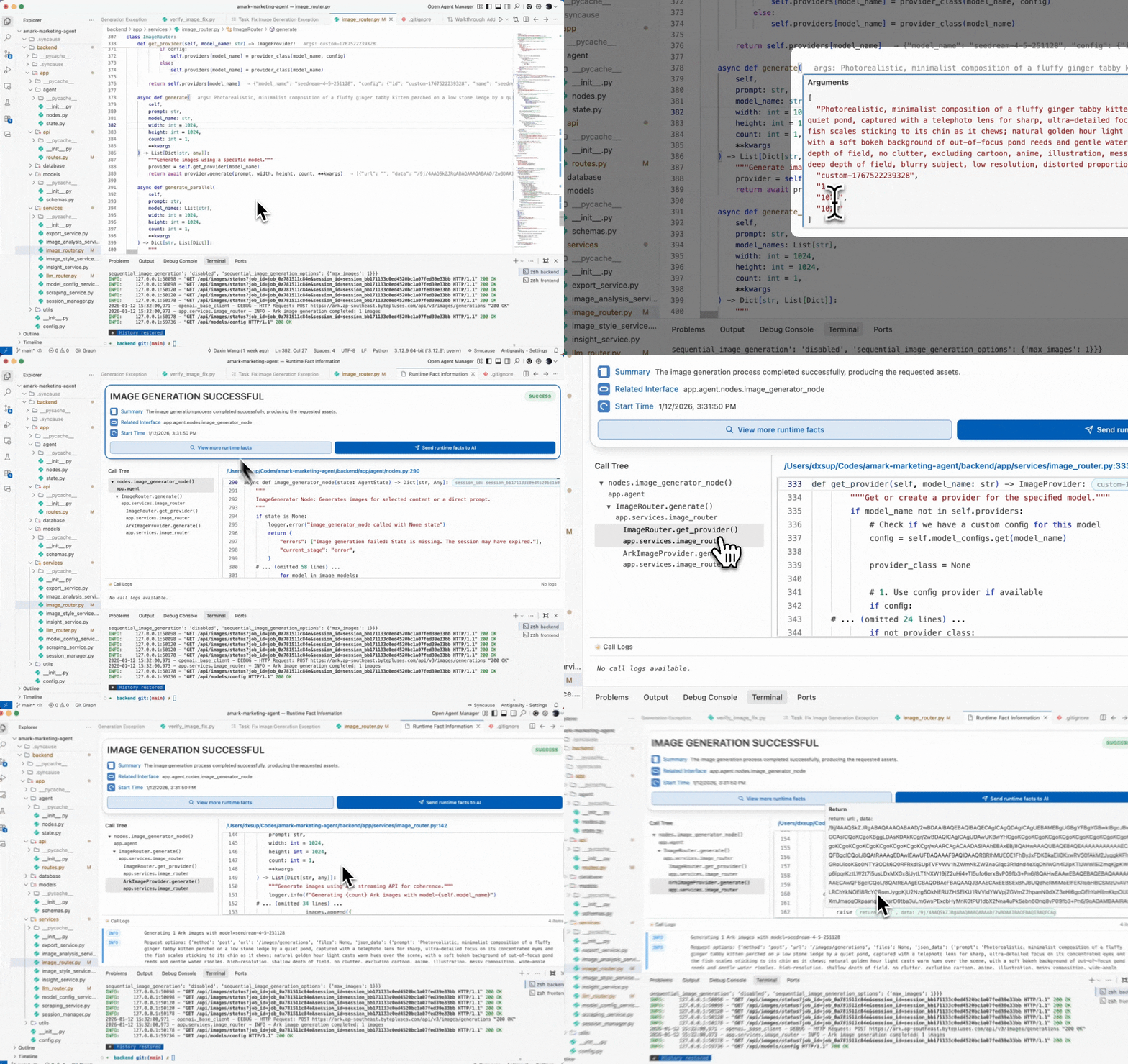
Syncause gives AI true visibility into what happened during execution: variable values, request parameters, error traces, and key signals. No manually configuration needed and zero behavior change.
So AI doesn’t guess the fix — it knows the fix. No more 30-minute guessing games. No more “can you paste the full error again?”
Core Features
Instant Context Capture:
Automatically collect runtime values on error — no copy-pasting logs.
Fact-Based Fixes:
AI suggestions backed by real execution evidence, reducing hallucinations.
Time Travel Debugging:
Replay exactly what happened when the bug occurred.
Stop Burning Tokens:
Minimal back-and-forth — fixes land correctly the first time.
Inside Your IDE:
Debugging where you already work. No switching tools.
Perfect for
- Hard-to-reproduce bugs
- Concurrency problems & race conditions
- Hidden null checks or missing awaits
- Situations where logs lack context
Security & Privacy
Keep your data full ownership, always.
- Local encrypted tunnel — no server upload of code
- Sensitive data stays inside your environment
- Designed for dev & test workflows, never touch your production
How to Use
- Install the extension.
- Automatically add the 1-line snippet to your repository with one click.
- Run your application, describe the bug and let AI handle the rest.
Requirements
- Language support: Python, Javascript, Typescript, Java
More languages and frameworks coming soon.
Release Notes
Initial release:
- Runtime-aware AI debugging for Python, Node.js, and Java
- 1-line integration
- Real context extraction: variables, stack, logs, request params

