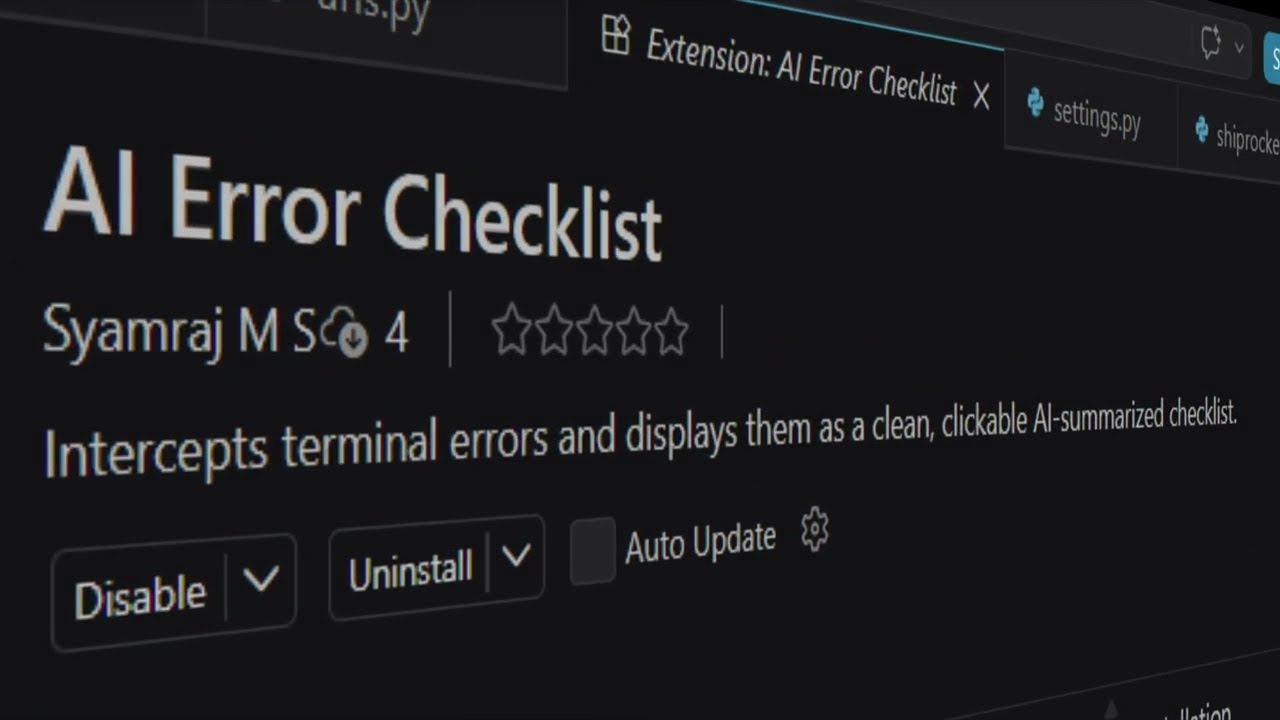
A smart, AI-driven terminal replacement that instantly catches errors and translates dense stack traces into an actionable, conversational checklist.
Features
Smart Compiler Terminal: Use this exactly like your standard VS Code terminal. Commands like cd and venv/Scripts/activate automatically sync and persist.
Instant AI Debugging: When your code crashes, the terminal intercepts the error before it disappears and uses AI to pinpoint the exact root cause.
Conversational Summaries: Instead of reading through 50 lines of Python or Node errors, the AI explains the problem in plain English (e.g. "Django error: You forgot to migrate! 🗄️").
Live Server Support: Works dynamically with blocking processes like python manage.py runserver or npm run dev—triggering AI analysis immediately without needing to stop your server.
Fully Free: Powered by Google's Gemini Flash, which offers a massive free daily tier.
Setup
Open the AI Terminal via the bottom panel.
Type settings to open the configuration menu.
Paste your free Google AI Studio API key.
Run your code!
Supported Stacks & Languages
AI Error Checklister hooks natively into your shell and intercepts stderr, making it universally compatible with almost any stack that prints errors to the console, including:
Python: Django, Flask, FastAPI, Pytest, and raw scripts