

Terminal in Editor
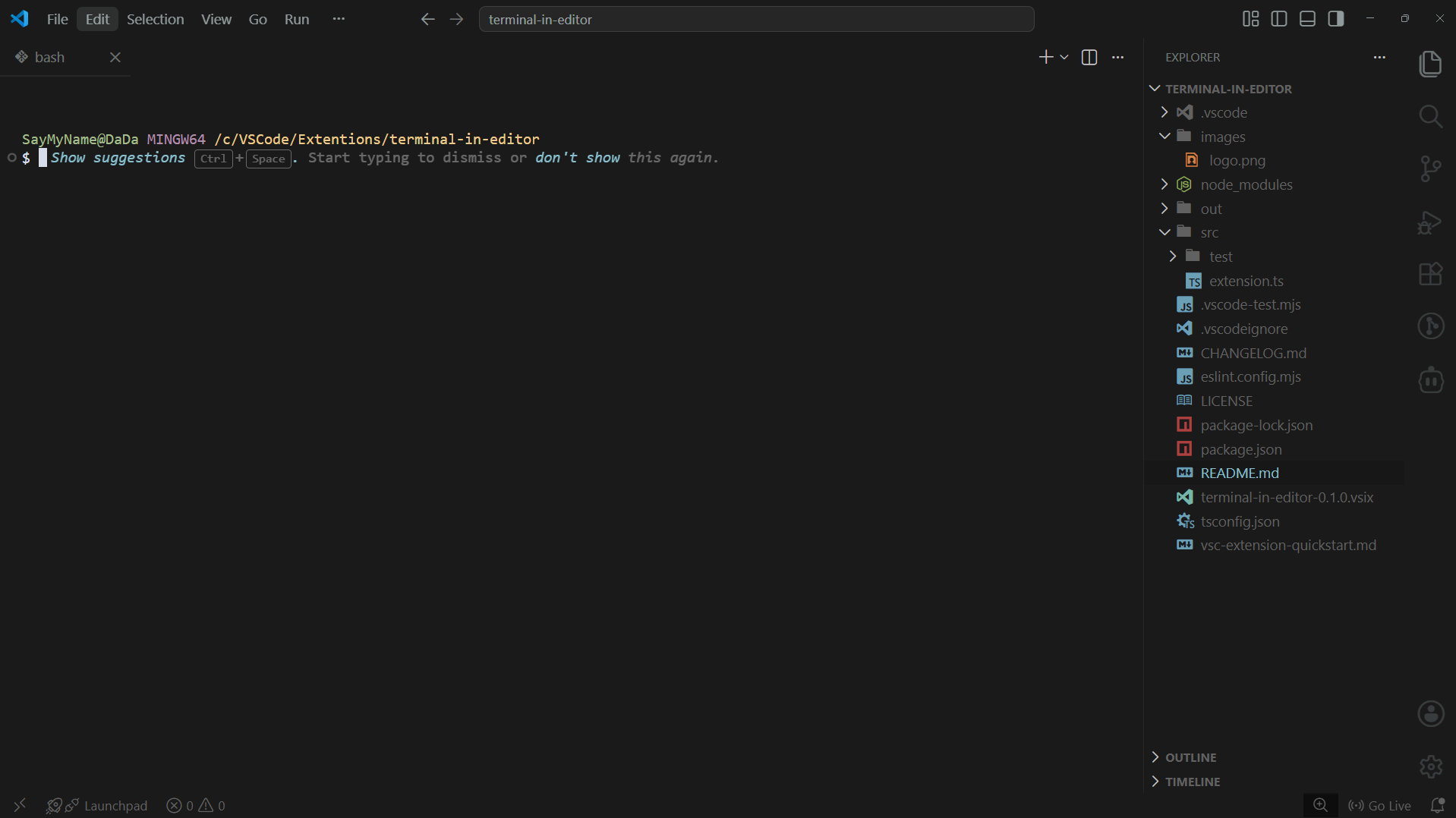
Why?The default VS Code terminal lives at the bottom of the screen. Every time you need it, you shift your eyes down, resize the panel, or toggle it open and closed. It breaks your flow. Terminal in Editor moves your terminal into the editor area so you can place it side by side with your code, keep it in a tab group, or switch to it like any other file — without leaving the editor. Features
Demo
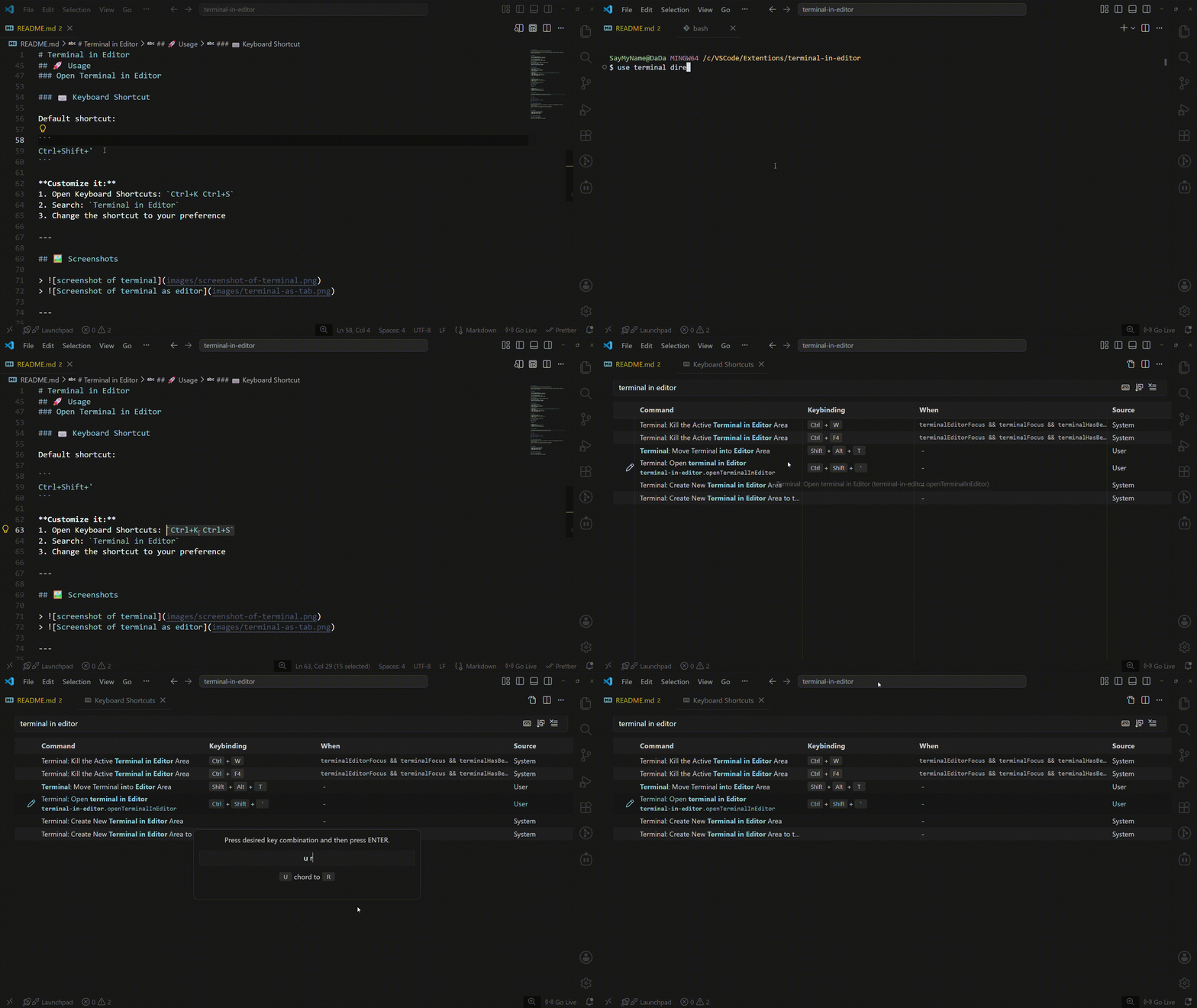
UsageMove terminal to editorPress
Move terminal back to panelPress Close an editor terminalPress Keyboard Shortcuts
To customize shortcuts: SettingsOpen settings with
|
| Value | Behavior |
|---|---|
ask (default) |
Shows a prompt — confirm to kill, Escape to cancel |
kill |
Kills the terminal immediately, no prompt |
moveToPanel |
Moves the terminal back to the panel instead of killing |
terminalInEditor.focusTerminal
| Value | Behavior |
|---|---|
true (default) |
Terminal receives focus after moving to editor |
false |
Focus stays in the editor after moving |
terminalInEditor.autoMoveNewTerminals
| Value | Behavior |
|---|---|
false (default) |
New terminals open in the panel as normal |
true |
Every new terminal is automatically moved into the editor area |
Installation
From the Marketplace
- Open VS Code
- Press
Ctrl+Shift+X - Search Terminal in Editor
- Click Install
Manual install
- Download the
.vsixfrom Terminal in Editor - Press
Ctrl+Shift+P→ Extensions: Install from VSIX - Select the downloaded file
Feedback & Contributions
Found a bug or want a feature? Open an issue on GitHub.
Pull requests are welcome. For larger changes, open an issue first to discuss what you'd like to change.
Made by Sups