SpecStory ProSave, export, search and share AI chat history from GitHub Copilot and Cursor. PRO version with more features. Installation Launch VS Code Quick Open ( Ctrl+P), paste the following command, and press enter.Copied to clipboard |

What is SpecStory?
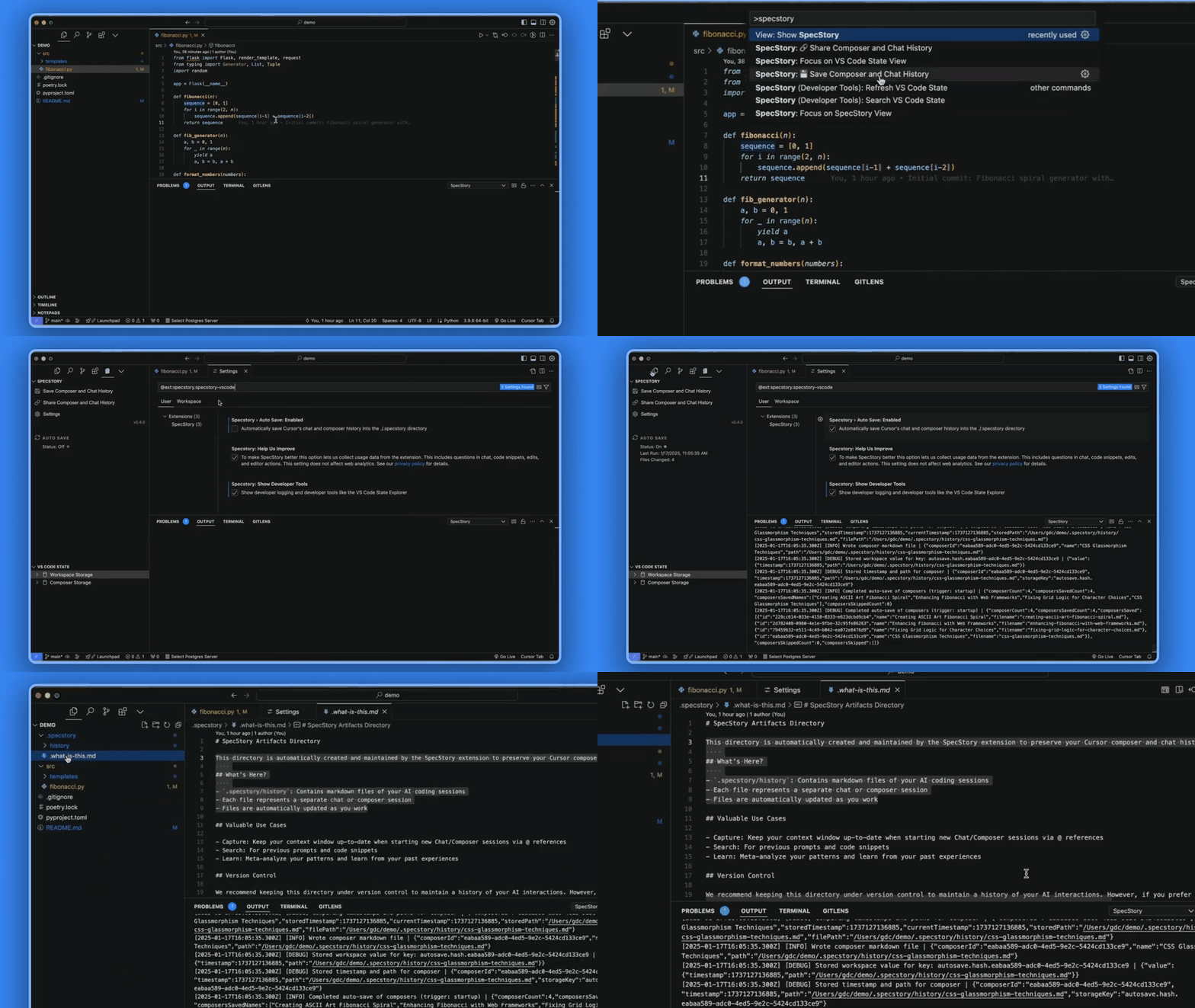
SpecStory is a collection of local-first extensions designed to automatically record your AI coding interactions as reusable markdown files that work seamlessly with Git. While Git documents what changed in your codebase, SpecStory captures why those changes occurred, maintaining the thought process and rationale that shaped each line of code. Your AI conversation history is always preserved. ❗️Installation NoteWhen installing directly from the Visual Studio Marketplace, SpecStory will be installed into VS Code by default. To install SpecStory into Cursor instead, you need to install it directly from within Cursor's extensions panel (additional details available on our documentation site). ✨ SpecStory Extension Capabilities📝 Automatic Local StorageSpecStory automatically stores your AI conversations in You can enable or disable auto-save in the settings to fit your workflow preferences.
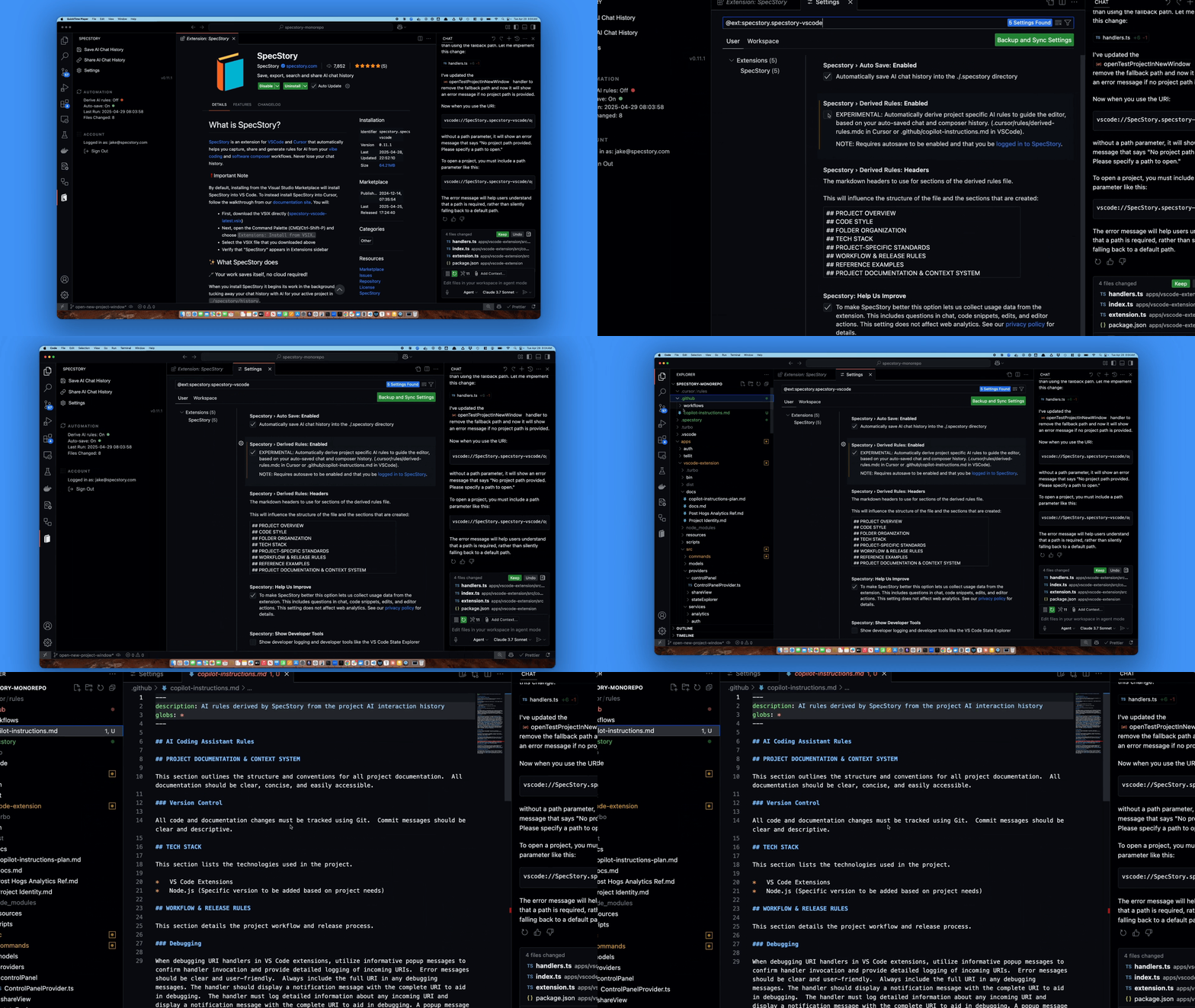
🤖 Create AI Rules from Chat HistoryConvert your conversation logs into Cursor Rules or Copilot Instructions. SpecStory leverages your interaction patterns to generate and update context files that guide your AI assistant effectively. Adjust the format to your needs and SpecStory will accommodate your style.
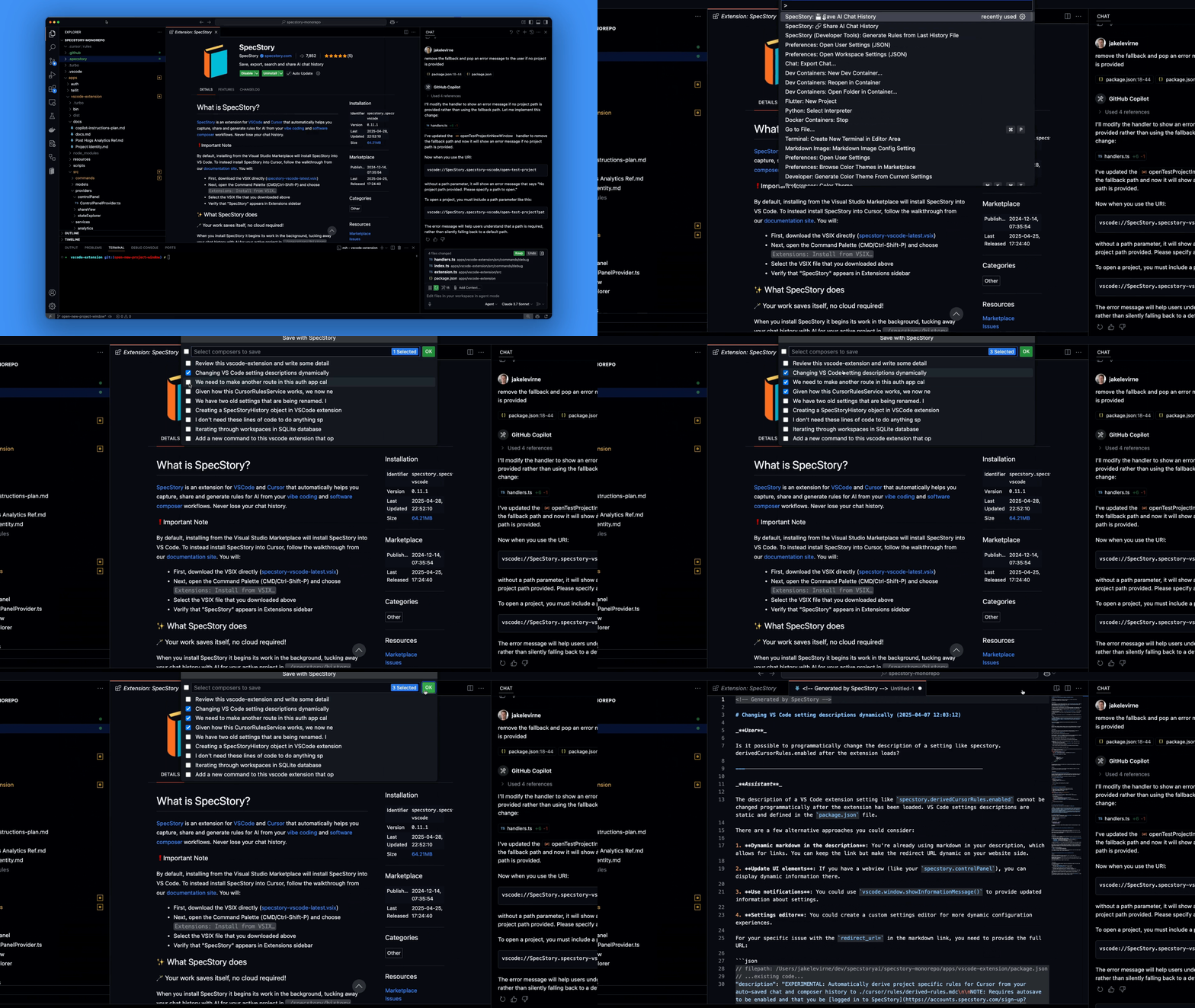
💾 Manual Conversation SavingWhen auto-save is disabled, use the Command Palette (CMD/Ctrl-Shift-P) →
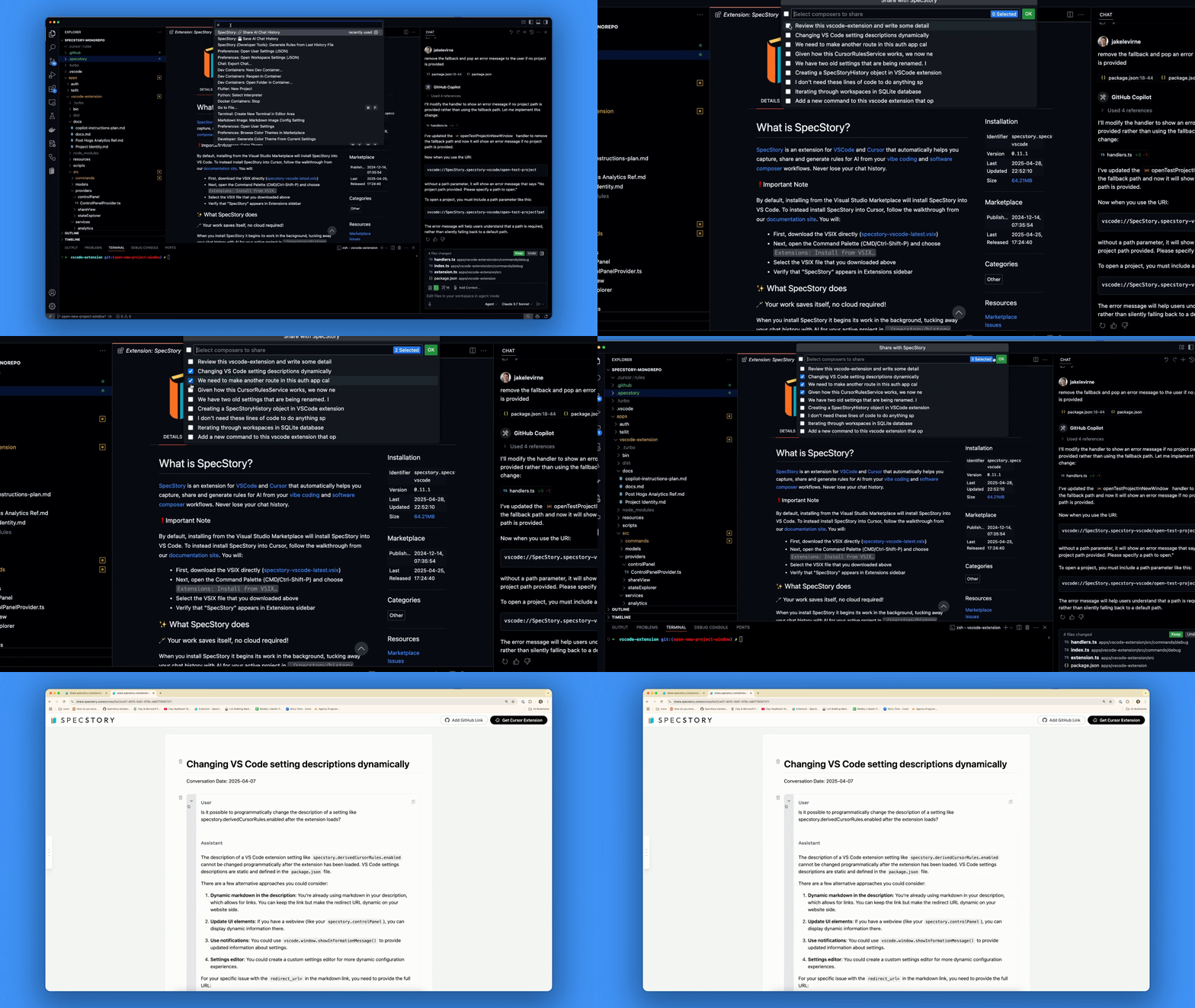
🔗 Conversation SharingCollaborate with your team by sharing your problem-solving workflows. Use Command Palette →
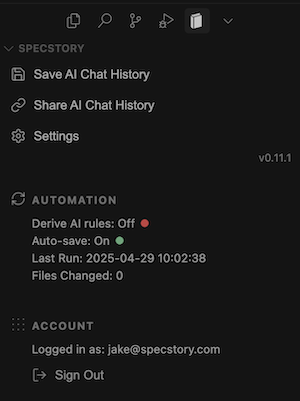
🎮 Management DashboardOpen the SpecStory panel to handle conversation histories, adjust configuration, and check auto-save status. Locate it in the sidebar or access it through
🛠️ Developer ToolsActivate
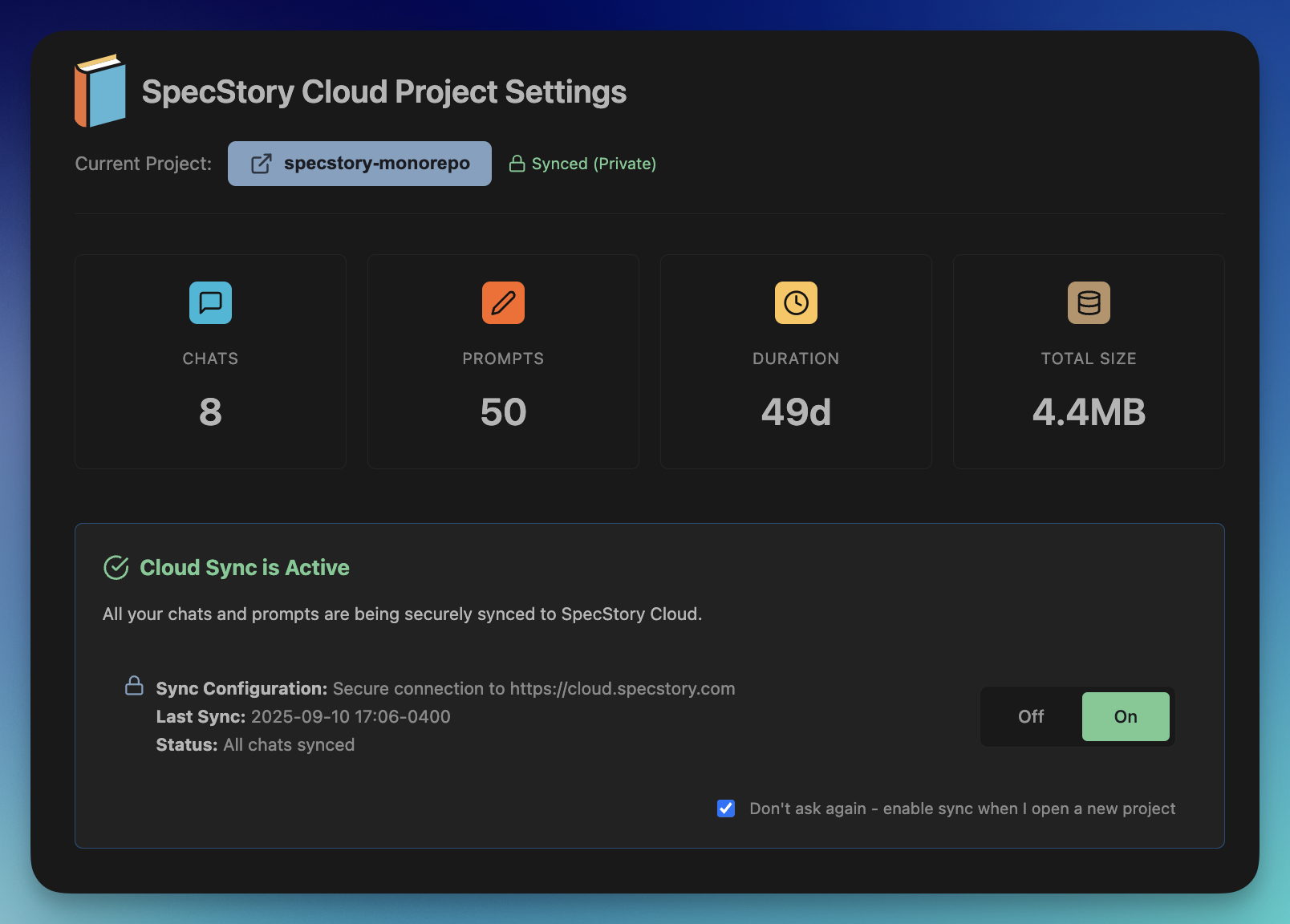
☁️ SpecStory CloudSpecStory Cloud represents a progressive enhancement to our local-first extension collection, bringing together all your AI conversations from Cursor, VS Code, Claude Code, and BearClaude into a single searchable repository. 🚀 Getting StartedFor VS Code/Cursor users:
You'll be presented with this interface, then follow the authentication steps to sync your initial project:
For Claude Code users:
✨ Cloud Benefits
✨ Continuous Innovation
📚 Resources & Community
🔮 Bug Reports and Feature Suggestions
🔒 Data PrivacySpecStory gathers usage analytics to enhance the product experience. You can turn this off in the extension by deselecting This preference does not impact web analytics. To learn more about our data collection practices and usage, review our privacy policy and data privacy documentation which break down details by feature. |