Codebase NotebookCode Notes is a Markdown-based annotation tool with built-in (optional) AI helpers, designed to help developers document, cross-reference, and understand codebases faster. Installation Launch VS Code Quick Open ( Ctrl+P), paste the following command, and press enter.Copied to clipboard |

Codebase Notebook 📝Codebase Notebook is a VS Code extension that lets you take structured notes across your codebase and quickly jump between code and the notes that describe it. ✨ Features📂 Notes Sidebar View
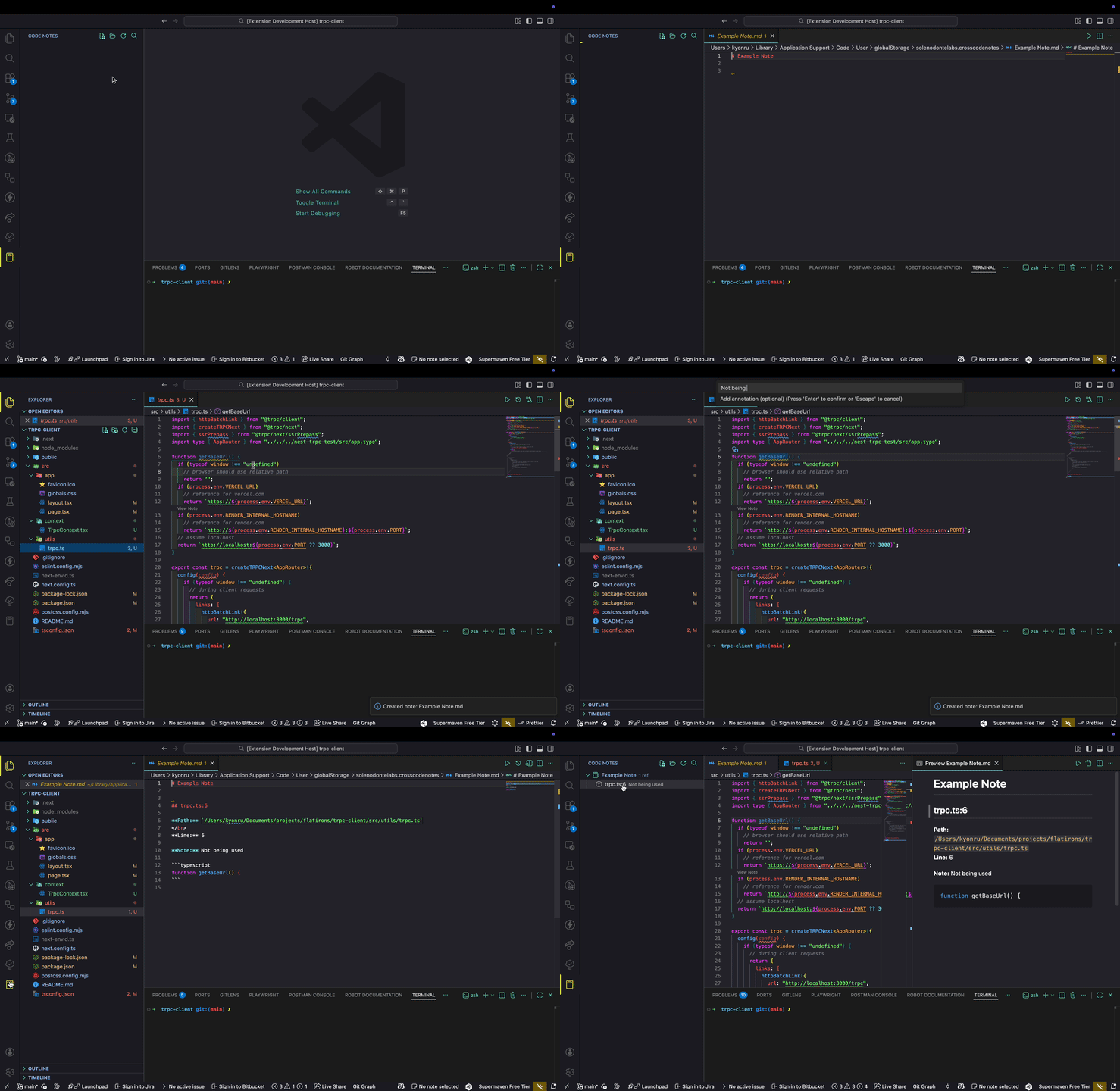
📸 UI Overview
🧭 Code References
📊 Monitoring & Quality
🔌 AI Provider Flexibility
🤖 AI-Powered (Chat Participant)Use
Additional AI commands (Command Palette):
🏷️ Organization
📤 Export & Sharing
🗺️ Navigation & Discovery
✍️ Simple Markdown Notes
⚙️ Configuration
🎯 Core Commands
You'll find most actions in:
⌨️ Keybindings
Quick Add vs Add Reference
🗂️ Where are notes stored?Notes are stored locally in a Markdown directory (managed by the extension). They're human readable and version-control friendly. With workspace storage enabled ( ❤️ SponsorIf this helps your workflow, consider sponsoring: 👉 https://github.com/sponsors/kyonru 🏷️ LicenseMIT — feel free to hack, extend, and share. |