Model Alchemist for VS Code
See exactly what changed between two Power BI semantic models, then deploy only the parts you picked, without leaving VS Code.
Preview. The extension runs the same engine as the Model Alchemist web app and is tested on Windows. Feedback and bug reports: GitHub issues.
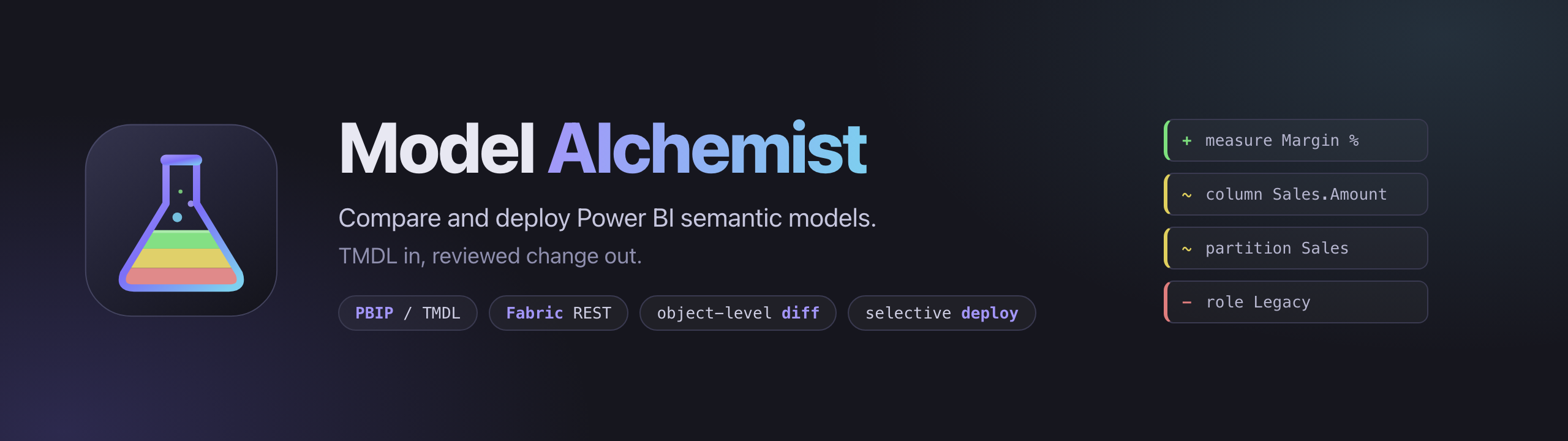
This is the same Model Alchemist as the web app, in a VS Code panel: the same comparison across eleven change groups, the same dependency validation, backup, preview and transactional write. The web app and the Power BI Desktop External Tool keep working as before; the extension is another way to use it.
Use it
- Activity Bar: click the Model Alchemist icon. The start view opens the panel, compares two models you pick, or opens the logs folder.
- Explorer: right-click a
.SemanticModel folder or a .pbip file → Model Alchemist: Compare with…, then pick the Target model. The panel opens and compares.
- Command Palette:
Model Alchemist: Open, Model Alchemist: Compare with…, Model Alchemist: Open Logs Folder.
Tick the objects to promote, open Deploy Selected, review the preview, deploy. If target files are open in the editor with unsaved edits, the extension asks before writing them.
Exports (CSV, Markdown, HTML) are saved through the VS Code save dialog.
Two things are never deployed, because Power BI does not allow it:
- Role members. Power BI assigns RLS role members in the service (the model's Security page), so members are neither compared nor deployed. Role logic (permissions and filters) is.
- The model culture. A model's language cannot change after it is created. When only the culture differs, the deploy stops with
MODEL_CULTURE_IMMUTABLE; when other model properties differ too, they are deployed and the target keeps its culture.
Settings
| Setting |
Default |
|
modelAlchemist.backupPath |
extension storage |
default folder for backups taken before a deploy |
modelAlchemist.logPath |
extension storage |
activity log and refresh history |
modelAlchemist.fabric.clientId |
VS Code's sign-in app |
Entra app registration used for Fabric sign-in |
modelAlchemist.fabric.tenant |
home directory |
directory to sign in to |
Microsoft Fabric
Fabric sources and targets sign in with the Microsoft account in VS Code (the Accounts menu), so there is no separate login: Sign in to Fabric in the panel asks VS Code for a Power BI token, and VS Code stores and refreshes it. Disconnect signs Model Alchemist out; the account stays signed in to VS Code.
If your organisation does not let VS Code's sign-in app call the Power BI API, the sign-in error says so. Set modelAlchemist.fabric.clientId to an Entra app registration with the Power BI Service permission, and modelAlchemist.fabric.tenant if you sign in to another directory.
Privacy
The extension collects no telemetry. Models are read and written on your machine or sent to the Fabric workspace you chose, and nowhere else. The activity log and refresh history stay in the folder set by modelAlchemist.logPath.
Current limits
- Windows is the tested platform. The extension uses only VS Code APIs for dialogs, so it is expected to work elsewhere, including Remote and WSL.
- Fabric sign-in has been tested on one tenant.
Build from source
npm install
npm run package
code --install-extension model-alchemist-5.2.1.vsix
npm test runs the unit tests; npm run test:e2e runs the extension in a throwaway VS Code instance against the Demo Kit.
MIT licence. Source: goreckir/model_alchemist.

