Commit Graph & File History (Private Repos)
An interactive commit graph and per-file history viewer for VS Code — the
two features GitLens paywalls behind GitLens Pro the moment you're working
in a private repository. This extension does just those two things, works
entirely on your local git checkout, and never talks to a server.
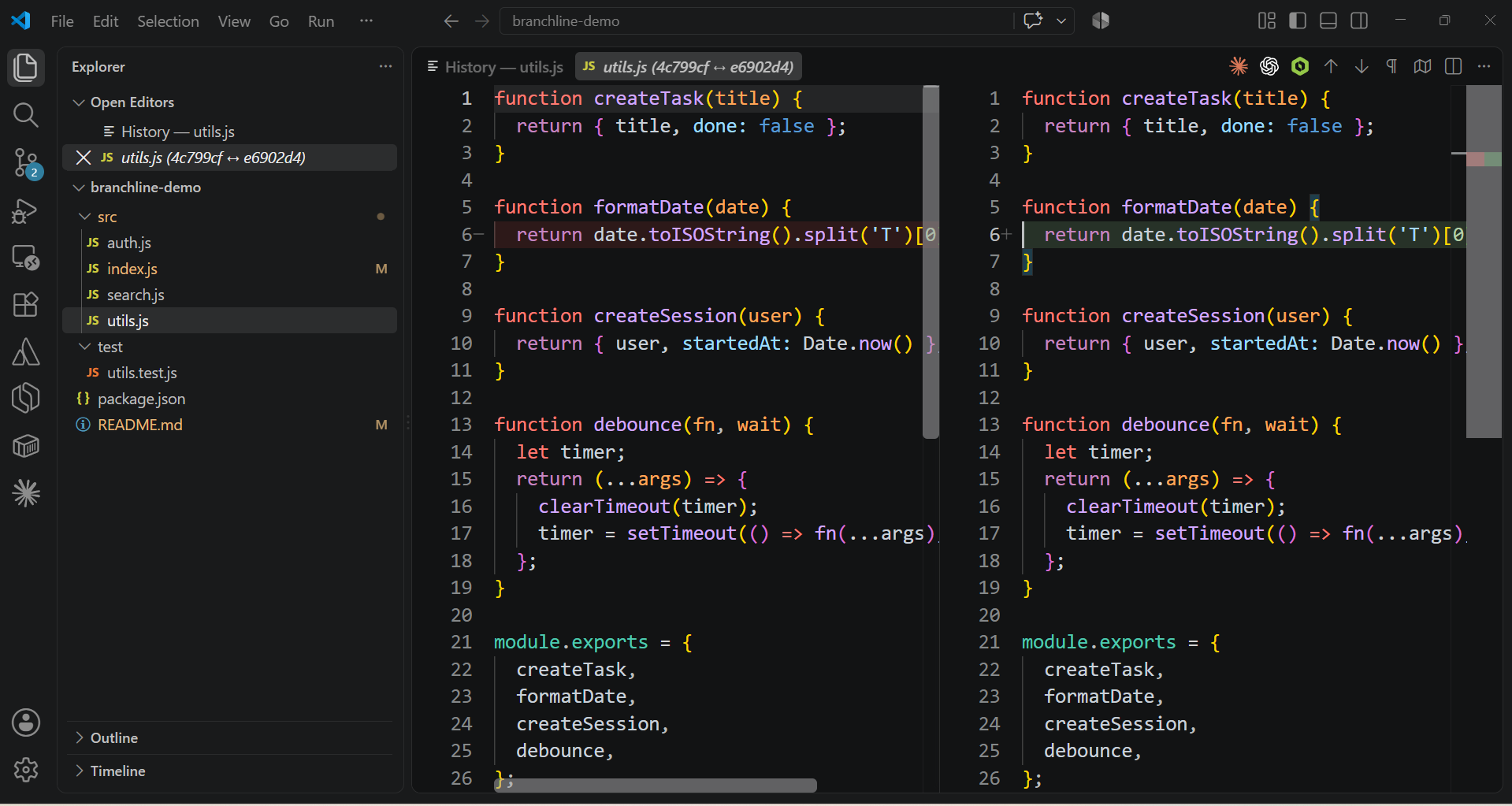
Screenshots




Why not just use GitLens?
GitLens' Commit Graph and Visual File History are free — only on public
repos. The instant you open a private repository (which, if you're doing
paid work, is most of them), both features lock behind a GitLens Pro
subscription. This extension is those same two views, unlocked for private
repos, for a one-time price instead of a recurring one.
|
GitLens (Free) |
GitLens Pro |
This extension |
| Commit Graph on private repos |
❌ |
✅ |
✅ |
| Visual File History on private repos |
❌ |
✅ |
✅ |
| Price |
Free |
~$8/mo or ~$96/yr |
$15 once |
| Account required |
No |
Yes |
No |
| Data leaves your machine |
No |
Yes (sync/account) |
Never |
Features
- Commit Graph — visual DAG of your repo's commit history with branch/tag
labels, click any commit to see its full patch.
- Native side-by-side diff — open any changed file in VS Code's own diff
editor (the same one Source Control uses) instead of a flat text patch.
- Uncommitted changes row — the graph shows a live row for your dirty
working tree above HEAD, so you can see where you are, not just where
you've been.
- File History — per-file commit timeline (follows renames) with a diff
view scoped to just that file at each revision.
- Open at revision — pull up a file's full content as it existed at any
past commit, not just its diff.
- Search — filter either panel by commit message, author, or hash.
- Copy hash — click any short hash to copy the full SHA.
- Load more — repos with long histories page in older commits on demand
instead of silently truncating.
No account, no telemetry, no network calls. Everything is git log / git show under the hood.
Roadmap
Everything above is what exists today, nothing more. Here's what's next,
roughly in priority order:
- Inline blame annotations — who last touched this line, right in the
editor gutter.
- Compare branches — diff any two refs against each other, not just a
commit against its parent.
- Multi-root workspace support — right now the graph tracks one repo at
a time; multi-root workspaces should get a repo picker.
- Stash browsing — list and inspect stashed changes from the graph.
If one of these matters more to you than the order above suggests, say so
through the Gumroad listing's contact link. That's what actually decides
priority here.
Usage
- Command Palette → "Commit Graph: Show for This Repo"
- Right-click a file (editor tab or Explorer) → "File History: Show for
Active File"
License
14-day free trial, then a one-time license key
(Commit Graph: Enter License Key). No subscription, no recurring
charge, no account to lose access to.
Buy a license: https://sarthak645.gumroad.com/l/branchline
The "Enter License Key" command's "Get a License" button opens the same
page, so you don't need to remember the link once it's installed.
FAQ
Does this send my code or commits anywhere?
No. Every view is built from git log, git show, and git diff run
against your local checkout. There are no network calls anywhere in the
extension — you can verify this yourself by reading src/git.ts.
What happens after the 14-day trial?
The graph and file history views stop opening until you enter a license
key. Nothing about your repos or existing VS Code setup is touched.
Does the license work across machines?
Yes — it's a single key tied to you, not a machine. Reinstall, switch
laptops, whatever; re-enter the same key.
What if I need a refund?
Reach out via the support contact on the Gumroad listing within 14 days
of purchase.
Development
npm install
npm run compile
Then press F5 in VS Code to launch an Extension Development Host.

