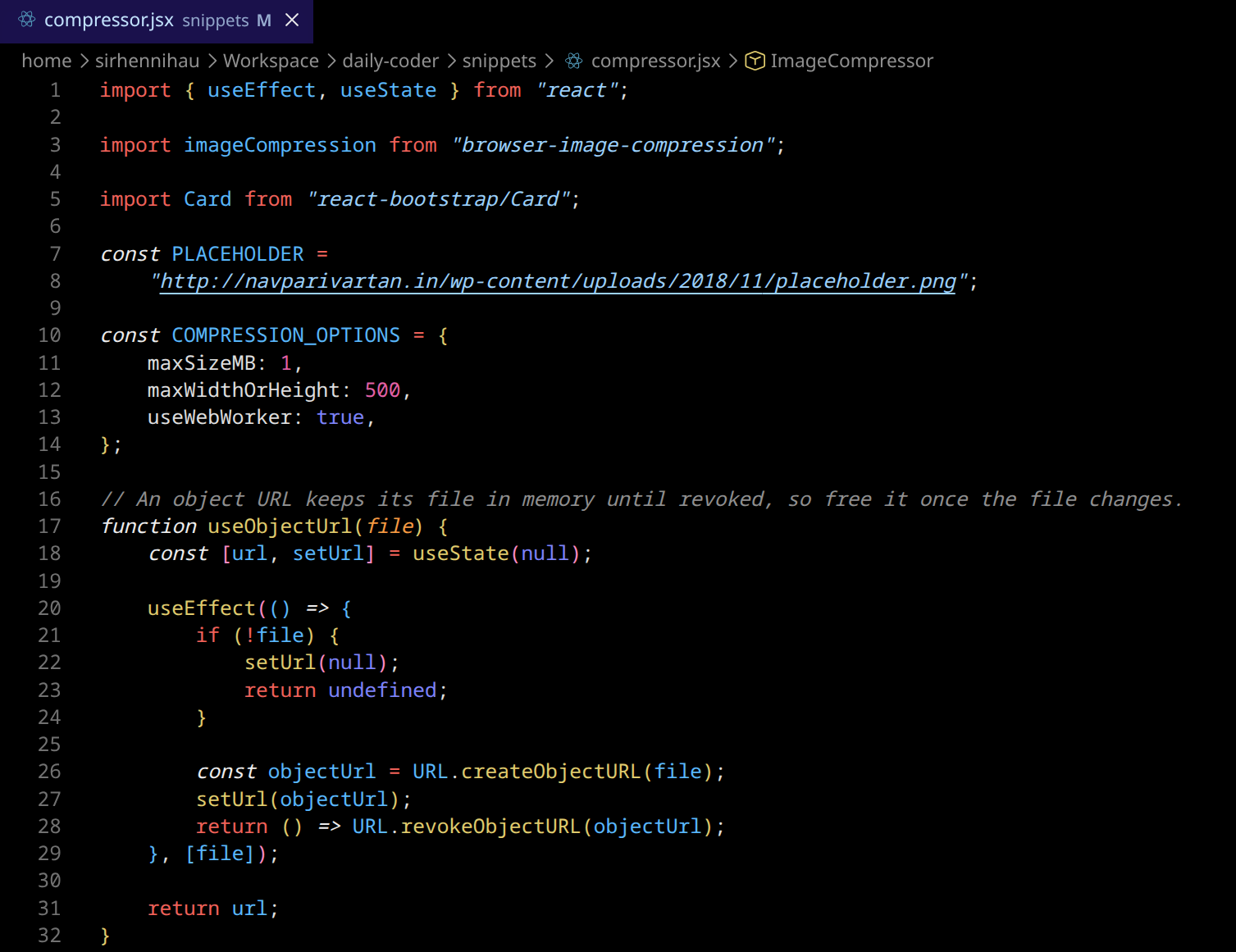
Daily Coder Color ThemeA color theme that provides you a productive atmosphere during your daily challenges. Installation Launch VS Code Quick Open ( Ctrl+P), paste the following command, and press enter.Copied to clipboard |

Daily CoderA blue yellow color theme for everyone who wants to work within a productive environment. Inspired by Ricardo Garces "Blue and Yellow Woman"
Suited for people with red green color blindness (deuteranopia). All colors come from one palette where every shade has the same contrast in every hue, so text stays readable (WCAG AA or better) wherever it appears: on the editor, under selections and search results, in diffs, popups and badges. Comes in two variants: Daily Coder and Daily Coder Vivid, the same theme with more saturated colors and identical contrast. Pick one with Preview
OtherMaterial Theme Icons are recommended to go with the Daily Coder theme. This theme is mostly tested with React and NodeJS. If a feature or language is not well colorized, please open an issue! :) Special thanks to fabiospampinato, because I used his awesome monokai night theme configuration as a starting point for Daily Coder! |